All orders over US$99 will enjoy free standard shipping to the United States. Shop Now >
Razer Barracuda X Chroma
Starting from US$129.99
Starting from US$129.99
Razer Barracuda X Chroma - Wireless RGB Gaming Headset
Description not needed: The visuals in this video animation only support what is spoken; the visuals do not provide additional information.
RAZER BARRACUDA X CHROMA
HYBRID AUDIO FREEDOM. ILLUMINATED.
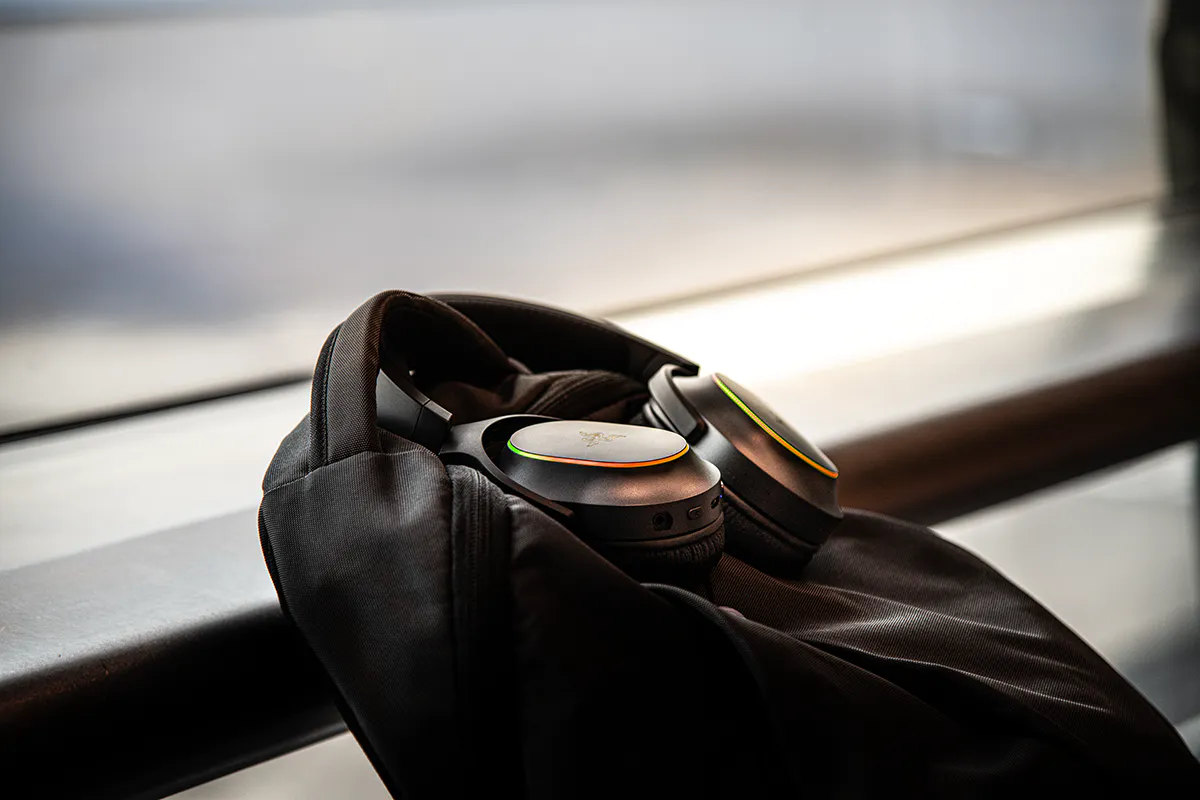
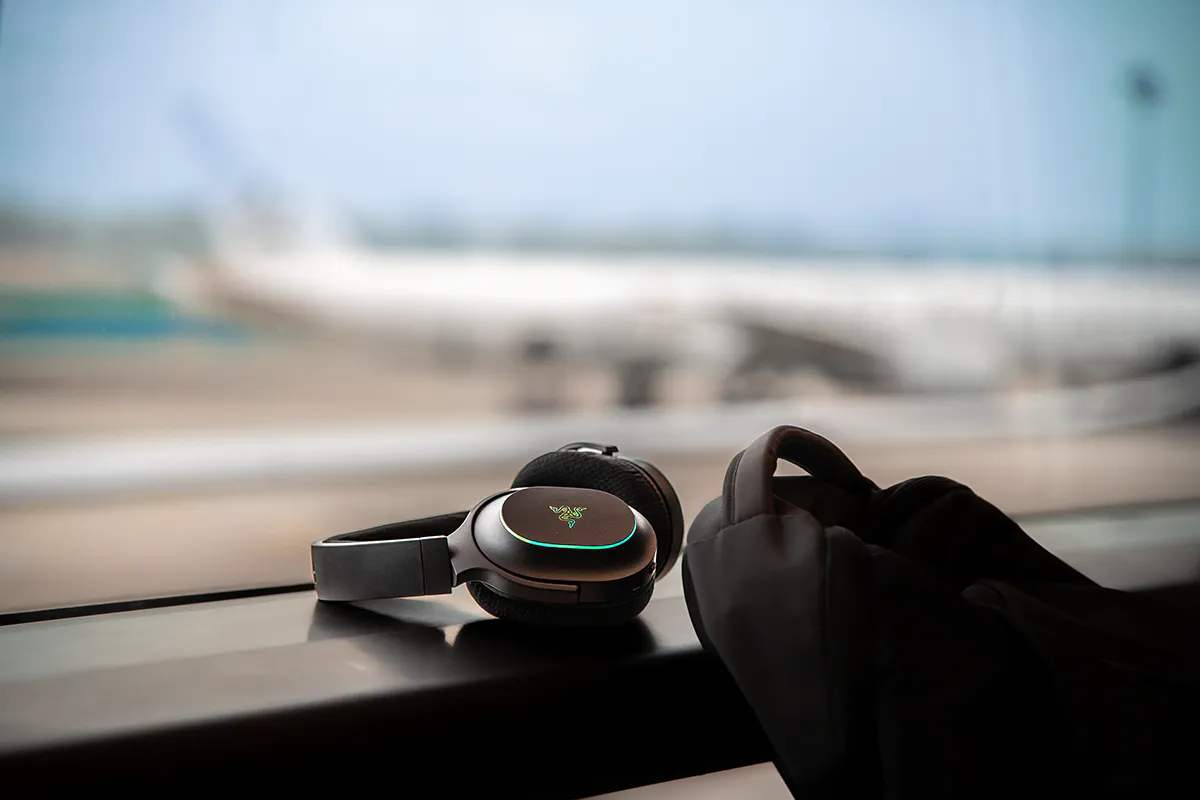
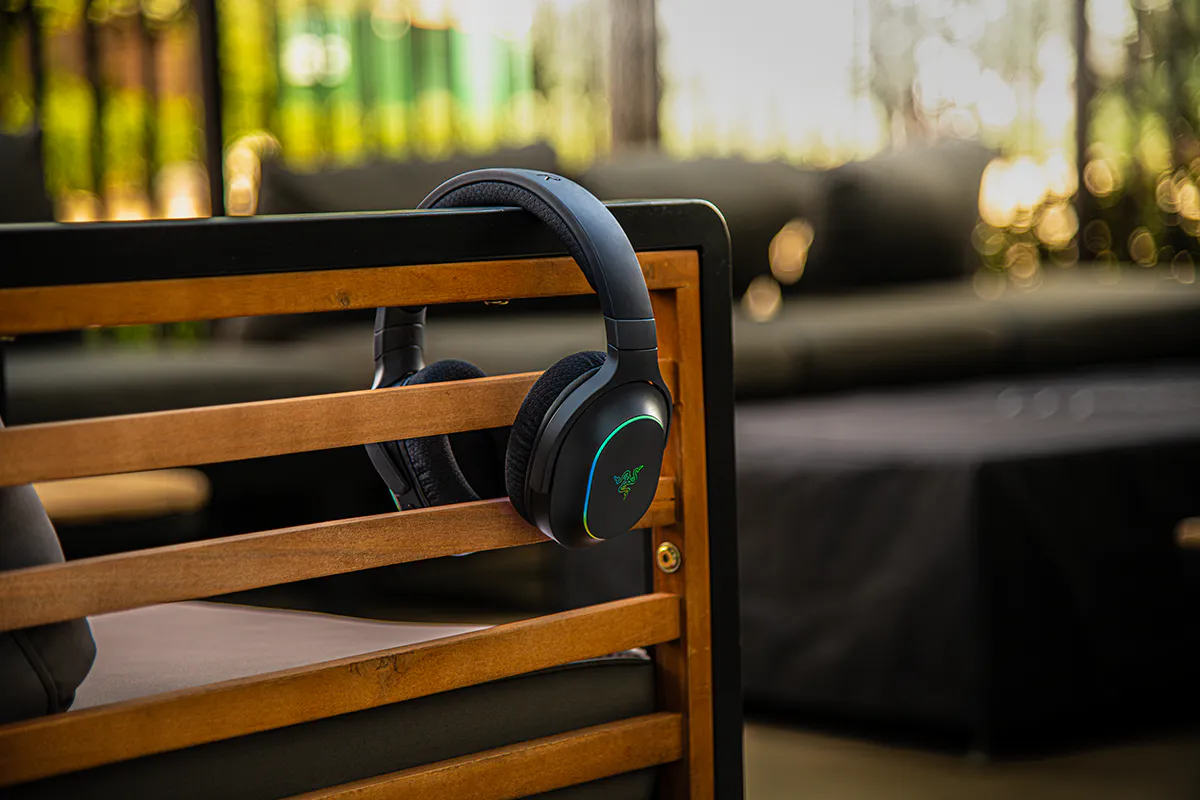
Whether you are gaming at home or listening on the move, the Razer Barracuda X Chroma delivers true wireless versatility for both PC, Mobile & Console use. SmartSwitch Dual Wireless lets you switch instantly between HyperSpeed Wireless for low-latency gaming and Bluetooth for on-the-go listening.
This is a carousel.
Use Next and Previous buttons to navigate, or jump to a slide using the slide dots.
"…some of the most well-done RGB lighting I've seen in any gaming headset, and it looks fantastic."
- Windows Central
"For the average, everyday gamer, the Barracuda X Chroma is the headset to beat."
- CG Magazine
"Simply stunning on an aesthetic level."
- Game IT
"These headphones offer almost everything you could want from a headset of this class."
- Conowego
"You are surely in good hands when it comes to hearing what you are seeing, just quicker."
- Thumb Culture
Description not needed: The visuals in this video animation only support what is spoken; the visuals do not provide additional information.
RAZER™ SMARTSWITCH DUAL WIRELESS
Quick-Toggle Between Razer™ HyperSpeed & Bluetooth
Capable of connecting to a 2.4 GHz and Bluetooth device at once, SmartSwitch enables seamless shifting between both for unrivalled convenience.
Calls from a connected Bluetooth device will automatically come through, so you can conveniently take the call then switch back to the game audio without ever removing the headset.
Do Not Disturb Mode can be toggled on in the Razer Audio app if you want to block incoming calls from coming through, while a dedicated button on the headset allows you to manually switch between HyperSpeed Wireless and Bluetooth audio sources.
MULTI-PLATFORM FREEDOM
With 2.4 GHz wireless and Bluetooth capabilities, enjoy gaming on all your favorite devices from PC, PlayStation, to your smartphone, and more with our multi-platform gaming headset.
6-ZONE EARCUP LIGHTING
Powered by Razer Chroma™ RGB
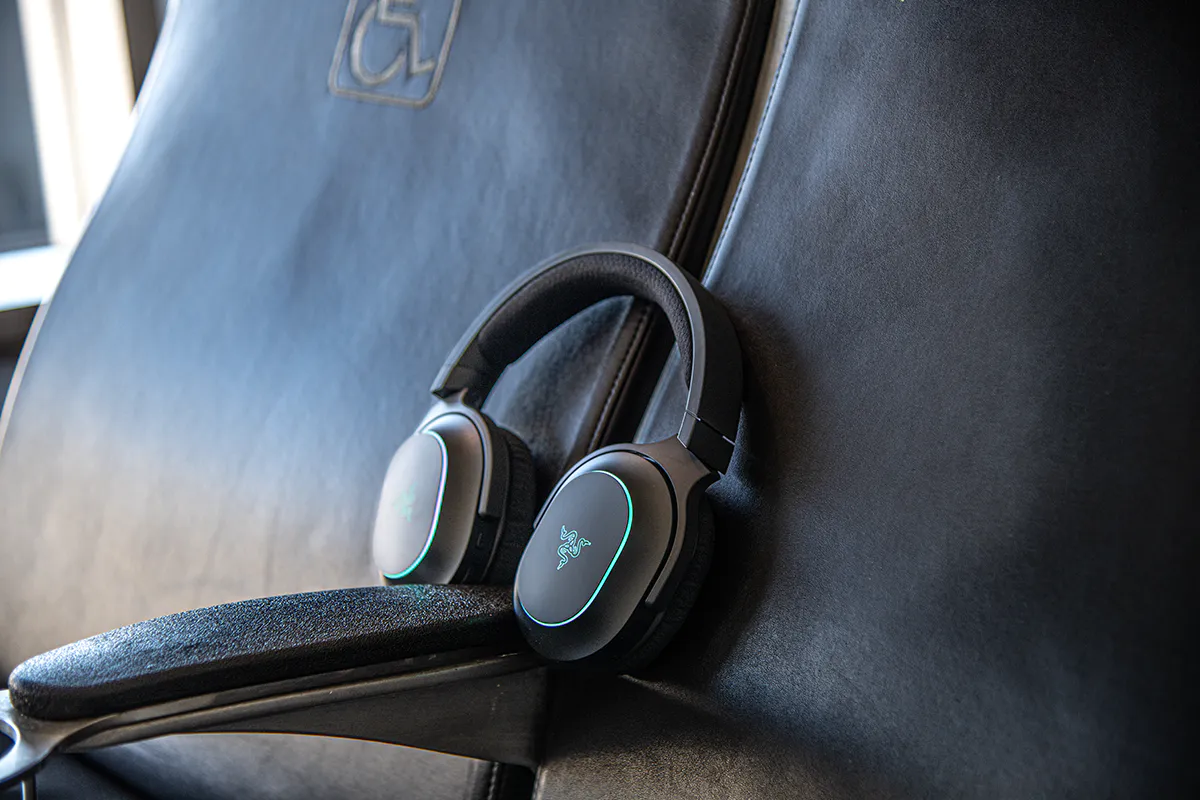
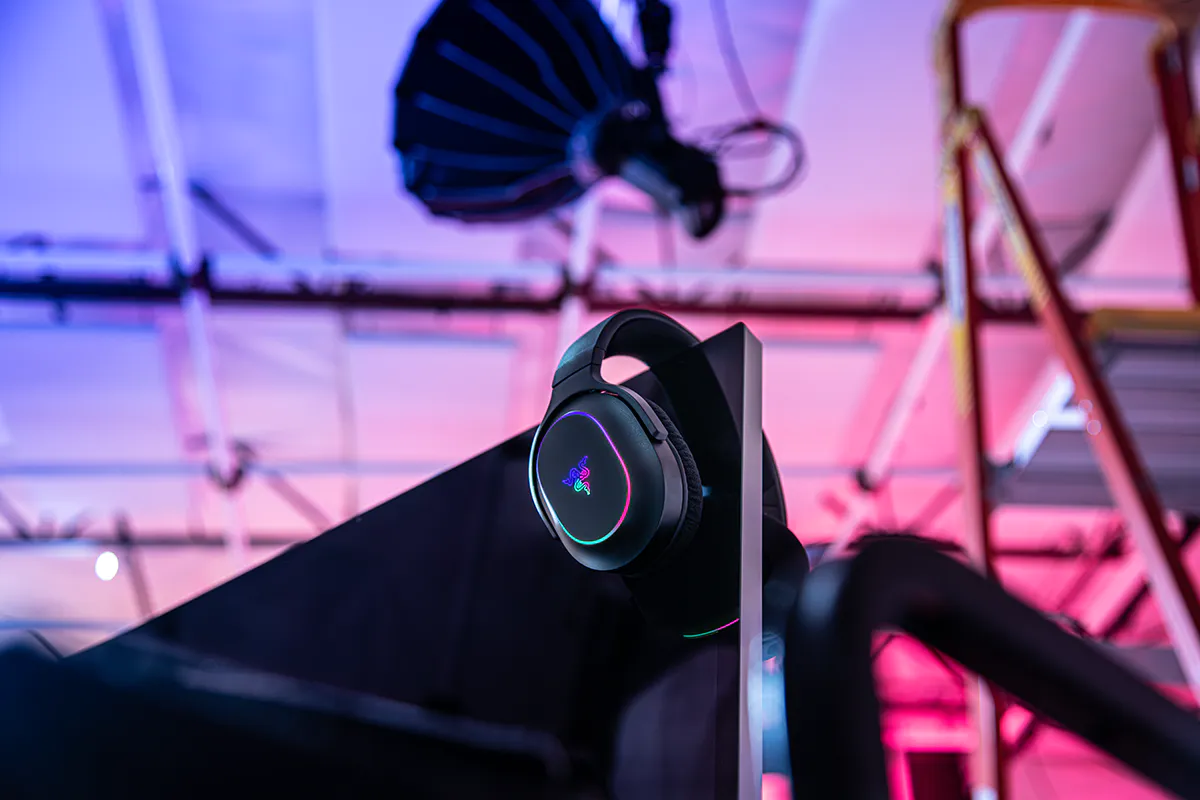
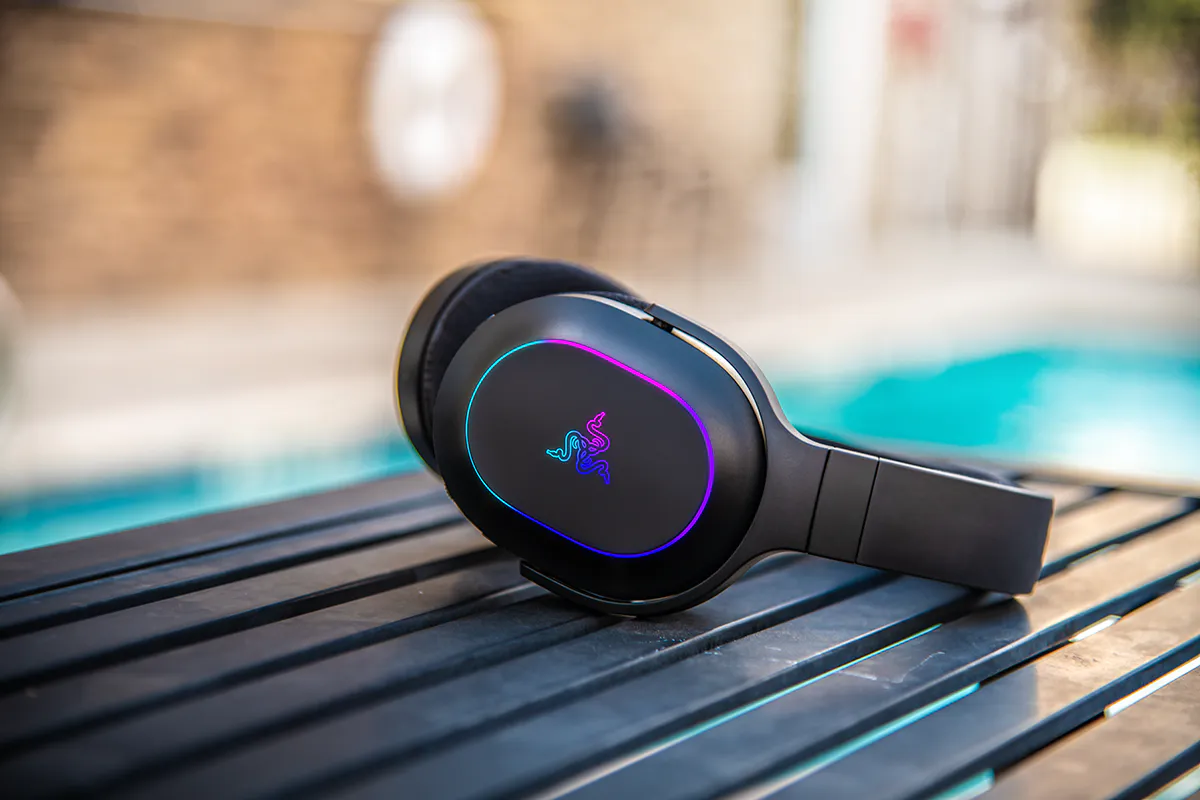
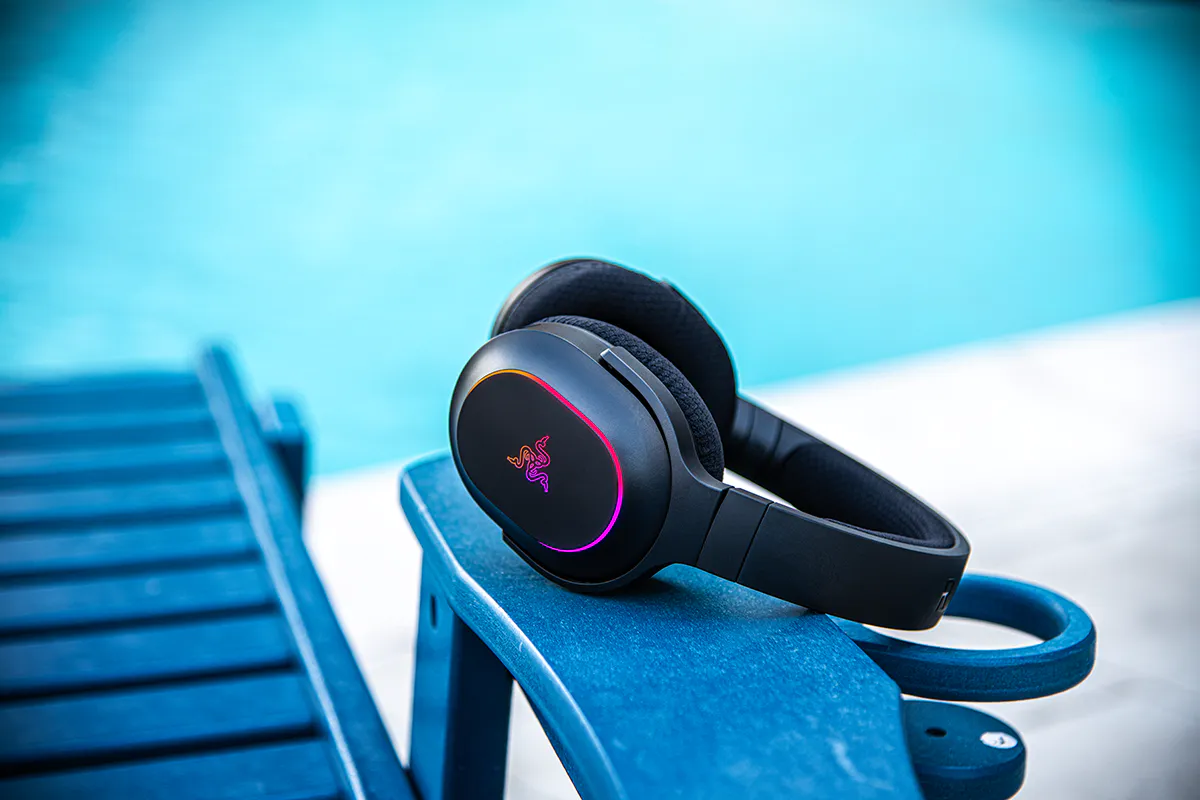
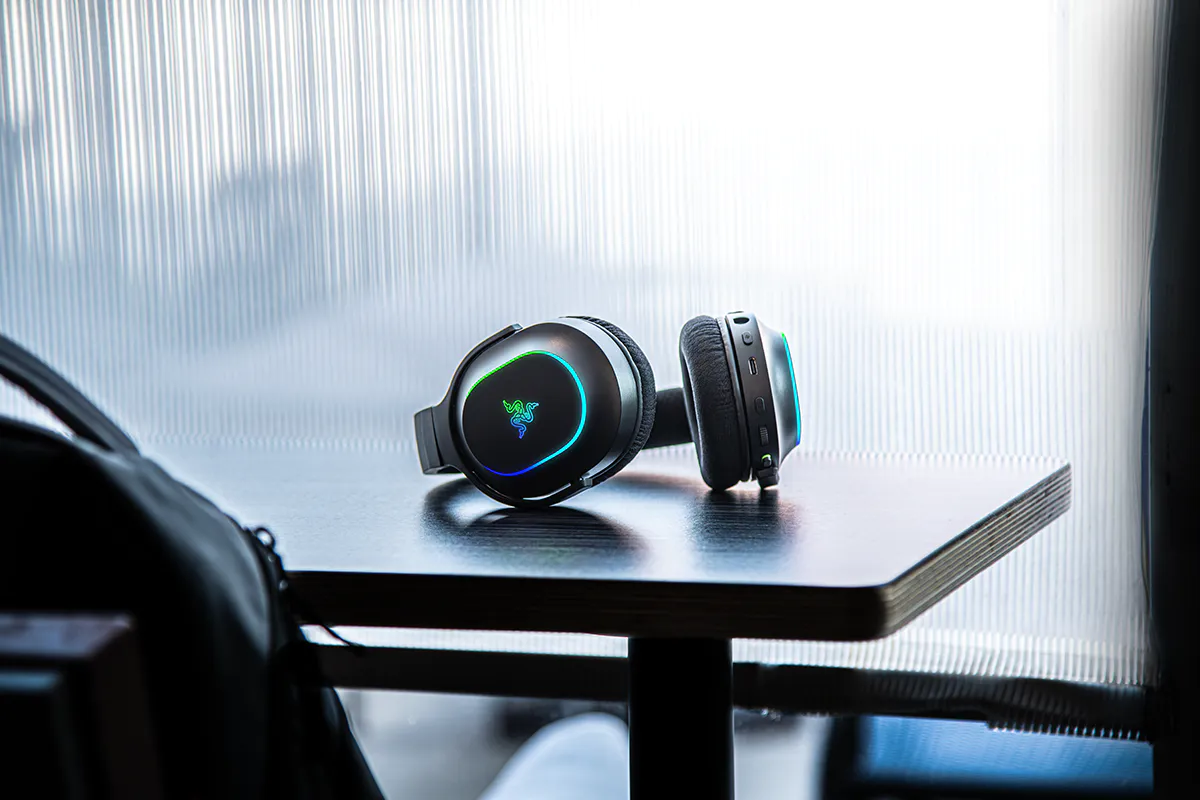
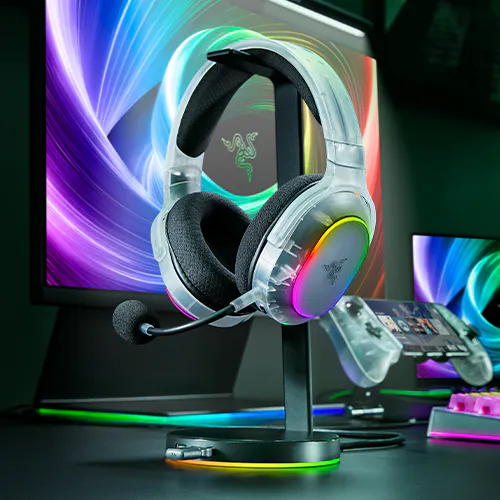
Enjoy 6-zone RGB earcup lighting powered by Razer Chroma RGB, with a full range of colors and effects for easy personalization. Sync your preferred lighting across supported games and devices for a more immersive setup.
Description not needed: The visuals in this video animation only support what is spoken; the visuals do not provide additional information.
UP TO 40% FASTER
Experience high-speed wireless connectivity via the Type C Razer HyperSpeed wireless dongle with 20ms latency response, making it even faster than the Barracuda X’s 35ms.
Description not needed: The visuals in this video animation only support what is spoken; the visuals do not provide additional information.
PERSONALIZE CHROMA EFFECTS
Via Razer Audio App & Razer Synapse
285 G ERGONOMIC DESIGN
All-Day Comfort Both Indoors & Out
Built for gaming marathons and daily commutes, this lightweight gaming headset includes breathable memory foam ear cushions and swiveling earcups for a snug, comfortable fit.
1
Breathable Memory Foam Ear Cushions
For a plush fit and seal
2
Swivel Mechanism
Adjustable for a personalized fit
3
Thick, Soft Headband Cushion
Distributes weight evenly for a pressure-free fit
This is a carousel with panning animation. Use the Play and Pause
button to start and stop the animation.
BASE CHARACTERISTICS
Triggering the select menu below will update the content of this page.
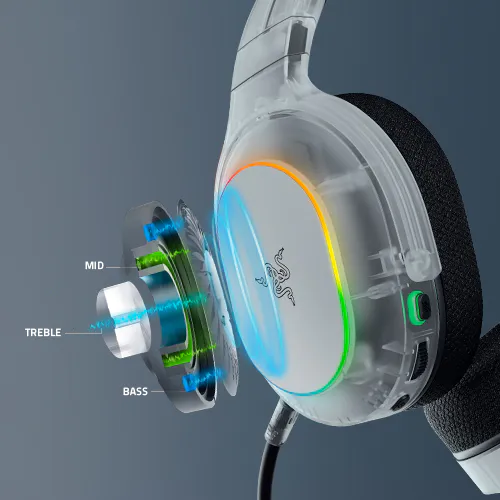
RAZER™ TRIFORCE 40 MM DRIVERS
High-End Audio Performance
Our patented 3-part driver design separates highs, mids, and lows to prevent distortion, delivering clearer detail and deeper immersion for games, music, and videos.
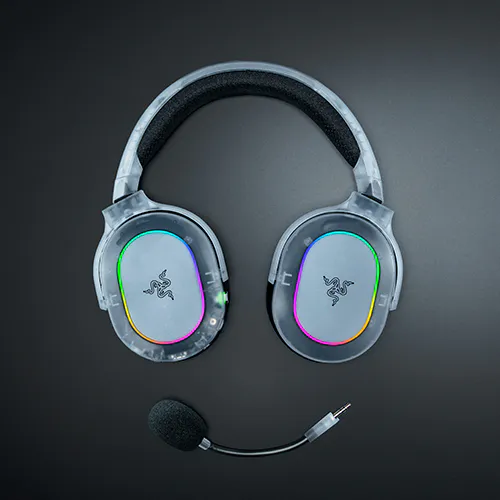
This upgraded wireless mic captures clearer highs and deeper lows, so your voice sounds more natural in calls and chat. Its detachable design also makes the headset easier to carry for convenient portability.
The headset now delivers up to 70 hours of battery life, a 40 percent increase over the previous model. A quick 15-minute charge gives up to 6 hours of use, making it ideal for multi-day gaming, work, or commuting.
RAZER™ TRIFORCE 40 MM DRIVERS
High-End Audio Performance
Our patented 3-part driver design separates highs, mids, and lows to prevent distortion, delivering clearer detail and deeper immersion for games, music, and videos.
This upgraded wireless mic captures clearer highs and deeper lows, so your voice sounds more natural in calls and chat. Its detachable design also makes the headset easier to carry for convenient portability.
The headset now delivers up to 70 hours of battery life, a 40 percent increase over the previous model. A quick 15-minute charge gives up to 6 hours of use, making it ideal for multi-day gaming, work, or commuting.
RAZER™ TRIFORCE 40 MM DRIVERS
High-End Audio Performance
Our patented 3-part driver design separates highs, mids, and lows to prevent distortion, delivering clearer detail and deeper immersion for games, music, and videos.
This upgraded wireless mic captures clearer highs and deeper lows, so your voice sounds more natural in calls and chat. Its detachable design also makes the headset easier to carry for convenient portability.
The headset now delivers up to 70 hours of battery life, a 40 percent increase over the previous model. A quick 15-minute charge gives up to 6 hours of use, making it ideal for multi-day gaming, work, or commuting.
RAZER™ TRIFORCE 40 MM DRIVERS
High-End Audio Performance
Our patented 3-part driver design separates highs, mids, and lows to prevent distortion, delivering clearer detail and deeper immersion for games, music, and videos.
This upgraded wireless mic captures clearer highs and deeper lows, so your voice sounds more natural in calls and chat. Its detachable design also makes the headset easier to carry for convenient portability.
The headset now delivers up to 70 hours of battery life, a 40 percent increase over the previous model. A quick 15-minute charge gives up to 6 hours of use, making it ideal for multi-day gaming, work, or commuting.
MOBILE APP CUSTOMIZATION
Maximize the Razer Barracuda X Chroma’s full potential with the Razer Audio App. Check essential settings like battery status and make on-the-fly adjustments like customizing EQ and Chroma, toggling ‘Do Not Disturb’ mode, and more.
Upgraded Detachable Razer™ HyperClear Cardioid Mic
Detachable Razer™ HyperClear Cardioid Mic
SURROUND SOUND
THX Spatial Audio
THX Spatial Audio
7.1 Surround Sound
7.1 Surround Sound
CONNECTIVITY
Wireless: Razer™ HyperSpeed Wireless Technology (2.4 GHz) + Bluetooth 5.2
Wireless: Razer™ HyperSpeed Wireless Technology (2.4 GHz) + Bluetooth 5.2
Wired: 3.5 mm
Wireless: Razer™ HyperSpeed Wireless Technology (2.4 GHz) + Bluetooth 5.3
Wireless: Razer™ HyperSpeed Wireless Technology (2.4 GHz) + Bluetooth 5.2
Wired: 3.5 mm
RGB LIGHTING
-
-
6-Zone Earcup Lighting
-
BATTERY LIFE
Up to 40 hours (2.4 GHz connection)
Up to 40 hours (2.4 GHz connection)
Up to 70 hours (Lighting OFF, 2.4GHz connection)
Up to 30 hours (Lighting ON, 2.4GHz connection)
Up to 50 hours (2.4 GHz connection)
WEIGHT
340 g
300 g
285 g
250 g
AVAILABLE IN
BLACK | WHITE | Phantom Green | Phantom White
We’ve Got You Covered
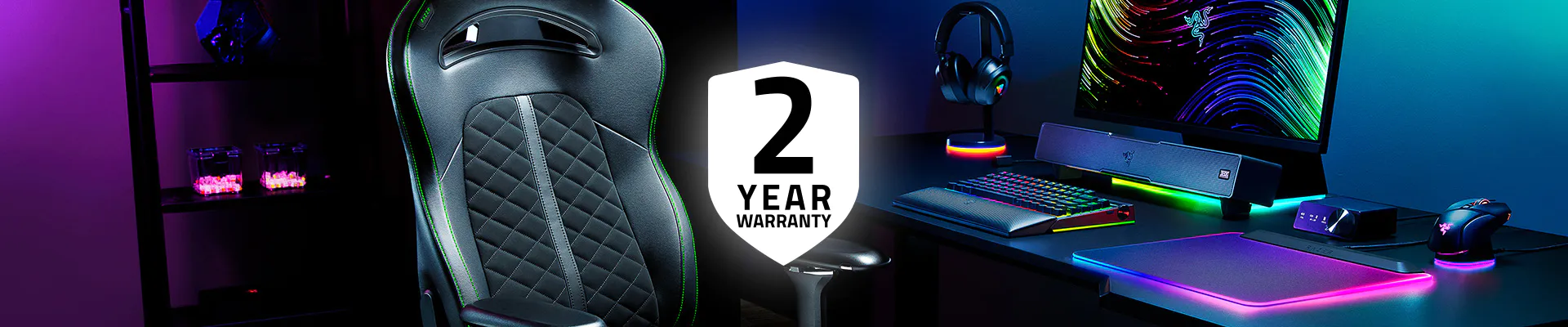
Get up to 2 years of warranty and access reliable tech support. Purchase directly from RazerStore and get 14 days risk‑free returns.
FAQS
What’s new with the Razer Barracuda X Chroma?
The Barracuda X Chroma now features 6-zone RGB earcup lighting, an upgraded detachable Razer HyperClear cardioid mic, and extended battery life of up to 70 hours.
Which devices and platforms does Barracuda X Chroma work with?
It works with PC, PlayStation, Nintendo Switch 2, Nintendo Switch, Steam Deck, Mac, Android devices, and any device that supports Bluetooth or USB-C. (Xbox wireless is not supported.)
What connectivity options are available on the Razer Barracuda X Chroma?
It supports two wireless modes: 2.4GHz HyperSpeed Wireless using the USB Type C dongle, and Bluetooth via SmartSwitch Dual Wireless.
Should I be using Razer HyperSpeed Wireless (2.4GHz) or Bluetooth for PC gaming?
Use HyperSpeed Wireless (2.4GHz) for PC gaming, as it offers lower latency and a more stable connection. Bluetooth is better for mobile use when you need a simple, dongle-free connection.
What is Razer SmartSwitch Dual Wireless?
It is a feature that lets you connect a 2.4 GHz and Bluetooth device to the headset at once, allowing for seamless use between them without having to manually pair and unpair. Simply double-tap the Razer SmartSwitch button to toggle between wireless modes.
What makes the Razer Barracuda X Chroma a hybrid headset?
The Razer Barracuda X Chroma is a hybrid headset that supports both 2.4GHz HyperSpeed Wireless and Bluetooth at the same time. With the USB Type C dongle connected to your PC, you can switch to Bluetooth instantly when moving between indoor and outdoor use.
Is the microphone detachable and can I use the headset for calls or mobile use?
Yes. The HyperClear cardioid mic is detachable, making the headset suitable for calls, commuting, and mobile use when the mic is not needed.
Can I use the headset wired or while charging?
The Barracuda X Chroma connects wirelessly via 2.4 GHz or Bluetooth. It does not include a 3.5 mm audio jack, but it can be used while charging through USB-C.
How long does it take to charge the Razer Barracuda X Chroma?
A full charge of 70 hours of play time will take around 4 hours, while 15 minutes of charge will yield approximately 6 hours of play time.
What audio EQ profile should I be using?
For the best audio experience, Razer recommends using the ‘Game’ EQ for competitive shooter games, ‘Movie’ EQ for MOBAs, RPGs or watching movies, and ‘Music’ EQ for all forms of music content. A fourth ‘Custom’ EQ is also available which can be personalized via the Razer Audio App to strike that perfect audio balance.
How do I re-pair the Bluetooth on the headset?
Press and hold the SmartSwitch button on the headset for 7 sec to enter Bluetooth pairing mode. Once the LED indicator starts flashing blue, you are free to pair the headset with any Bluetooth enabled device.
Why doesn’t the Razer Barracuda X Chroma appear on Synapse 3?
The headset is only supported on Razer Synapse 4 for its full suite of features and customization. Download Razer Synapse here.
GET US$10 OFF YOUR NEXT ORDER
Sign up for our Razer newsletter to unlock a special discount code for Razer gear and be the first to know about our latest specials and product releases.
Thanks for signing up.
Check your inbox and verify your email address to receive your $10 off promo code.


/AU0080-smart-switch.svg)
/AU0034-soundwave.svg)


 1
1