Razer Discord Exclusive: 1,337,000 Silver + hardware bundles + exclusive gear all up for the hunt. Learn more >
Razer Huntsman V3 Tenkeyless 8KHz
Description not needed: The visuals in this video animation only support what is spoken; the visuals do not provide additional information.
RAZER HUNTSMAN V3 TENKEYLESS 8KHZ
FOR THE PRO
Designed with and trusted by pros. Built for competitive players in FPS and other fast-paced games. This is an analog optical keyboard for those who live in the clutch. Supercharged with True 8000 Hz HyperPolling and Razer™ Analog Optical Switches Gen-2 with adjustable actuation, arm yourself with every edge you need to play like the world’s best.
Gain a split-second advantage over your opponents with a blistering polling rate 8 times faster than the industry standard. Experience the fastest response and pull off every play without delay.
Tested and proven, Razer Analog Optical Switches Gen-2 combined with true 8000 Hz HyperPolling Technology is 26% faster* than the nearest competitor, achieving a mere 0.48 ms** latency for near-instantaneous responsiveness. * Testing was done across 20 measurements with all keyboards set to 0.1 mm actuation and 8000 Hz polling rate. Percentage is rounded to the nearest whole number. ** Latency is measured from the moment of actuation of the switch to the signal being received at the USB port on the host device. End-to-end latency might defer depending on test setup and devices used.
RAZER™ ANALOG OPTICAL SWITCHES GEN‑2
Rapid Trigger and Adjustable Actuation
Max out on precision and response with next-gen switches featuring Rapid Trigger for ultra-fast repeated inputs, a 0.1–4.0 mm adjustable actuation range, and a 100-million keystroke lifespan.
Description not needed: The visuals in this video animation only support what is spoken; the visuals do not provide additional information.
This is a carousel with highlighted items. Use the Previous and Next buttons to browse through 4 slides.
RAPID TRIGGER MODE
Instead of a fixed reset point, keys reset instantly with an upward motion as low as 0.1 mm. This allows for faster repeated keystrokes compared to standard keyboards, which significantly enhances in-game responsiveness.
Prioritize the latest input between two selected keys without having to release the previous one. Enjoy more responsive inputs for near-instant directional changes. Snap Tap is OFF by default and can be toggled ON/OFF via Razer Synapse or using the hotkey FN + Left Shift.
Supporting a full range of actuation from 0.1 to 4.0 mm, customize the switches to be as sensitive as you want and achieve a setting that best suits your playstyle.
40 G ACTUATION FORCE
Enjoy greater response with a lighter actuation force that lets you play and react quicker than ever before. From counter-strafing to aiming to dodging, gain a split-second advantage you need to come out on top in every exchange.
End of carousel
Actuation Point Precision & Accuracy
Calibrated right out of the factory to the highest standards, Razer Analog Optical Switches Gen-2 are precisely engineered for best-in-class top deadzone management, performing approximately 2.5x better* than the closest competitor, achieving true 0.1 mm precision.
*Testing was done across 20 measurements for all keyboards, set to 0.1 mm actuation and on the same key for consistent results.
Razer Analog Optical Switch Gen-2 vs Hall-Effect Magnetic Switch. Showing differences in input actuation.
* Testing was done in an enclosed studio environment with the use of magnet-embedded objects in close proximity with the keyboards positioned 10 cm away and moved nearer in 1 cm increments
QUICK ONBOARD ADJUSTMENTS
With onboard storage for settings
Make precise, on-the-fly adjustments to actuation height or Rapid Trigger sensitivity with the visual aid of the keyboard’s number row. Save the settings to the keyboard with no software required.
QUICK ACTUATION ADJUSTMENT MODE
To enter Quick Actuation Adjustment Mode: press FN + Tab. Next, press any key to test its actuation height and use the arrow keys to adjust accordingly. Press Esc to exit the mode and save your settings to the onboard memory.
QUICK RAPID TRIGGER ADJUSTMENT MODE
To adjust Rapid Trigger Settings: press FN + Caps Lock to begin. Press Caps Lock to toggle Rapid Trigger Mode on or off. Next, press any key to test your current Rapid Trigger settings and use the arrow keys to adjust accordingly. Press Esc to exit the mode and save your settings to the onboard memory.
QUICK SNAP TAP ADJUSTMENT MODE
To toggle Snap Tap press FN + Left Shift. The A and D keys are paired to this mode by default. Paired keys will light up white when Snap Tap is on and light up red when Snap Tap is off.
OPTIMIZED KEYSTROKE FEEL
Thick Foam Dampening and Lubricated Switches
Individually lubricated to ensure extra-smooth actuation, each switch is seated in a dense foam layer to ensure a clean, muted typing acoustic that keeps you in your flow state whether you’re gaming or typing.
TEXTURED DOUBLESHOT PBT KEYCAPS
Greater Resilience and Feel
Made to withstand the wear and tear of intense competitive play, their shine-resistant design and fadeproof legends offer a degree of durability superior to regular keycaps.
ALUMINUM TOP PLATE
Top-Tier Durability
Crafted from aircraft-grade aluminum and refined with a robust finish, the keyboard’s casing is built to withstand frequent, intense use and is resistant to warping.
DOWNLOAD THE OFFICIAL MARVEL RIVALS PROFILE BY NETEASE GAMES
1.0 mm Actuation Point 0.2 mm Rapid Trigger Sensitivity
AD
Razer™ Snap Tap - ON
L Shift
L CtrlSpacebar
2.0 MM ACTUATION POINT
Legends on keymapping may differ based on keyboard layout.
This is a carousel. Use the control buttons to display the related slide.
This is a carousel with panning animation. Use the Play and Pause
button to start and stop the animation.
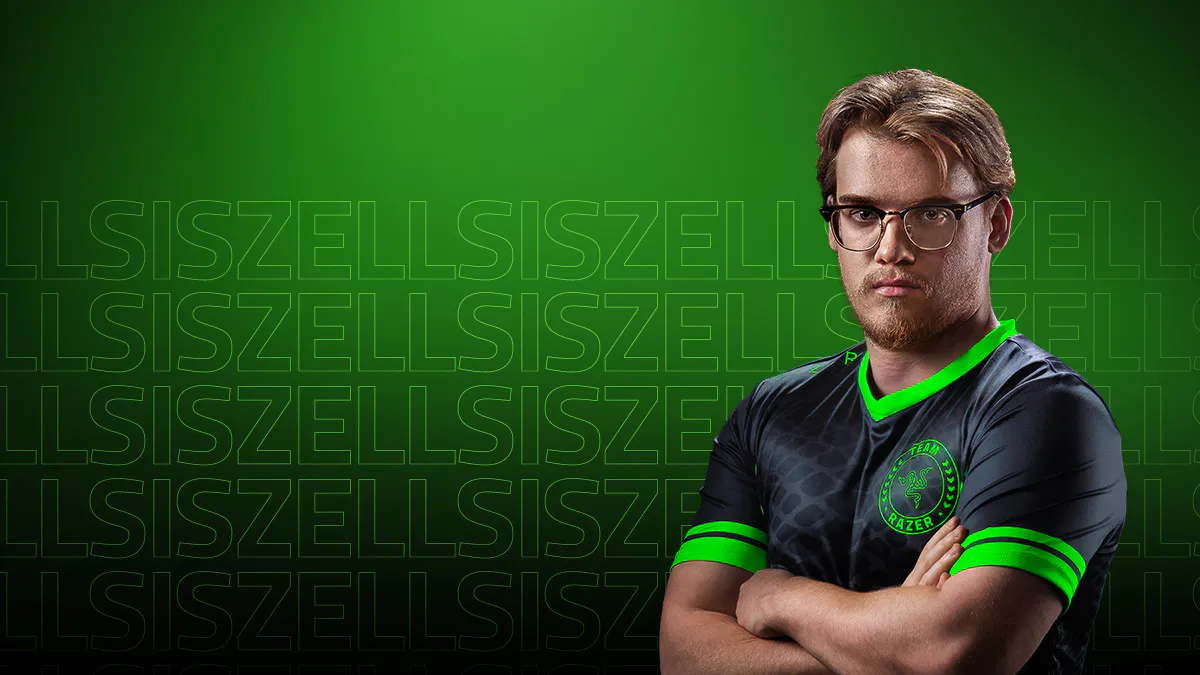
the huntsman provides consistent unmatched precision and responsiveness for every game.
zellsis
valorant masters madrid 2024 champion
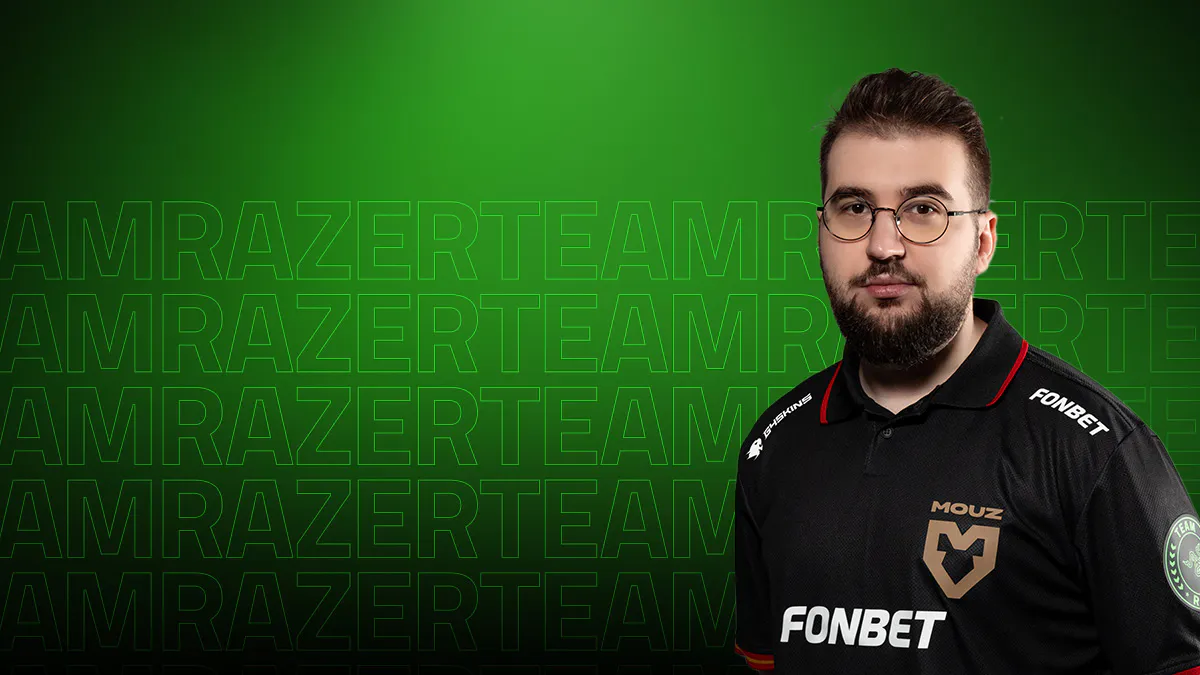
the accuracy is incredible. the huntsman registers even the lightest touch with its 0.1mm precision.
niko
iem cologne major 2026 champion
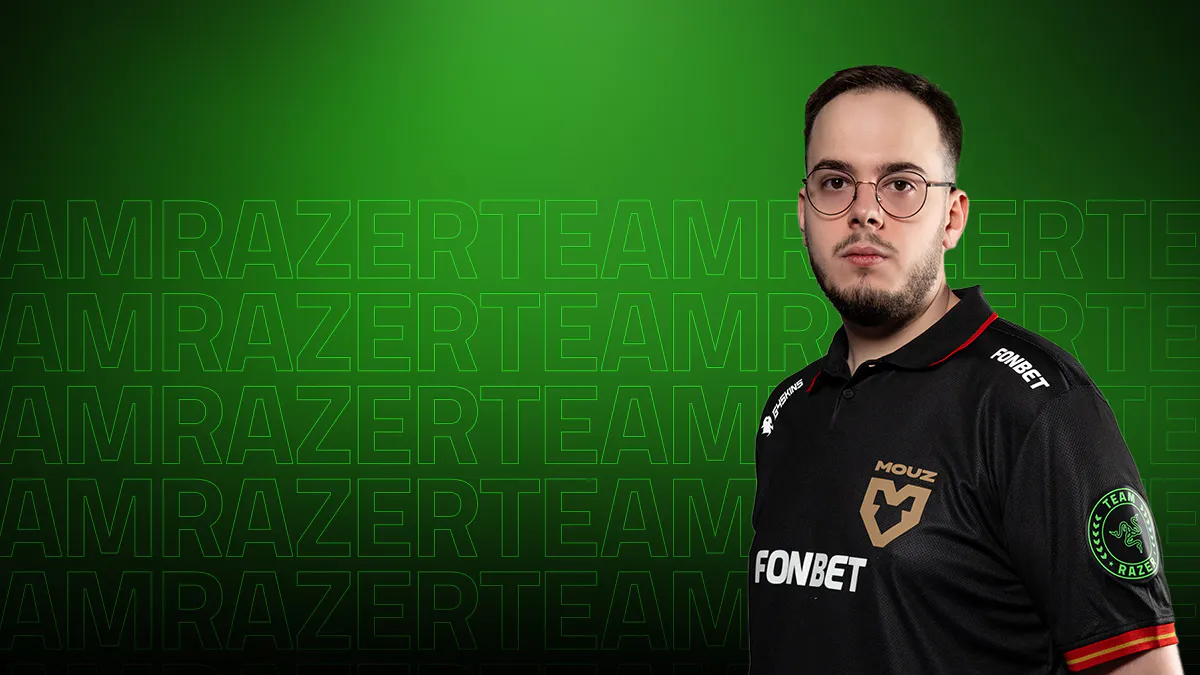
i've never felt keystrokes this smooth and consistent. it's optimized to the point where i don't even think about it, i just play.
torzsi
4-time counter-strike champion
the true 0.1mm precision is insane — even the lightest touch gets picked up. it's next-level accuracy.
xertion
4-time counter-strike champion
the huntsman provides consistent unmatched precision and responsiveness for every game.
zellsis
valorant masters madrid 2024 champion
the accuracy is incredible. the huntsman registers even the lightest touch with its 0.1mm precision.
niko
iem cologne major 2026 champion
i've never felt keystrokes this smooth and consistent. it's optimized to the point where i don't even think about it, i just play.
torzsi
4-time counter-strike champion
the true 0.1mm precision is insane — even the lightest touch gets picked up. it's next-level accuracy.
xertion
4-time counter-strike champion
We’ve Got You Covered
Get up to 2 years of warranty and access reliable tech support. Purchase directly from RazerStore and get 14 days risk‑free returns.
FAQs
Can I have more than a pair of assigned keys for Razer™ Snap Tap?
The keyboard can save up to 4 pairs of assigned keys for Snap Tap. Choose your preferred keys via Razer Synapse.
How do I ensure an 8KHz polling rate is active when using the keyboard?
Polling rate can be adjusted in Razer Synapse. Ensure the selected polling rate is 8000 Hz.
Will my keyboard’s performance deteriorate over time?
Razer Analog Optical Switches Gen-2 utilizes the properties of light for actuation. Light remains consistent and the switches are calibrated right out of the factory to the highest standards.
How do I import custom profiles for my keyboard?
You may learn how to import or export profiles here. Download custom profiles via Workshop in Razer Synapse.
What is the difference between a Razer Analog Optical Switch and a standard Razer Optical Switch?
While both switches utilize optical technology to ensure zero debounce delay and the fastest actuation speeds, our analog optical switch has the ability to detect how far a key is pressed. This allows gamers to customize the actuation point, enable Rapid Trigger Mode, and send analog inputs like a controller thumbstick or joystick.
Will I experience performance issues with magnetic or metallic objects nearby?
Razer Analog Optical Switches Gen-2 are designed to the tightest tolerances, effectively shielding it from external light sources. Light is unaffected by rogue magnetic fields, ensuring maximum performance in all usable environments.
What are the benefits of Rapid Trigger?
Rapid Trigger allows you to reset keys at the slightest lift of a finger, so you can perform repeated keystrokes far more rapidly. For FPS, this translates to more responsive in-game movement and greater precision. Games such as Counter-Strike 2 and Valorant have mechanics that penalize accuracy while moving, so being able to get into a stationary position faster than your opponent significantly increases your aiming.
Is this device compatible with Windows Dynamic Lighting?
Please view our list of compatible devices to find out. If your device isn’t listed, we highly recommend turning off Windows Dynamic Lighting to ensure the best Chroma RGB experience.
How many profiles can be stored on the keyboard?
This esports keyboard has a total of 6 profiles which can be activated using hotkeys. 2 of the profiles are preset and cannot be changed, while the other 4 profiles can be customized completely through the quick onboard adjustment modes or Razer Synapse.
How do I enable Rapid Trigger Mode?
You can enable Rapid Trigger Mode through Razer Synapse under the keyboard’s Actuation tab. Additionally, you can also use the hotkey Fn + Caps Lock to enter the onboard Rapid Trigger Adjustment Mode. Rapid Trigger Mode is not available on Factory Default profile.
What is the Factory Default Profile?
It is an onboard profile that is set to a 2.0 mm actuation point with Rapid Trigger Mode off and is typically used for typing and non-gaming-related tasks. This profile is displayed as a green profile light and cannot be modified.
What is the Last-used Synapse Profile?
It is an onboard profile that remembers the latest keyboard settings used on Razer Synapse and is displayed as a white profile light.
How do I ensure I am getting the best experience out of my keyboard?
To achieve the best experience with the Razer Huntsman V3 Tenkeyless 8KHz, ensure the firmware and Razer Synapse have been updated to the latest versions.
Can Snap Tap be used concurrently with Rapid Trigger?
It works seamlessly with Rapid Trigger Mode to give gamers even more responsive in-game movements, no matter the direction.
Where can I buy the Razer Huntsman V3 Tenkeyless 8KHz?
You can purchase the product directly from Razer.com, at selected retail stores, or locate a RazerStore near you.
How do I toggle Razer Snap Tap?
Hit FN + Left Shift to immediately toggle Razer Snap Tap. The A and D keys are paired to this mode by default. Paired keys will light up white when Snap Tap is on and light up red when Snap Tap is off. Snap Tap can also be toggled via Razer Synapse, including customizing with your choice of assigned keys.
GET NZ$15 OFF YOUR NEXT ORDER
Sign up for our Razer newsletter to unlock a special discount code for Razer gear and be the first to know about our latest specials and product releases.
Thanks for signing up.
Check your inbox and verify your email address to receive your promo code.