

You are currently on the New Zealand site.
Select a location to view location-specific content and shop online.
Razer Discord Exclusive: 1,337,000 Silver + hardware bundles + exclusive gear all up for the hunt. Learn more
Description not needed: The visuals in this video animation only support what is spoken; the visuals do not provide additional information.

FOR PLAYERS WHO PREFER LOW-PROFILE, THIS IS THE PERFORMANCE WE'VE BEEN WAITING FOR, FINALLY BUILT FOR ESPORTS.

RAZER™ LOW-PROFILE ANALOG OPTICAL SWITCHES
Esports Performance in a Lower Profile
Description not needed: The visuals in this video animation only support what is spoken; the visuals do not provide additional information.
CONSISTENT ACTUATION. EVERY TIME.
TRUE 8000HZ HYPERPOLLING
Near-zero Latency
Description not needed: The visuals in this video animation only support what is spoken; the visuals do not provide additional information.
AVERAGE LATENCY
Lower is Better
LOW 19.5MM FRONT HEIGHT
For Improved Ergonomics and Comfort
US Penny Coin
Interactive size comparison showing a coin alongside a product with measurement indicators

19.50 mm
0.77 "

-
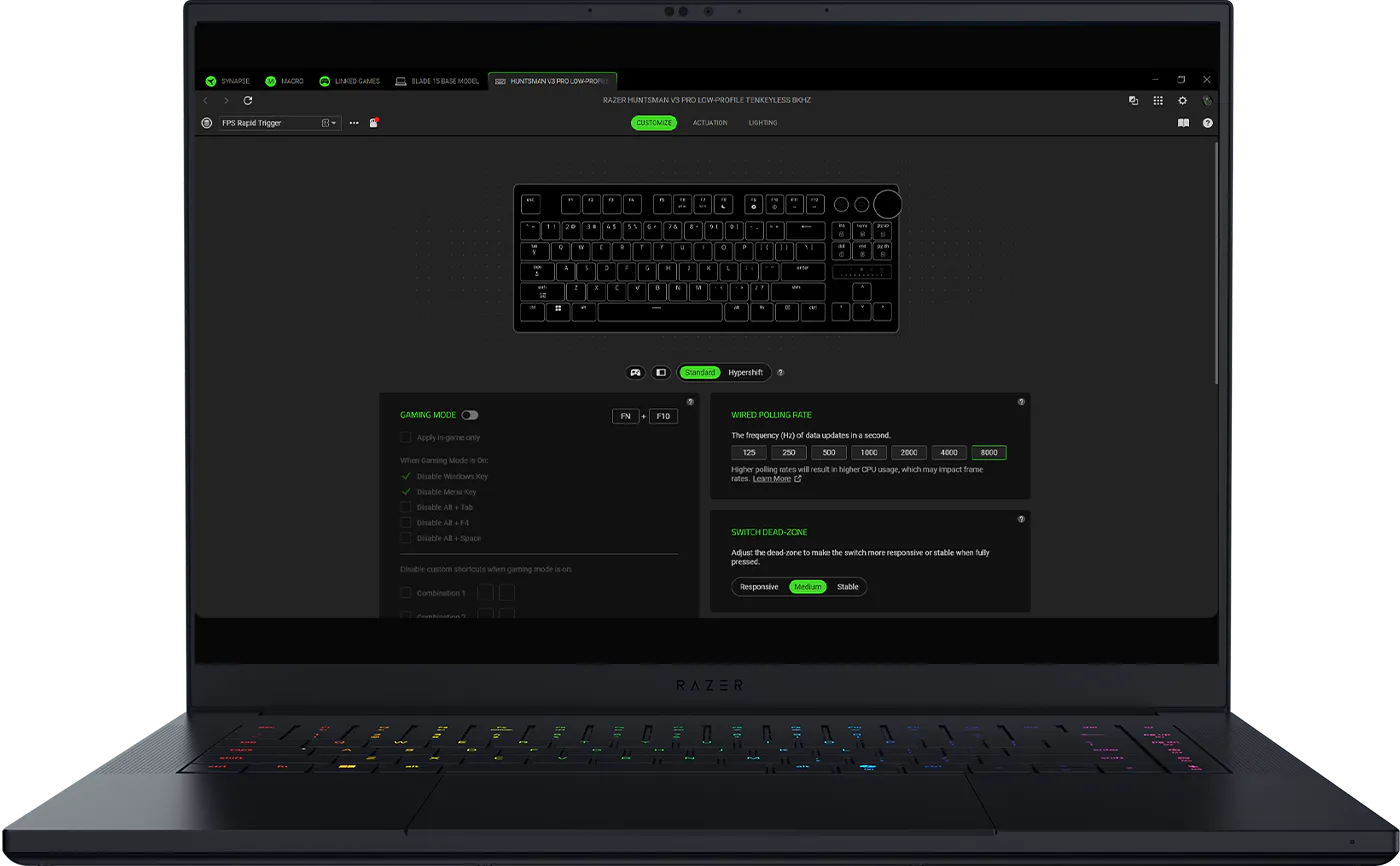
Advanced Customization Fine-tune every aspect of your keyboard with powerful customization tools designed for competitive play.
-
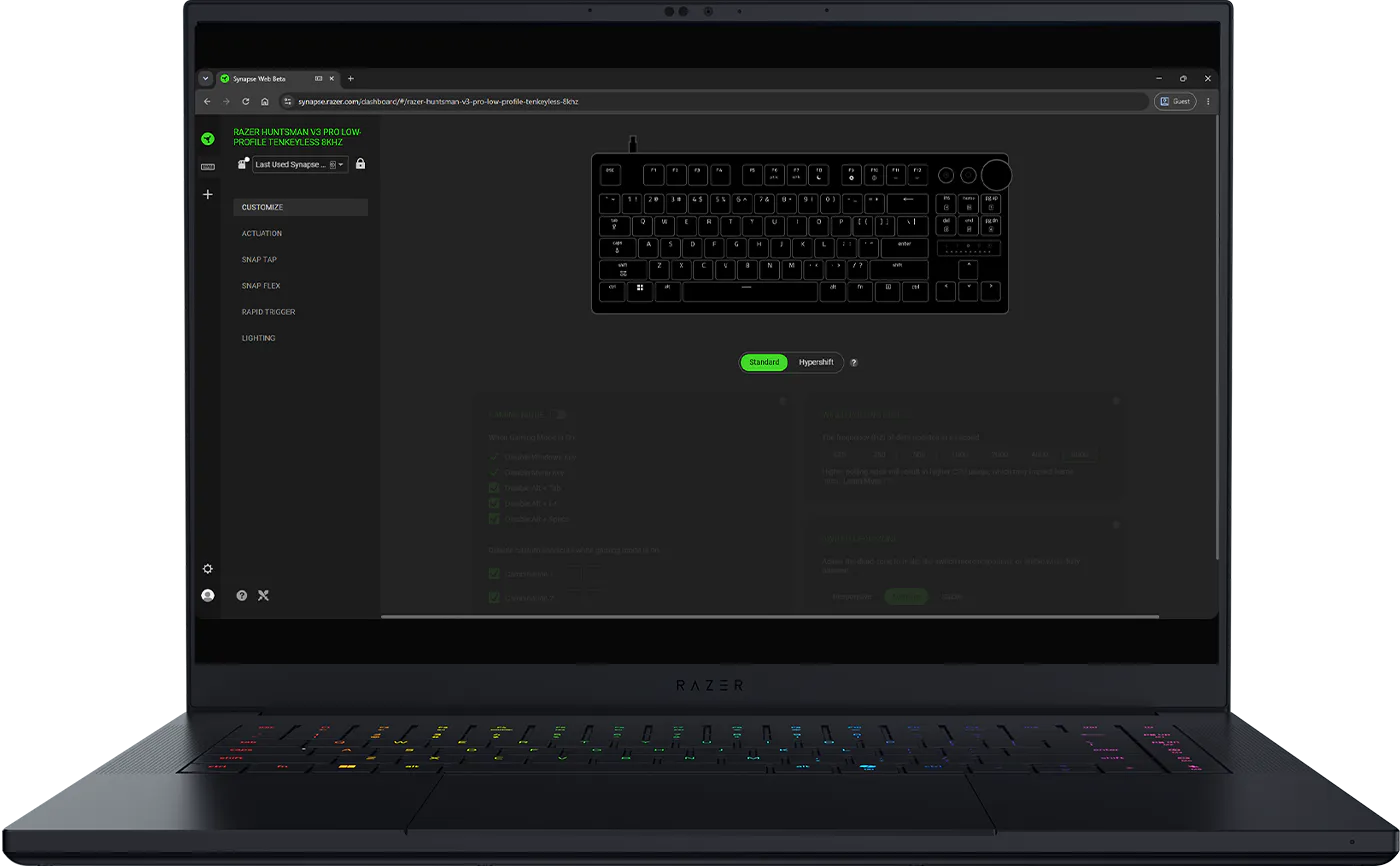
No Installation Required Access key performance settings directly through a supported web browser. Ideal for tournament environments and shared PCs.
-
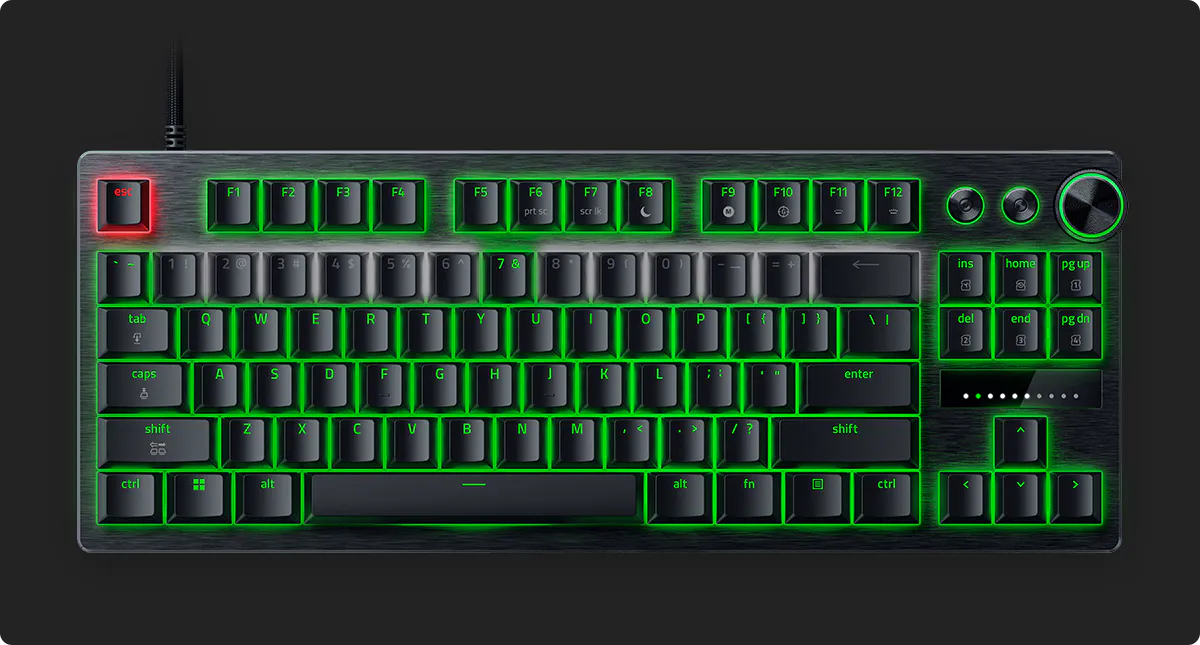
Tune Settings On The Fly Adjust performance settings directly from keyboard via an LED array indicator without opening Razer Synapse.
-
/TN0018-razer-snap-tap.svg)
RAZER™ SNAP TAP
Prioritize the latest input between two selected keys without having to release the previous one. Enjoy more responsive inputs for near-instant directional changes during fast-paced games. -
/TN0019-razer-snap-flex.svg)
/TN0021-dynamic-keystroke.svg)
RAZER™ SNAP FLEX & DYNAMIC KEYSTROKE Execute more with every keystroke. Snap Flex enables dual-action inputs, while Dynamic Keystroke triggers up to four commands based on actuation for unmatched speed and control. -
/KB0085-dual-keypress-priority.svg)
DUAL-KEYPRESS PRIORITY
Dual-Keypress Priority enhances WASD handling by allowing instant inputs from simultaneous keypresses upon release of other keys, delivering precise control during competitive play.
MULTI-FUNCTION DIGITAL DIAL & DEDICATED CONTROL BUTTONS
For Convenient Control
Description not needed: The visuals in this video animation only support what is spoken; the visuals do not provide additional information.
TEXTURED DOUBLESHOT PBT KEYCAPS
Greater Resilience and Feel


DOWNLOAD THE OFFICIAL MARVEL RIVALS PROFILE BY NETEASE GAMES
DOWNLOAD
How to import profile
Join the Razer Discord Server and Marvel Rivals Discord Server to find out more!
We’ve Got You Covered
Get up to 2 years of warranty and access reliable tech support. Purchase directly from RazerStore and get 14 days risk‑free returns.
Razer Huntsman V3 Pro Low-profile Tenkeyless 8KHz - FREQUENTLY ASKED QUESTIONS
-
How is the Razer™ Low-profile Analog Optical Switch different from the standard Razer™ Analog Optical Switch? The low-profile variant brings Razer's Analog Optical Gen-2 switches performance into a slimmer, more ergonomic form factor. With a shorter total travel distance of 2.8 mm and an actuation range of 0.1–2.8 mm, it delivers the same degree of control in a more compact design. -
Is a Low-profile keyboard better for gaming? Low-profile keyboards are ideal for gamers who prefer a slimmer, more ergonomic keyboard design. With shorter key travel and a lower front height, they can provide faster actuation, reduced finger movement, and a more natural wrist position during long gaming sessions. The Razer Huntsman V3 Pro Low-profile Tenkeyless 8KHz combines these benefits with esports-focused features such as Rapid Trigger mode, adjustable actuation, and true 8000 Hz HyperPolling. -
Will my keyboard’s performance deteriorate over time? As Razer Low-profile Analog Optical Switches utilizes the properties of light for actuation. Light remains consistent and the switches are calibrated right out of the factory to the highest standards. -
Will I experience performance issues with magnetic or metallic objects nearby? Razer Low-profile Analog Optical Switches Gen-2 are designed to the tightest tolerances, effectively shielding it from external light sources. Light is unaffected by rogue magnetic fields, ensuring maximum performance in all useable environments. -
What advantages does Razer™ Snap Flex provide? Snap Flex lets you assign two actions to a single key—one on key press and another on key release. This reduces the need to reach for multiple keys, making complex actions easier to perform and helping you react faster in-game. For games such as Counter-Strike 2 and Valorant, it can simplify advanced techniques, improve consistency, and reduce timing errors during critical moments. -
How do I ensure an 8KHz polling rate is active when using the keyboard? Polling rate can be adjusted in Razer Synapse. Ensure the selected polling rate is 8000 Hz. -
What are the benefits of Dual Keypress Priority? Dual-Keypress Priority helps keep your movement smooth and consistent when multiple keys are pressed at the same time. Instead of inputs conflicting with each other, your keyboard prioritizes the correct movement, giving you more precise control and reducing accidental input changes. For games like Counter-Strike 2 and Valorant, this can make movement feel more reliable during fast-paced situations. -
What are the benefits of Rapid Trigger? Rapid Trigger allows you to reset keys at the slightest lift of a finger, so you can perform repeated keystrokes far more rapidly. For FPS, this translates to more responsive in-game movement and greater precision. Games such as Counter-Strike 2 and Valorant have mechanics that penalize accuracy while moving, so being able to get into a stationary position faster than your opponent significantly increases your aiming. -
How do I enable Rapid Trigger Mode? You can enable Rapid Trigger Mode through Razer Synapse under the keyboard’s Actuation tab. Additionally, you can also use the hotkey Fn + Caps Lock to enter the onboard Rapid Trigger Adjustment Mode. Rapid Trigger Mode is not available on Factory Default profile. -
How do I toggle Razer™ Snap Tap? Hit FN + Left Shift to immediately toggle Snap Tap. The A and D keys are paired to this mode by default. Paired keys will light up white when Snap Tap is on and light up red when Snap Tap is off. Snap Tap can also be toggled via Razer Synapse, including customizing with your choice of assigned keys. -
Can Snap Tap be used concurrently with Rapid Trigger? It works seamlessly with Rapid Trigger Mode to give gamers even more responsive in-game movements, no matter the direction. -
Can I have more than a pair of assigned keys for Razer™ Snap Tap? Yes, the keyboard can save up to 4 pairs of assigned keys for Snap Tap. Choose your preferred keys via Razer Synapse. -
How many profiles can be stored on the keyboard? This esports keyboard has a total of 6 profiles which can be activated using hotkeys. 2 of the profiles are preset and cannot be changed, while the other 4 profiles can be customized completely through the quick onboard adjustment modes or Razer Synapse.
You may learn how to import or export profiles here. Download custom profiles via Workshop in Razer Synapse. -
What is the Factory Default Profile? It is an onboard profile that is set to a 2.0 mm actuation point with Rapid Trigger Mode off and is typically used for typing and non-gaming-related tasks. This profile is displayed as a green profile light and cannot be modified. -
What is the Last-used Synapse Profile? It is an onboard profile that remembers the latest keyboard settings used on Razer Synapse and is displayed as a white profile light. -
What is adjustable actuation on a gaming keyboard? Adjustable actuation allows players to customize how far a key needs to travel before registering an input, helping optimize the keyboard for gaming, typing, or esports competition. -
How do I ensure I am getting the best experience out of my keyboard? To achieve the best experience with the Razer Huntsman V3 Pro Low-profile Tenkeyless 8KHz, ensure both the firmware and Razer Synapse have been updated to the latest versions. -
Where can I buy the Razer Huntsman V3 Pro Low-profile Tenkeyless 8KHz? You can purchase the Razer Huntsman V3 Pro Low-profile Tenkeyless 8KHz directly from Razer.com, RazerStores, and authorized Razer retailers worldwide.