Razer Discord Exclusive: Complete Bounty Hunts, earn Silver, and enter the Champion's Draw to win epic Razer gear - including 1,337,000 Silver! Start Hunting >
Razer BlackShark V3 Pro
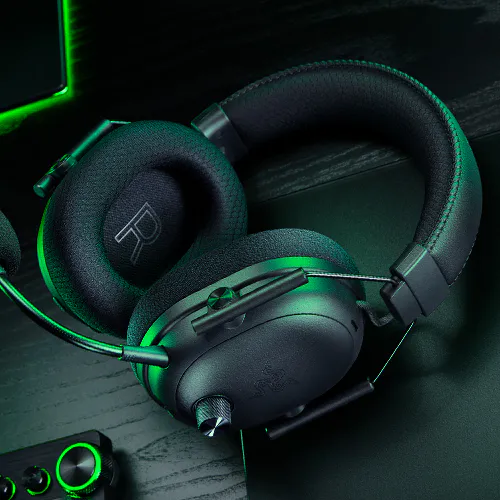
Razer BlackShark V3 Pro Wireless ANC Esports Headset
Description not needed: The visuals in this video animation only support what is spoken; the visuals do not provide additional information.
RAZER BLACKSHARK V3 PRO
FOR THE PRO
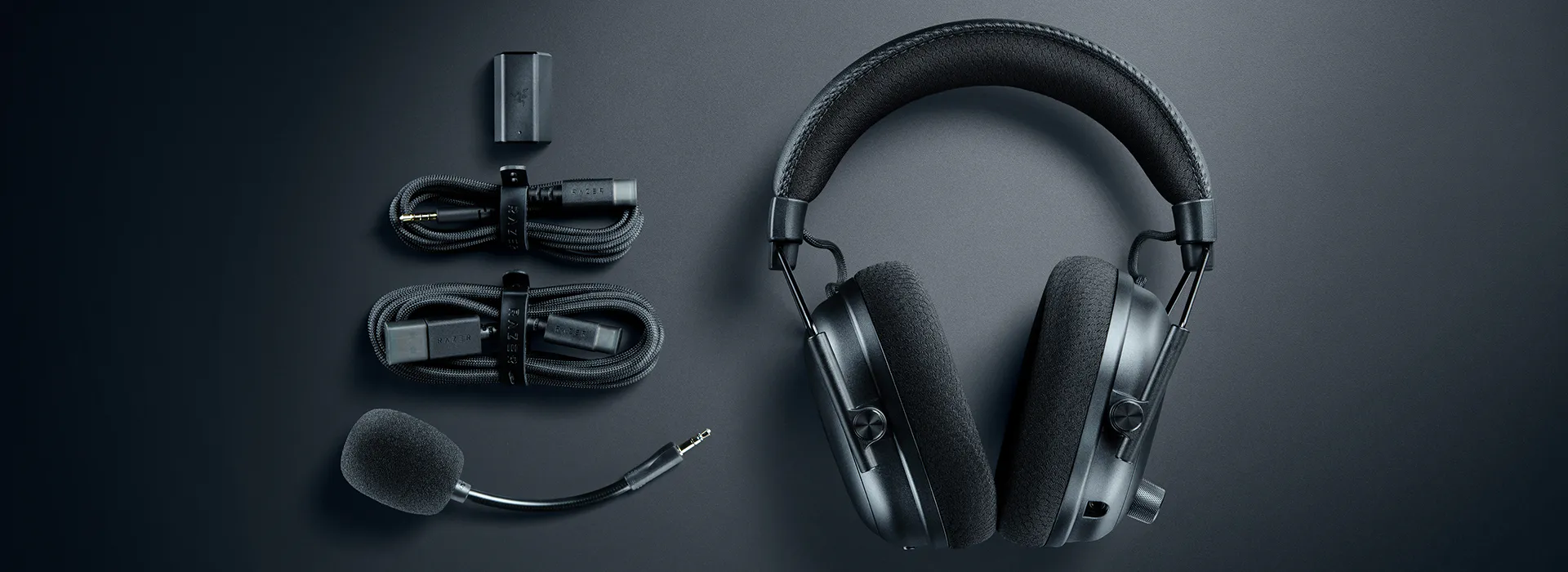
The esports headset trusted by pros evolves. The Razer BlackShark V3 Pro is our most advanced wireless ANC esports headset, built to keep you ahead with industry-leading ultra-low latency wireless technology that delivers audio as fast as 10 ms, plus a Full Band mic for pro-grade clarity, victory is all but assured.
Outpace the competition with wireless technology optimized for ultra-low latency, delivering audio in as fast as 10 ms for immediate, responsive sound during clutch plays and split-second decisions.
Description not needed: The visuals in this video animation only support what is spoken; the visuals do not provide additional information.
DETACHABLE RAZER™ HYPERCLEAR FULL BAND 12 MM MIC
Unparalleled Voice Capture and Transmission Quality
Armed with a large 12 mm capsule, this next-gen full band mic captures every detail of your shotcalls clearly and effectively suppresses background noise with a unidirectional pick-up pattern.
Description not needed: The visuals in this video animation only support what is spoken; the visuals do not provide additional information.
This is a carousel.
Use Next and Previous buttons to navigate, or jump to a slide using the slide dots.
"The Razer BlackShark V3 Pro takes the previous generation's medals and polishes them to perfection."
- GamesRadar+
"Best Gaming Headset Overall."
- PCGamesN
"No compromises made, it’s the best headset on the market right now"
- Tom's Guide
"The Razer BlackShark V3 Pro is the closest to perfection I've ever seen a gaming headset reach."
- Windows Central
"One of the best high-end gaming headsets I've used in recent years."
- IGN
"The Razer BlackShark V3 Pro excels as a specialized competitive gaming headset with best-in-class wireless latency and excellent positional audio."
- SoundGuys
"Out of every headset I've tested so far, the BlackShark V3 Pro offers the best comfort options, hands down."
- CGMag
"Razer is once again raising the bar for competitive audio with the launch of the BlackShark V3 Pro."
- MMORPG
"I’ve been reviewing headsets for 14 years, and the Razer BlackShark V3 Pro is one of the easiest recommendations I could make."
- TechRadar
"This new Razer BlackShark V3 Pro is the best gaming headset we've ever had in our hands (and on our ears)."
- Overclocking
This is a carousel with panning animation. Use the Play and Pause
button to start and stop the animation.
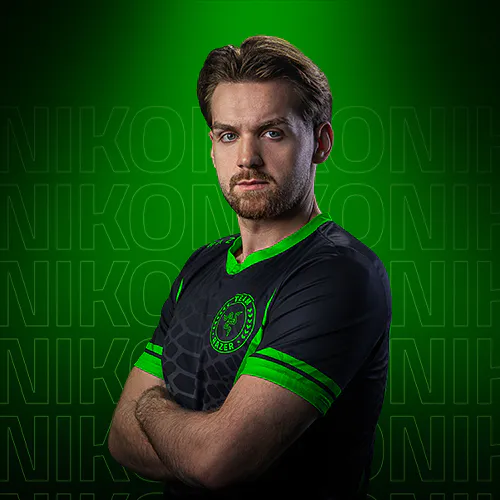
the blackshark v3 pro nailed the balance of mic, sound, and comfort.
niko
iem cologne major 2026 champion
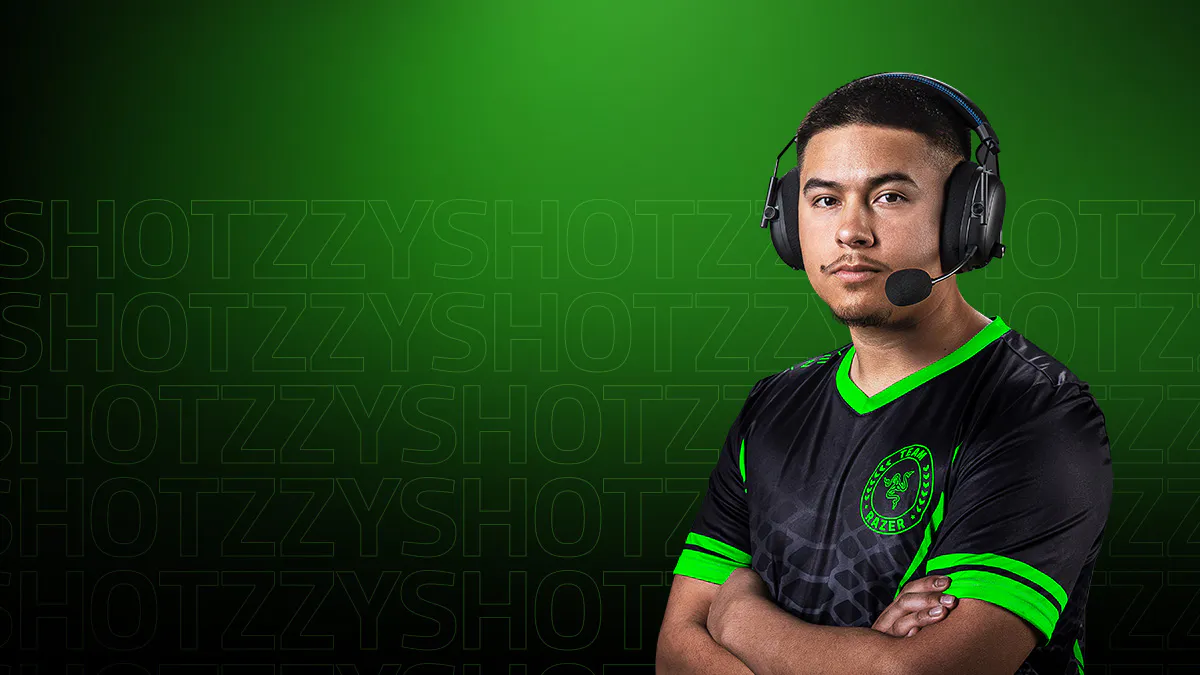
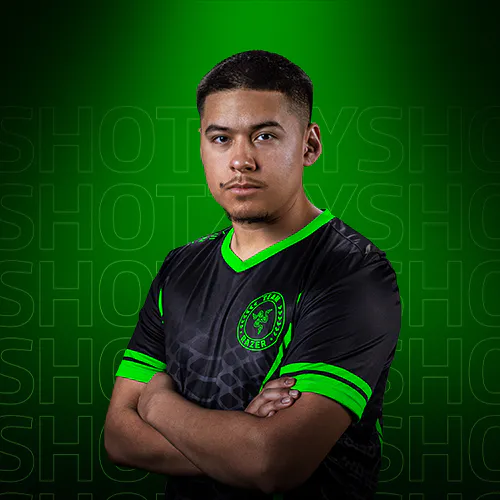
with the blackshark v3 pro, it’s like playing in a soundproof room.
shotzzy
3-time call of duty world champion
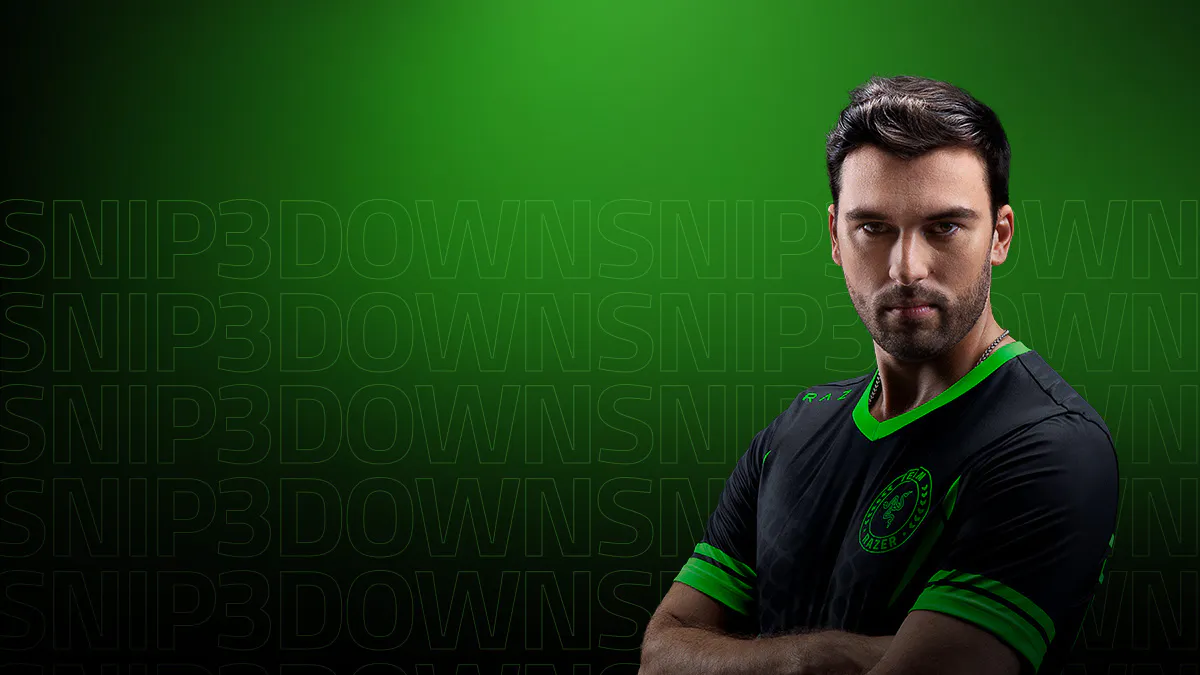
no delay, no stutter. just pure game audio with the blackshark v3 pro.
snip3down
2-time x games medalist
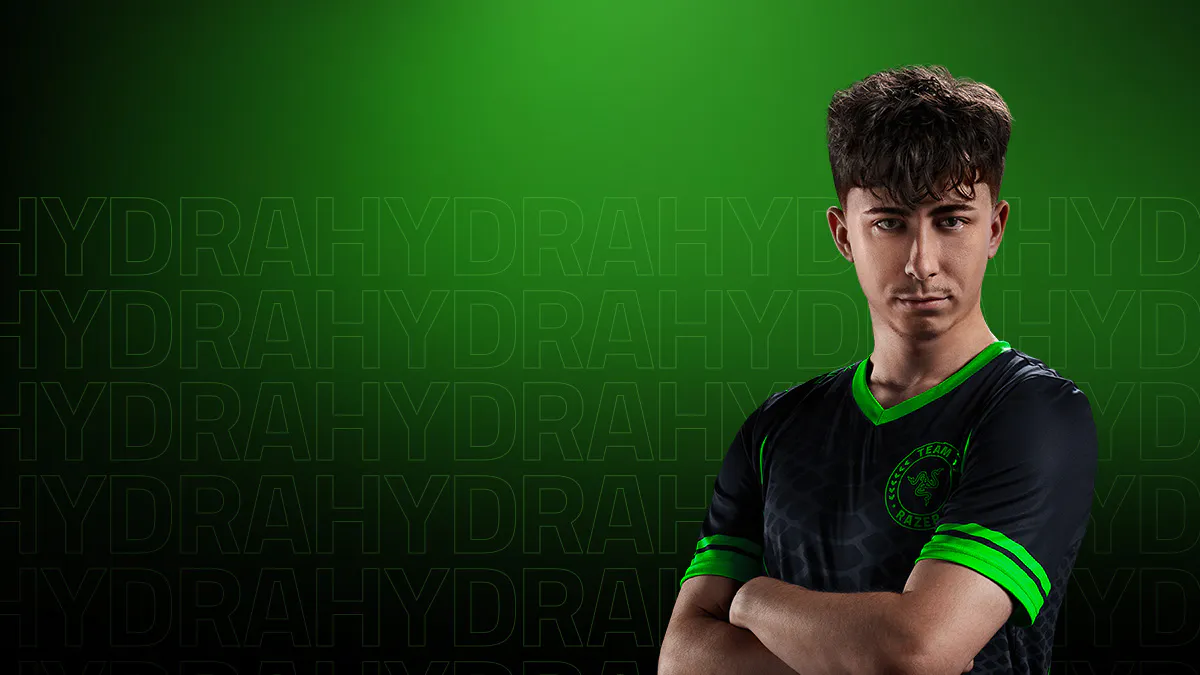
the blackshark v3 pro is so comfortable, it feels custom-made for me.
hydra
call of duty 2023 world champion
as an igl, comms is everything to me. the custom eq tuning is giving me actual in-game advantage.
hakis
esports world cup 2024 champion
the blackshark v3 pro nailed the balance of mic, sound, and comfort.
niko
iem cologne major 2026 champion
with the blackshark v3 pro, it’s like playing in a soundproof room.
shotzzy
3-time call of duty world champion
no delay, no stutter. just pure game audio with the blackshark v3 pro.
snip3down
2-time x games medalist
the blackshark v3 pro is so comfortable, it feels custom-made for me.
hydra
call of duty 2023 world champion
as an igl, comms is everything to me. the custom eq tuning is giving me actual in-game advantage.
hakis
esports world cup 2024 champion
HYBRID ACTIVE NOISE CANCELLATION
Extreme Focus with Zero Distractions
Stay focused with advanced hybrid ANC that reduces unwanted noise during competitive play. The swiveling earcups and soft memory foam cushions help form a secure seal for better sound isolation, while you can fine-tune your noise canceling with 4 adjustable levels via Razer Synapse or the Razer Audio app.
Description not needed: The visuals in this video animation only support what is spoken; the visuals do not provide additional information.
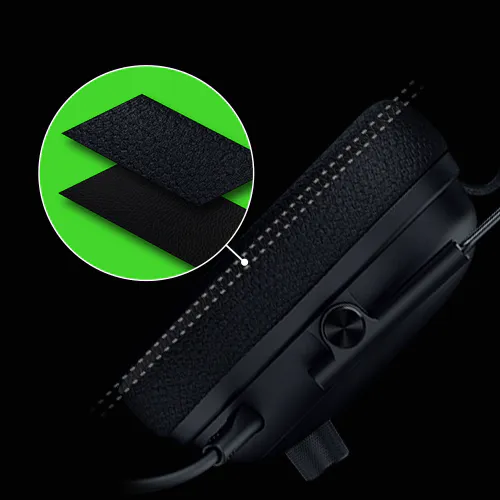
RAZER™ DUAL-LAYERED FLOWKNIT MEMORY FOAM CUSHIONS
Get the best of both worlds with the strong sound isolation of leatherette, layered with breathable, moisture-wicking fabric for long-lasting gaming comfort.
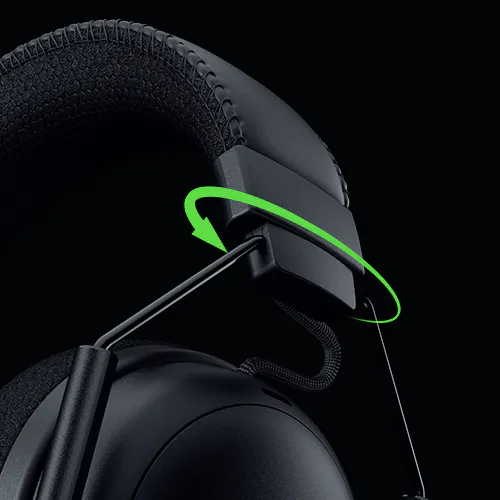
ADAPTIVE 15° SWIVEL JOINTS
Enjoy a snug fit and optimal seal with earcups that conform to the angle of your ears.
FLEXIBLE, DURABLE BUILD
From the leatherette headband to swivel holders, the headset’s reinforced build is made to withstand and stay secure against any knocks and bumps when things heat up.
RAZER™ TRIFORCE BIO-CELLULOSE 50 MM DRIVERS GEN-2
Crispest, Cleanest Competitive Audio
Tuned for improved clarity and positional performance, the Gen-2 drivers feature a unique bio-cellulose diaphragm to deliver natural, powerful sound—hear every footstep with absolute precision.
Description not needed: The visuals in this video animation only support what is spoken; the visuals do not provide additional information.
1. NEW DRIVER PLUG
Reduces harmonic distortion by 50%, keeps audio crisp to clearly identify critical cues.
2. NEW DIAPHRAGM DESIGN
Ultra-thin bio-cellulose diaphragm for clearer distinction of frequencies used in-game.
3. INCREASED MAGNET SIZE
75% increase in magnetic field strength for deeper bass precision and improved overall sound pressure level, helping you hear enemy footsteps with greater clarity.
4 MODES OF CONNECTIVITY
Simultaneous 2.4 GHz & Bluetooth | USB | 3.5 mm
Powered by Razer HyperSpeed Wireless Gen-2, enjoy ultra-low latency performance while listening to Bluetooth audio at the same time—ideal for staying on comms through your phone while playing your favorite games on PC or console.
70 HOURS OF BATTERY LIFE WITH TYPE C CHARGING
Get 6 hours of play with just 15 minutes of charging
THX SPATIAL AUDIO
Pinpoint 3D Positional Audio
Achieve ultimate competitive awareness through an expanded soundstage. Activate 7.1.4 surround sound* powered by THX Spatial Audio+ and enjoy precise overhead audio with an upgraded engine powered by the latest spatial algorithms.
*Only available on Windows 11, Version 23H2 (or higher).
Description not needed: The visuals in this video animation only support what is spoken; the visuals do not provide additional information.
PRO-TUNED FPS PROFILES AND CUSTOMIZABLE EQ
To Achieve Your Optimal Competitive Audio Settings
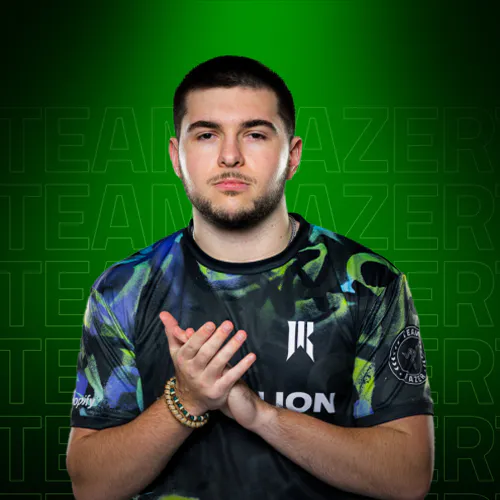
Enhance your audio advantage with game-specific EQ profiles, precision-tuned with Razer's roster of esports champions. Create your own EQs, save up to 9 profiles directly on the headset, and be ready to compete anytime.
TUNED BY THE BEST
NiKo
IEM COLOGNE MAJOR 2026 CHAMPION
Spinx
8-TIME COUNTER-STRIKE CHAMPION
Hakis
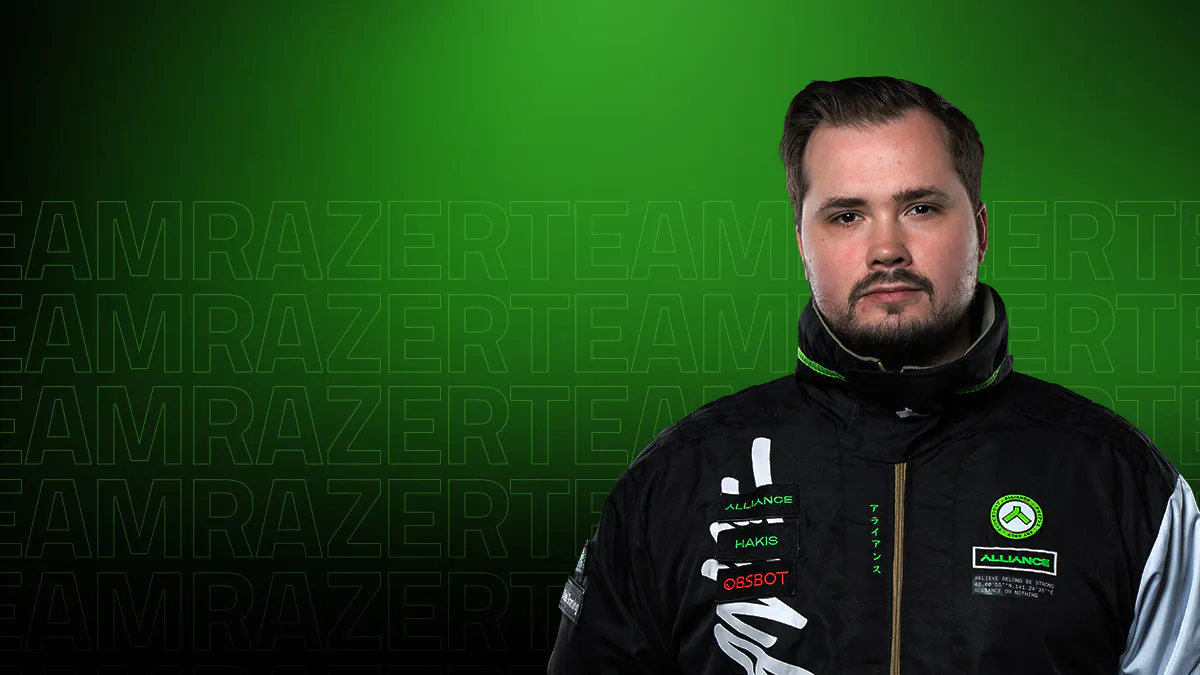
ESPORTS WORLD CUP 2024 CHAMPION
Unlucky
ESPORTS WORLD CUP 2024 CHAMPION
Shotzzy
3-TIME CALL OF DUTY WORLD CHAMPION
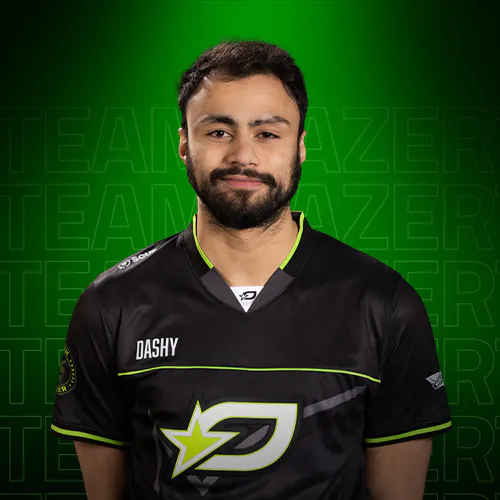
Dashy
2-TIME CALL OF DUTY WORLD CHAMPION
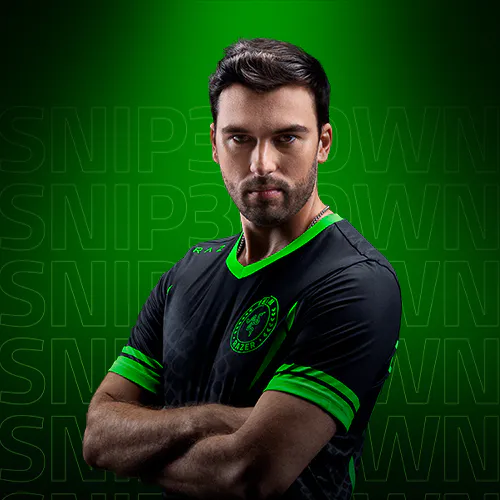
Snip3Down
2-TIME X GAMES MEDALIST
Lastshot
HALO 2025 WORLD CHAMPION
CONFIGURABLE ROLLER
FOOTSTEPS BOOSTER
Adjust footstep audio levels on the fly no matter which EQ profile you're using.
GAME-CHAT BALANCE
Adjust game and chat audio levels independently for the perfect mix.
MIC MONITORING
Hear your own voice through the headset to keep your levels in check.
RAZER AUDIO APP
Take full control of your wireless gaming headset from the convenience of your phone. Personalize EQ profiles, remap controls, and more from one intuitive app.
This is a carousel. Use the buttons to navigate into any slide.
100 Thieves
Alliance
DarkZero
Hanwha Life Esports
LA Thieves
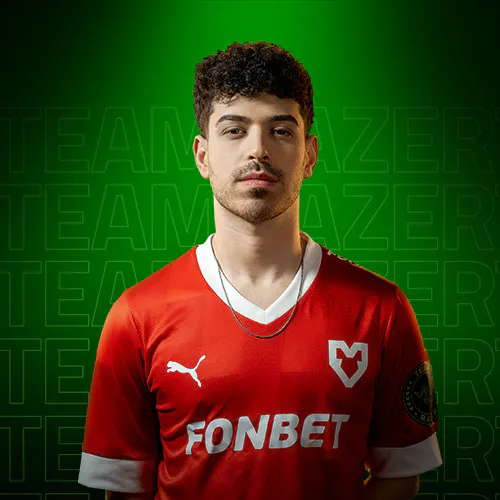
Mouz
Niko
Optic Gaming Black Edition
Optic Gaming White Edition
Sentinels
Shopify Rebellion
Snip3down
Tyloo
We’ve Got You Covered
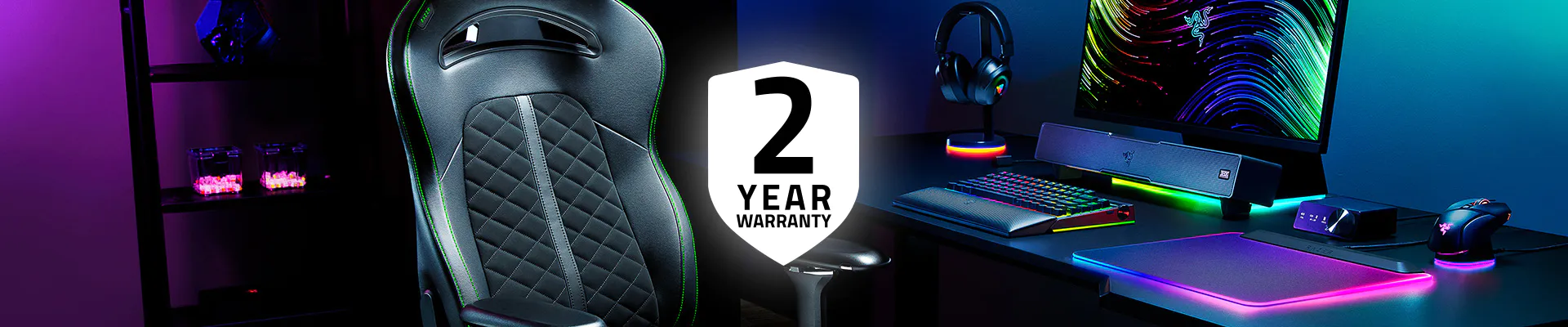
Get up to 2 years of warranty and access reliable tech support. Purchase directly from RazerStore and get 14 days risk‑free returns.
FAQS
What’s new with the BlackShark V3 Pro?
It features faster ultra-low latency wireless performance, a Full Band 12 mm microphone, Hybrid Active Noise Cancellation, upgraded TriForce Bio-Cellulose 50 mm drivers, THX Spatial Audio 7.1.4, and three connection options: 2.4 GHz wireless, Bluetooth, and USB.
How do I activate THX Spatial Audio?
THX Spatial Audio is integrated into Razer Synapse. Install Synapse on Windows 11 Version 23H2 (or later) to enable full 7.1.4 support. Download Razer Synapse here.
How do I use simultaneous audio on the Razer BlackShark V3 Pro?
First connect the headset to both 2.4 GHz wireless and Bluetooth. The LED on the left earcup shows your current mode:
• Green – 2.4 GHz wireless • Blue – Bluetooth • White – Simultaneous audio
Once both connections are active, double-tap the SmartSwitch button to enter simultaneous audio mode and hear both sources at the same time.
What happens when I receive a call on my mobile while connected to two modes?
When in simultaneous audio, the device can receive audio from two different wireless sources. If a call comes in on your mobile, the device will prioritize your mic for calls coming from Bluetooth mode.
What can I control with the on-earcup controls?
SmartSwitch button: • Press once to cycle EQ presets • Double-tap to switch between 2.4 GHz, Bluetooth, and Simultaneous Audio
ANC button: • Cycle between ANC On, Ambient Mode, and ANC Off
Control dial: • Adjust Game/Chat Balance, Mic Monitoring, or Footstep Boost
What does the power button on the headset do besides turning it on/off?
The power button also acts as a media button. Tap once to pause, tap again to play. Double tap to skip the current song or triple tap to go back to the previous song.
How do I position the mic to ensure the best voice quality?
Speak into the mic with the mic symbol facing your mouth, ensuring it is 1 inch away.
How long does it take to charge the Razer BlackShark V3 Pro?
A full charge takes about 4 hours and provides up to 70 hours of use. A quick 15-minute charge gives roughly 6 hours of playtime.
What audio EQ profile should I be using?
The headset includes several EQ presets such as Game, Movie, Music, and Esports, each tuned for different activities. You can also create your own custom EQ in Razer Synapse or the Audio App, with competitive game profiles available to enhance footsteps and directional cues in popular shooters.
Where can I buy the Razer BlackShark V3 Pro?
You can purchase the product directly from Razer.com, at selected retail and etail stores, or RazerStore near you.
GET NZ$15 OFF YOUR NEXT ORDER
Sign up for our Razer newsletter to unlock a special discount code for Razer gear and be the first to know about our latest specials and product releases.
Thanks for signing up.
Check your inbox and verify your email address to receive your promo code.














/TN0008-razer-hyperspeed-wireless-gen-2.svg)
/SW0005-bluetooth.svg)
/AS0013-USB-C.svg)
/AU0001-3.5mm-audio-jack.svg)



/MISC0040-footsteps-scaling.svg)
/AU0086-game-chat-balance.svg)
/AU0026-microphone.svg)



/SM0003-instagram.svg)
/SM0014-tiktok.svg)
/SM0017-X.svg)