


Axon Create
You are currently on the New Zealand site.
Select a location to view location-specific content and shop online.
Razer Back-To-School Kits: Enjoy exclusive education pricing on essential gear and crush the new semester. Shop Now
This is a carousel with auto-rotating slides. Use the pause button or activate any of the buttons to disable rotation. Navigate by using the slide dots to jump to a slide.
-

-
 Axon Create
 -
 Axon Create
 -
 Axon Create
 -
 Axon Create


CREATE YOUR OWN WALLPAPERS & CHROMA™ RGB EFFECTS
In Three Easy Steps With “Axon Create” and “Chroma Generate”
Unleash your creativity with Razer Axon! Create your own desktop wallpapers and instantly add matching Chroma™ RGB effects to your setup, all without any aesthetic or technical expertise required.
-
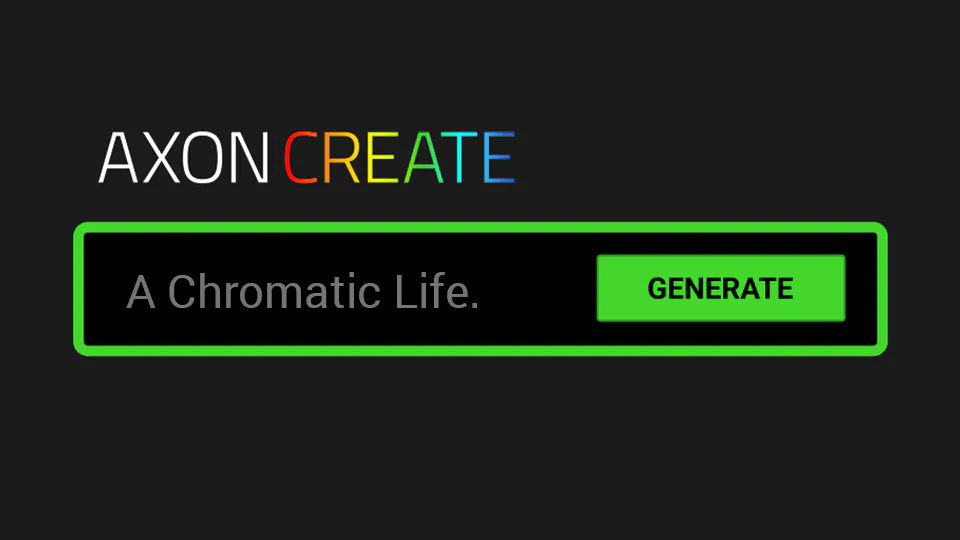
STEP 1
Use AXON CREATE toolset: Text to Image or Image to Motion to turn your imaginations into your own Static or Dynamic wallpapers. -

STEP 2
Use Chroma Generate to customize the matching Chroma™ RGB effects tailored to your expression! -

STEP 3
Apply your masterpieces to your desktop, share them with friends and the Community, or submit it to Wallpaper Contests and win Razer gears!

CREATE YOUR OWN
Windows 11, Windows 10
AXON CREATE
GENERATIVE AI
GENERATIVE AI
You Don’t Have to Be a Pro to Create

AXON CREATE AI Powered By 
TRY NOW
Windows 11, Windows 10
CHROMA GENERATE
Instant Matching Chroma™ RGB Effects to Your Desktop
-

COLOR THEORY
Chroma Generate utilizes color theory and pre-trained color-matching models to deliver optimal color combinations on your devices. -

MOTION CAPTURE
Whether it’s a still image or a dynamic video, Chroma Generate identifies the “motion” in your creations and matches them instantly. -

BLENDING
Every time you click the “GENERATE” button, new blending variations apply. Try as many times as you wish and voilà!


DOWNLOAD AXON
Windows 11, Windows 10