

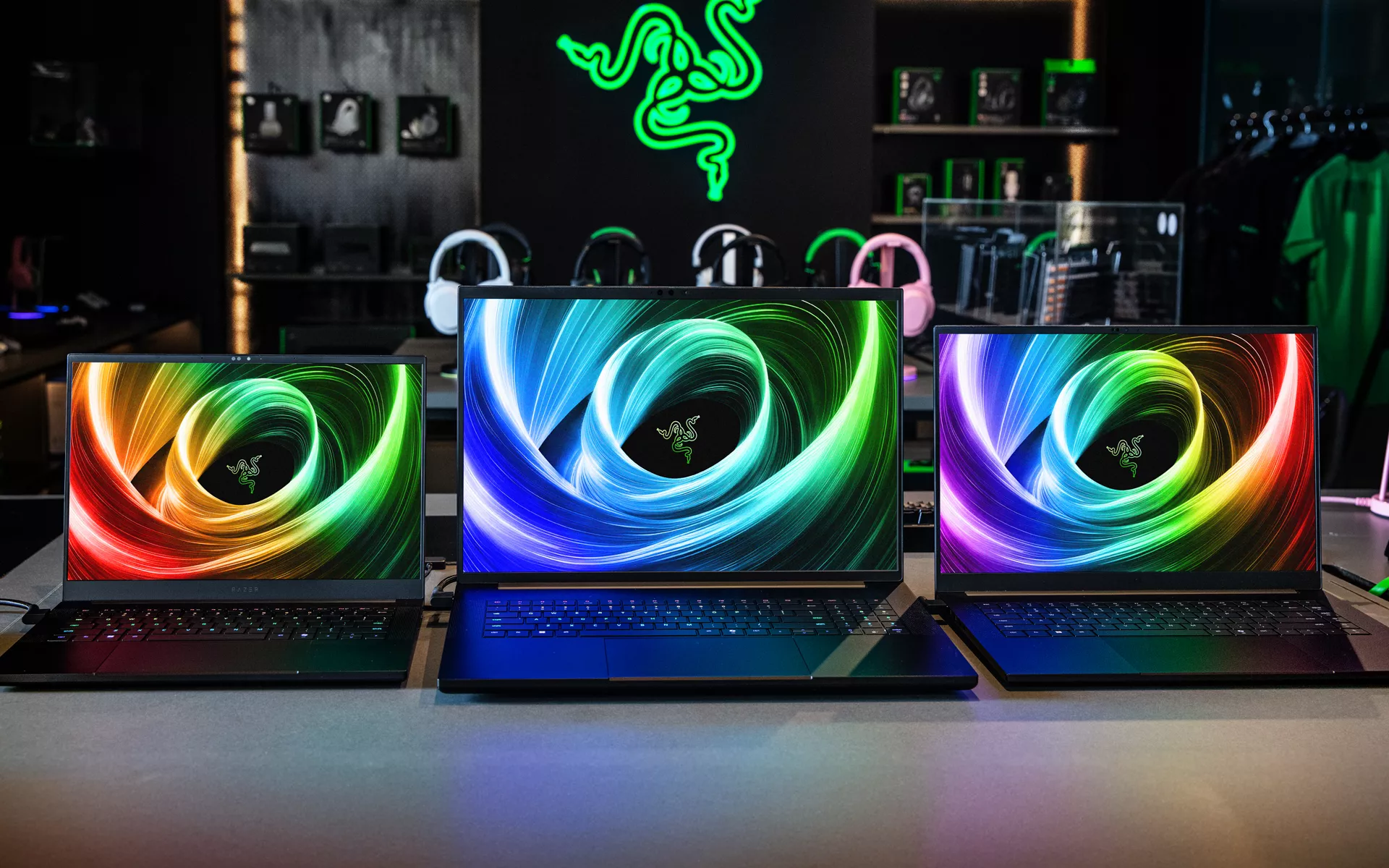
Gamers push hardware to the edge, they tune every setting from clock speeds to thermals, across their hardware and software to squeeze out every bit of performance there is. That same mindset drives how we build the Razer Blade.
When we design for peak gaming performance, the result is a laptop that also crushes work, from creative production to code builds to AI workflows. If a system can play hard, it can work hard, and our laptops prove it every day.
The Ultimate Laptop for Work and Gaming

All our laptops follow the same Razer design ethos… and we strive to deliver the best to meet the gamers’ exacting standards from look and feel, to gaming performance. All our Razer Blades come with an aluminum unibody chassis fashioned out of a single block of aluminum that keeps the profile slim and rigid. We’ve a bespoke vapor chamber cooling system with finely controlled fan curves that maintain performance under sustained load. Our refined keyboards and trackpads let you navigate precisely in a DAW or a match.
AI ready, RTX accelerated, built for modern workflows
There is a Razer Blade laptop for everyone, built on the latest chipsets from AMD, Intel, and NVIDIA. For gamers, GeForce RTX GPUs unlock the newest features, including advanced ray tracing, DLSS, and AI powered tech that delivers high frame rates in demanding titles. For creators, the same RTX hardware accelerates across one hundred creative and AI-enabled applications, from video and 3D to photography and audio.
If you want a single machine that edits 4K timelines before lunch and raids after dinner, that is exactly what we build for. What you may not know about our award-winning laptops is that we’ve also attracted a community of creative professionals who make their Razer Blade laptops a mobile workhorse.
Check out our Made With Blade initiative which spotlights these creatives and the work they have done on the Razer Blade.
Which Razer Blade is the right one for you?
Here’s a quick overview chart on which Razer Blade will meet your needs – for a more in-depth comparision, check out our Razer Blade buying guide.
| Model | Form factor | Best for | Highlights |
| Blade 14 | Ultra portable 14‑inch | Students, devs, frequent travelers, competitive gamers | Light weight, high refresh display, powerful RTX options, long battery life |
| Blade 16 | Balanced 16‑inch | Creators and gamers who want desktop class performance in a slim chassis | Dual‑mode high refresh or high resolution display options, top tier CPU and GPU choices |
| Blade 18 | Desktop replacement 18‑inch | Editors, 3D artists, streamers who need the biggest canvas and more ports | Expansive display, advanced cooling, high power RTX GPUs, robust I/O |
Real world flows, one single machine from morning to midnight
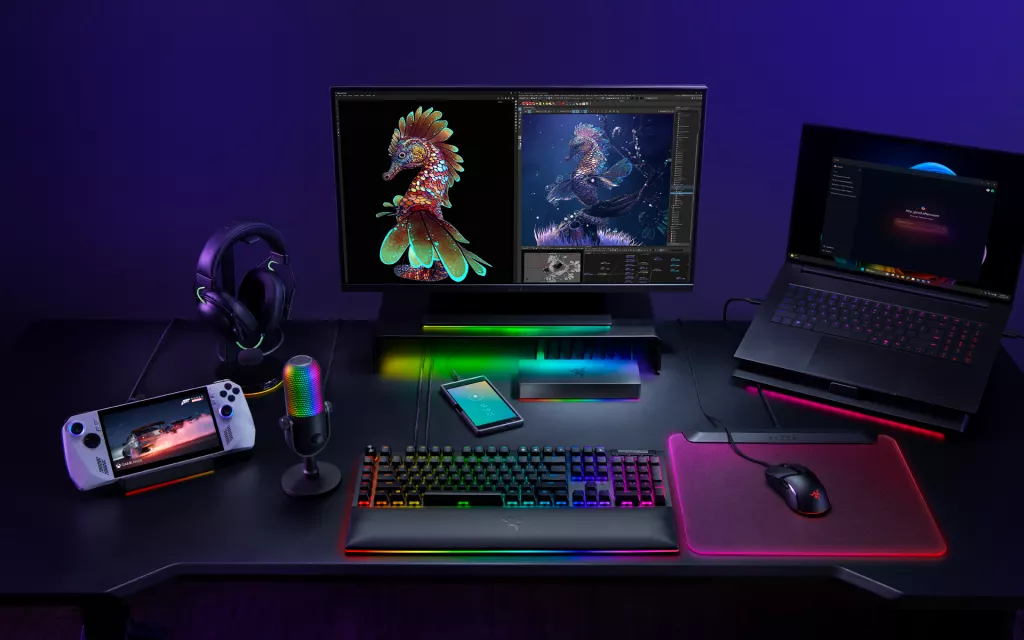
In today’s world, work and play does not have to be confined to desk, nor do you need complicated multi-system setup for you to power through your day. The Razer Blade, with the help of our range of accessories such as our external GPU enclosure, the Razer Core X V2, our Thunderbolt 5 Dock, and the Laptop Cooling Pad will make for a mean battlestation setup for your home.
Simply undock to take it on the go in the day for work, and plug back in to your home setup to take advantage of the same GPU power for high FPS gaming. One machine, zero context switching, no compromises.
Find the perfect Razer Blade for you in 3 easy steps
- Browse the lineup on the Razer Blade laptops page, compare sizes, displays, and GPU options.
- Use the Blade buying guide to match a model to your workload, from portable workhorse to desktop replacement.
- If you run GPU accelerated creative apps, review our NVIDIA AI technology page and Made with Blade for tips and project ideas.
