

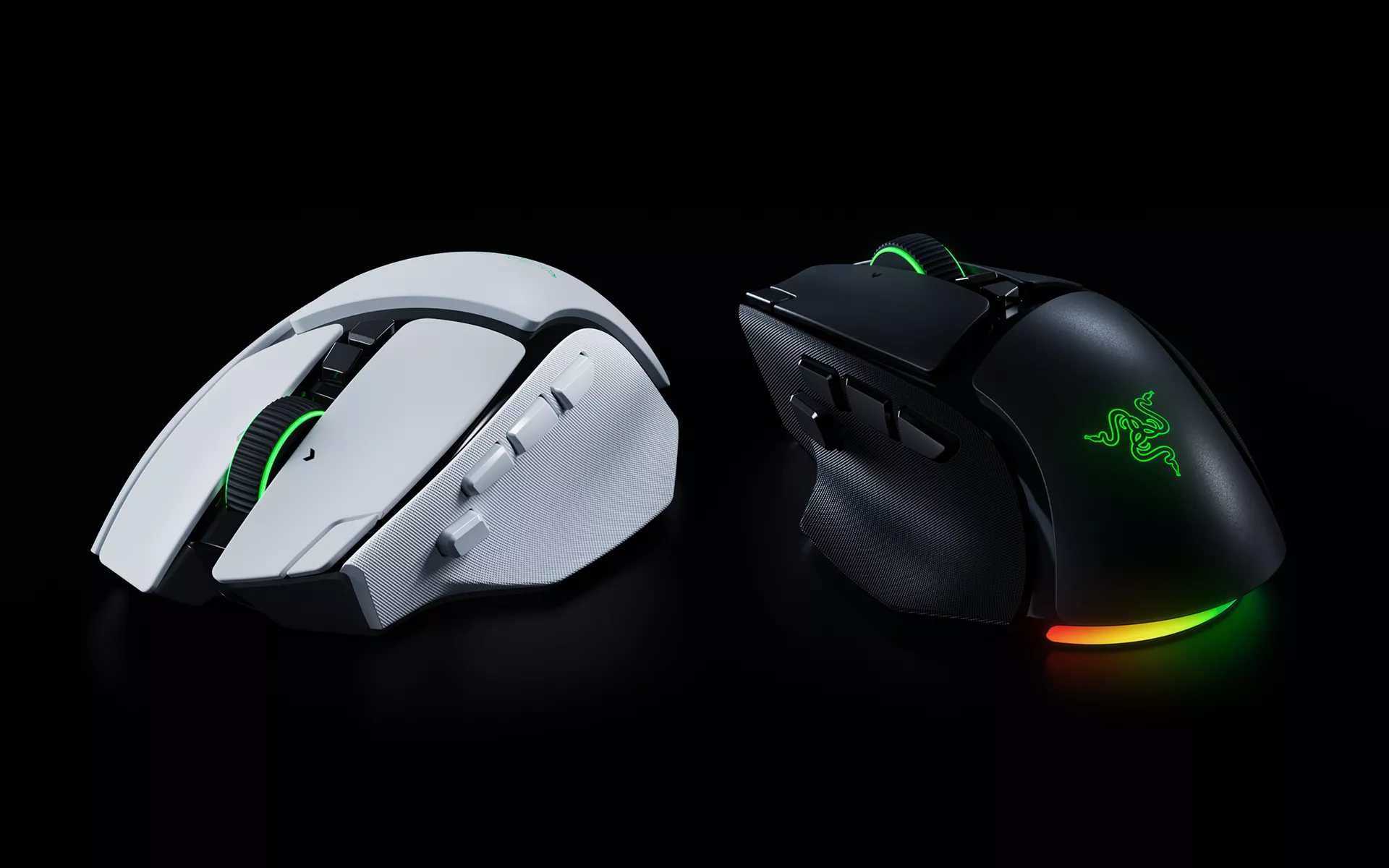
Your gaming mouse probably does more than you think. One moment, you’re navigating an open world or switching abilities in a fast-paced match. The next, you’re scrolling through documents, editing content, or getting work done. Each task comes with different demands, and having a mouse that adapts to them can make a real difference.
For nearly a decade, the Razer Basilisk line has been built around that versatility. Its recognizable ergonomic shape, customizable controls, and flexible performance have made it a familiar choice for gamers who enjoy different genres and want more control over their experience.
Now, the Razer Basilisk V4 line carries that approach forward. Leading the lineup is the Razer Basilisk V4 Pro, bringing new levels of customization, refined ergonomics, and upgraded wireless performance. Joining it is the Razer Basilisk V4 HyperSpeed, offering another way to experience the signature Razer Basilisk design.
What’s New in the Razer Basilisk V4 Pro Design?
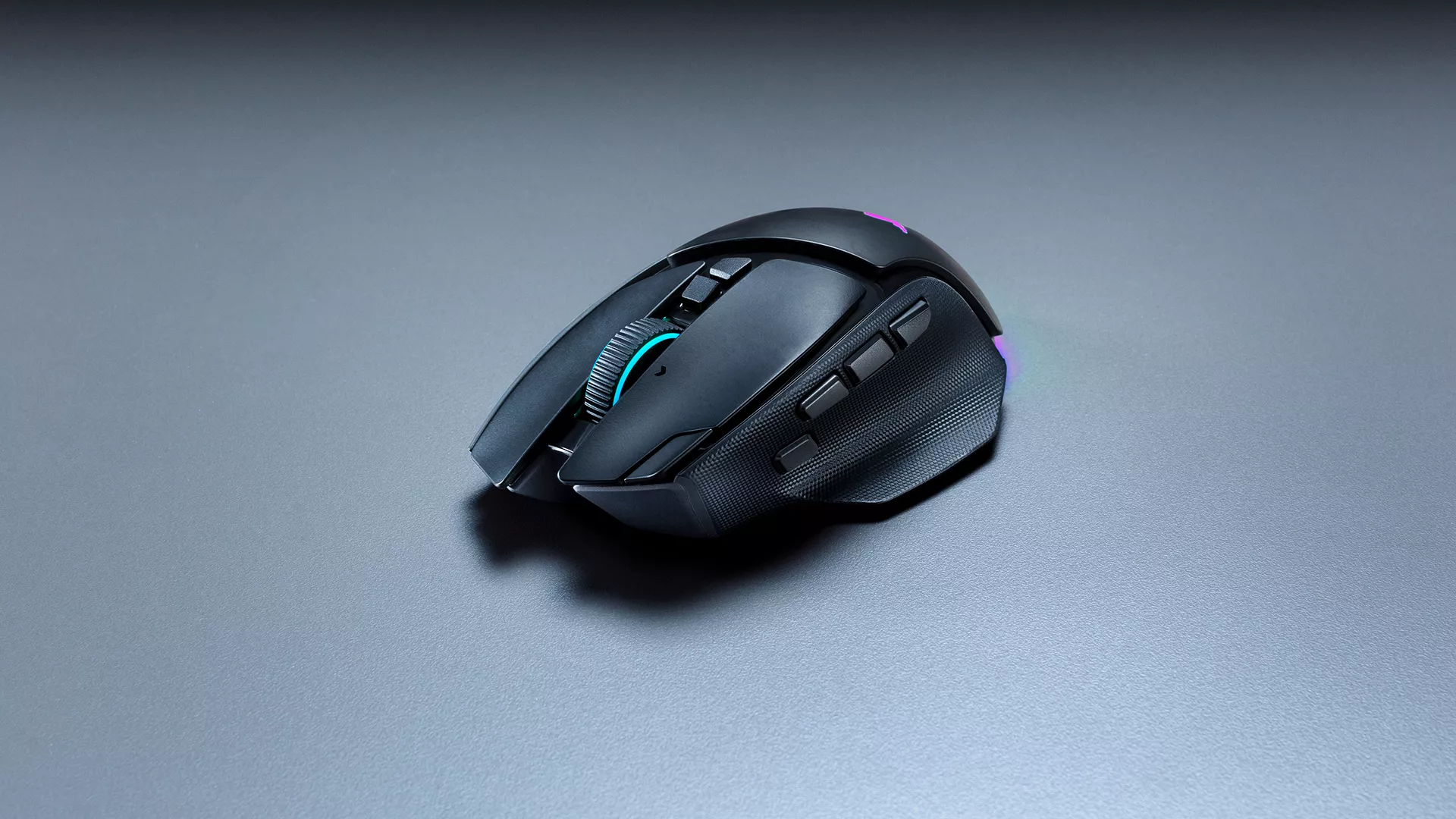
The Razer Basilisk’s distinctive ergonomic shape and signature thumb rest return with the Razer Basilisk V4 Pro, preserving the familiar feel that has become a defining part of the line.
While the overall silhouette remains recognizable, several refinements make its controls more accessible. The multi-function trigger has been repositioned for a more natural reach, while a third side button and new M1 edge button expand the mouse to 14 customizable controls.
Despite these additions, the Razer Basilisk V4 Pro weighs 100 g, making it 12 g lighter than its predecessor.
For gamers who frequently switch between genres, those extra controls create more room to personalize their setup. You can assign abilities or shortcuts to buttons within easy reach, then use Razer HyperShift to access secondary functions without changing your grip.
Through Razer Synapse 4, Smart Profiles can automatically load your preferred settings when you launch a game. Up to five onboard memory profiles also let you bring those configurations between setups.
A Scroll Wheel That Adapts to How You Play
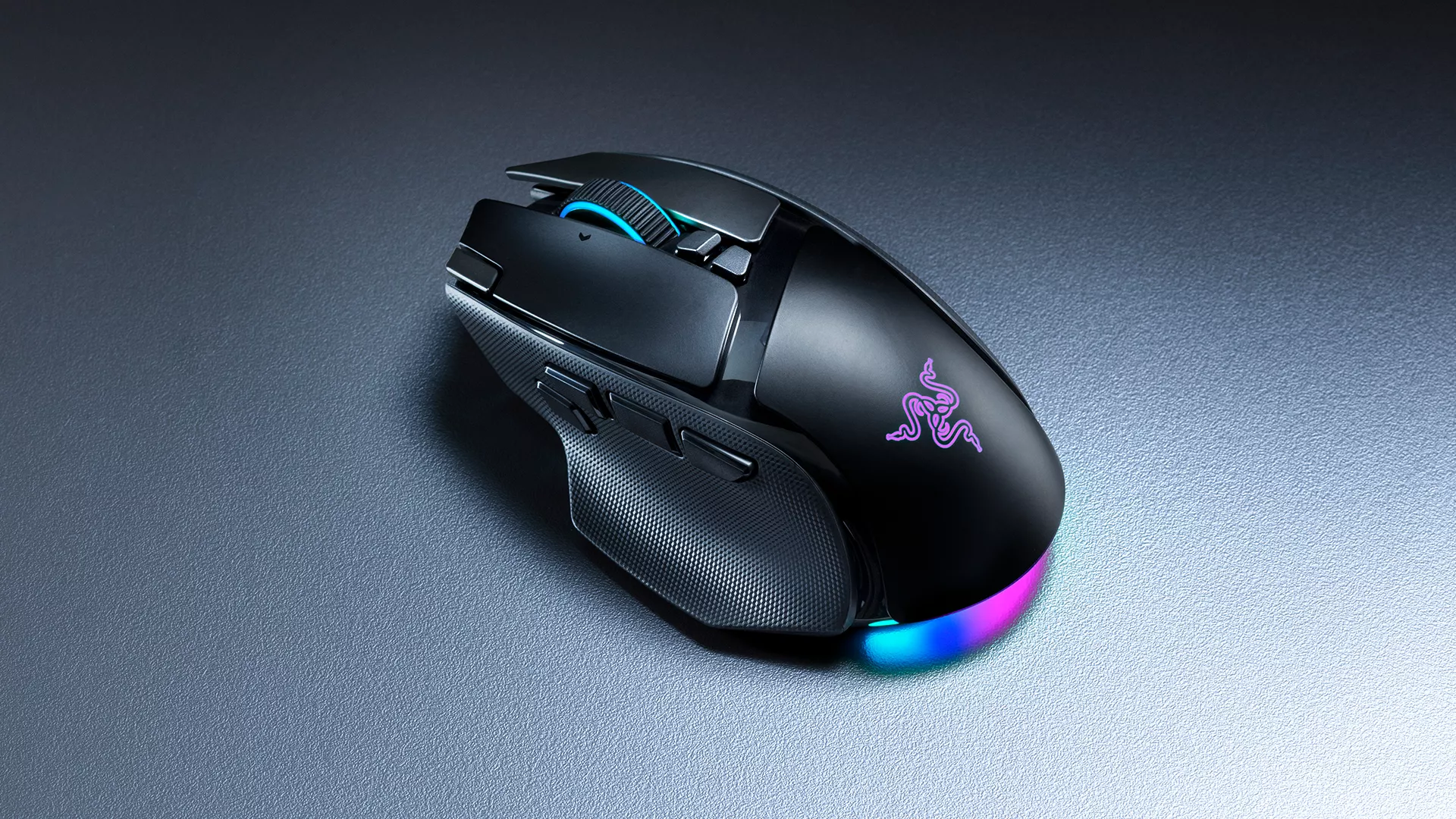
Scrolling might seem like a small part of using a gaming mouse, but different tasks call for different levels of control. Switching through weapons or abilities benefits from distinct, deliberate steps, while navigating lengthy documents or timelines is easier with faster scrolling.
The Razer HyperScroll Tilt Wheel Gen-2 on the Razer Basilisk V4 Pro gives you both.
Its tactile modes offer a choice between 24 steps for deliberate scrolling and 48 steps for finer adjustments. When you need to cover more ground, Free-Spin mode lets the wheel rotate freely.
There’s also Smart-Reel, which automatically changes between tactile and free-spin scrolling based on how quickly you move the wheel. You can fine-tune that behavior in Razer Synapse 4, along with Virtual Acceleration, which increases scrolling speed as you scroll faster.
The wheel also supports four-way scrolling, allowing you to tilt it left or right for additional shortcuts.
Whether you’re navigating an inventory, moving through a long webpage, or editing a video timeline, you can adjust the scroll wheel to suit what you’re doing.
Performance That Responds to How You Play
Customization goes beyond buttons and scrolling. How a mouse tracks movement, responds to clicks, and accommodates your grip can also shape the way it feels in-game.
The Razer Basilisk V4 Pro features the Razer Focus Pro 50K Optical Sensor Gen-3, bringing advanced tracking technology to the lineup.
One of its key features is Frame Sync, which coordinates the sensor’s scans with the mouse’s polling cycle. This allows movement data to be captured closer to the moment it is transmitted to your PC, helping reduce motion latency while improving battery efficiency.
Paired with Razer HyperSpeed Wireless Gen-2, the mouse supports a true 8000 Hz polling rate in both wired and wireless modes, without requiring an additional polling dongle.
The Razer Optical Mouse Switches Gen-4 are rated for up to 100 million clicks, with 12% lighter actuation for a responsive click feel.
Fine-Tuning Beyond DPI
Razer Synapse 4 also introduces ways to personalize how the Razer Basilisk V4 Pro responds to your movements.
For example, Perfect 180 lets you assign a button to execute a quick 180-degree turn, particularly useful for low-sensitivity gamers who would otherwise need a larger mouse movement to turn around.
Dynamic Sensitivity adjusts DPI according to how quickly you move the mouse, allowing faster cursor movement during quick sweeps and more precise control when moving slowly.
There’s also Mouse Rotation, which lets you align sensor tracking with the natural angle of your grip. If you tend to hold your mouse slightly tilted, you can adjust its tracking orientation, so your on-screen movements better match your intended direction.
Together, these settings give you more ways to tailor the mouse to your habits and preferred style of play.
Bringing More of Your Battlestation Into the Game
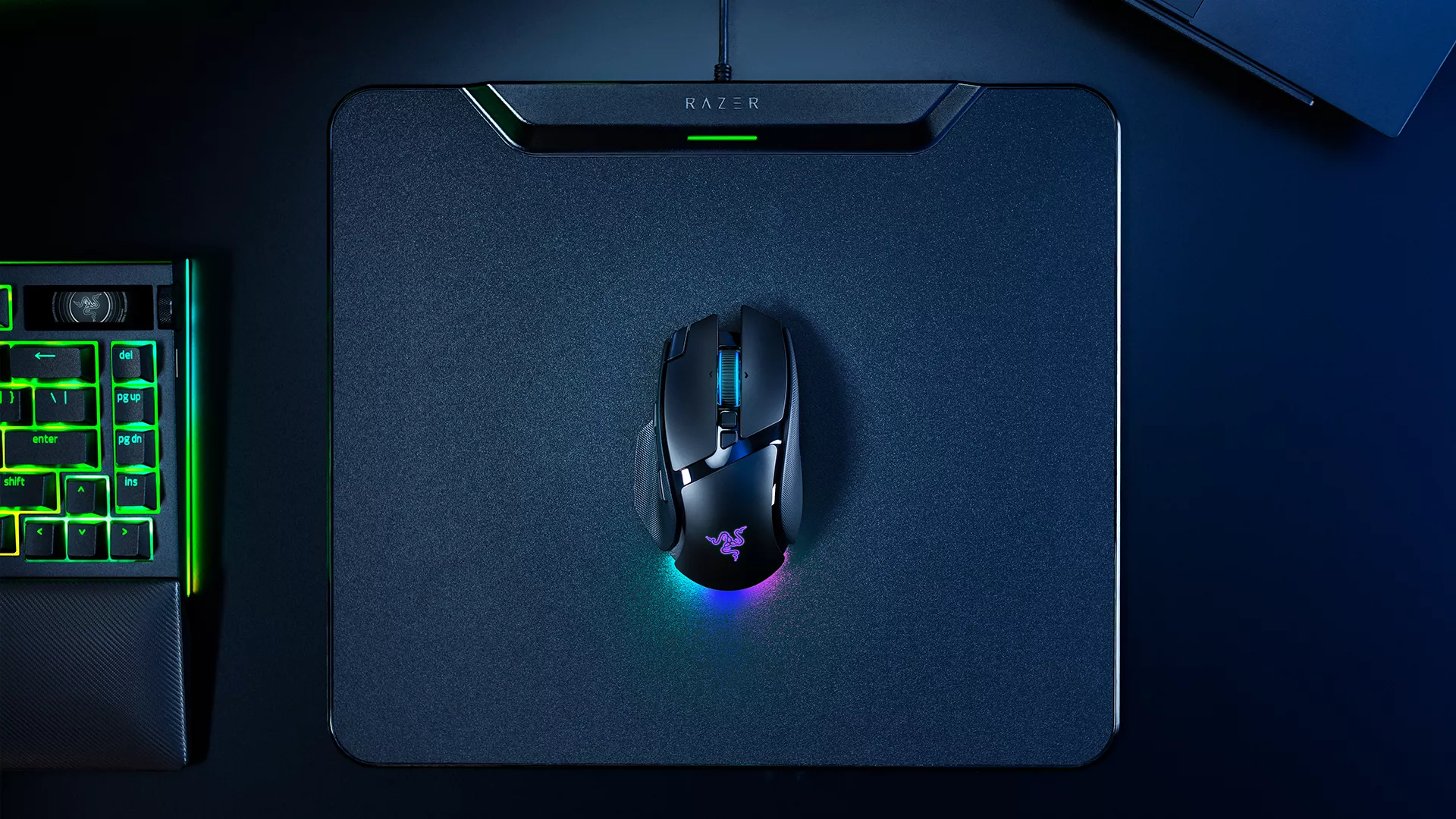
For gamers who enjoy building a coordinated setup, lighting adds another layer of personalization.
The Razer Basilisk V4 Pro features 7-zone Razer Chroma RGB with full underglow, projecting lighting beneath and around the mouse. Unlike lighting positioned entirely on the mouse’s upper surface, the underglow remains visible even while your hand is resting on it.
Through more than 300 Razer Chroma-integrated games, supported in-game events can trigger lighting effects that respond to what’s happening on-screen.
You can also synchronize the mouse with other compatible Razer Chroma RGB devices, bringing its lighting into the wider battlestation.
More Ways to Connect, Charge, and Play
A versatile mouse should also fit into the rest of your setup, particularly if you’re using the same desk for gaming, work, and everyday tasks.
The Razer Basilisk V4 Pro supports five connection options: Razer HyperSpeed Wireless Gen-2, Bluetooth 6.2 connections for up to three paired devices, and wired USB connectivity.
You can keep your main gaming PC connected through Razer HyperSpeed Wireless Gen-2 while maintaining Bluetooth connections to a laptop or tablet. Switching between them is straightforward, without having to pair the mouse again each time.
Battery life reaches up to 200 hours through Razer HyperSpeed Wireless Gen-2 or 275 hours over Bluetooth 6.2, depending on usage and settings.
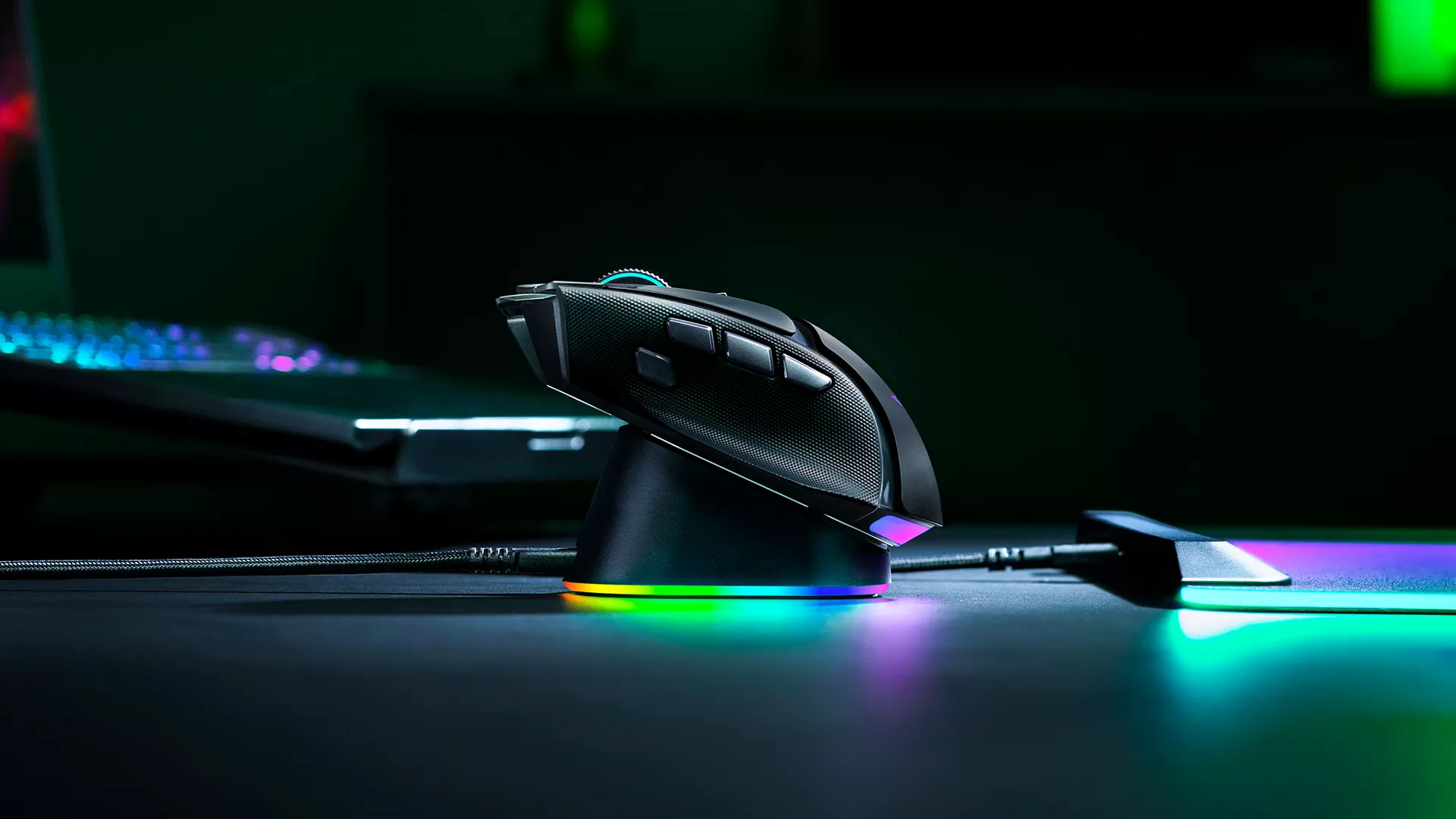
For convenient charging, the Razer Basilisk V4 Pro launches alongside the new Razer Mouse Dock V2 Pro.
Its magnetic wireless charging design lets you place the mouse onto the dock between sessions. The dock also functions as a wireless hub, with an integrated 8000 Hz transceiver, an LED charging indicator, and 8-zone Razer Chroma RGB underglow.
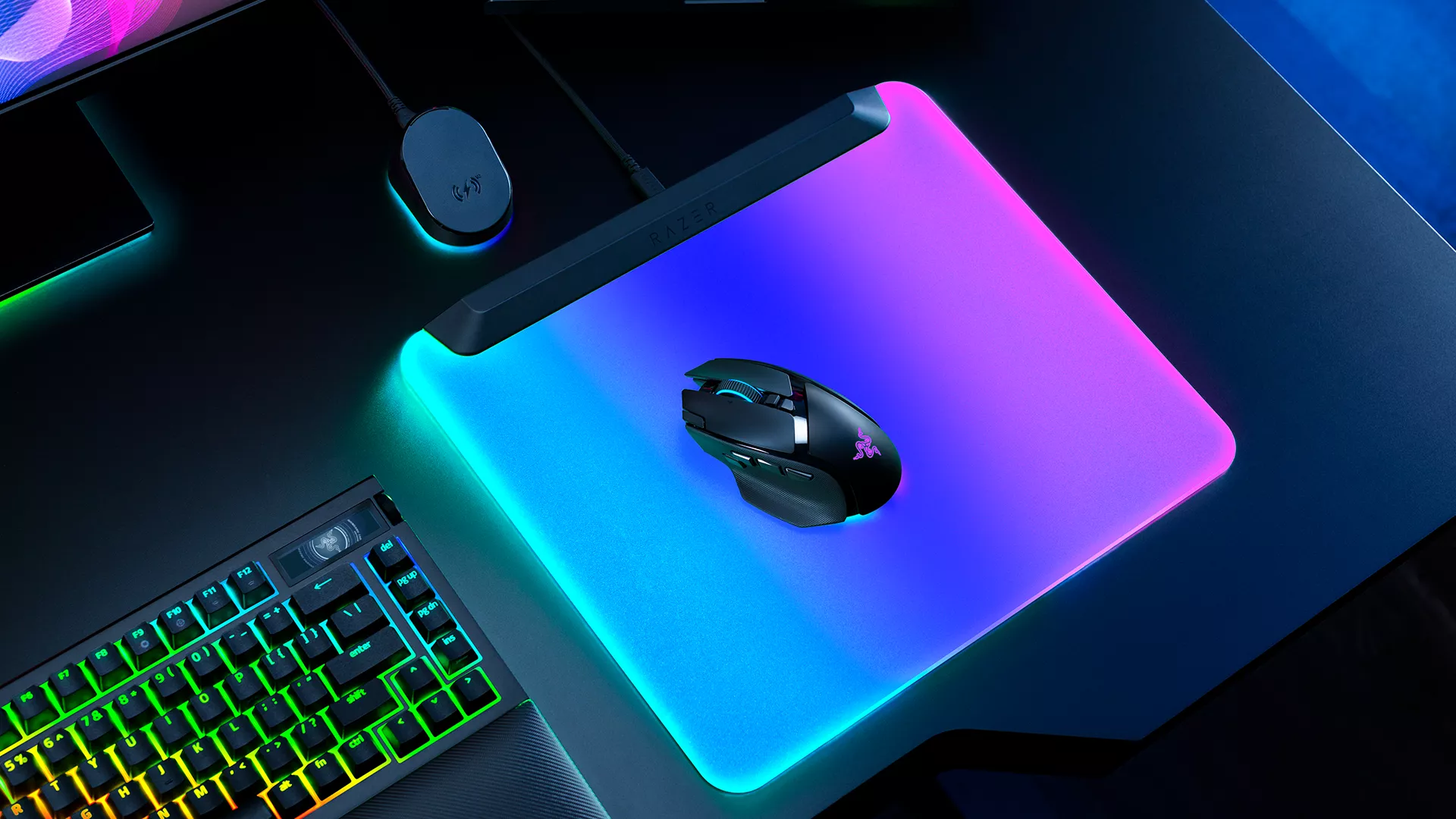
For compatible setups1, Razer HyperSpeed Multi-Device Support also allows supported Razer mice and keyboards to share a single transceiver, helping free up USB ports.
And if you’d rather keep the mouse powered while you’re using it, the Razer HyperFlux V2 provides wireless power directly through the mouse mat. The Razer Basilisk V4 Pro also supports the Razer Wireless Charging Puck, giving you additional charging options depending on your setup.
Charging accessories sold separately.
Another Way to Play: Razer Basilisk V4 HyperSpeed
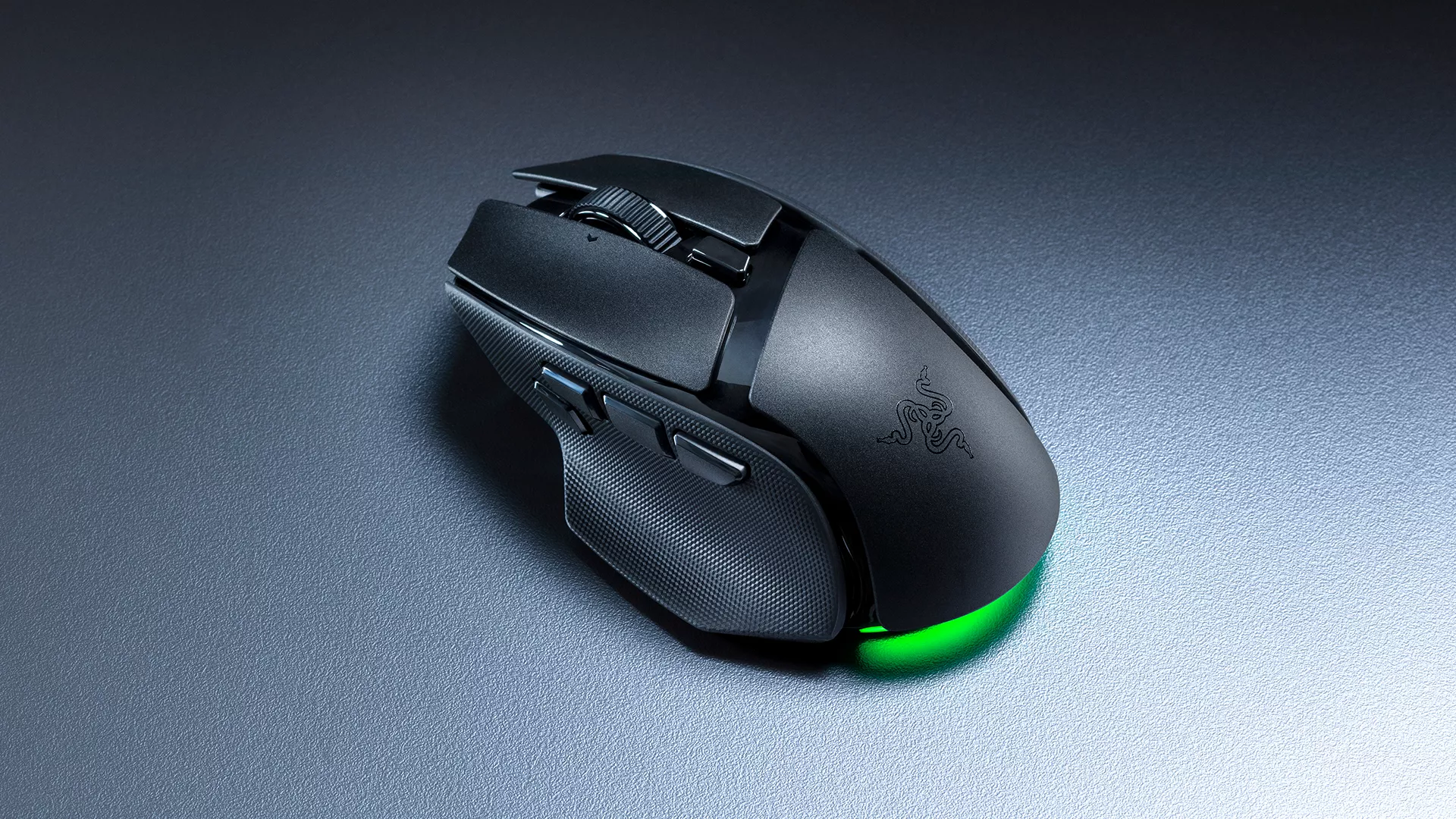
The Razer Basilisk has always appealed to gamers with different preferences, and the new lineup continues that approach with the Razer Basilisk V4 HyperSpeed.
For those who want the familiar ergonomic shape and customizable controls in a lighter wireless package, the Razer Basilisk V4 HyperSpeed offers a focused alternative.
Weighing 94 g, it features the Razer Focus X 33K Optical Sensor Gen-3, 12 customizable controls, and up to 140 hours of battery life.
It carries forward the versatility that defines the Razer Basilisk line, giving you room to customize your controls while keeping the experience straightforward.
Whether you prefer the expanded feature set of the Razer Basilisk V4 Pro or the more streamlined approach of the Razer Basilisk V4 HyperSpeed, both are built around the same familiar design.
Built Around the Way You Play
The Razer Basilisk has evolved over the years, but its appeal remains familiar: a gaming mouse that can adapt to different games, tasks, and personal preferences.
With the Razer Basilisk V4 line, that flexibility extends further, from how you configure your controls and scrolling to how the mouse responds to your movements and connects with the rest of your setup.
However you choose to play, there’s more room to make the experience your own.
Explore the Razer Basilisk V4 line and find the mouse that fits your setup.
- List of compatible devices: Razer Basilisk V4 Pro, Razer Basilisk V4 HyperSpeed, Razer Basilisk V3 Pro 35K, Razer Basilisk V3 Pro, Razer Naga V3 Pro, Razer Naga V2 Pro, Razer Cobra Pro, Razer Cobra HyperSpeed, Razer BlackWidow V4 TKL HyperSpeed, Razer BlackWidow V4 Low-profile HyperSpeed, Razer BlackWidow V4 Low-profile TKL HyperSpeed, Razer BlackWidow V4 Mini HyperSpeed, Razer BlackWidow V3 Pro, Razer BlackWidow V3 Mini, Razer DeathStalker V2 Pro, Razer DeathStalker V2 Pro TKL, Razer Joro. ↩︎
