

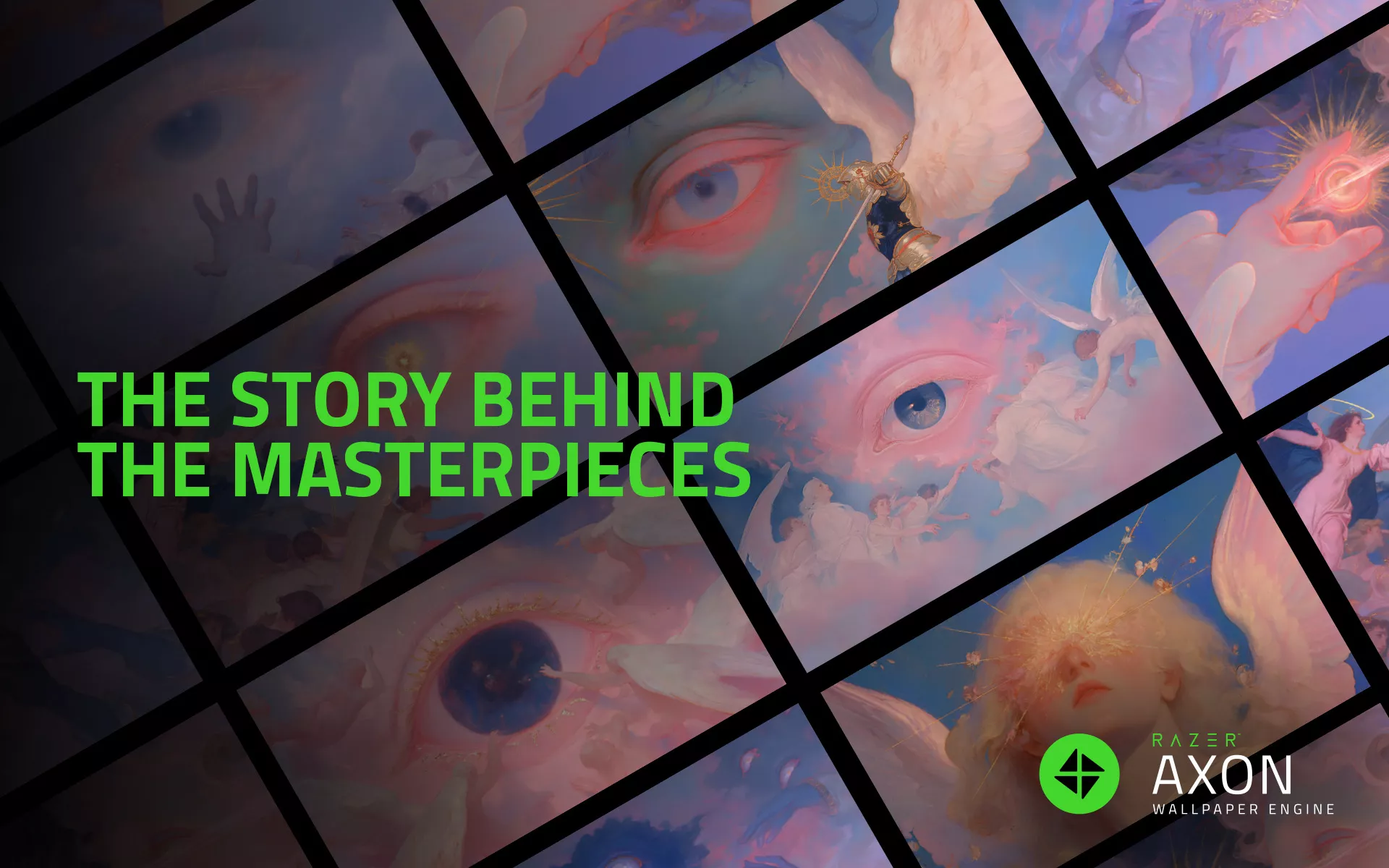
What if a single image could feel like part of a much bigger story?
For Hungarian digital artist Palatiumanimi, familiar visual elements take on new meaning through surreal compositions of floating figures, expressive eyes, and otherworldly skies. Each artwork offers a glimpse into an imagined world where dreams and emotions seem to take physical form.
In our latest Razer Axon Artist Spotlight, we’re exploring Palatiumanimi’s AI-assisted approach to visual storytelling and The Eye That Dreams, a wallpaper collection that brings this distinctive artistic vision to your desktop.
A Visual Language Built Around Dreams
Palatiumanimi’s artwork has a recognizable visual identity. Soft pink skies meet radiant blues, while luminous figures and angelic forms appear suspended in environments that feel somewhere between dreams and reality.
Eyes are among the most prominent recurring elements. Sometimes they dominate a composition, while elsewhere they appear alongside celestial imagery, inviting viewers to consider what it means to see and be seen. These motifs give the work a sense of continuity, even as individual pieces explore different moods and ideas.
There is also an interesting contrast in how the artwork feels. The soft colors and delicate lighting create a sense of calm, yet the imagery often carries an underlying feeling of mystery. Familiar human features appear in unfamiliar settings, leaving room for viewers to interpret what they see.
AI-assisted creation plays a role in bringing these imagined scenes to life. Within Palatiumanimi’s work, the technology serves as a medium for exploring surreal imagery and building a visual language around themes of identity, memory, and transformation.
The Eye That Dreams: A Story Told Through Wallpapers
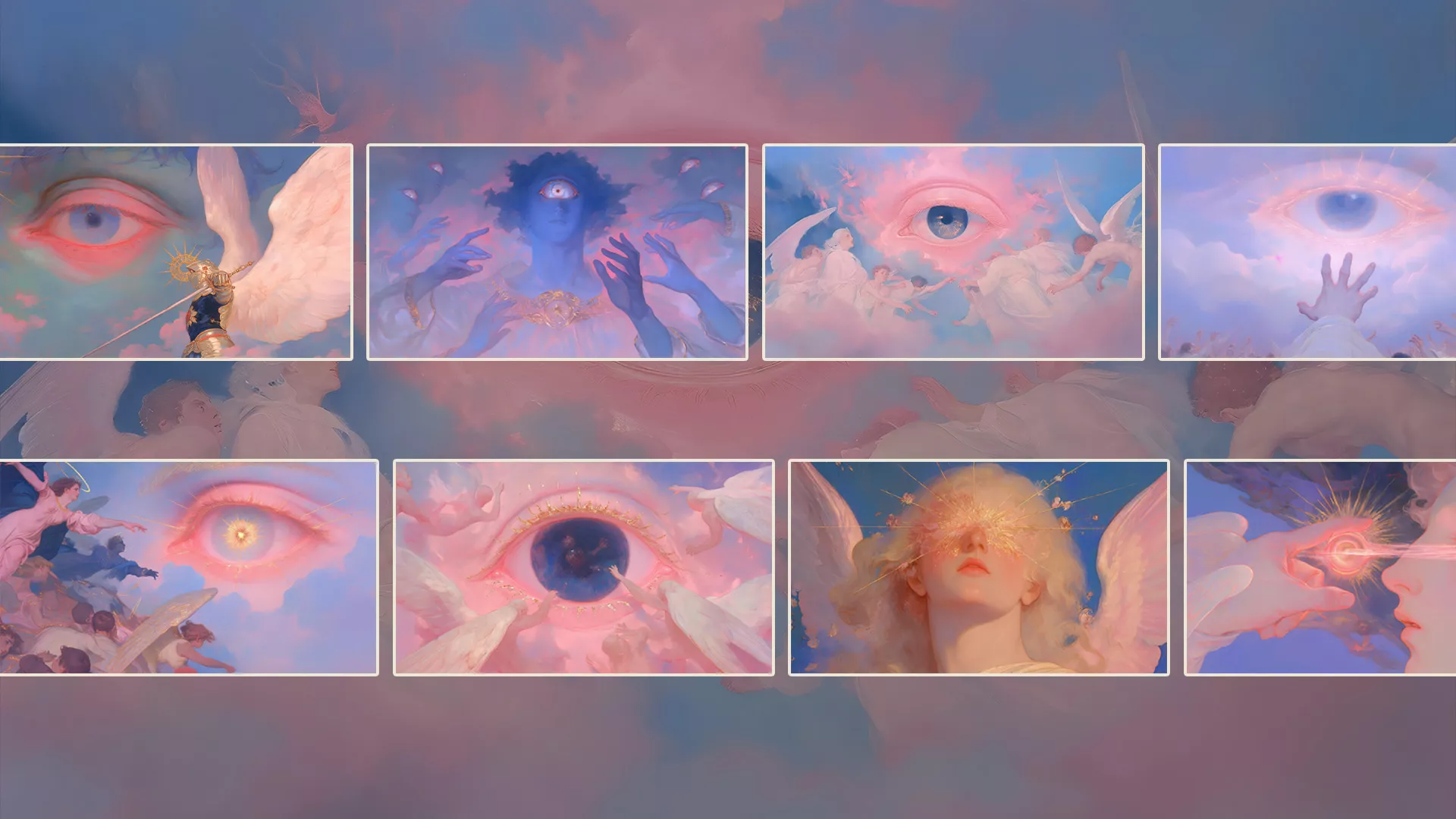
At the center of Palatiumanimi’s Razer Axon feature is The Eye That Dreams, a collection of wallpapers connected by recurring imagery and a shared dreamlike atmosphere.
While each wallpaper in The Eye That Dreams stands on its own, the recurring imagery creates a sense of connection across the collection. Eyes, celestial figures, and surreal landscapes appear in different compositions, allowing viewers to discover familiar details from new perspectives.
That continuity gives the series a recognizable identity without making every piece feel the same. Some compositions emphasize the quiet beauty of their dreamlike surroundings, while others draw attention to the expressive figures and unusual imagery at their center.
Together, the wallpapers create a visual world that feels connected while leaving room for individual interpretation. The collection invites viewers to explore the relationship between its recurring elements and discover their own meaning in each piece.
Bringing The Eye That Dreams to Your Setup
A wallpaper can have a surprisingly strong influence on how your setup feels. Some people prefer bold, energetic visuals, while others gravitate toward atmospheric artwork that gives their desktop a calmer personality.
Palatiumanimi’s collection offers a distinctive option for those drawn to surreal imagery and expressive color. The softer compositions can provide a more understated backdrop, while pieces with prominent eyes and celestial figures bring a stronger visual presence to the screen.
Through Razer Axon, you can explore these artworks as part of your desktop setup, choosing the imagery that best reflects your personal taste. Whether you’re drawn to the collection’s softer colors or its more mysterious compositions, The Eye That Dreams gives you a way to bring Palatiumanimi’s artistic world into your everyday space.
Explore Palatiumanimi on Razer Axon
What makes Palatiumanimi’s work memorable is how familiar imagery takes on an entirely different character within these surreal environments. An eye becomes part of a landscape, a sky becomes a setting for something unexpected, and each composition leaves its story open to interpretation.
With The Eye That Dreams, those ideas come together in a collection that feels connected without asking every artwork to tell the same story.
Explore Palatiumanimi on Razer Axon and discover a new visual world for your desktop.
