


In our guide to keeping your laptop cool, we covered the everyday habits that help your system manage heat: clear vents, open airflow, and fewer unnecessary background apps.
This article goes one step further into active cooling, where added airflow at the desk can support longer gaming sessions, creative workloads, streaming, rendering, and development work.
A cooling pad gives your laptop an external source of airflow while keeping it elevated. Proper cooling means bringing cool air in more effectively, especially when you are taxing your system for hours on end. For users who want it all, the Razer Laptop Cooling Pad is designed to support 14-inch to 18-inch laptops through demanding sessions.1
Why Active Cooling Matters
Laptops are built around a careful balance of performance, portability, and cooling. That balance matters even more on performance systems like a Razer Blade or other gaming laptops, where gaming and multitasking can place heavy sustained loads on the system.
Active cooling is about preventative care and improving the conditions of your laptop before heat builds up during longer sessions. For laptops with bottom intake vents, that means giving cool air a clearer path through the chassis while keeping the system elevated at the desk.
For laptop gamers, that can help during long sessions where frame rates matter. For creators, it can help when exporting videos, rendering 3D work, or running heavier creative applications. For streamers, it adds airflow when your game, broadcast software, camera feed, chat, and background apps are all running at once.
Directed Airflow for Laptop Setups
Airflow is most useful when it reaches the areas that need it. The Razer Laptop Cooling Pad includes interchangeable magnetic frames that you can swap out depending on the size and design of your laptop. These frames help create a snug fit and form an airtight pressure chamber to meaningfully guide airflow into your system’s intake vents.
Smart Adaptive Cooling

Workloads change throughout the day. A long game, detailed render, or livestream may call for stronger airflow, while browsing, watching content, or light work may call for a quieter environment.
The Razer Laptop Cooling Pad features a 140mm high-velocity fan with Smart Adaptive Cooling. By connecting directly to a laptop, the fan speed adjusts in real-time by monitoring key component temperatures, giving your laptop more cooling support when the workload increases and dialing back during lighter use automatically.
Control Through Razer Synapse

Cooling preference is personal. Some users want lower fan speeds during light work. Others want stronger airflow when gaming, streaming, or creative work.
Through Razer Synapse, users can choose from Quiet, Balanced, and Performance presets, or create their own custom fan curve around their own temperature and noise preferences. That gives you full control over how the Cooling Pad behaves across your day.
The Centerpiece for Your Setup
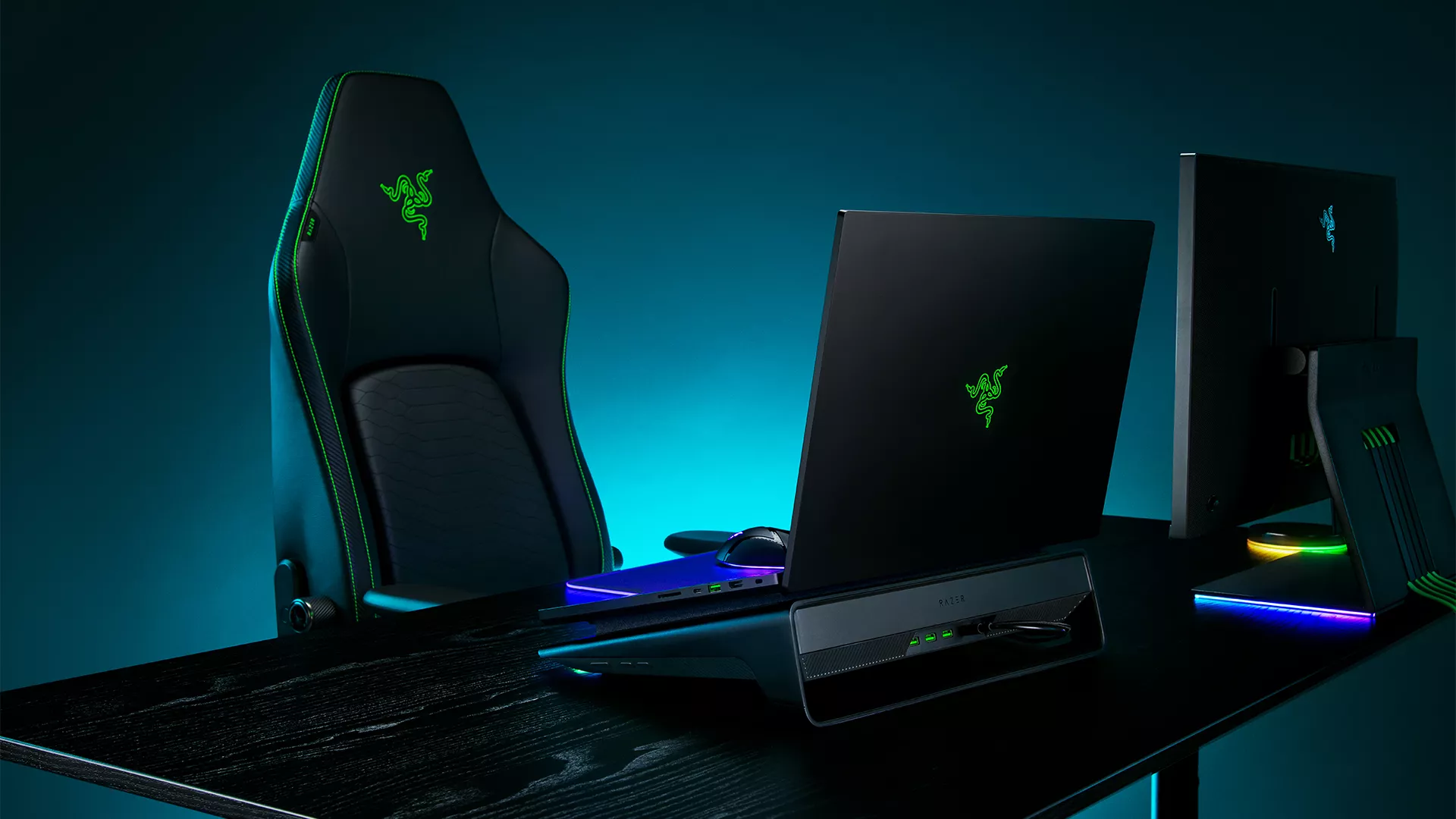
Many laptop users build a full setup around a single machine: wireless dongles, controllers, webcams, headsets, and other peripherals all competing for space and ports.
The Razer Laptop Cooling Pad adds functionality with a built-in 3-port USB Type-A hub, giving you extra connectivity for devices you want to keep plugged in at the desk. It also includes remappable multi-function buttons. By default, these can be used to adjust fan speed or Razer Chroma RGB, and they can also be remapped through Razer Synapse to control volume, launch apps, or trigger custom macros.
If your laptop sits at the center of your setup, the Cooling Pad improves thermal performance while helping keep frequently used accessories connected in one place.
Razer HyperBoost for Compatible Razer Blade Laptops

With select Razer Blade laptops, the Razer Laptop Cooling Pad also enables Razer HyperBoost, allowing supported systems to sustain higher performance levels with additional cooling support from the Razer Laptop Cooling Pad.2
For other 14-inch to 18-inch laptops, the Cooling Pad still delivers core benefits regardless of your laptop’s make or manufacturer. The purposeful airflow, smart adaptive cooling, interchangeable magnetic frames, customizable fan curves, and additional ports can all be utilized by just about any system.
Active Cooling as Part of Your Laptop Setup
When your laptop is the center of your setup, laptop care should feel like part of the setup too. Clear vents, open airflow, reduced unnecessary background apps, and added airflow from a cooling pad can all help your system prepare for demanding days and nights.
For users who game, create, stream, or work from a laptop every day, the Razer Laptop Cooling Pad brings adaptive fan control, high-speed cooling, and convenient utility into one place, giving you more control before your laptop heats up.
