

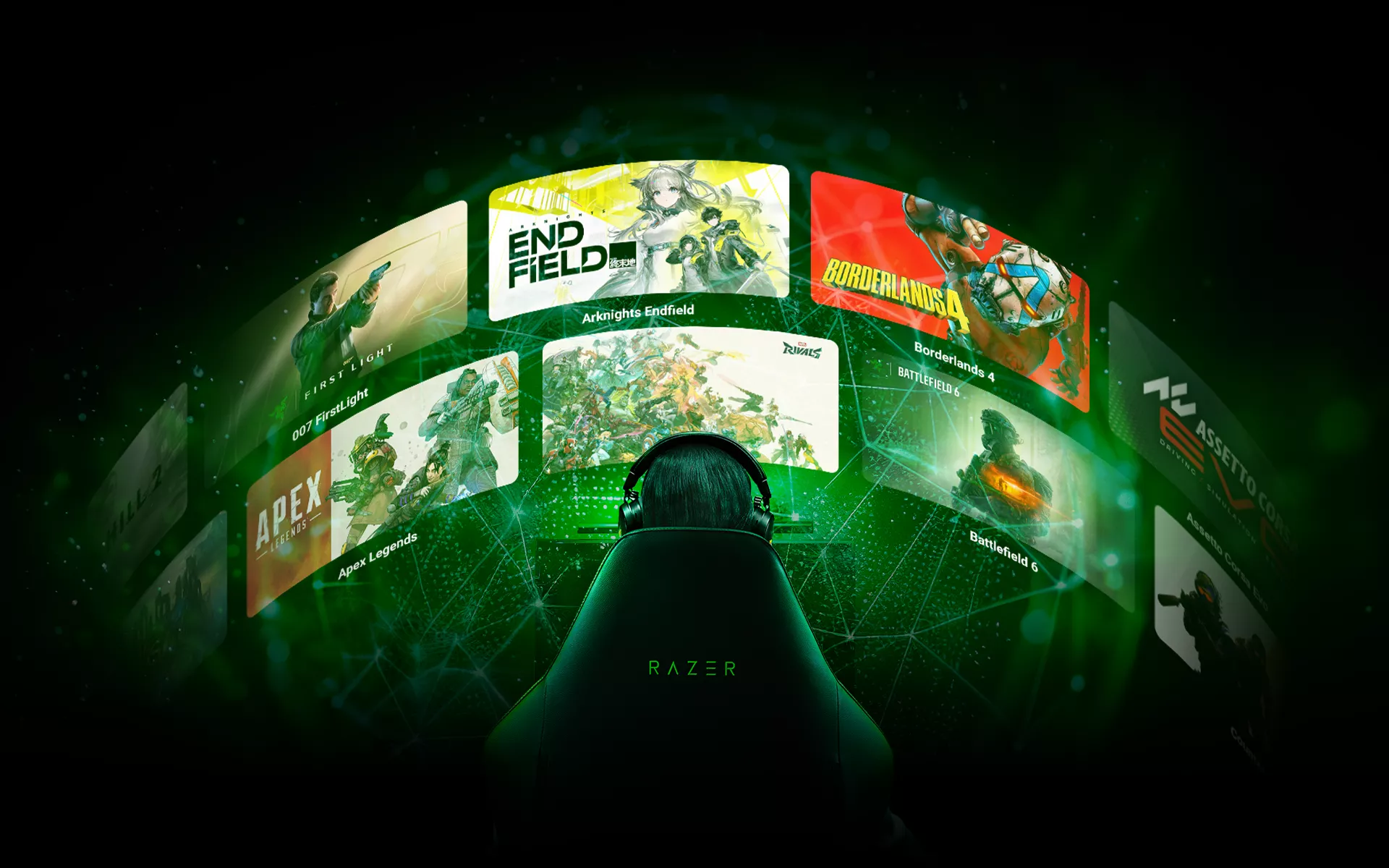
No two games use audio in quite the same way. A mix that brings movement cues forward in a competitive shooter may feel too sharp in a cinematic adventure, while a bass-heavy setting that adds weight to an open world can make smaller details harder to pick out during a crowded match.
An equalizer, or EQ, lets you adjust the balance between different sound frequencies. This can change how clearly certain details come through, from footsteps and reloads to dialogue and environmental effects.
The challenge is that the same EQ setting will not suit every title, with different games calling for different audio priorities. THX Game Profiles, address this with game-specific tuning created around the sound design of supported games.
Can Audio EQ Improve Your Gameplay?
An EQ changes the balance between low, middle, and high frequencies.
Lower frequencies often carry much of the weight behind explosions, impacts, and other bass-heavy effects. Parts of footsteps, equipment sounds, and dialogue can sit across the mid and higher ranges.
Altering that balance affects how different sounds sit within the mix. Reducing the prominence of heavy sound effects may help movement cues stand out during a competitive match. A more balanced setting can give dialogue and environmental audio greater presence in a story-driven game.
The result depends on the game, the headset you are using, and the details you want to prioritize. That is why audio tuning works best when it is shaped around the title you are playing.
What Are THX Game Profiles?
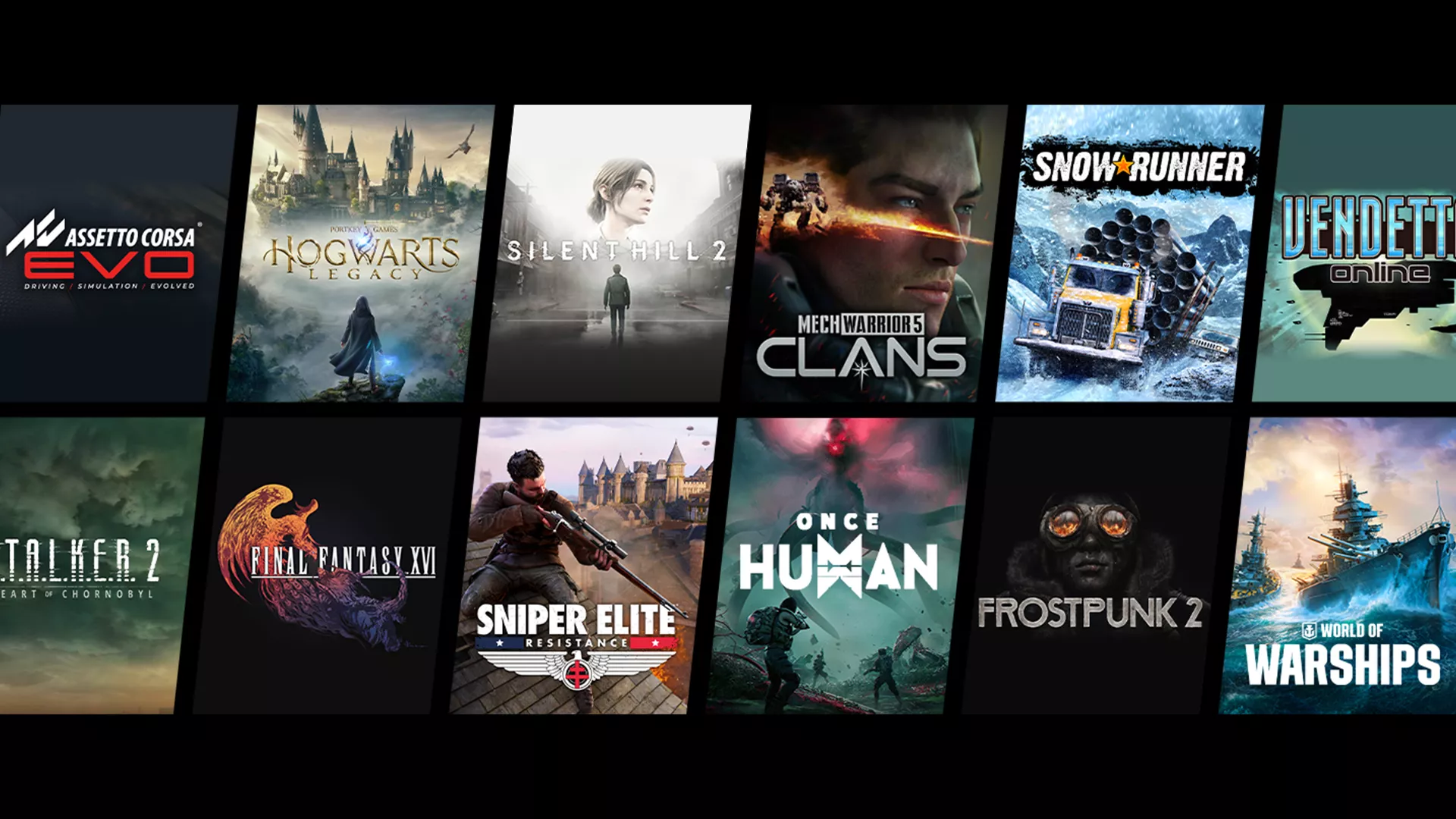
THX Game Profiles are custom audio profiles created for supported titles.
Each game places different demands on its audio. A competitive shooter may rely heavily on directional cues and enemy movement, while an open-world title may use environmental acoustics to give each location its own sense of scale and atmosphere.
THX Game Profiles reflect those differences with tuning designed around individual games. You can use a profile that accounts for how a supported title is designed to sound, then fine-tune the experience further based on your preferences.
Each THX Game Profile includes two selectable options: THX Competitive Mode and THX Immersive Mode. Both are built around the same game, but they emphasize different parts of its audio.
How THX Game Profiles and EQ Work Together
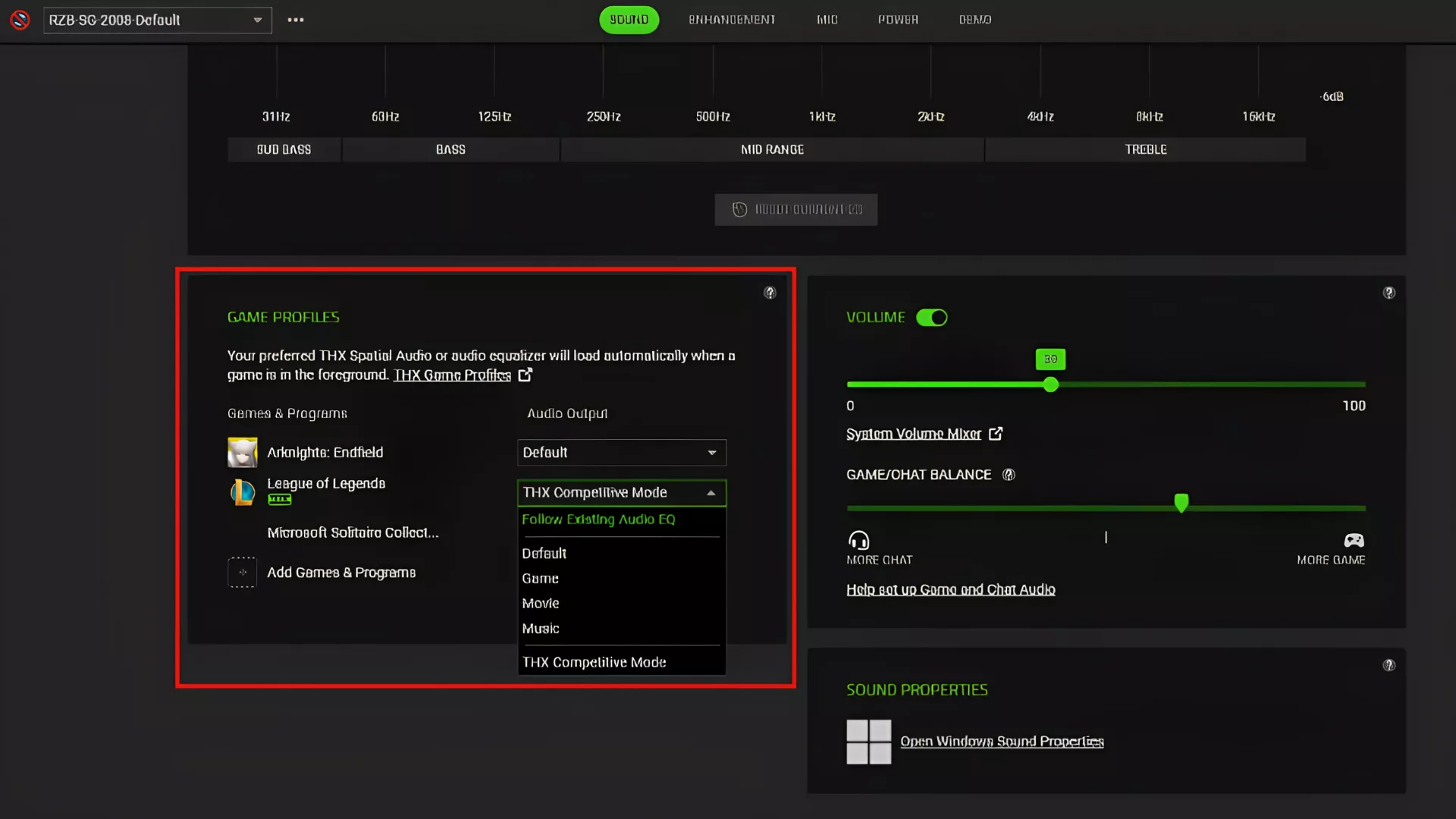
THX Game Profiles and EQ controls shape audio at different levels.
A THX Game Profile provides tuning created for a supported title. Within that profile, Competitive Mode or Immersive Mode changes which parts of the experience receive greater emphasis.
EQ presets and custom EQ controls give you another layer of adjustment. They let you shape the wider tonal balance around your headset and listening preferences.
An EQ preset offers a quick way to change the overall presentation. A customizable EQ gives you finer control over individual frequency bands when a preset is close to what you want but still needs adjustment.
Together, THX Spatial Audio, THX Game Profiles, and EQ controls let you adapt the sound to the game without rebuilding the entire setup whenever you switch titles.
Choosing Between THX Competitive Mode and THX Immersive Mode
THX Competitive Mode
THX Competitive Mode emphasizes enemy audio while reducing low-frequency effects such as explosions. This helps footsteps and reloads stand apart more clearly when several sounds are competing for your attention.
In a busy encounter, that added separation can make it easier to follow movement or judge where a nearby cue is coming from.
THX Immersive Mode
THX Immersive Mode focuses on realistic acoustics that reflect the environment around you while preserving localized audio for directional hearing.
This gives a richer sense of environmental detail during exploration and cinematic sequences, particularly in games where sound plays a major role in building the world.
Competitive Mode places greater emphasis on gameplay cues, while Immersive Mode gives more room to the environment’s scale and character. The right choice depends on the title and what you seek from the session.
Finding the Right Setup in Razer Synapse
Start by opening Razer Synapse and selecting a compatible Razer headset. From there:
- Enable THX Spatial Audio+ to activate game-specific tuning.
- Select the THX Game Profile for the title you are playing.
- Choose THX Competitive Mode or THX Immersive Mode based on how you want to experience the game.
- Select an EQ preset or make small adjustments through the custom EQ.
Test the settings in a part of the game you know well. Pay attention to whether you can judge direction and distance clearly, then check that dialogue and environmental effects still feel natural.
For competitive play, you may prefer less emphasis on bass-heavy effects, so movement cues are easier to separate. For a more cinematic experience, retaining the weight of explosions and environmental audio may matter more.
Small adjustments are usually more useful than pushing several frequency bands to extremes. Bring forward the detail you want to hear more clearly, then make sure the rest of the mix still feels balanced.
Audio Tuning That Fits the Game
Good audio tuning should start with the game itself. EQ gives you control over the tonal balance, while THX Game Profiles provide tuning developed around supported titles.
That combination lets you prioritize the cues that matter during competitive play or preserve the atmosphere of a story-driven experience with tuning that fits the game.
Explore the full list of supported titles for THX Game Profiles and find the right audio setup for the games that you play most.
