

Great audio is one of the few universal advantages in competitive play: you can’t buff your mechanical skill overnight, but you can pick up directional cues, footsteps and ult voice-lines that your opponent misses. Before you click “add to cart,” keep four pillars in mind:
- Microphone quality – a clear, low-noise boom mic lets teammates hear mid-fight calls without hiss or clipping.
- Audio fidelity & positioning – fast drivers with a broad frequency response (and low latency if wireless) make it easier to pinpoint enemies.
- Comfort & build – tournaments last hours; look for lightweight frames, breathable pads and hinges that survive daily bag duty.
- Customisability – on-board EQ profiles, chat-mix dials and platform-specific spatial modes let you tune sound for every game and device.
How we tuned the BlackShark V2 Pro around those pillars
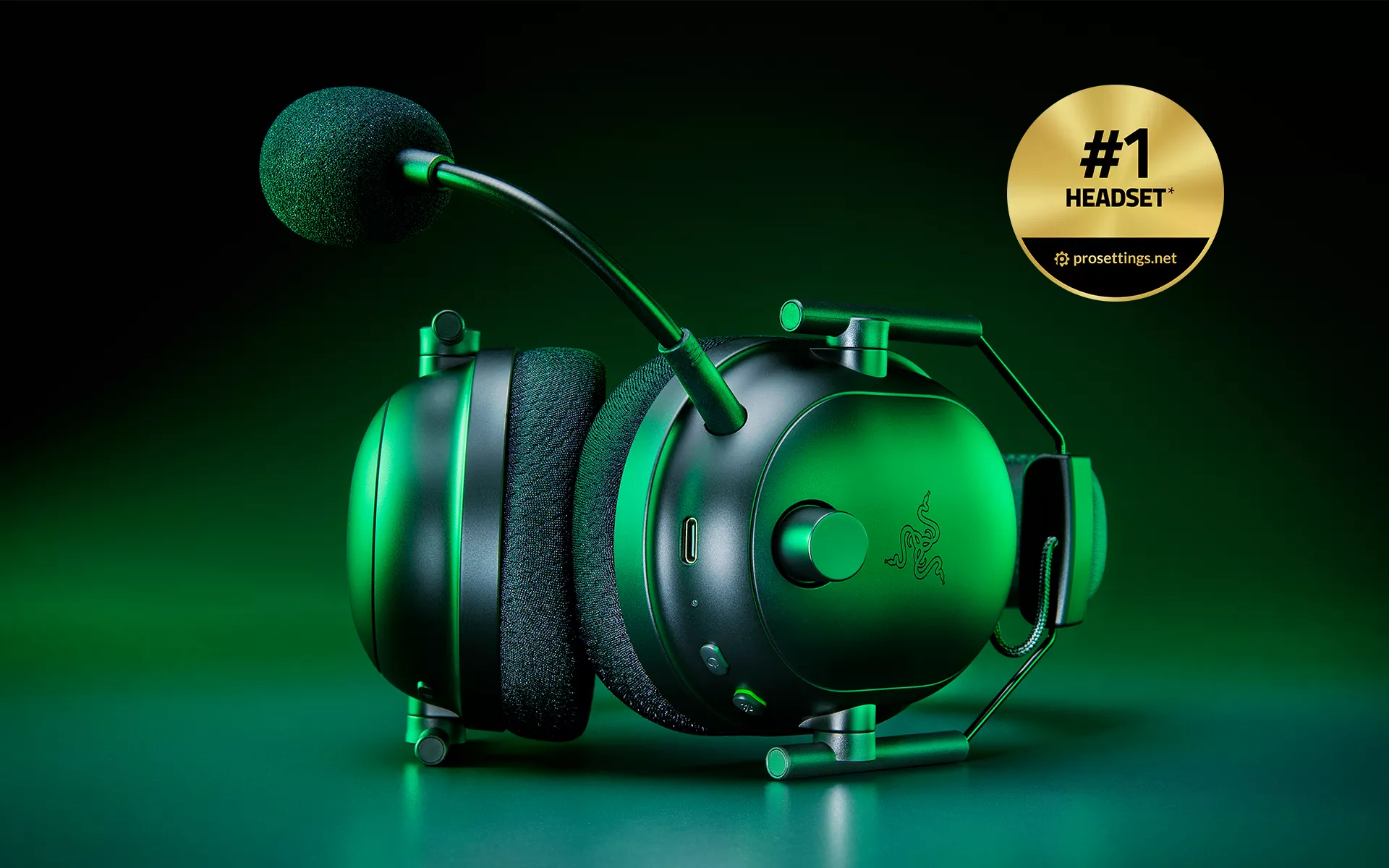
When our audio engineers began prototyping the Razer BlackShark V2 family, we conducted regular workshops with ranked grinders in the community and tier-one esports coaches. The result was a clamp-light, aviation-style frame housing 50 mm TriForce drivers and a detachable HyperClear mic that ProSettings calls “about the best (wireless) mic on the market right now.”
That focus on competitive essentials paid off: in the ProSettings Best Gaming Headset list—an index that tracks gear from thousands of professional players—the BlackShark V2 Pro is the single most-used headset.
Why the V3 Pro is already turning heads
Our Razer BlackShark V3 Pro launched in July with a simple brief: fix every user complaint from the V2, then add ANC. Early verdicts say we delivered:
- “A major leap forward … we made a list of every single complaint about the last version and solved them one by one.” – Windows Central review
- “The best gaming headset gets better, thanks to active noise cancellation.” – TechRadar review
Beyond headline specs, the V3 Pro stores nine on-device game profiles—pre-EQ’d by pro FPS squads—and mixes Bluetooth voice chat with 2.4 GHz game audio, all while maintaining a claimed 70-hour battery life if you leave ANC off. That versatility makes it an upgrade not just for PC mains but also for console scrims and cross-platform scrappers.
Checklist: narrowing your shortlist
- Test the mic in Discord or TeamSpeak—wideband capture (≥48 kHz) and good noise rejection beat raw loudness.
- Feel the clamp—adjustable yokes with a swivel (new on the V3 Pro) adapt to more head shapes.
- Check software parity—Razer Synapse on PC, Headset Setup on Xbox and the PS5 Tempest engine all recognise the latest BlackShark firmware.
- Mind the dongle—Gen-2 HyperSpeed uses a USB-A puck with an internal USB-C, so make sure your console has a free front port.
- Look for memory foam plus fabric—Razer’s dual-layer pads balance breathability and isolation; leatherette alone can sweat.
Platform parity at last
Building on the V2 Pro’s foundation, our V3 series now offers day-one SKUs for PC, Xbox, and PS5, each tuned for THX Spatial, Windows Sonic, or Tempest 3D respectively, and shipping in both black and white colorways. TechRadar notes that the only difference is headband accent color and a variant HyperSpeed dongle, so you’re not paying a console tax.
Bottom line
If your buying criteria centre on mic intelligibility, positional fidelity, marathon comfort, and tweak-ability, our BlackShark V2 Pro ticks every box—and pro adoption proves it. Our freshly minted V3 Pro keeps that winning formula while layering in ANC, Gen-2 wireless, and console parity. Whether you’re queuing ranked on PC, scrimming on PS5, or grinding Halo ladders on Xbox, there’s now a BlackShark made for your platform—and a mountain of data from ProSettings to back up the choice.
