

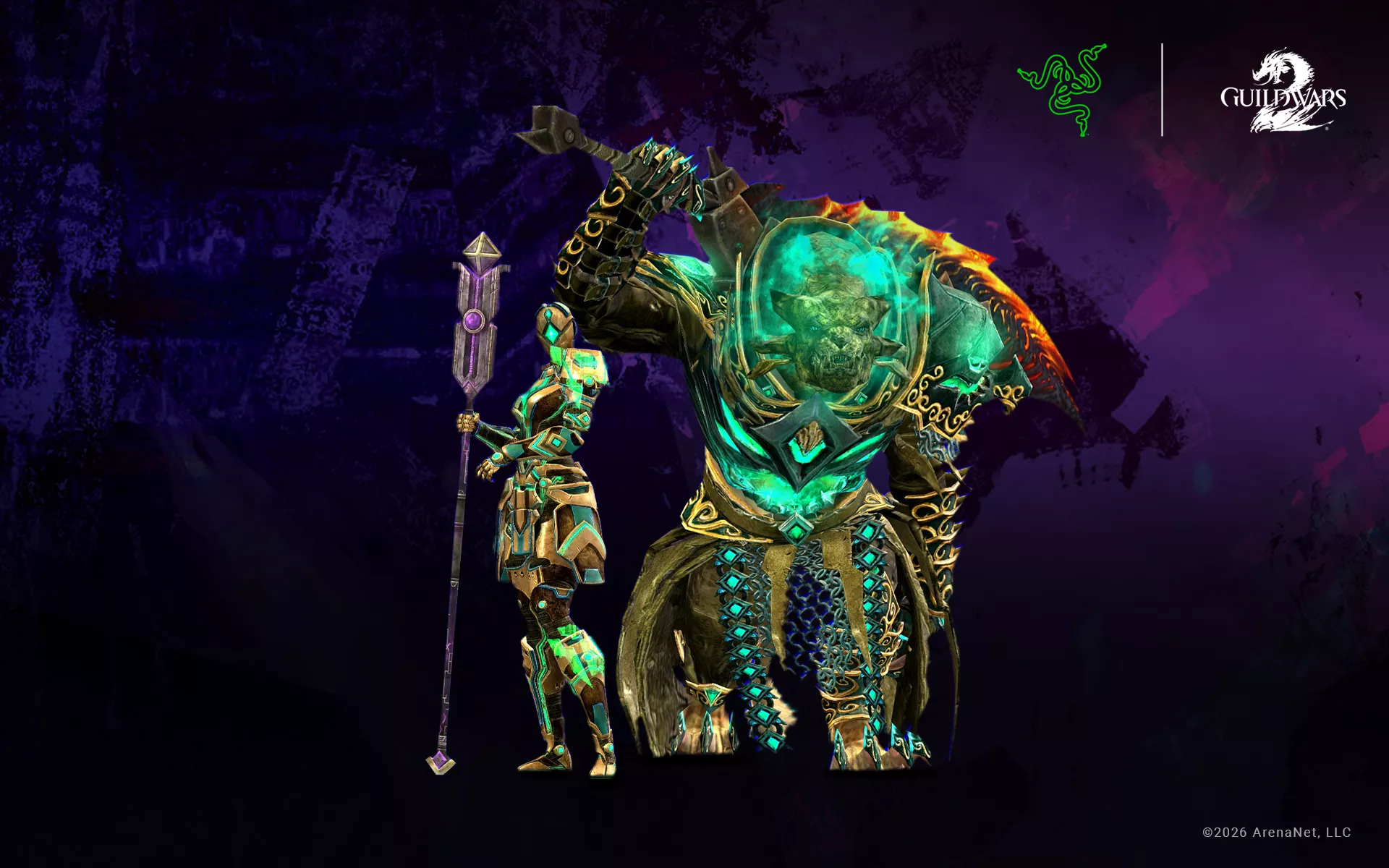
On August 28, Guild Wars 2 turns fourteen. In that time, the Guild Wars community, renowned for its friendliness, has enjoyed six expansions, genre-defining mounts, earth-shaking world bosses, and three-way World vs. World warfare. We’re marking it with the Razer Naga V3 Pro, designed to fit the way you play, not the other way around.
Guild Wars 2 has spent fourteen years refusing to hand anyone one correct way to play: swap a weapon set and your entire skill bar changes; change an elite specialization and your skill rotation, and role in the squad change with it. That freedom runs all the way down to your controls. Dodge is a key you assign yourself. Ground targeting has three behaviors, with its own toggle for snapping to your current target. Special Action Keys, mounts, masteries, and target cycling are all yours to place too, which is why no two Guild Wars 2 players are really playing with the same controls.
Which is exactly why the Razer Naga V3 Pro is the best mouse for your adventures in Tyria, no other game rewards as many different playstyles, and no other mouse adapts to all of them. The Razer Naga has always been about putting more control at your fingertips. The Razer Naga V3 Pro returns with even more of it. Two quick-access edge buttons sit beside the left click, alongside the lockable ring finger button, brought back by popular demand. Up to 23 programmable buttons, plus Razer Hypershift to assign a secondary function to every compatible one.
Don’t just take it from us. Here’s what the team behind Guild Wars 2 has to say about the Razer Naga V3 Pro.
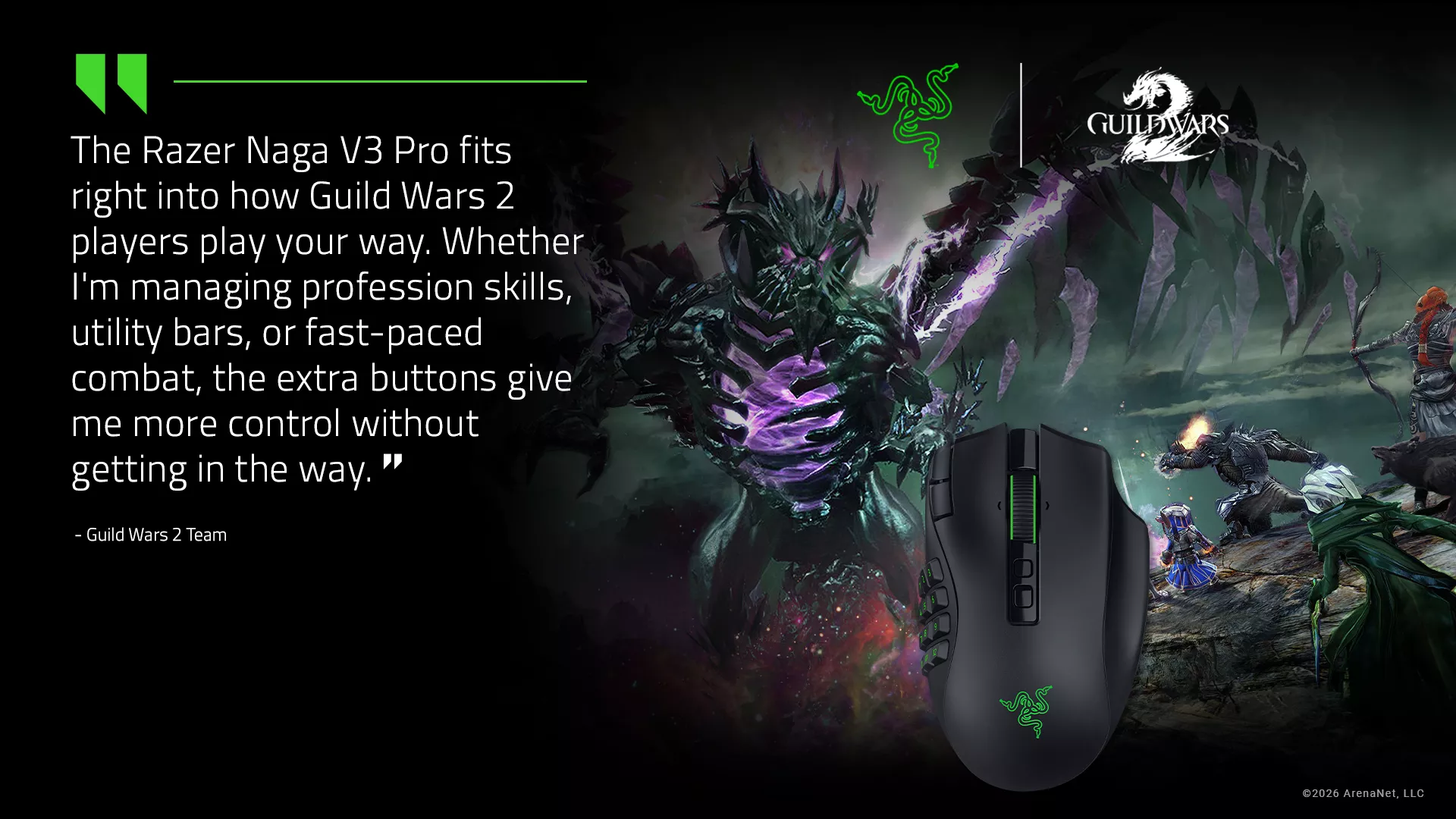
Fourteen Years of Combat, and It Never Got Simpler
The action combat in Guild Wars 2 has continuously evolved over the years adding new inputs and options for its players. While active dodging and weapon swapping set the foundation at launch, years of expansions have added 4 elite specializations to each of the 9 professions players can play, adding an incredible variety of options. Add in 9 mounts, each with their own skillbars, and encounter-specific Special Action keys, and it’s clear, the combat has grown deeper and far more demanding on your keybinds.
The Razer Naga V3 Pro was built for exactly that. A modular design built around three swappable side plates puts your whole command set under one hand. Then there’s the button Razer Naga V3 Pro owners never stop talking about: the lockable ring finger key. Click it and Hypershift turns the 12-button grid into a second bar where your rotation stays on the base layer, and everything situational is one hold away.
Here’s How We Are Playing Guild Wars 2
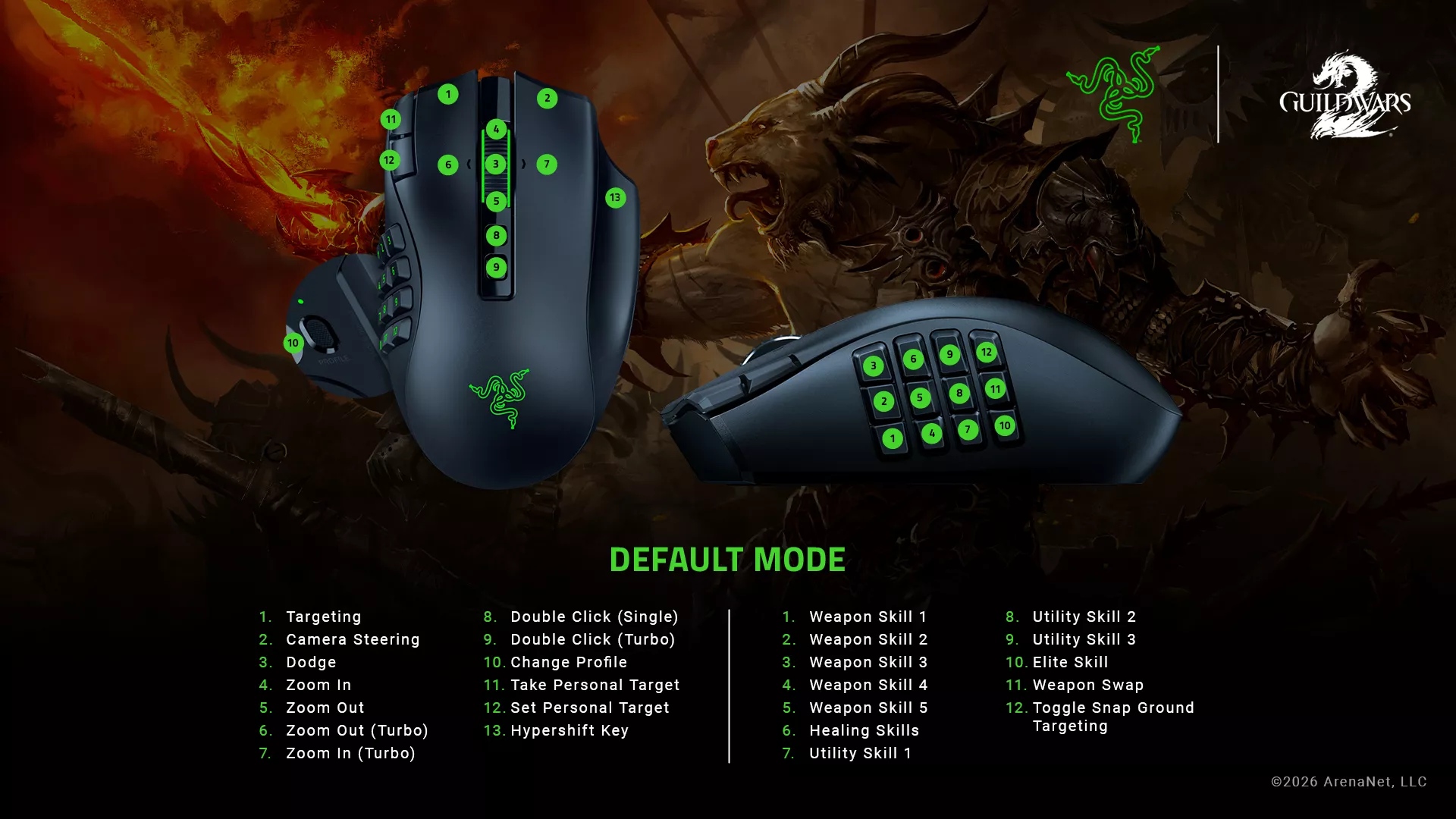
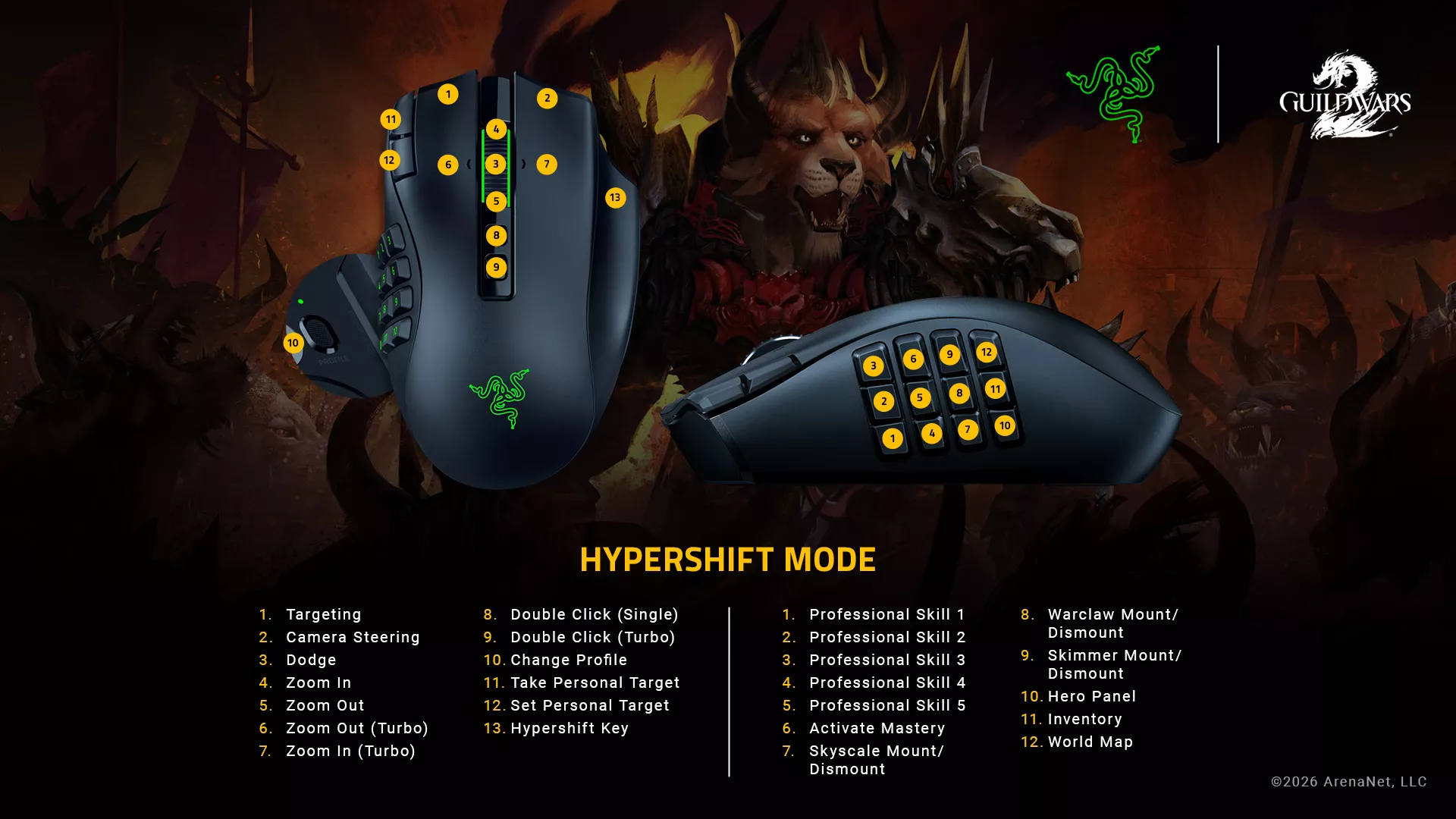
Here’s how our own team at Razer sets up the Razer Naga V3 Pro for Tyria. It’s one setup out of thousands, and yours will probably look nothing like it.
For our recommended setup, the 12-button side plate takes the entire skill bar, mapped as shown above: Weapon Skills, Heal, Utility Skills, Elite Skills, Weapon Swap and Toggle Snap Ground Targeting. That’s your whole rotation under one thumb.
The rest of the mouse handles everything else combat needs: Dodge sits on the scroll wheel, with Special Action Key, Autorun, Next Enemy, and Closest Enemy within a fingertip of it, so target swapping happens on the same hand as your skills.
But a full Utility skill bar is only half of what Tyria demands. There are still Profession Skills, Mounts and the Panels you open a hundred times a session. This is where the ring finger button earns its place when customized as the Razer Hypershift key: hold it and unlock extra commands. Our layout puts the five Profession Skills on the top rows, Activate Mastery beside them, then Skyscale, Warclaw, and Skimmer on dedicated buttons, with Hero Panel, Inventory, and World Map filling out the rest. Two full bars, one thumb, all programmable on the Razer Naga V3 Pro.
The point isn’t to copy this layout, it’s to build one where the skill you need is already under the finger reaching for it.
Fourteen Years, and a Dye Kit to Match
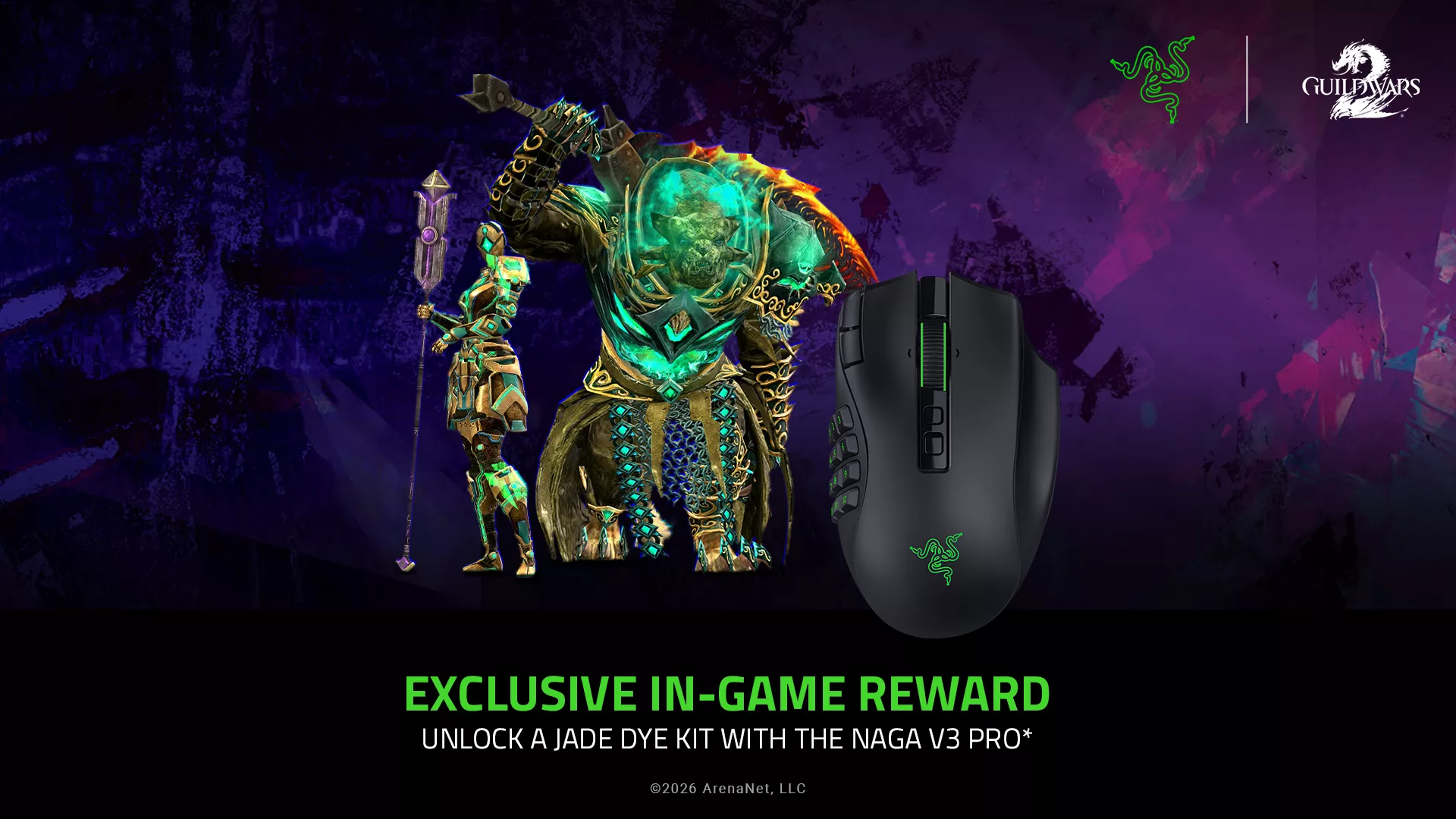
To mark the anniversary, we teamed up with Guild Wars 2 on something for the wardrobe as well as the desk. Every Razer Naga V3 Pro purchased during the promotion comes bundled with a Guild Wars 2 Jade Dye Kit, limited to the first 1,000 units. In a game where Fashion Wars is as real as actual combat, your armor may as well match your setup.
Built for Guild Wars 2, Built for the Way You Play
Years of expansions, elite specs, and balance patches have taught Guild Wars 2 players one habit above all others: keep rethinking the build. The Razer Naga V3 Pro brings that same freedom to your controls.
Your build is yours. Your playstyle is yours. Your controls should be too.
No matter how you play Guild Wars 2, there’s a configuration for it. Discover the Razer Naga V3 Pro and bring your way of playing to Tyria, with a Guild Wars 2 Jade Dye Kit included on every purchase, exclusive for the first 1,000 units only.
