


Your desktop can reflect the games, worlds, and visual styles you enjoy. You might want artwork from a favorite title, an animated environment, or something created around your own setup.
With Razer Axon, you can explore free high-resolution and dynamic wallpapers from games, artists, movies, music, and Razer Originals, or use AXON CREATE to turn your own ideas into AI-generated wallpapers.
Here are a few ways to find or create one that fits your PC.
Start with the Games and Worlds You Love
For many gamers, the easiest place to start is something familiar.
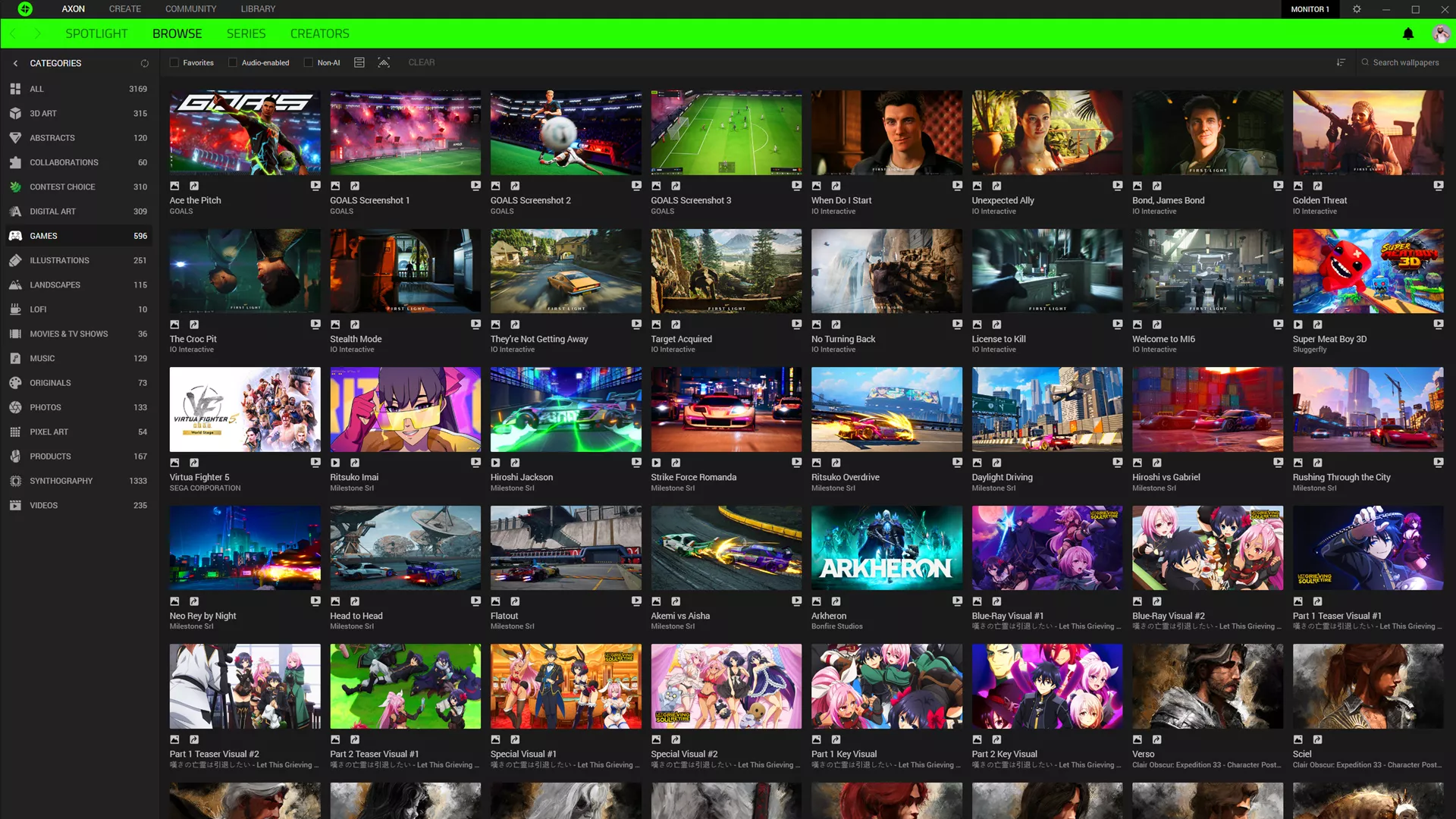
Razer Axon brings together official wallpapers from popular game franchises alongside work from independent creators, entertainment properties, musicians, and AI artists.
A dramatic piece of key art can make your monitor the visual centerpiece of your setup, while quieter environments or character-focused artwork can bring a favorite world to your desktop without overwhelming your icons and shortcuts.
If you prefer movement, Razer Axon also supports dynamic wallpapers with animated lighting, particles, environments, and other visual details. Axon is optimized to run efficiently in the background with minimal CPU and GPU usage during normal use.
Create Your Own Gaming Wallpaper with AI
Sometimes the wallpaper you have in mind does not already exist.
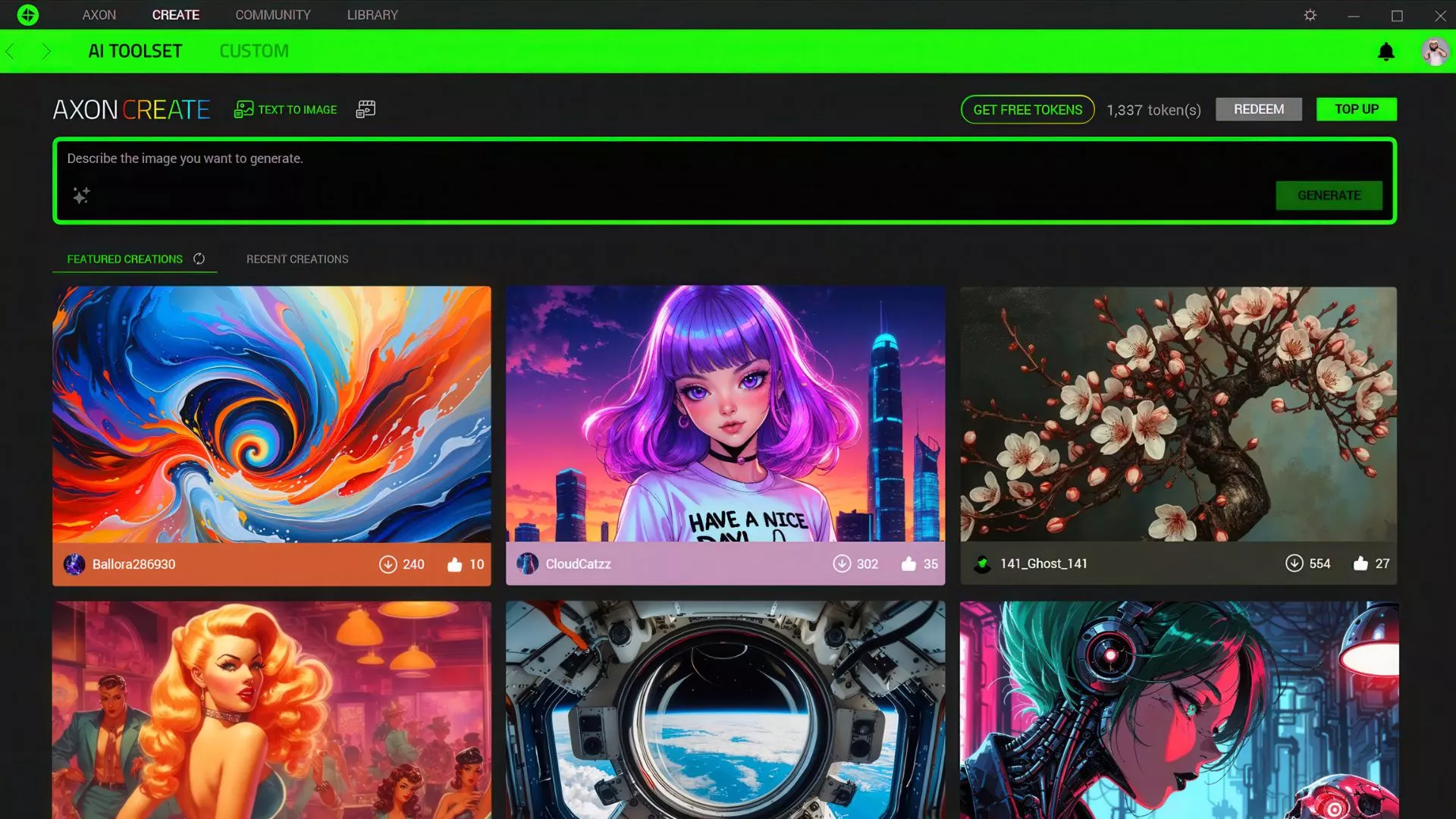
AXON CREATE lets you create wallpapers using generative AI, with its current AI tools powered by Luma AI. Start with a written idea, then shape the result around your display, the genres you enjoy, or the colors already running through your setup.
You could create a fantasy landscape for an ultrawide monitor, a minimal sci-fi scene with space around desktop shortcuts, or an abstract design built around your battlestation’s existing color palette.
The more specific your idea, the more direction you can give the result.
Gaming Wallpaper Ideas to Try with AXON CREATE
If you are not sure where to begin, start with how you want the wallpaper to work on your screen.
For a Cleaner Gaming Desktop
If you keep plenty of shortcuts and launchers visible, try a composition with one main focal point and quieter areas around the parts of your desktop you use most.
Prompt idea:
Minimal futuristic esports arena at night, dark background, subtle green lighting, clean negative space on the left, cinematic PC wallpaper.
For RPG and Adventure Fans
Environment-led artwork can capture the scale and atmosphere of the genres you enjoy without tying the wallpaper to one specific character.
Prompt idea:
Expansive fantasy valley at sunset, distant ancient ruins, dramatic clouds, atmospheric lighting, cinematic 4K desktop wallpaper.
For Ultrawide and RGB Setups
A panoramic composition can make better use of an ultrawide display, while a defined color palette can help the screen feel connected to the rest of your setup.
Prompt idea:
Panoramic cyberpunk skyline at night, wide composition, neon green reflections, atmospheric rain, ultrawide gaming wallpaper.
Bring Your Wallpaper into the Rest of Your Setup
Official Razer Axon wallpapers can include curated Razer Chroma RGB effects, while Chroma Generate can create complementary effects for your own wallpaper.
Compatible Razer Chroma RGB devices can then carry colors and movement from the artwork across your setup. You can keep things subtle by pulling a few colors from the image, or let a more animated wallpaper bring additional movement across your desk.
Find or Create Your Next Gaming Wallpaper
Razer Axon gives you two ways to get started: browse its library of free high-resolution and dynamic wallpapers, or open AXON CREATE when you want to start with an idea of your own.
Razer Axon is free to download and use for browsing and applying official wallpapers on Windows 10 and Windows 11. Generating AI wallpapers uses tokens, which can be claimed for free with a registered Razer ID or purchased when needed. No subscription is required.
Whether you find an existing piece or create one from scratch, the right gaming wallpaper is the one that fits how you want your setup to look and feel.
Frequently Asked Questions
Can I create my own gaming wallpaper with AI?
Yes. AXON CREATE lets you create wallpapers using generative AI, as well as content from your own files or web resources.
Can Razer Axon use animated wallpapers?
Yes. Razer Axon supports dynamic wallpapers as well as static high-resolution wallpapers.
Is Razer Axon free?
Yes. Browsing and applying official Razer Axon wallpapers is free. AI-generated wallpapers use tokens, which can be claimed for free with a registered Razer ID or purchased if needed.
