

You are currently on the Hong Kong (香港) site.
Select a location to view location-specific content and shop online.
Razer Discord Exclusive: 1,337,000 Silver + hardware bundles + exclusive gear all up for the hunt. Learn more


THE BLACKSHARK V3 PRO NAILED THE BALANCE OF MIC, SOUND, AND COMFORT.

HIS LEGACY

The Greatest Rifler
NiKo is the greatest rifler in history and these are the world records in his class:
-
10x
HLTV Top 20 Rankings
-
7x
HLTV Top 5 Rankings
-
52 Kills
In A Single Major Map
-
1.70
Rating At ESL One: New York 2017
MY HEARTFELT GRATITUDE
I’ve learned to stand inside that fire, to trust it, and to come out stronger. Every round, every setback, every comeback - it all built who I am today, and Razer has been my choice along my journey.
This product line is a tribute to all the fans who have supported me, challenged me, and motivated me to become better. If it can inspire you to stand in your own fire and walk out better every day, then its job is done. Keep your flame alive - it’s what sets you apart.

PLAY LIKE THE BEST RIFLER IN HISTORY
Description not needed: The visuals in this video animation only support what is spoken; the visuals do not provide additional information.
KEY FEATURES
-
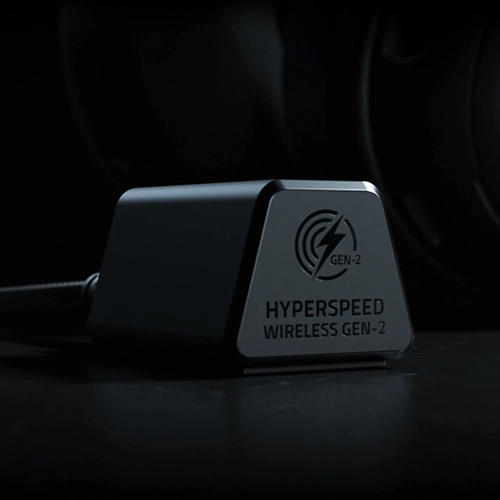
RAZER™ HYPERSPEED WIRELESS GEN‑2 Outpace all competition with the fastest wireless technology optimized for ultra-low latency as low as 10 ms, delivering near-instantaneous audio. Perfect for clutch plays and split-second decisions. -
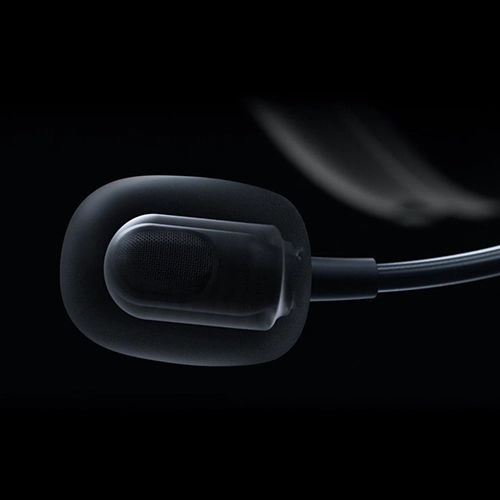
DETACHABLE RAZER™ HYPERCLEAR FULL BAND 12 MM MIC Armed with a large 12 mm capsule, this next-gen full band mic captures every detail of your shotcalls clearly and effectively suppresses background noise with a unidirectional pick-up pattern. -
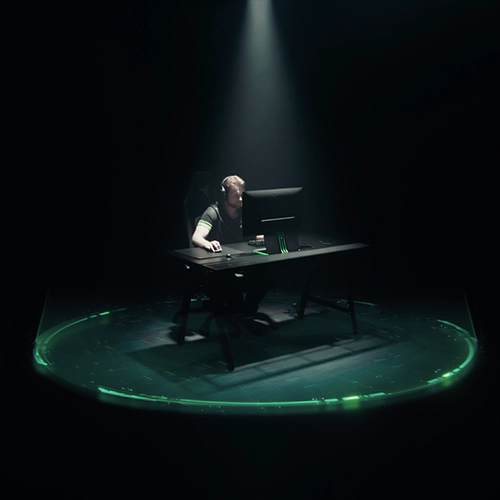
HYBRID ACTIVE NOISE CANCELLATION Stay focused with advanced hybrid ANC that reduces unwanted noise during competitive play. The swiveling earcups and soft memory foam cushions help form a secure seal for better sound isolation, while you can fine-tune your noise canceling with 4 adjustable levels via Razer Synapse or the Razer Audio app. -

RAZER™ TRIFORCE BIO-CELLULOSE 50 MM DRIVERS GEN‑2
Tuned for improved clarity and positional performance, the Gen-2 drivers feature a unique bio-cellulose diaphragm to deliver natural, powerful sound—hear every footstep with absolute precision. -
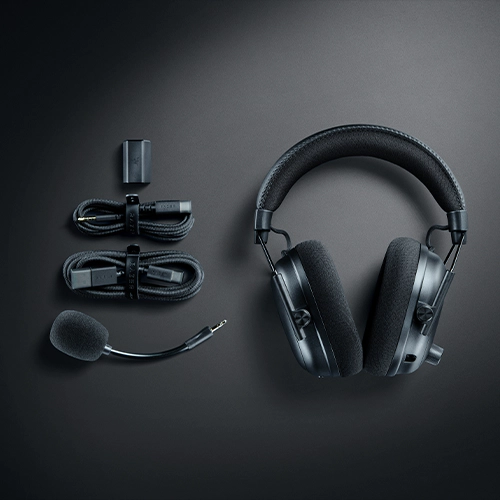
4 MODES OF CONNECTIVITY Gain the competitive edge when gaming on PC, console or mobile. Simultaneously mix 2.4 GHz and Bluetooth audio on 2 devices at once, or stay plugged in for non-stop gaming with USB or 3.5 mm. -
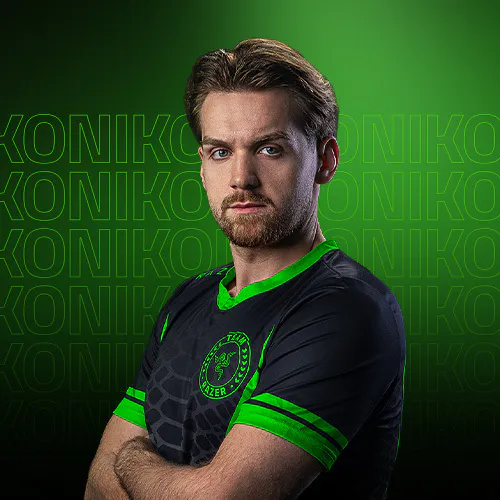
PRO-TUNED FPS PROFILES AND CUSTOMIZABLE EQ Hear your game the way NiKo does, with a CS2 EQ profile custom-tuned by the Deagle God himself.
We’ve Got You Covered
Get up to 2 years of warranty and access reliable tech support. Purchase directly from RazerStore and get 14 days risk‑free returns.

FAQs
-
What’s the difference between the Razer BlackShark V3 Pro and BlackShark V3 Pro NiKo Edition? Unlike the standard version, the BlackShark V3 Pro NiKo Edition features an exclusive design, color scheme, and NiKo’s signature. It is also pre-loaded with NiKo’s personalized audio settings by default: - EQ: CS2 NiKo
- Ultra-Low Latency: On
- ANC: Level 4
-
How do I use simultaneous audio on the Razer BlackShark V3 Pro? First connect the headset to both 2.4 GHz wireless and Bluetooth. The LED on the left earcup shows your current mode: - Green – 2.4 GHz wireless
- Blue – Bluetooth
- White – Simultaneous audio
-
What can I control with the on-earcup controls? - SmartSwitch button:
- Press once to cycle EQ presets
- Double-tap to switch between 2.4 GHz, Bluetooth, and Simultaneous Audio
- ANC button:
- Cycle between ANC On, Ambient Mode, and ANC Off
- Control dial:
- Adjust Game/Chat Balance, Mic Monitoring, or Footstep Boost
- SmartSwitch button:
-
How do I position the mic to ensure the best voice quality? Speak into the mic with the mic symbol facing your mouth, ensuring it is 1 inch away.