

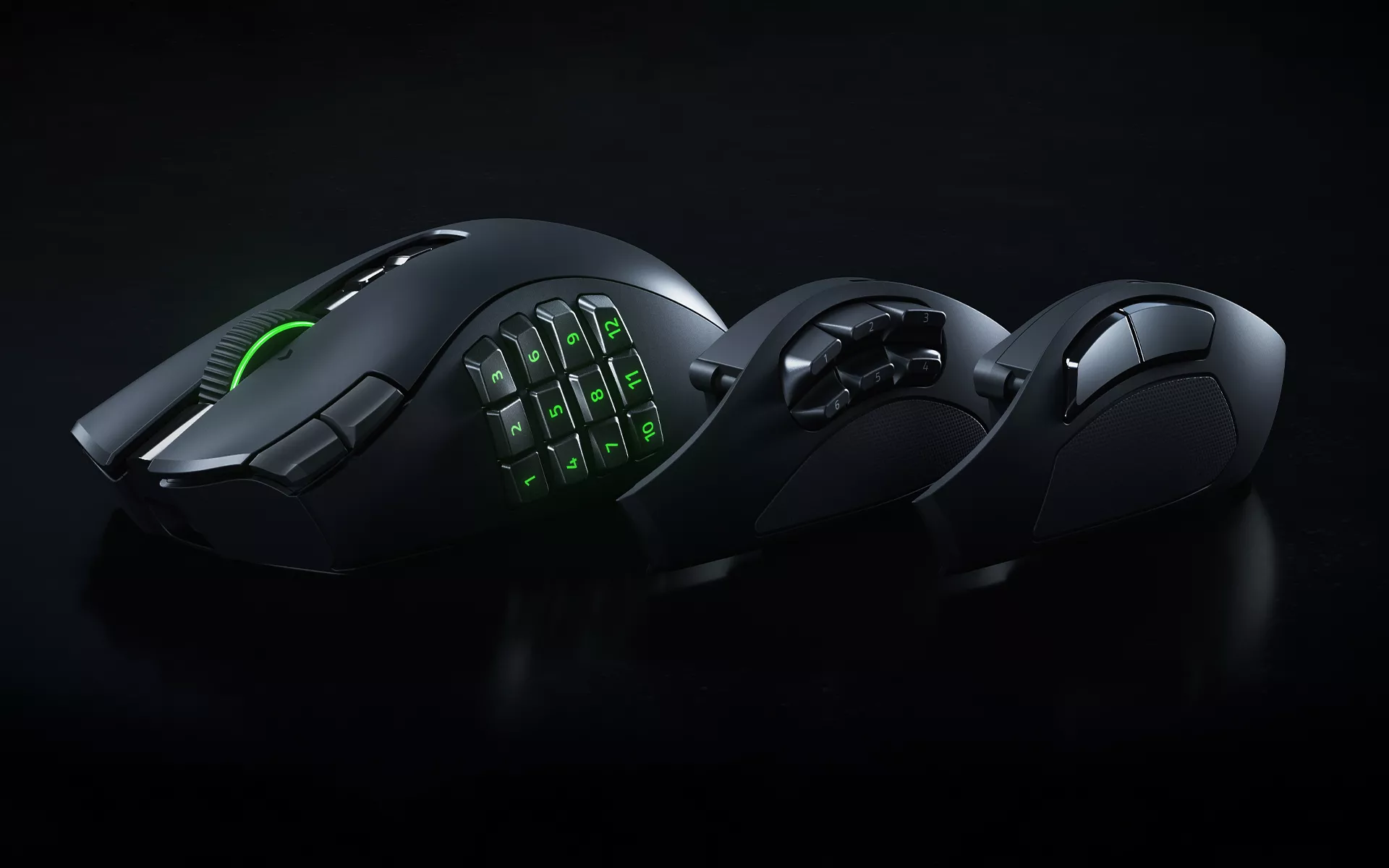
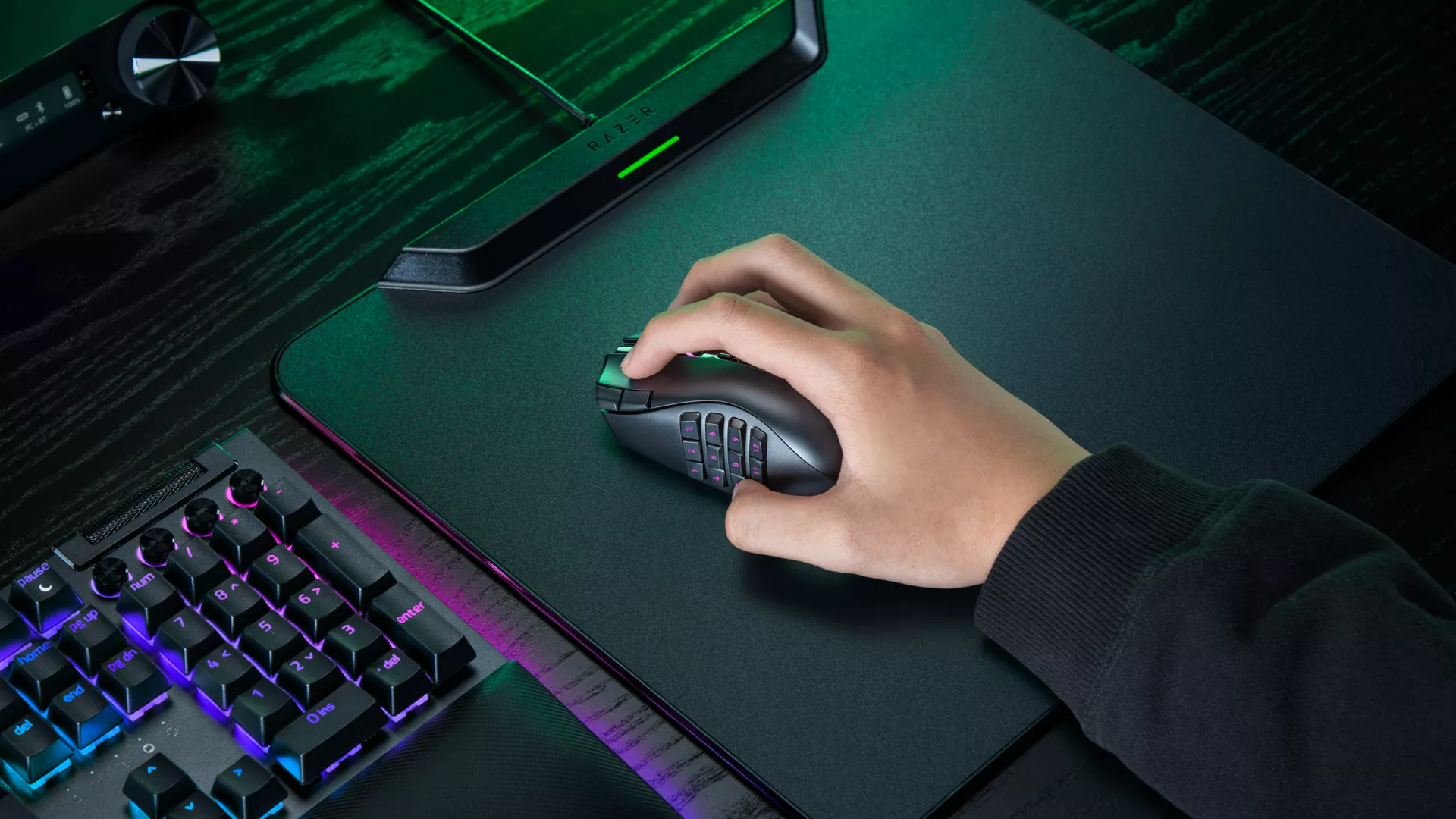
The Razer Naga has long been synonymous with MMO gaming. Its signature 12-button thumb grid puts abilities, macros, and commands within easy reach, giving MMO players the control they need when a full action bar is only the beginning.
With the Razer Naga V3 Pro, that foundation remains firmly in place. What changes is how much more you can do with it.
The latest Razer Naga expands to up to 23 programmable buttons, introduces the Razer HyperScroll Tilt Wheel Gen-2, and carries forward the swappable side plate system that lets you change how much control sits under your thumb. Keep the 12-button side plate for ability-heavy MMO setups, switch to the 6-button side plate for MOBAs and battle royale, or move to the 2-button side plate for FPS games or a simpler everyday layout.
The Razer Naga V3 Pro takes the MMO control the series is known for and gives you more ways to make it your own, whatever you play next.
How Many Programmable Buttons Does the Razer Naga V3 Pro Have?
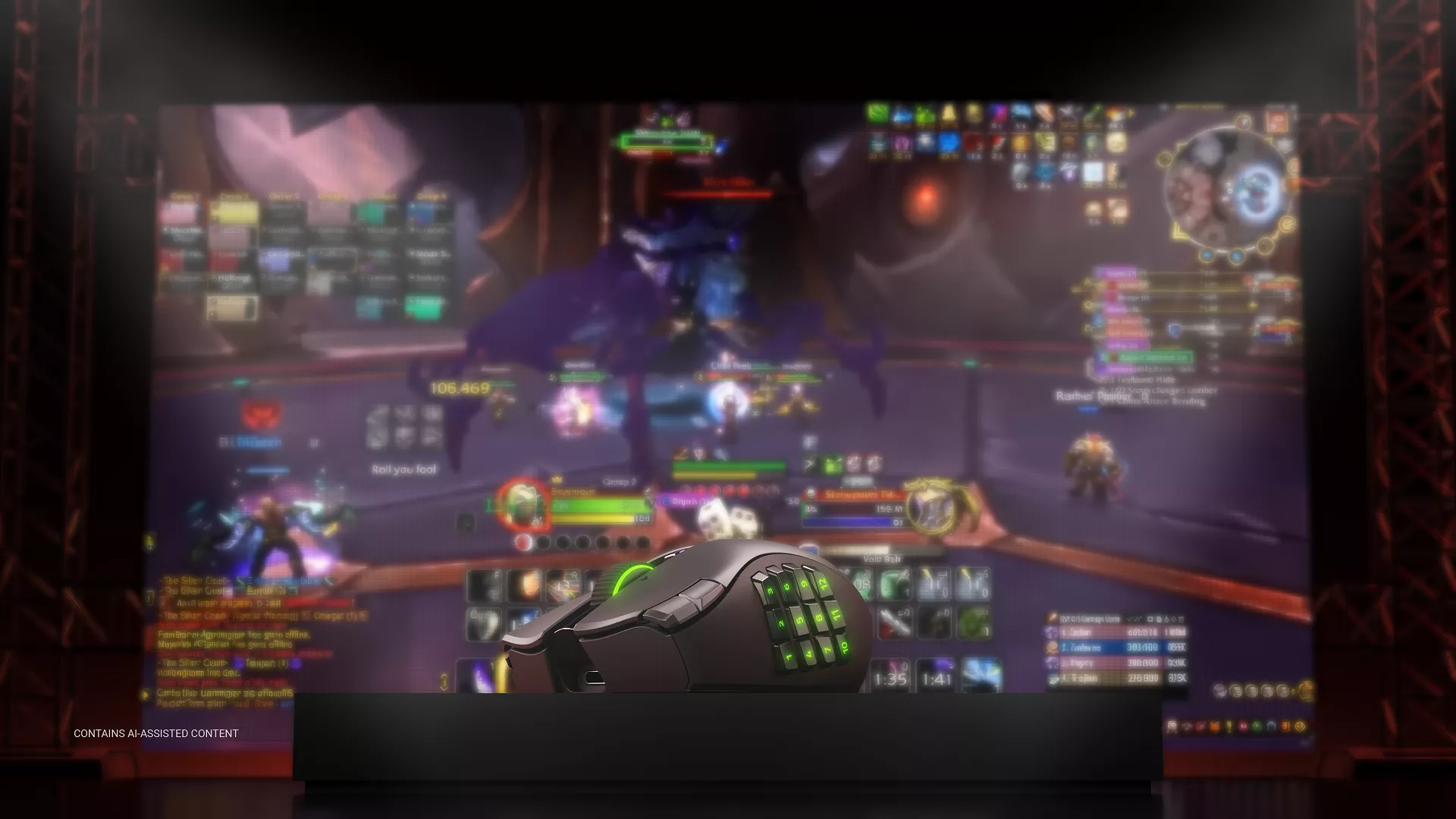
The Razer Naga V3 Pro offers up to 23 programmable buttons, with Razer Hypershift letting you assign a secondary function to each compatible button for even more commands. That gives you more room for abilities, macros, consumables, targeting commands, and other inputs you want close at hand.
For MMO players who already know the Razer Naga, the idea remains familiar: put more of your game within reach of your mouse hand.
Two new quick-access edge buttons beside the left mouse button give you another place for frequently used controls, including on-the-fly DPI changes without reaching for the thumb grid.
Brought back by popular demand, a lockable ring finger button adds another programmable input where your finger naturally rests, with the option to disable it when you do not need it.
Profiles can be configured and saved in Razer Synapse 4, our configuration software for customizing button assignments, sensitivity stages, macros, and other mouse settings. Five onboard memory profiles also let you save different configurations directly to the mouse and bring them between games or setups.
How Do the Razer Naga V3 Pro Side Plates Work?
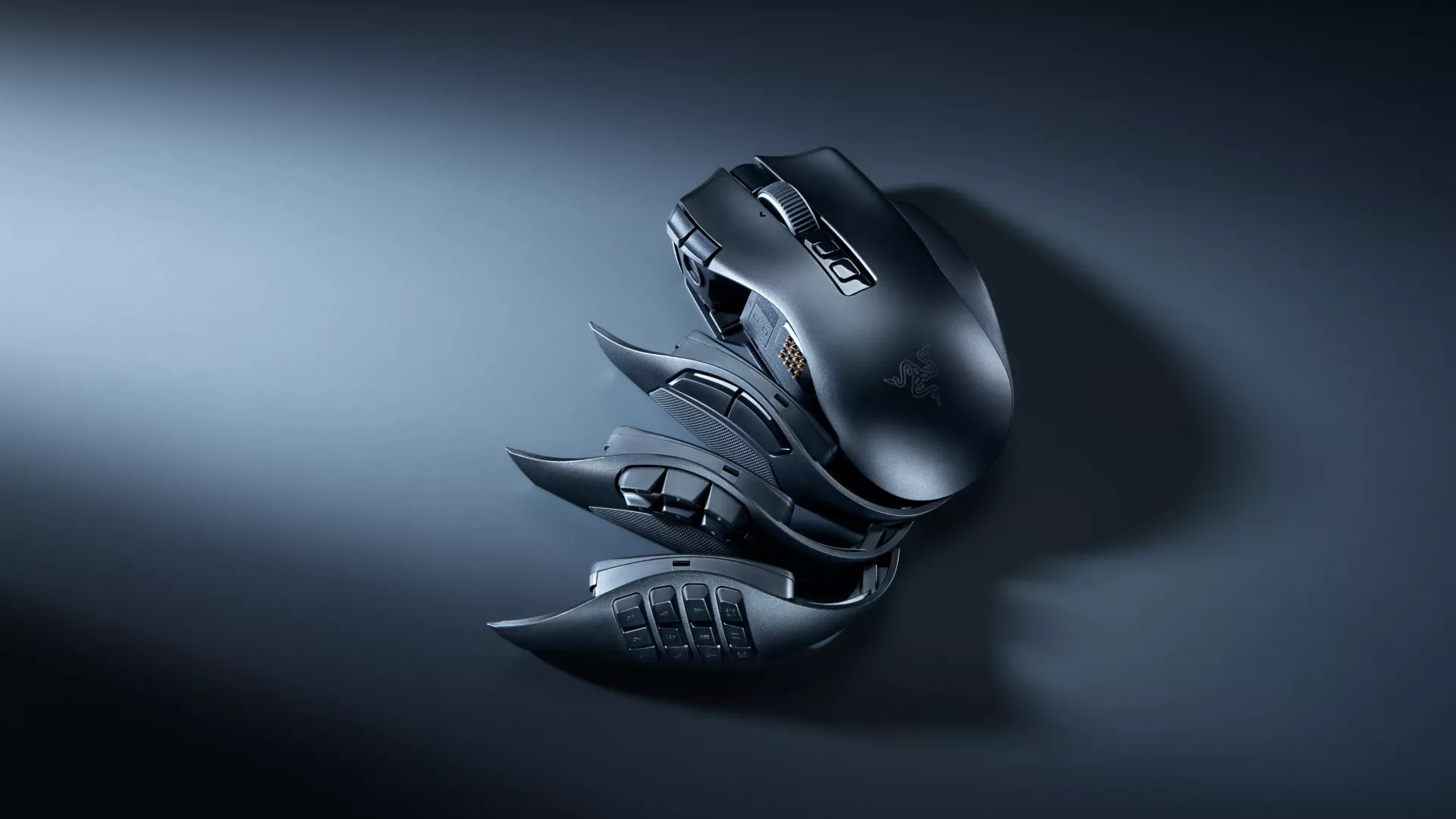
The Razer Naga V3 Pro includes three magnetic side plates with 12-, 6-, and 2-button layouts. The 12-button side plate preserves the MMO-focused control the Razer Naga is known for, while the 6- and 2-button side plates give you more room to adapt the mouse around other games and playstyles.
- 12-buttons for ability-heavy MMO setups
- 6-buttons for MOBAs and battle royale
- 2-buttons for FPS games or a simpler everyday layout
The magnetic plates can be swapped without tools, so you can keep the full grid when you want as many commands as possible under your thumb, then move to a more open layout when the next game needs fewer inputs.
The side plates change how much control sits under your thumb. The scroll wheel gives you another way to tune how those inputs feel in use.
How Does the Razer Naga V3 Pro Scroll Wheel Work?
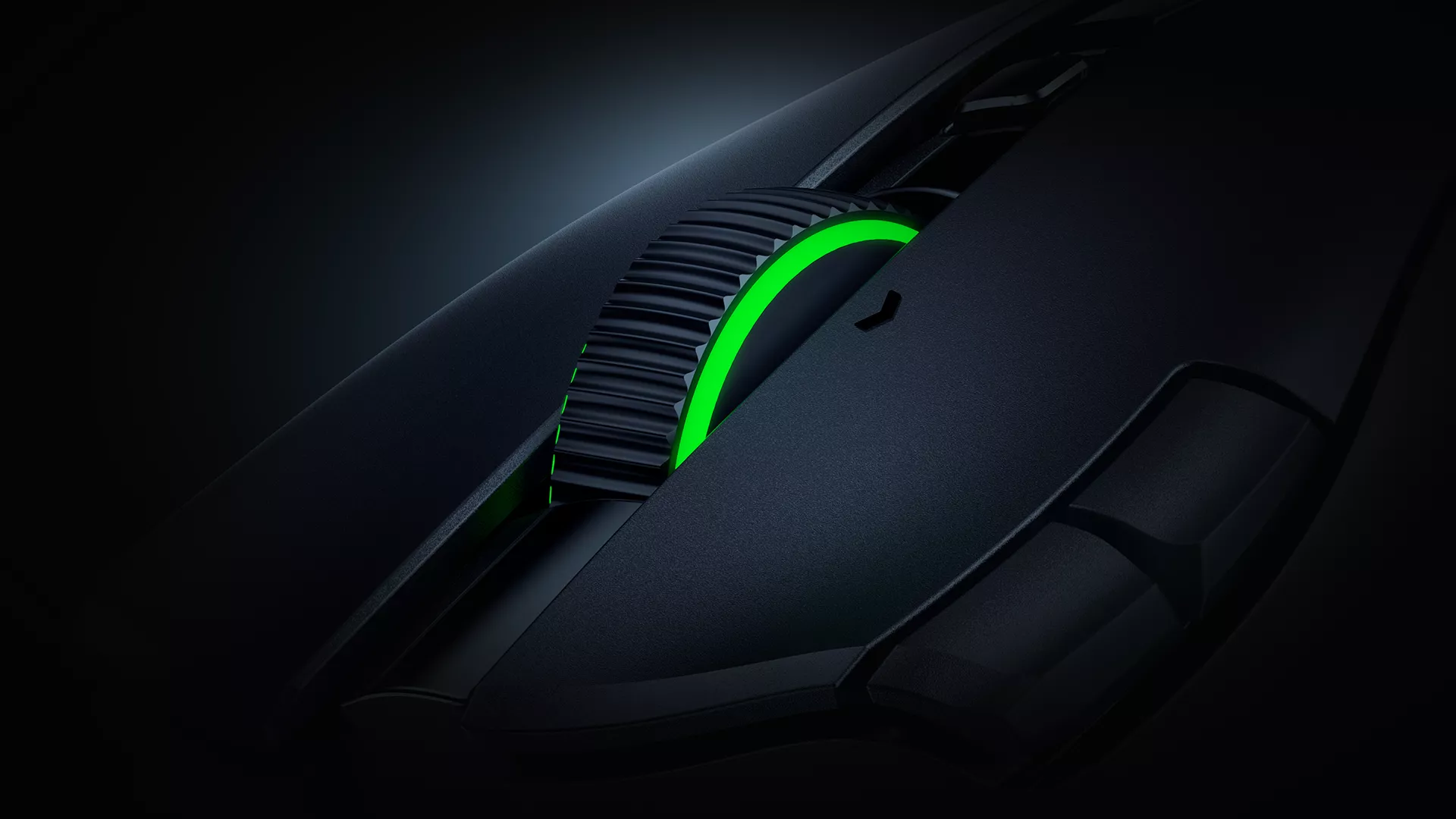
The Razer Naga V3 Pro features the Razer HyperScroll Tilt Wheel Gen-2, a customizable scroll wheel that lets you choose between tactile and free-spinning scrolling or switch automatically between the two based on how quickly you scroll.
Two tactile settings provide 24 or 48 steps, letting you choose how distinct each scroll feels when cycling through abilities, weapons, or inventory. Free-Spinning mode removes those defined steps so you can move quickly through longer menus or pages, while Smart-Reel automatically switches between tactile and free-spin scrolling based on your scroll speed.
The wheel also supports left and right tilt inputs, giving you another pair of programmable controls without adding more buttons around the mouse.
These settings can be adjusted through Razer Synapse 4, so you can tune the wheel alongside the rest of your controls.
With the controls set up the way you want them, the other part of the experience is making sure the mouse can keep going through longer sessions.
How Long Does the Razer Naga V3 Pro Battery Last?
The Razer Naga V3 Pro delivers up to 155 hours of battery life on Razer HyperSpeed Wireless, our low-latency wireless connection for gaming. That gives you plenty of time between charges for long sessions and regular play.
The mouse also works with Razer’s wireless charging ecosystem. Pair it with the Razer HyperFlux V2 Wireless Charging System for continuous wireless charging while you play, or place it on the Razer Mouse Dock Pro between sessions to recharge.
Razer HyperSpeed Multi-Device Support lets a compatible Razer keyboard and mouse share a single wireless dongle, helping reduce the number of USB ports your setup needs.
Built on What the Razer Naga Does Best
The Razer Naga V3 Pro does not leave behind the MMO control that made the series what it is. The 12-button thumb grid remains central to the experience, now joined by more programmable inputs and more ways to tune how the mouse responds.
The difference is what happens when you move beyond an MMO. Swappable side plates let you tailor your controls to the task at hand, from managing abilities and commands in-game to accessing shortcuts and workflows at work. The customizable scroll wheel adds another layer of control, adapting how you navigate everything from game menus and inventories to documents, spreadsheets, and webpages.
The Razer Naga has always been about putting more control at your fingertips. With the Razer Naga V3 Pro, that idea now has more room to go with you across the games you play.
