

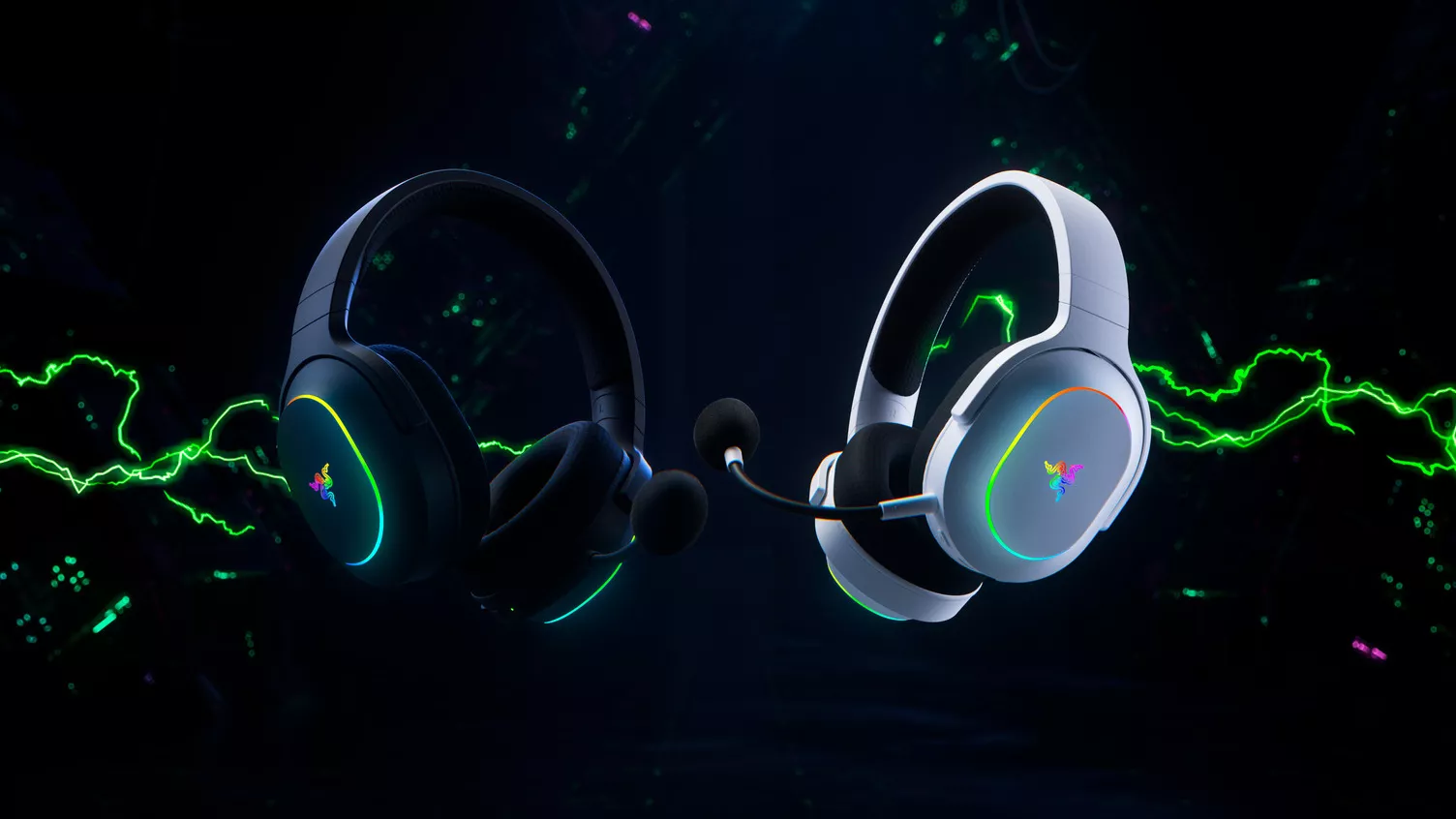
With the launch of the Switch 2, Nintendo has unlocked even more immersive worlds and smoother gameplay experiences. But as every gamer knows, visuals are only half the story. The soundscape is where the magic truly comes alive. From hearing the subtle footsteps of an opponent sneaking behind you to catching every detail in an epic soundtrack, audio shapes how deeply you connect with your games.
Enter the Razer Barracuda X Chroma, our wireless gaming headset perfect for Switch 2 players. Portable, lightweight and easy to carry, it’s the best headset for Switch 2 gamers who value great sound without sacrificing comfort or convenience.
Designed for Portability
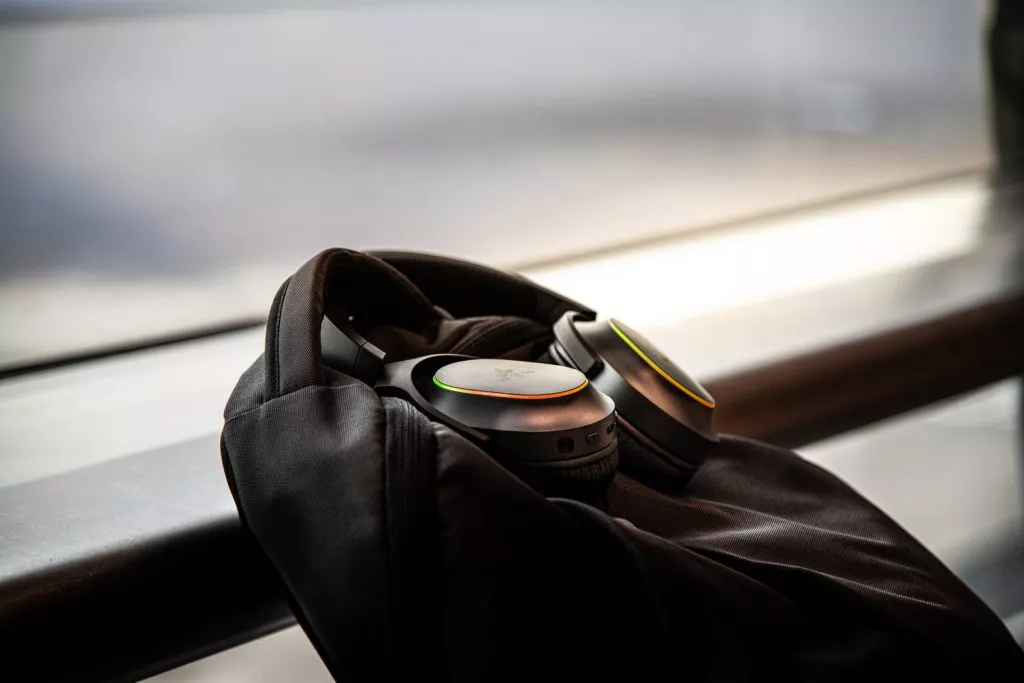
At just 285 grams, the Razer Barracuda X Chroma is built for long hours of play without weighing you down. With swiveling earcups and a detachable microphone, it slips easily into your bag alongside your Switch 2, ready to go wherever you game. Whether you’re lounging on the couch, relaxing in bed, hanging out in a café, or on the move, the Razer Barracuda X Chroma is as travel-friendly as the console itself.
Seamless Connectivity that matches the Switch 2
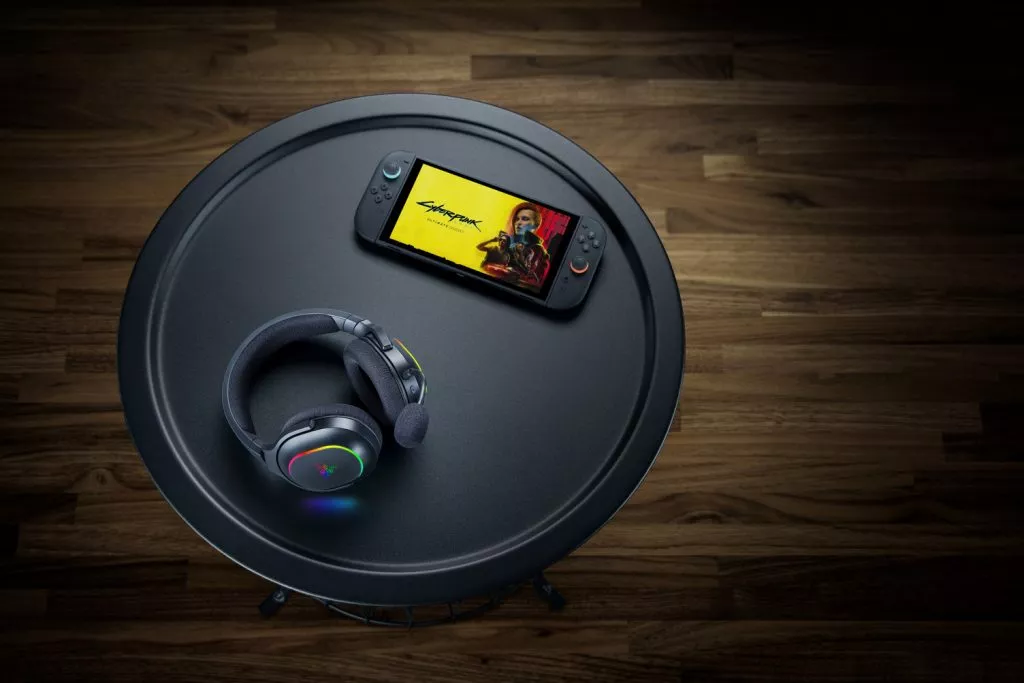
Switch 2 gamers need simple, no-hassle ways to connect. That is why the Razer Barracuda X Chroma offers two simple ways to pair with your console:
- Razer HyperSpeed Wireless 2.4 GHz using USB- C Wireless Dongle for ultra-low latency audio. Perfect for those moments when timing matters, whether it’s hitting every beat in a rhythm game or simply staying immersed in a relaxing world.
- Bluetooth 5.3 for instant pairing, making it easy to enjoy gaming or even music without juggling adapters.
With Razer SmartSwitch Dual Wireless, Bluetooth calls from a connected smartphone come through seamlessly, letting you pick up and jump straight back into game audio without removing the headset.
Whether you’re gaming handheld or docked, the Razer Barracuda X Chroma keeps the experience smooth and uninterrupted.
Sounds That Brings Worlds to Life
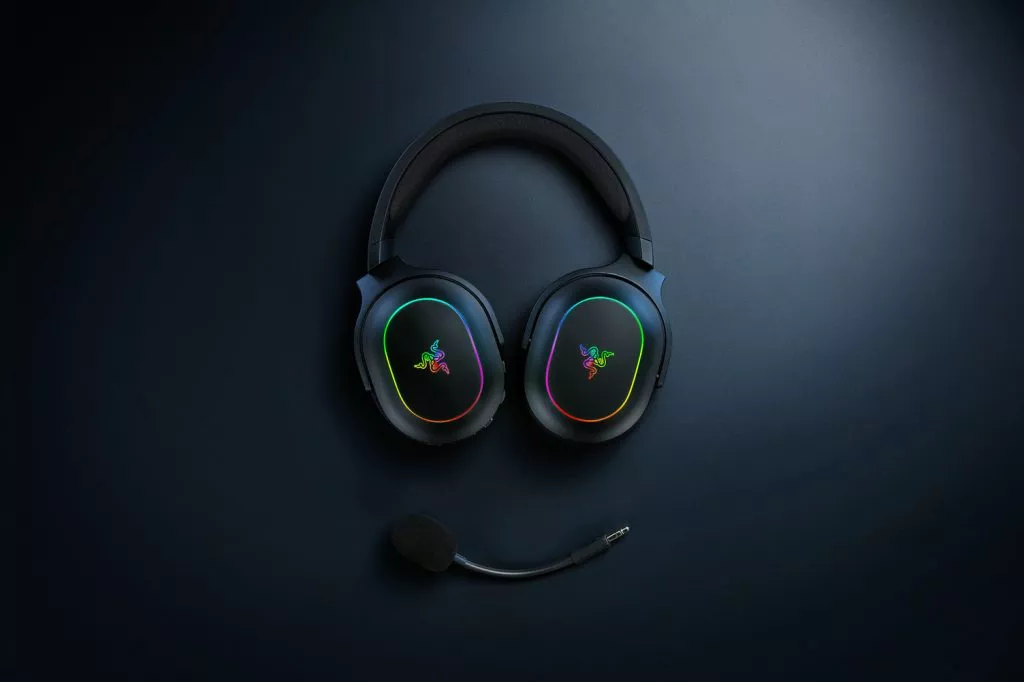
The Razer Barracuda X Chroma packs Razer TriForce 40 mm Drivers that bring every sound to life. Hear the soft rustle of leaves in Animal Crossing, the gentle tunes of your favourite farm sim, or the chaos of a kart race with clarity and depth that keeps you in the moment.
Clip on the Detachable Razer HyperClear Cardioid Mic (via the USB-C wireless dongle) and your squad will hear you loud and clear without the background noise. It is perfect for GameChat, the new Switch 2 feature where up to 12 friends can talk, laugh and even share screens together.
Whether you are screaming over a blue shell in Mario Kart World or just chilling in a voice room, the Razer Barracuda X Chroma makes every conversation feel natural. And when it is time to go solo, the mic pops off easily and can be kept away until you need it again.
Built for Long Play Sessions
Comfort matters when a quick game turns into hours of play. With Breathable Memory Foam Ear Cushions, the Razer Barracuda X Chroma stays light and cozy, keeping you comfortable whether you are curled up with a relaxing sim, diving into a story-driven adventure or catching up with friends on GameChat. With up to 70 hours of battery life, you can enjoy days of gaming, streaming and chatting without worrying about recharging.
Why the Razer Barracuda X Chroma Stands Out for Switch 2
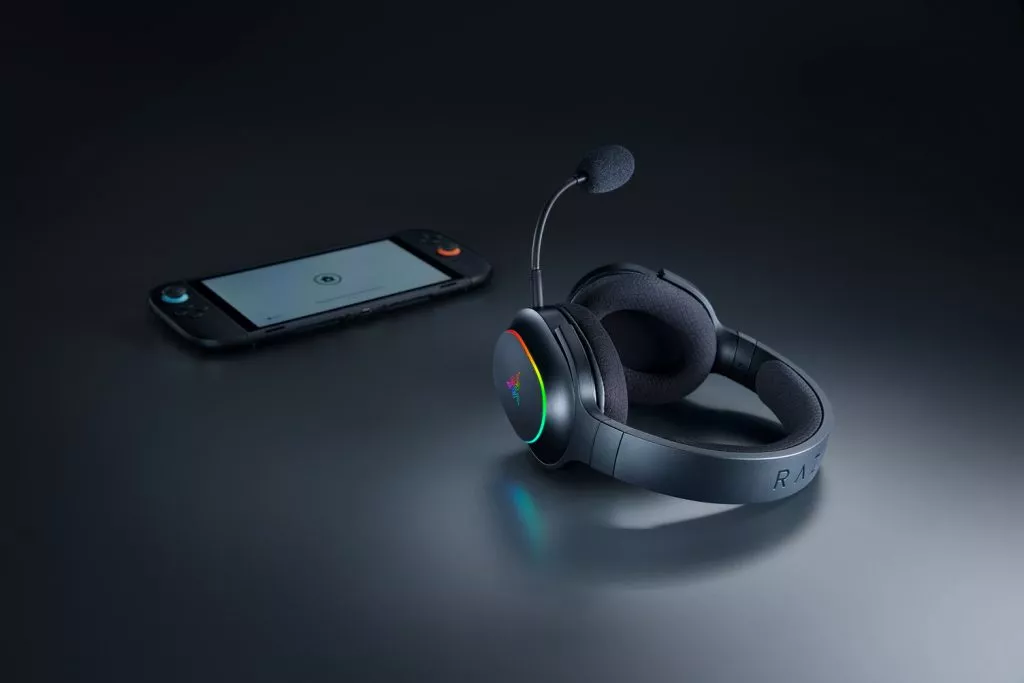
Here’s what makes the Razer Barracuda X Chroma shine: everything that Switch 2 gamers want, portability, flexible connectivity, comfort, and long-lasting performance, is already built into the Razer Barracuda X Chroma. It’s more than just a headset; it’s an extension of the Switch 2 experience. It’s the best portable wireless headset for Nintendo Switch 2 gamers worldwide.
Other Compatible Razer Headsets
While the Razer Barracuda X Chroma is our top pick for Switch 2 players, these Razer headsets are also compatible:
- Razer Barracuda Pro
- Razer Barracuda
- Razer Barracuda X
- Razer Kraken V4
- Razer Kraken V4 X
- Razer BlackShark V2 Pro (2023)
- Razer BlackShark V2 HyperSpeed
At Razer, we are committed to creating products that fit seamlessly into your lifestyle and elevate every play session. With the Razer Barracuda X Chroma, you are not just prepared for your next game, you are ready for your next adventure.
Ready to be immersed? Check out the Razer Barracuda X Chroma here.
FAQS
Do I need an adapter to use the Razer Barracuda X Chroma with Nintendo Switch 2?
No adapter is needed. The headset comes with a USB-C wireless dongle that plugs directly into the Nintendo Switch 2 for ultra-low latency performance. If you prefer to go without the dongle, or happen to leave it behind, you can still connect easily through Bluetooth.
How does volume control work on the Razer Barracuda X Chroma with Switch 2?
Volume control works differently depending on your connection type:
- Bluetooth Mode: Adjusting the headset volume also changes the Switch 2 system volume.
- Razer HyperSpeed Wireless (USB-C): The headset volume is separate from the Switch 2 system volume.
For maximum loudness in USB HyperSpeed mode:
- Turn up the volume on your Switch 2 console.
- In system settings, make sure the “Lower Max Headphone Volume” option is disabled.
- Adjust the volume directly on the Razer Barracuda X Chroma.
Does the Razer Barracuda X Chroma need an adapter for Nintendo Switch 2?
No adapter is needed. The headset comes with a USB-C wireless dongle that plugs straight into the Switch 2 for ultra-low latency performance. If you would rather go without the dongle, or happen to leave it behind, you can still connect seamlessly via Bluetooth.
Can I use the headset wirelessly with Switch 2 in both handheld and docked mode?
Yes. Whether your Nintendo Switch 2 is docked to the TV or used in handheld mode, the Razer Barracuda X Chroma delivers a stable wireless connection through the USB-C dongle, as long as it is plugged into one of the two USB-C ports.
Can I take calls while gaming on Switch 2?
Yes. With SmartSwitch Dual Wireless, you can answer Bluetooth calls from your phone while the headset stays connected to the Switch 2 through the USB-C dongle. Once the call ends, the audio switches back to your game automatically.
How do I pair the Razer Barracuda X Chroma with the Switch 2?
- Plug the USB-C dongle into your Switch 2.
- Power on the headset.
- Audio will automatically switch to the Razer Barracuda X Chroma.
For Bluetooth, press the pairing button on the headset and select it from the Switch 2 Bluetooth settings.
Can the Razer Chroma RGB lighting be switched off?
Yes. You do not need Razer Synapse. Simply triple tap the SmartSwitch button to toggle the lighting on or off. With Razer Chroma RGB disabled, the Razer Barracuda X Chroma lasts up to 70 hours on a single charge. Turning off the lighting also gives the headset a more understated look, ideal for commuting or everyday use.
