

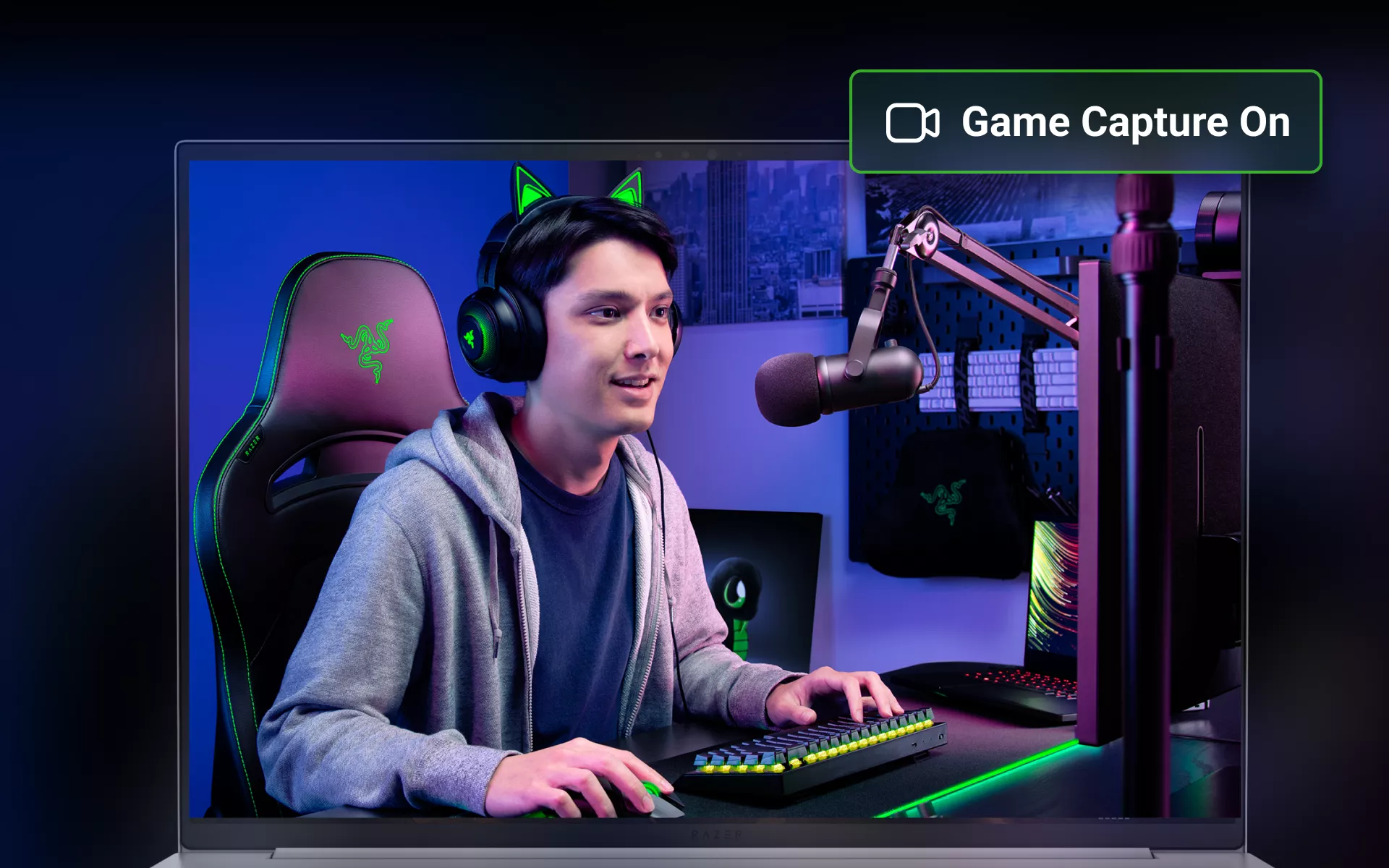
Every PC gamer has had that moment. A decisive play unfolds, the round shifts in your favor, and the match momentum changes. Later, you realize it was never recorded.
In today’s competitive landscape, performance is not only about execution. It is also about preserving progress, refining gameplay, and managing your system intelligently behind the scenes.
Razer Cortex was built to support that journey by unifying your games, optimizing your performance, and ensuring your defining moments can be captured and shared within the communities that shape modern PC gaming.
Your Unified Game Library
If you play on PC, your games likely live across different platforms. One title opens in one app. Another launches somewhere else. Before long, starting a session means opening more windows than necessary.
Razer Cortex simplifies that. It automatically detects supported installed games and brings them into one centralized dashboard. As a unified game launcher, it gives you a single place to access your PC library.
Instead of jumping between apps, you launch what you want from one clean interface. You spend less time navigating between apps and more time playing, with Razer Cortex as your central launch point.
If you’re looking for a more organized way to start every session, you can explore the full Razer Cortex platform here.
We Clip, You Flex: Built-In Game Capture That Keeps Up
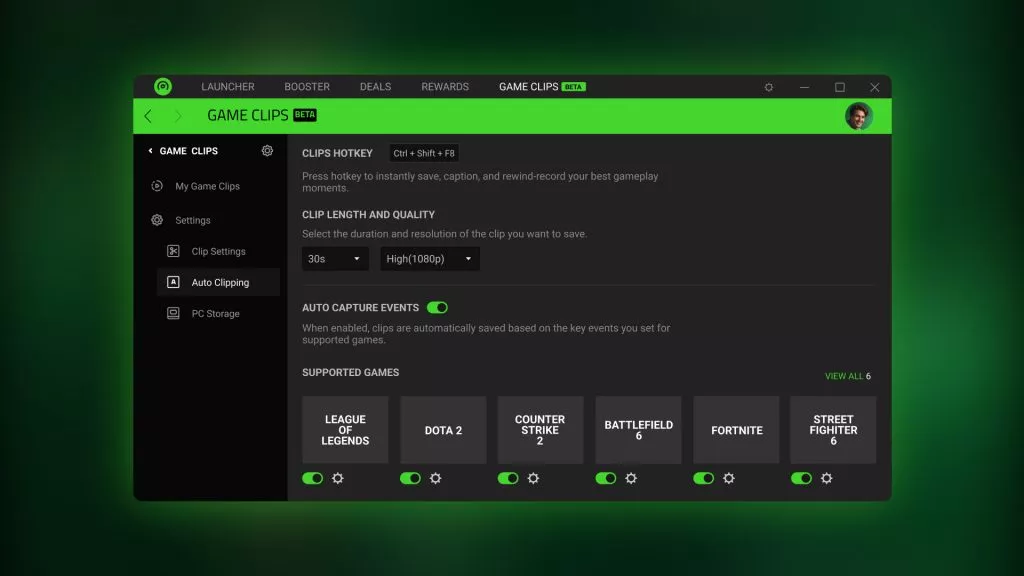
Big plays do not wait for you to hit record.
Razer Cortex integrates Game Clips, a built-in instant replay feature that lets you capture the last 30 seconds of gameplay with a single key press. You do not need separate recording software running in the background or extra setup before a match.
For supported titles including League of Legends, Dota 2, CS2, VALORANT, Delta Force, and Street Fighter 6, highlight detection features are available where supported. For other games, manual clipping ensures you stay in control.
Because Game Clips is part of Razer Cortex, it works alongside your system without adding unnecessary complexity. You stay focused on the match. Cortex preserves the moment.
If capturing and sharing your best plays matters to you, take a closer look at how Game Clips works and which titles are supported here.
Setup That Works From the Start
Performance tools should not feel like another project.
Once installed, Razer Cortex detects your supported games and enables its core features with minimal configuration. You do not need to dig through complicated menus or constantly tweak settings before every session.
Game Clips is ready when you are. Your library is already organized. Optimization tools are available without requiring technical expertise.
It is built to fit naturally into your routine, whether you are gaming casually or competing seriously.
Keeping Your PC Focused on the Game
Background processes can quietly compete for resources while you play. Even powerful systems benefit from staying focused on what matters most.
Razer Cortex includes PC optimization features to temporarily manage non-essential background tasks during gameplay. As a free PC optimization tool, it helps your system prioritize the game you are running.
With Razer Cortex: BOOSTER PRIME, you can also apply recommended in-game settings profiles tailored to specific competitive titles. Instead of guessing which graphics settings to adjust, you can choose a profile designed to support smoother, more stable performance.
Tools like the FPS counter give you a clear view of how your system is performing in real time.
It is not about promising extreme frame rates. It is about helping your PC stay consistent so your performance stays consistent — especially when those key moments happen.
Play More, Earn More with Razer Silver
Razer Cortex also rewards you for playing.
By launching featured titles through Razer Cortex, you can earn Razer Silver, which can be redeemed for Razer gear, digital vouchers, and select in-game items.
Razer Cortex also offers access to the Playtest Program, where eligible users can test upcoming titles and earn Razer Silver for their feedback.
It is a simple way to get more value out of the time you already spend gaming — all within the same platform that launches your games, optimizes performance, and captures your highlights.
One Platform, Built Around How You Play
Razer Cortex brings together the essentials of PC gaming:
- A unified game launcher
- Built-in instant replay and highlight capture with Game Clips
- PC optimization tools with BOOSTER PRIME
- Reward opportunities through Razer Silver
It runs in the background so you can stay focused on improving, competing, and sharing your best moments.
If you are looking for PC gaming software that keeps your setup organized and your highlights protected, download Razer Cortex and explore how Game Clips fits into your workflow.
