

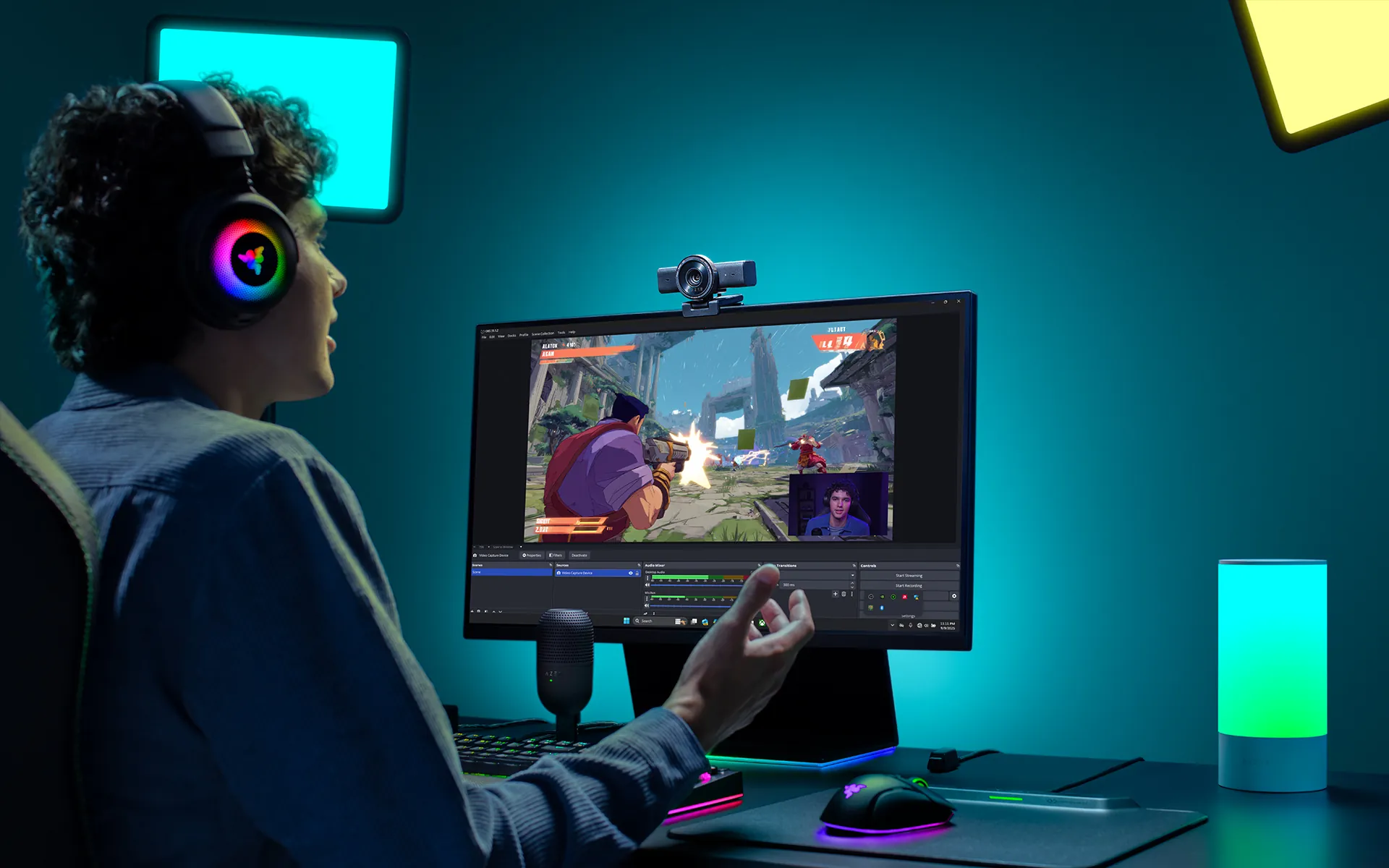
Maybe a friend has been talking about starting their own Twitch channel, or someone you regularly game with has been looking to upgrade their streaming setup. Perhaps you’ve been creating content yourself and have a few upgrades in mind.
Cyber Weekend is a good opportunity to revisit those wishlists. Whether you’re treating yourself or looking for a thoughtful gift, the right addition to a creator’s setup can make their everyday experience that much more enjoyable.
Here are some Razer picks to consider, wherever they are in their content creation journey.
A Clearer View: Razer Kiyo V2 or Razer Kiyo V2X Webcam
Part of the fun of watching a livestream is seeing the person behind the gameplay. A reaction to an unexpected plot twist or a celebration after a close win can be just as memorable as the game itself.
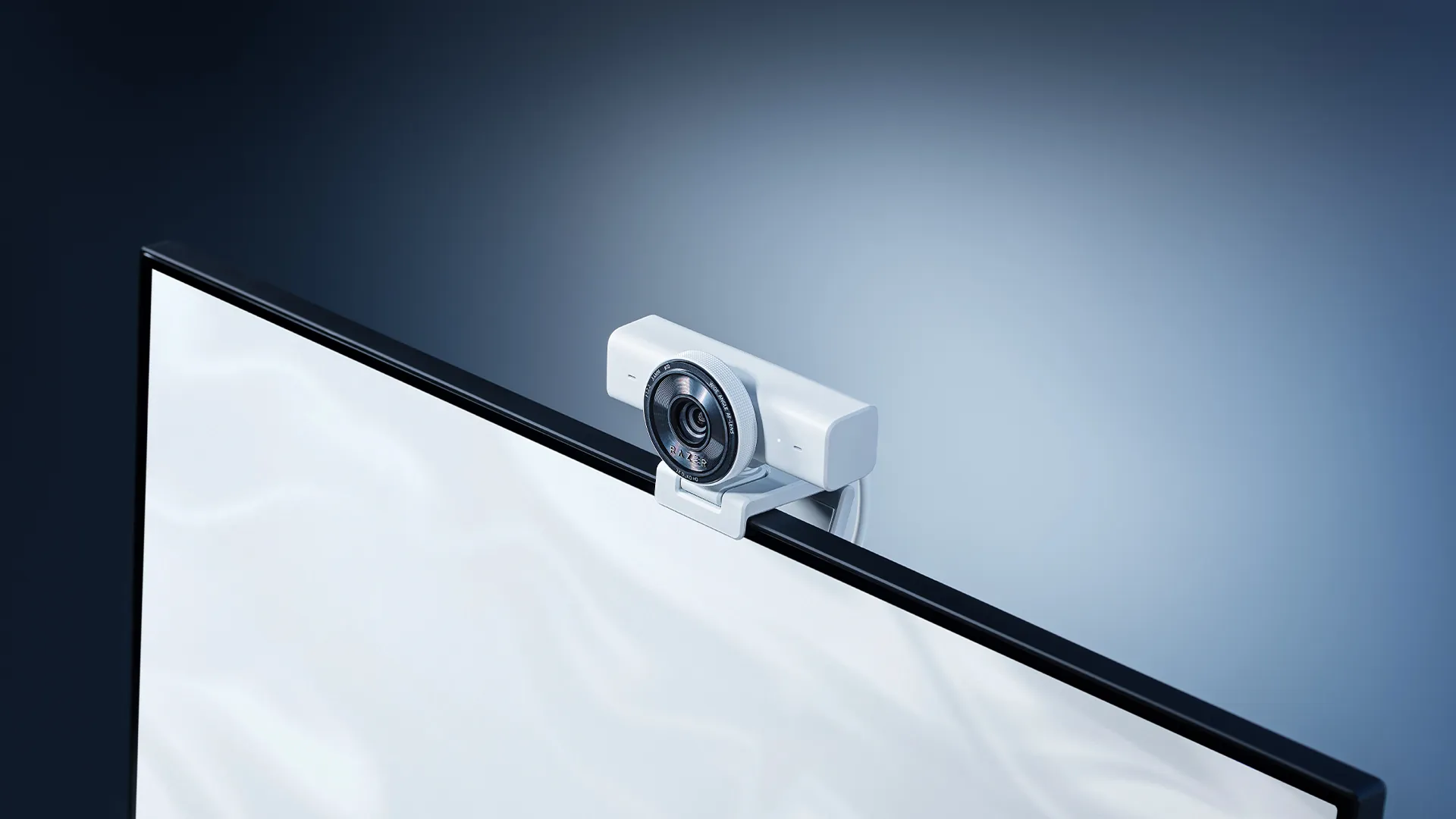
For creators who want more flexibility with their camera setup, the Razer Kiyo V2 webcam captures 4K video at 30 FPS creator in shot as they move around, while One-Click Image Enhancement makes it easier to adjust their picture without spending too much time tinkering with camera settings. The higher resolution also comes in handy when cropping recorded footage for shorter videos.
If someone is setting up their first facecam, the Razer Kiyo V2 X webcam offers a straightforward way to get started. With 1440p video at 60 FPS, autofocus, and plug-and-play connectivity, it delivers smooth video capture with minimal setup, so they can spend more time creating.
Make Every Conversation Easier to Follow: Razer Seiren V3 Chroma or Razer Seiren V3 Mini USB Microphone
Good audio makes a difference even outside of streaming. Whether you’re explaining your latest strategy to teammates, recording a video, or spending an evening chatting on Discord, a dedicated microphone can help your voice come through more clearly.
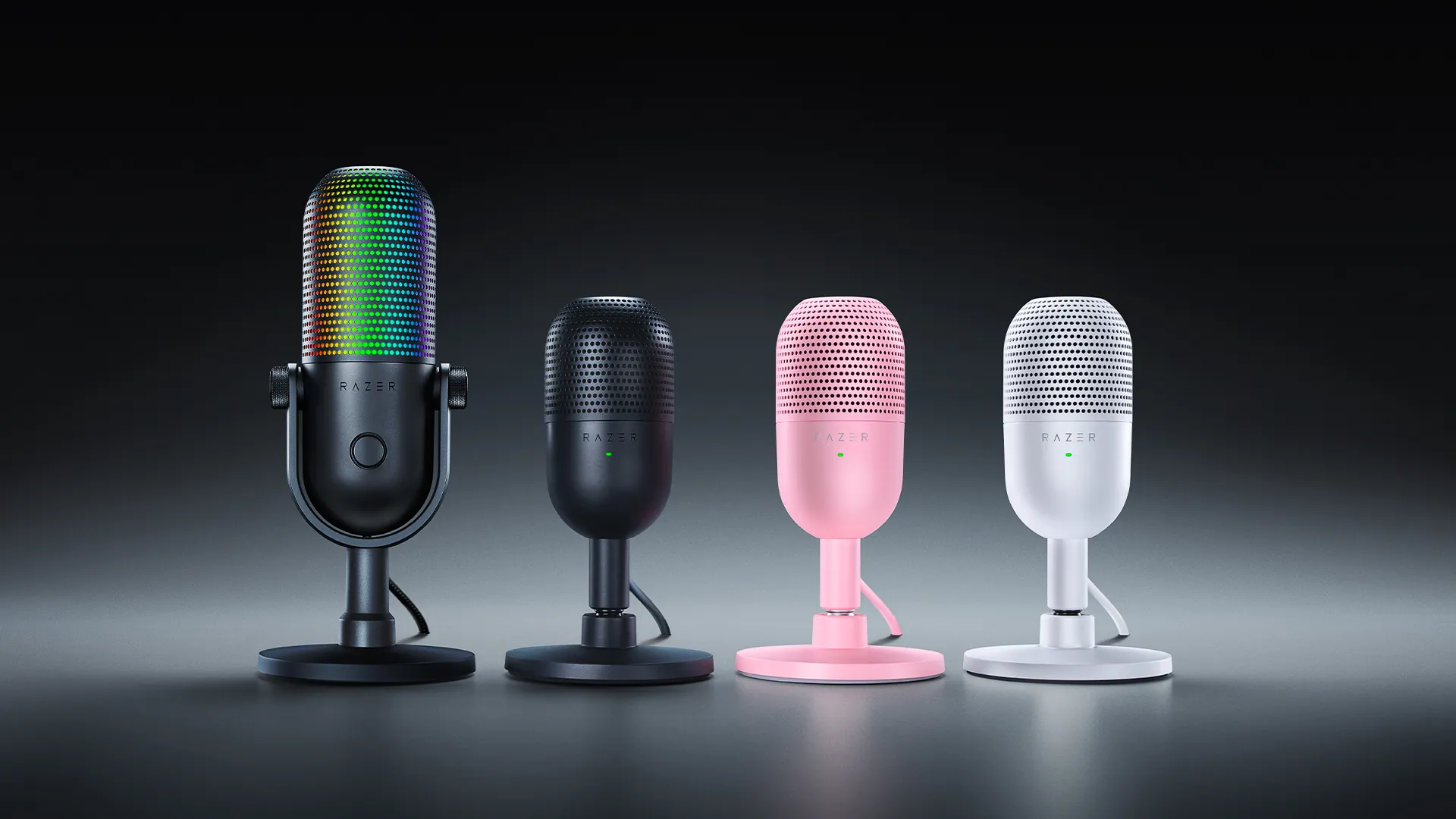
For creators who enjoy personalizing their setup, the Razer Seiren V3 Chroma brings that same creative freedom to their microphone. Its supercardioid condenser microphone focuses on the speaker’s voice, while stream and game-reactive Razer Chroma RGB lighting can respond to stream alerts and in-game events. A tap-to-mute sensor also makes it easy to mute the microphone without interrupting the flow of a stream.
For someone working with a smaller desk, the Razer Seiren V3 Mini is an ultra-compact USB condenser microphone that makes it a practical addition. Its ultra-compact design takes up minimal space, while its focused pickup pattern helps reduce the amount of surrounding sound it captures. It’s especially useful for someone who wants their first dedicated USB microphone for gaming, streaming, or everyday conversations.
A Personal Touch: Razer Kraken Kitty V2 or Razer Kraken Kitty V2 BT Gaming Headset

Part of the fun of putting together a gaming setup is making it your own, and a headset can be just as much a part of that expression as the lighting on your desk.
With its signature kitty ears and customizable Razer Chroma RGB lighting, the Razer Kraken Kitty V2 is a wired USB gaming headset for creators who enjoy bringing their personal style into their streams. Its stream-reactive lighting can also add a playful touch when interacting with their community.
For someone who likes to take that style beyond their gaming setup, the Razer Kraken Kitty V2 BT offers wireless Bluetooth connectivity alongside its distinctive kitty-ear design. It’s a versatile option for listening to music, catching up with friends, or enjoying games on compatible mobile devices.
Find Something They’ll Love Using
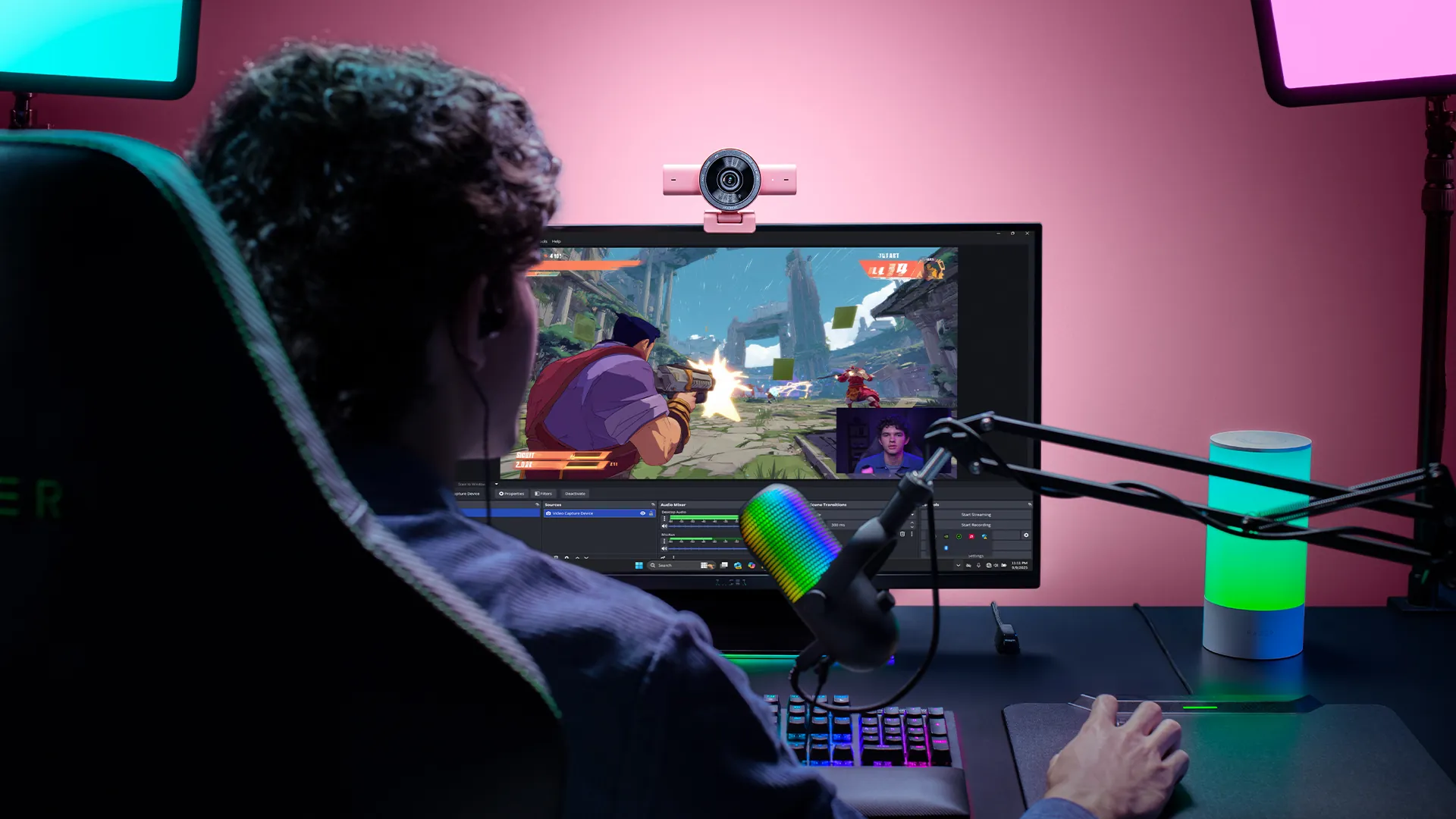
Some of the most thoughtful gifts come from paying attention to the little things. Maybe they’ve mentioned struggling to get their camera settings right, wishing they had more desk space, or wanting to add a little more color to their setup.
And if you’re treating yourself this Cyber Weekend, the same thinking applies. Consider what would make the biggest difference to the time you already spend gaming and creating.
Explore Razer Cyber Weekend for more gifting inspiration, and sign up for the Razer newsletter to stay in the loop on upcoming offers, exclusive promotions, and the latest Razer gear.
