

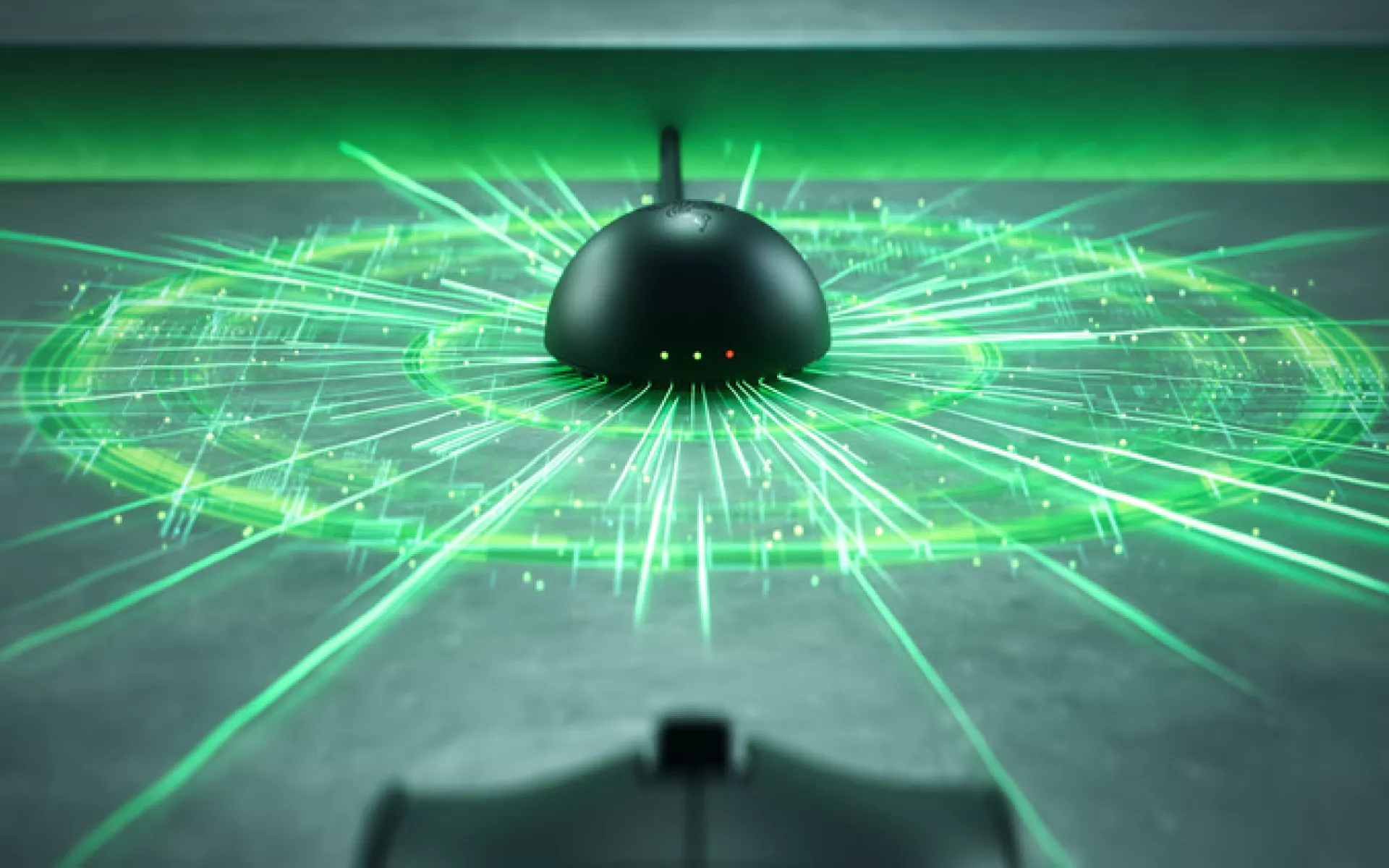
For a long time, competitive gamers had a simple reason for staying wired: confidence. In high-stakes moments, players rely on consistency. A split-second delay can cost a round, a match, or even a title. A mouse needed to feel consistent through quick flicks, long tracking sequences, and repeated resets across the mousepad. Wired mice became the default because they gave players one less thing to question when the pressure was on.
Wireless had to earn the same level of trust. It had to address the concerns competitive players cared about most: latency, signal stability, and battery life. As esports moved faster and players demanded more freedom from their setups, wireless technology needed to keep up without changing the way high-performance play should feel.
Razer has helped push that shift forward, from 8000 Hz polling in wired mice to high-performance wireless built for esports-level responsiveness. With Razer HyperSpeed Wireless Gen-2, that progression continues through ultra-low latency, true 8000 Hz wireless polling, improved power efficiency, and adaptive signal stability for competitive play.
Why Wireless Had to Prove Itself
Competitive players are selective for good reason. Gear changes need to make sense in the moments where control matters most.
For wireless mice, the hesitation was easy to understand. Players worried about latency, signal stability, and battery life. Even small doubts can become distractions when every movement needs to land as intended.
That made wireless performance more than removing a cable. It had to stay consistent through quick flicks, rapid target switches, long scrims, and tournament environments where multiple wireless devices may be active at once.
The best competitive gear gives you fewer things to think about during a match. For wireless mice, that meant building a connection steady enough to fade into the background.
How Razer HyperSpeed Wireless Gen-2 Solves It
Razer HyperSpeed Wireless Gen-2 is designed around the core demands of competitive wireless performance: responsiveness, stability, and endurance.
True 8000 Hz wireless polling allows a mouse to report its position to the PC up to 8000 times per second, helping movement feel more closely tied to what is happening on-screen. For fast-paced games, that means the connection has to support rapid aim changes, repeated inputs, and quick corrections without introducing uncertainty.
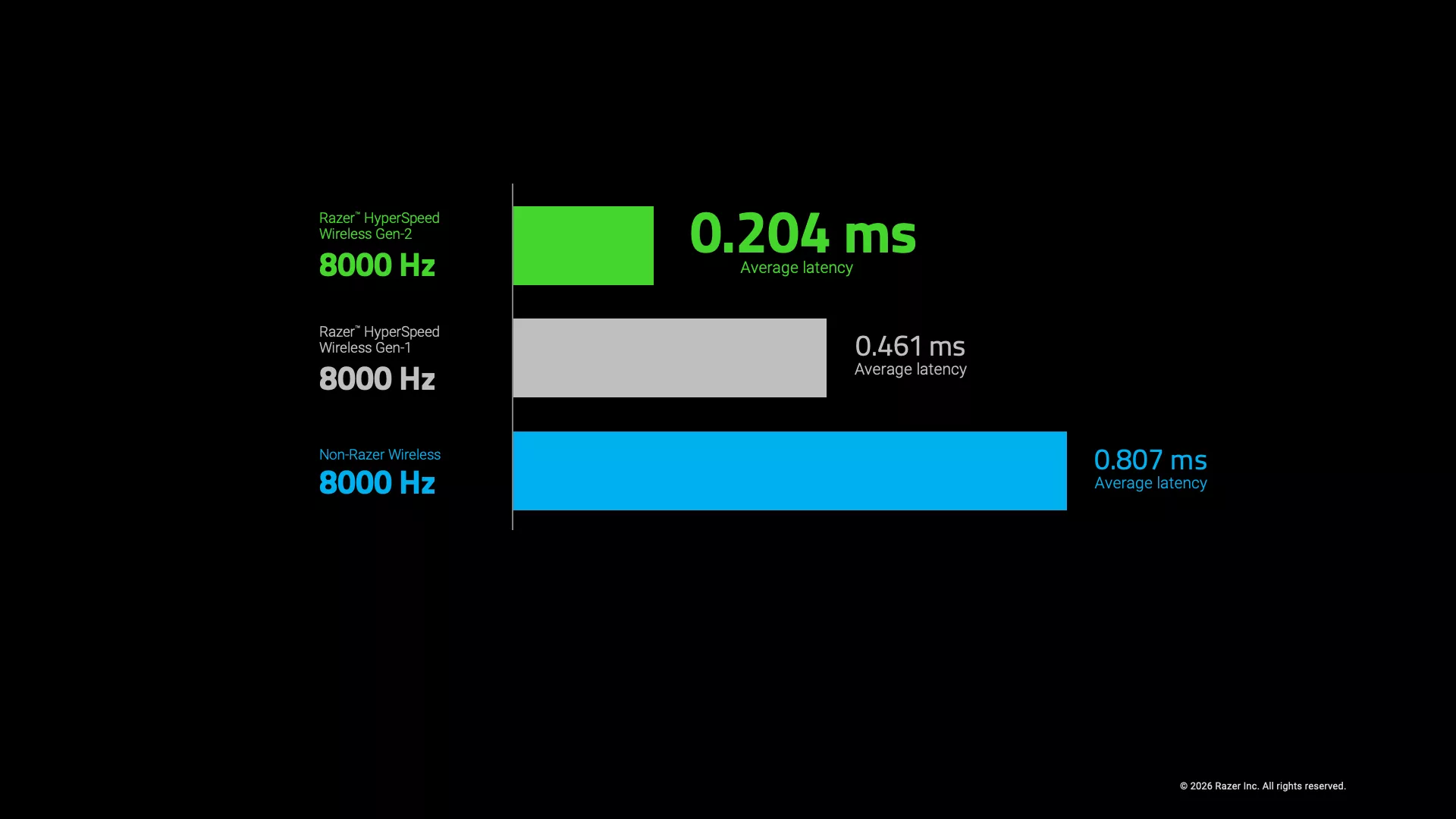
Latency is another part of that equation. Razer HyperSpeed Wireless Gen-2 reduces latency compared with the previous generation, while improving wireless efficiency to support longer competitive sessions.
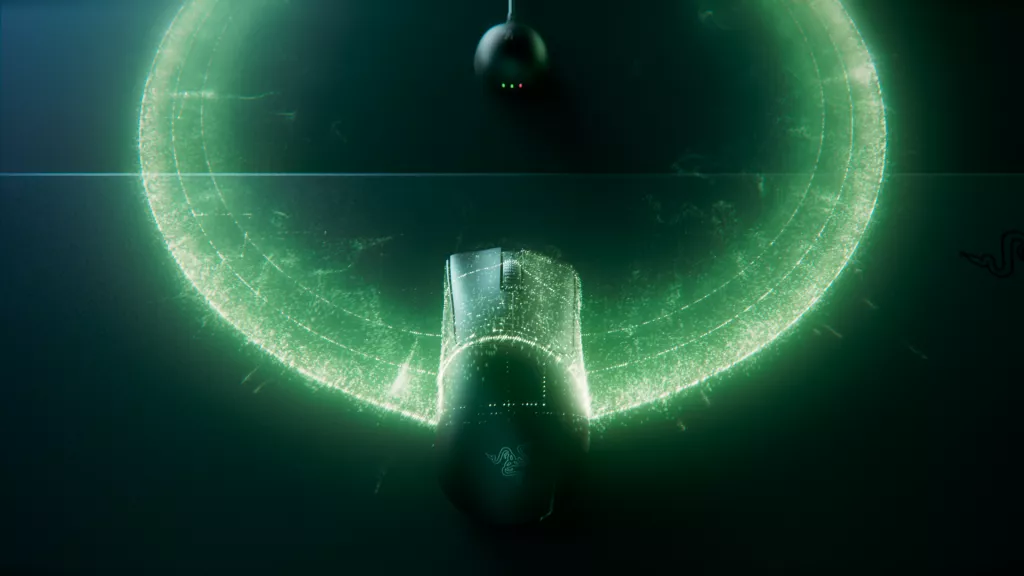
Connection stability also matters because competitive setups are rarely quiet environments. From home battlestations to tournament stages, wireless signals often share space with headsets, keyboards, routers, phones, and other devices. Razer HyperSpeed Wireless Gen-2 is built with better signal stability, helping maintain a reliable connection even when the setup around you gets crowded.
Razer HyperSpeed Wireless Gen‑2 in Action
In-game, the benefits show up in moments where aim can easily break down.
When you snap from one target to another, the mouse needs to keep up without making movement feel delayed or uneven. When you hold a spray and make small corrections, tracking needs to stay controlled instead of feeling floaty. When you reset your mouse during a fight, wireless freedom helps remove the drag and resistance that can interrupt the motion.
That consistency matters most when the pace picks up. During retakes, close-range duels, or fast target switches, you are making several small decisions in quick succession: where to flick, when to stop, how much to correct, and whether to commit to the next target. A responsive wireless connection helps those movements feel connected from start to finish.
Over longer sessions, the cable-free setup becomes more than a comfort upgrade. It gives your hand more room to move naturally, especially if you play at lower sensitivity or rely on wider arm movements. The mouse stays out of the way, so your focus stays on timing, positioning, and aim.
Designed for the Way Pros Play
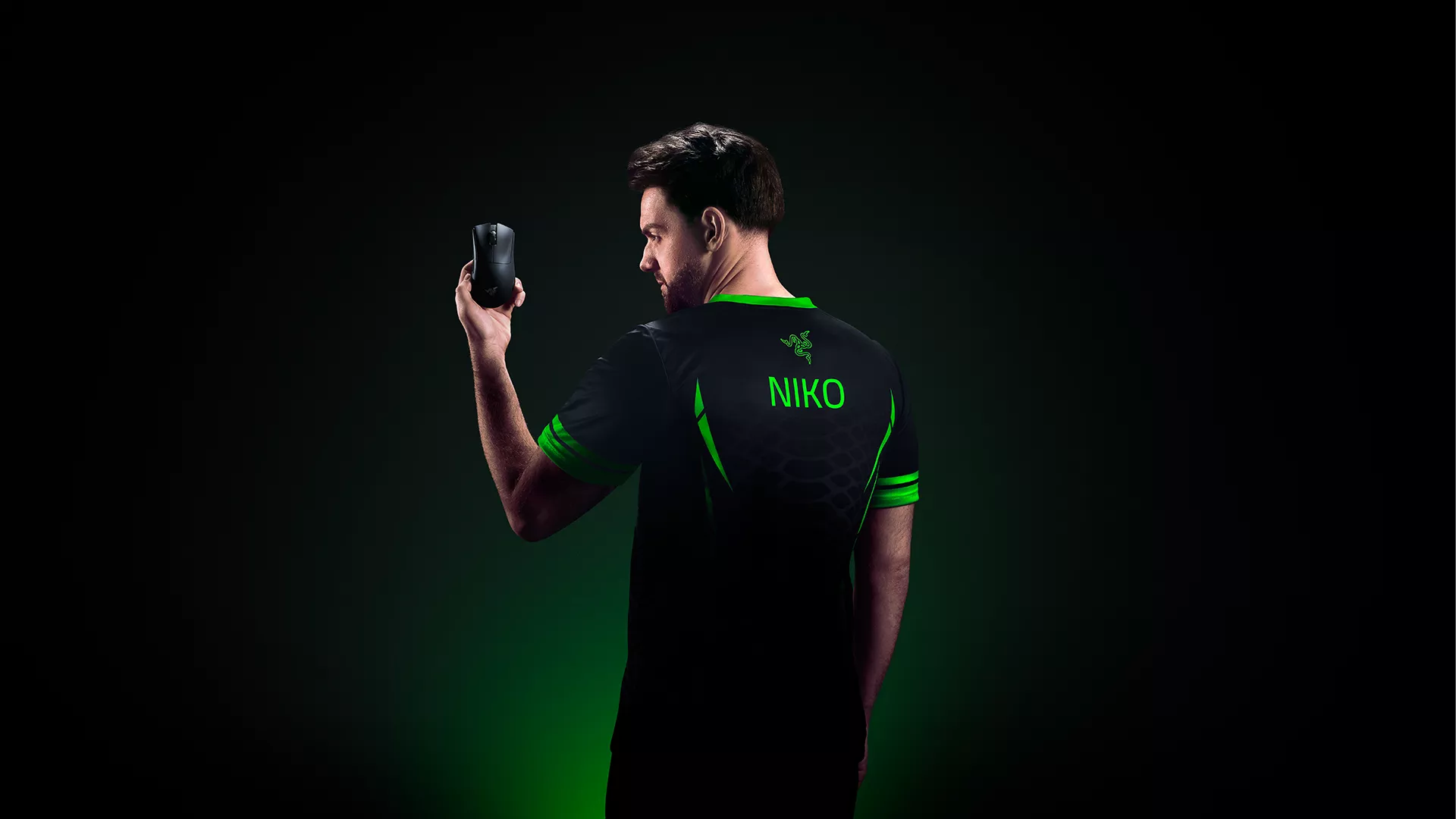
The Razer Viper V4 Pro and Razer DeathAdder V4 Pro bring Razer HyperSpeed Wireless Gen-2 into two competitive mouse shapes built for different grip preferences.
Both support up to 8000 Hz polling in both wireless and wired modes, giving players the same high-performance wireless foundation whether they prefer a symmetrical or ergonomic shape.
The Razer Viper V4 Pro is built for players who prefer an ultra-lightweight symmetrical mouse, weighing 49 g in black and 50 g in white, excluding the cable and dongle. The Razer DeathAdder V4 Pro brings that same wireless performance into Razer’s iconic right-handed ergonomic shape, weighing 56 g in black and 57 g in white, excluding the cable and dongle.
Endurance is built for long sessions too, with up to 180 hours of battery life at 1000 Hz on the Razer Viper V4 Pro and up to 150 hours at 1000 Hz on the Razer DeathAdder V4 Pro. Whether players prefer the agility of the Razer Viper or the supported feel of the Razer DeathAdder, Razer HyperSpeed Wireless Gen-2 gives them speed, stability, and freedom of movement in the shape that fits their playstyle.
The New Standard for Competitive Play
The move from wired to wireless took years of performance improvements to address the doubts competitive players had around latency, stability, and endurance.
Today, wireless is no longer just about removing a cable. At the highest levels of play, it needs to feel fast, stable, and ready for the pressure of every round.
Razer HyperSpeed Wireless Gen-2 reflects that shift, bringing competitive wireless performance closer to what players expect from pro-level gear. With the Razer Viper V4 Pro and Razer DeathAdder V4 Pro, that technology is built into gaming mice designed for the way pros play: precise, focused, and free from unnecessary distraction.
Find out more about Razer Viper V4 Pro and Razer DeathAdder V4 Pro.
