

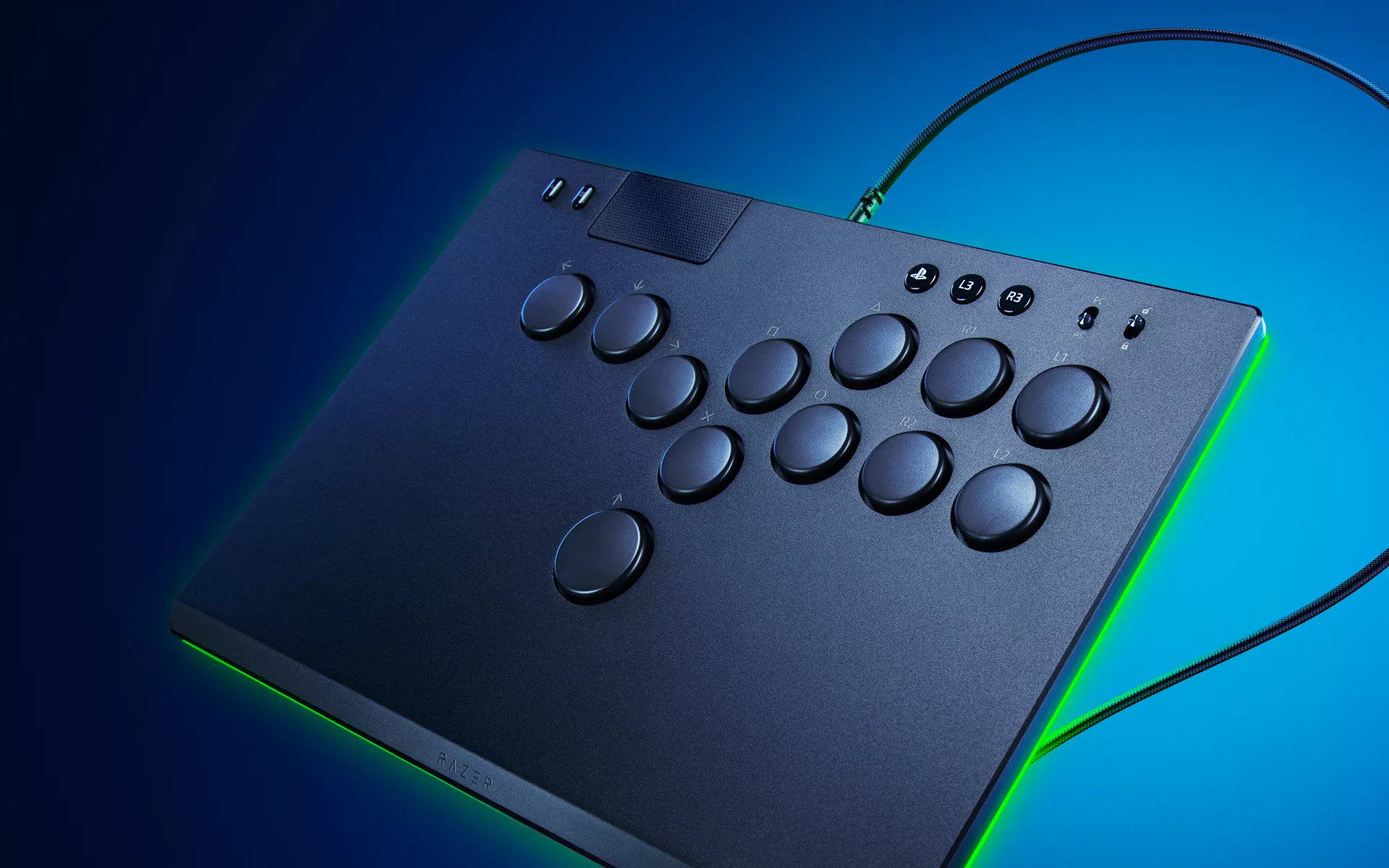
For decades the grind of a rotating arcade joystick was the soundtrack of the fighting-game community (FGC). Today, however, tournament halls are filled with the bright clicks of all-button “lever-less” controllers. With the introduction of the Razer Kitsune, we’re here to talk about the rise of the all-button fight stick which is now dominating the fighting game community, and if it is worth the learning curve (it is).
Our FGC journey: Atrox, Panthera … Kitsune
We didn’t jump on the bandwagon overnight; what many may not know, is that we’ve been supporters of the console space and the fighting game community for years. Our very first foray into the console space with the Razer Onza was met with the usual ‘Razer’ controversy – it was banned by Major League Gaming back in 2010 for giving the unfair advantage for the additional remappable buttons (which later on when the rest caught up, that this feature is now allowed).
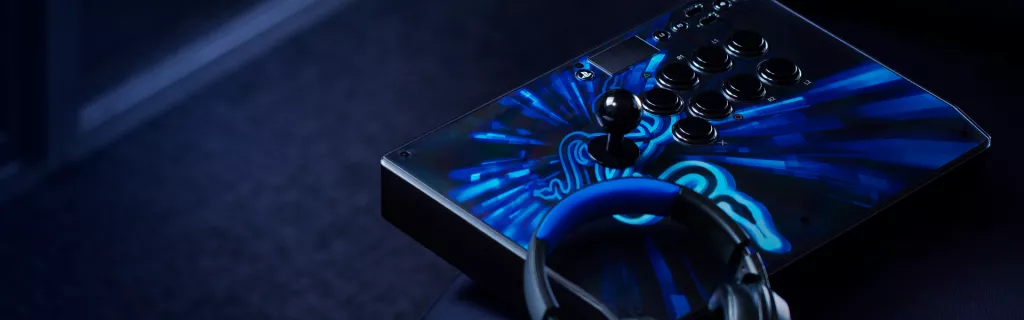
We take the same approach of developing our hardware through engaging the fighting game community. The Razer Atrox and Razer Panthera fightsticks were co-engineered with the community and beta-tested on the big stages such as at EVO. Those collaborations taught Razer some lasting lessons:
- Community R&D works – open betas and mod-friendly design produce tourney-ready gear faster.
- Execution frames decide championships – shave a few milliseconds off an input and you change a round’s outcome.
Why the FGC is switching to lever-less
We took the same approach talking to many fighting game players and having them provide feedback on our lever-less format. To be honest, there’s a learning curve but the pay-off for moving on from the traditional stick format paid off for many: players who spend 30 days on a lever-less controller often report cleaner inputs and faster specials, even if the first week feels like “learning to walk again.”
| Classic fight-stick (e.g., Razer Panthera) | Lever-less controller (e.g., Razer Kitsune) |
| 8-way joystick governs movement; circular gates needed for accuracy | Four digital “direction” buttons (Left, Down, Right, Up) arranged in ergonomic grid |
| Diagonals rely on physical leverage → longer travel | Button presses register instantly → shorter input travel |
| Quarter/half circles require stick rotation → greater wrist action | Complex motions become tap–tap–tap sequences → lower execution time |
| Bulkier case | Ultra-slim 19 mm chassis that fits in a laptop sleeve |
| Familiar muscle memory for arcade veterans | Muscle memory closer to PC keyboard or rhythm games |
What makes the Razer Kitsune different?
- Quad-movement layout – Up sits under your thumb (like a space bar), enabling effortless jump-cancels.
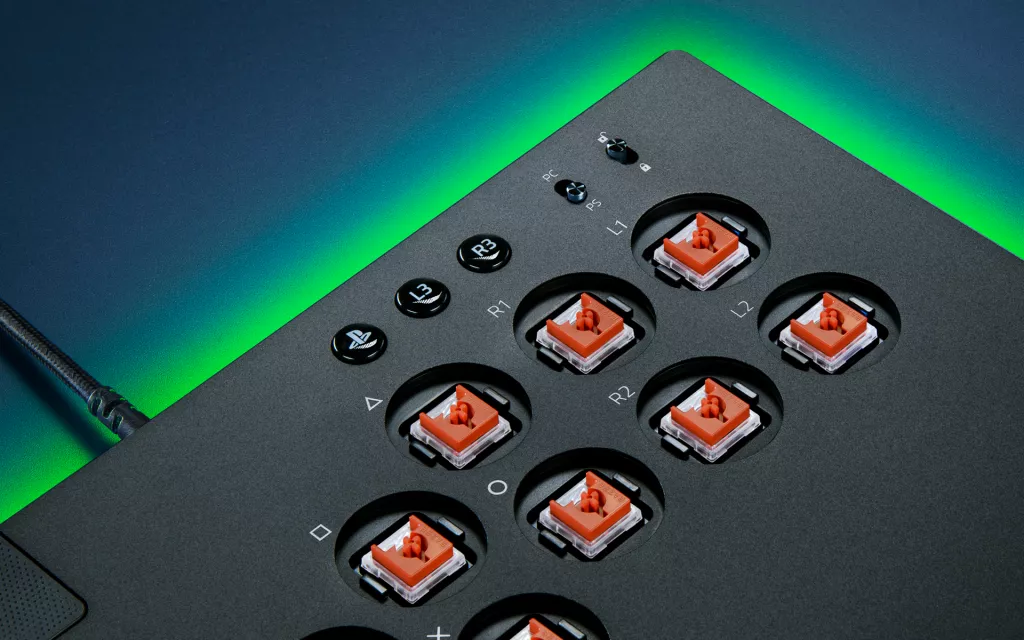
- Low-profile linear optical switches – identical tech to our fastest keyboards means near-zero debounce and lightning longevity.
- Slim, travel-safe shell – at 19 mm thick and well under 1 kg, it slides into a laptop compartment—no more checked-baggage stress.
- SOCD cleaning on board – simultaneous opposite directions resolve to neutral or “last-pressed,” complying with Capcom Pro Tour rules out-of-box.
- USB-C detachable cable + tournament lock – fast swaps and no accidental Home-button DQs.
How three buttons beat a semicircle
Lever-less execution shines in motion-heavy games:
- Quarter-circle forward (236) → press Down + Forward + Punch simultaneously.
- Half-circle back (41236) → Left + Down + Forward + Attack; no wrist roll required.
- Dragon-punch (623) → Forward + Down + Down-Forward + Attack; tap-tap-tap instead of “Z” swipe.
Because the Razer Kitsune treats directions as discrete digital keys, hitting those sequences can be faster than rotating a lever—and in a one-frame punish window, that can decide the most crucial victories.
Quick-start tips for new Kitsune owners
- Drills over ranked – spend an hour in training mode tapping ↔, ↕, 236 and 623 until fingers stop “thinking.”
- Use hit-confirm audio – optical switches are silent; enable “button down” sounds in SF6 settings to reinforce rhythm.
- Practice SOCD neutral – hold Left, tap Right and release; feel the clean switch to avoid inadvertent blocks.
A controller for the next meta
The lever-less wave isn’t hype; it’s an input-latency revolution that mirrors the keyboard-and-mouse dominance in shooters. By blending optical keyboard science with fight-stick heritage, the Razer Kitsune gives newcomers a shallow learning curve and veterans a deeper execution ceiling.
Portable, precise, and tournament-legal out of the box, it marks our new era of FGC hardware and signals that the definition of a “stick” has officially changed—no lever required.
Ready to test the future? Explore the Kitsune line-up and feel why players everywhere are laying the stick down—and picking the buttons up.
