

TL;DR: Quick Start
Short on time? Here’s the fast version:
- Download and unzip the Sneki Snek VTuber Mascot
- Drop the folder into VTube Studio’s Live2DModels directory
- Load Sneki Snek, set ICON.PNG, select Idle.motion3.json, and enable Fix White Outlines
- Use the Expression Editor to toggle expressions or create new ones
- Assign hotkeys so Sneki Snek reacts in real time during streams
- You’re ready to start VTubing with Razer’s eco-guardian mascot
Bring Sneki Snek to Life in VTube Studio
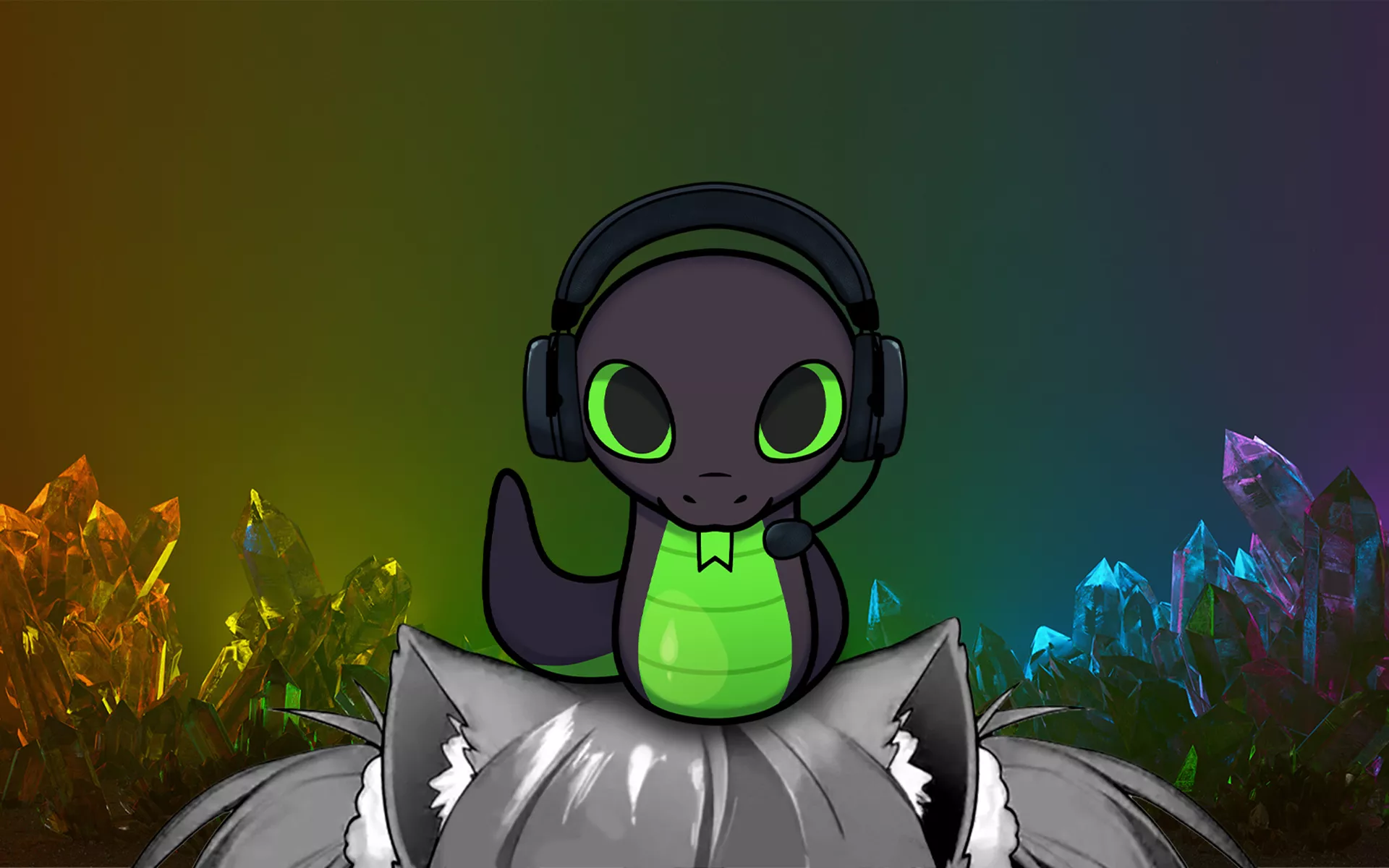
VTubing has become one of the most expressive, accessible ways to show up online, whether you’re streaming, creating TikToks, or chatting with your community. With the official Sneki Snek VTuber Mascot, you can bring a lively, animated version of our eco-guardian mascot directly into VTube Studio.
This guide keeps things simple and digestible, walking you through everything you need to start VTubing with Sneki Snek, even if you’re completely new to Live2D or face-tracking apps.
Why Sneki Snek Is Perfect for VTubing Beginners
Sneki Snek is designed to be welcoming for first-time creators:
- Fully rigged and ready to use in VTube Studio
- Lightweight and easy to run on most setups
- Expressive without being overwhelming
- Great for casual streams, reaction videos, or as a mascot on your overlay
If you’ve wanted to try VTubing but didn’t know where to start, the Sneki Snek VTuber Mascot is a fun, low-pressure first step.
What You Need
You only need three things to get started:
- VTube Studio (PC or macOS)
- A webcam for face tracking
- The Sneki Snek Live2D model pack (unzipped)
Optional: an emotional attachment to our favourite sustainability mascot.
Importing Your Sneki Snek Model
VTube Studio organizes VTuber avatars inside a folder called Live2DModels. Adding Sneki Snek is simple:
- Open VTube Studio once to generate its folder structure
- Navigate to the app’s Live2DModels directory
- Drag the unzipped Sneki Snek folder into it
Restart the app, and Sneki Snek will appear in your list of available models.
Setting Up Sneki Snek for a Clean, Crisp Look
Once Sneki Snek is loaded into VTube Studio, do a quick initial setup:
- Select ICON.PNG as your model icon
- Set Idle.motion3.json as the default animation (for smooth wiggles)
- Enable Fix White Outlines for sharper edges
These small adjustments ensure Sneki Snek looks polished on any background, especially helpful if you’re placing the model over gameplay or overlays.
Using Toggles: Sneki Snek’s Expressions and Reactions
Toggles are what make your VTuber model expressive. Inside VTube Studio’s Expression Editor, you’ll find a list of built-in Sneki Snek expressions – eye shapes, blush, sparkle effects, and more.
You can easily:
- Turn expressions on/off
- Combine multiple reactions
- Remove ones you don’t use
- Build entirely new expressions
Sneki Snek comes with everything you need for a lively, reactive streaming presence.
Creating Custom Expressions
If you want Sneki Snek to wink, sparkle, or switch moods mid-stream, you can create your own expressions:
- Open Expression Editor
- Click Create a New Expression
- Toggle on whichever elements you want
- Name and save the expression
Some combinations can’t run together (like two mouth shapes), but experimenting helps you find Sneki Snek’s best reactions quickly.
Assigning Hotkeys for Real-Time Animation
Hotkeys let Sneki Snek react instantly during gameplay or conversations.
To bind a toggle:
- Scroll to the bottom of Expression Editor
- Click the + icon
- Select Hotkey Action → Set/Unset Expression
- Choose the expression you want
- Hit Record and press your hotkey
This is how Sneki Snek blushes, sparkles, wiggles, or panics live with you, and it’s one of the easiest ways to bring more life to your stream.
Why Creators Love VTubing With Sneki Snek
The Sneki Snek VTuber Mascot works beautifully for:
- First-time VTubers
- Streamers who want a mascot or on-screen personality
- Fans who want a cute companion for videos
- Creators who prefer staying off-camera
- Anyone who wants a simple, expressive character
Start VTubing With Sneki Snek
Once your model is imported, customized, and hotkeyed, you’re ready to stream, record, or create content with your new eco-guardian co-host. Sneki Snek adds personality, warmth, and a touch of wholesome chaos. It’s perfect for any creator, whether you’re going live or just vibing online.
If you build custom reactions or unique scene setups, share them with us on Discord! We’d love to see how you bring Sneki Snek to life.
