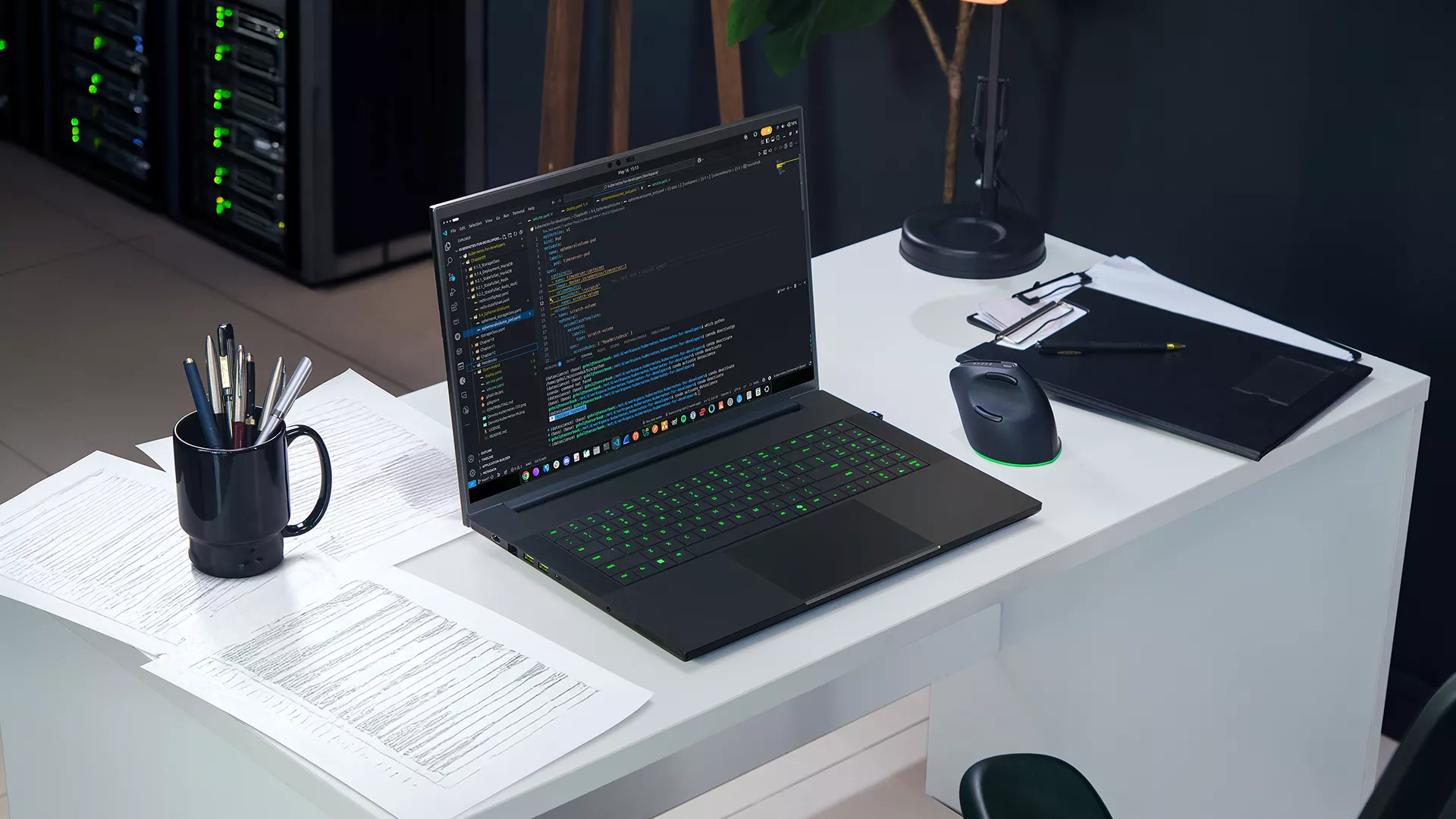
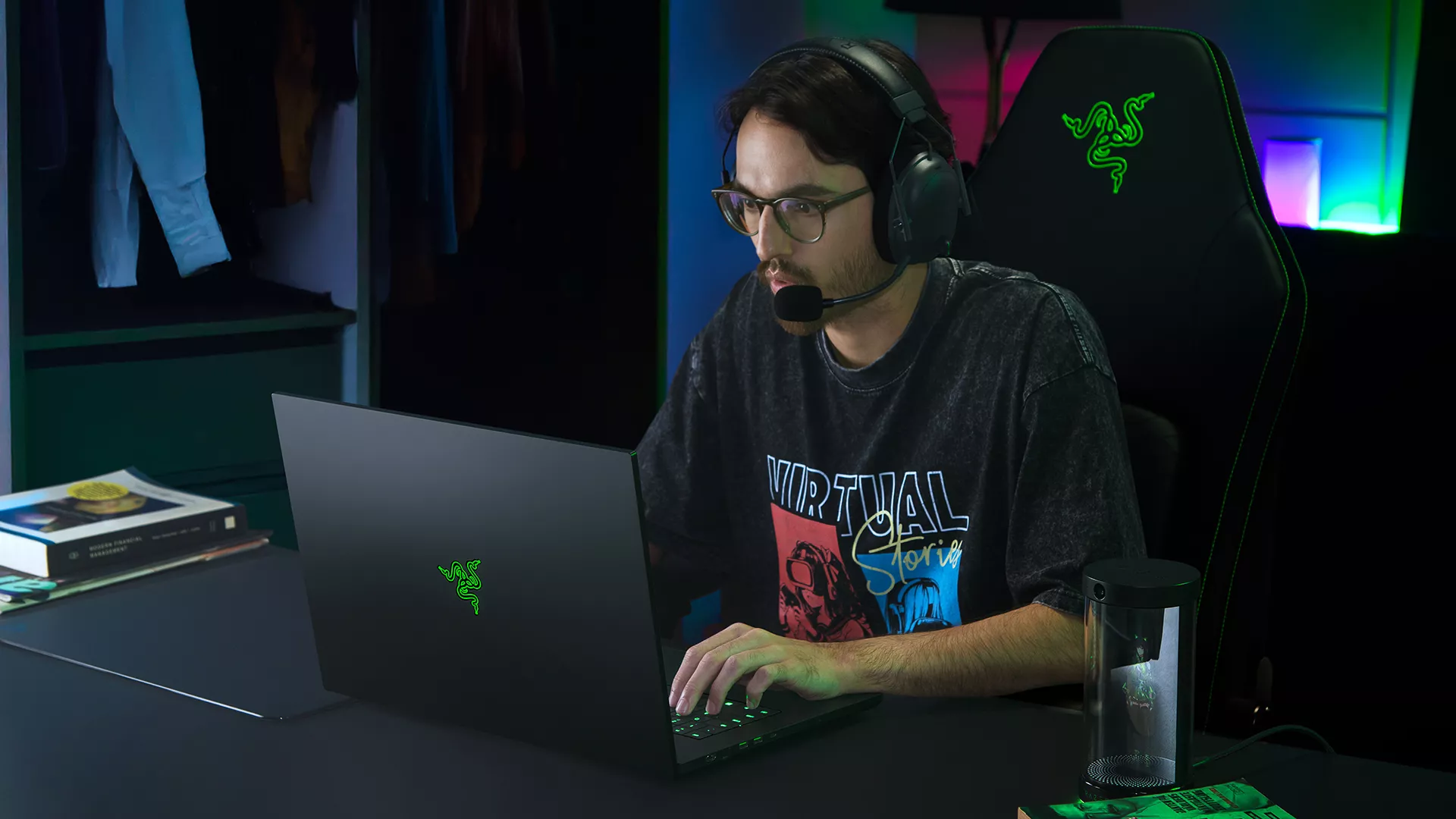
The best AI ideas rarely wait for a free slot in a cloud queue. They show up mid-sprint, late at night, or halfway to a research deadline, and they need a machine that can keep up right there on your desk.
That is the thinking behind the Razer Blade AI Dev Program, a new program for AI developers, researchers, students, and builders. Starting today, eligible applicants can verify their work through GitHub or LinkedIn and receive 5% off select Razer Blade 18 and Razer Blade 16 laptops.
Who is the Razer Blade AI Dev Program Is For?
The program is open to individual builders working across AI development, local models, coding, machine learning, data science, robotics, research, game development and AI-powered creative workflows.
You do not need to be part of a large company or have a published research paper. If you are actively building, experimenting, or learning in these areas, you can apply and show us what you are working on.
You do not need to be part of a large company or have a published research paper. If you are actively building, experimenting, or learning in these areas, you can apply and show us what you are working on.
Once approved, you will receive a personal access code for 5% off eligible Razer Blade 18 and Blade 16 systems.
How to Apply
Apply online. Head to the program page and tell us how you are working with AI.
Verify your work. Share your GitHub or LinkedIn profile so we can confirm your developer credentials.
Receive your code. Approved applicants will receive a personal 5% discount code by email.
Choose your system. Configure an eligible Razer Blade, apply your code at checkout.
Why Local AI Development Matters
Cloud infrastructure remains an important part of AI development, especially as workloads grow. But there are also plenty of moments where being able to run something directly on your own machine is useful.
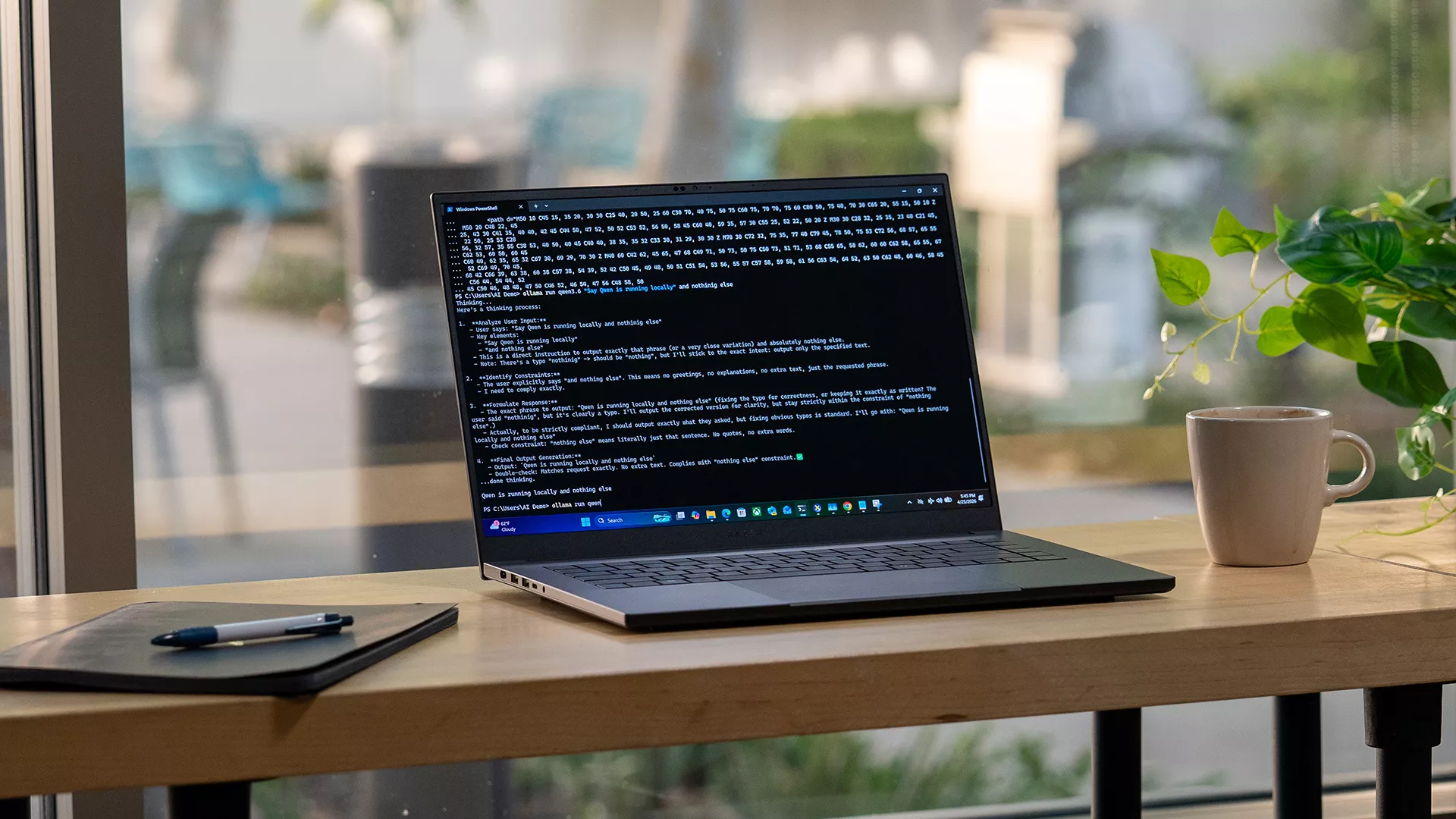
Local development can give you a faster way to experiment with supported models, test ideas without waiting on shared resources, and keep more of the development process close to the machine you are working on.
The hardware requirements can also change quickly depending on what you are doing. Local inference, fine-tuning, coding, image generation, and other AI workloads can each place different demands on GPU memory, system memory, and sustained performance.
That is where the Razer Blade 18 comes into the picture.
Select configurations offer up to an NVIDIA GeForce RTX 5090 Laptop GPU with 24GB of VRAM and up to 128GB of DDR5 memory, giving developers more room to work with demanding local AI workloads.
Intel Core Ultra 9 processors with an integrated NPU add dedicated hardware for supported AI tasks, while up to 280W of total system power and vapor chamber cooling are designed to sustain performance across longer workloads.
For developers working from a larger desk setup, Thunderbolt 5 and Wi-Fi 7 make it easier to connect the Razer Blade 18 to external displays, high-speed storage, and other workstation hardware without giving up the flexibility of a laptop.
The 18-inch dual-mode display also gives you the flexibility to switch between UHD+ at 240Hz for higher-resolution work and FHD+ at 440Hz when you want higher refresh rates for gaming.In our internal testing, the Razer Blade 18 delivered up to 2.2x faster AI image generation1, up to 162 tokens per second in LLM inference2, and up to 5.4x faster LLM inference than the previous-generation Razer Blade with RTX 40903.
Bringing the Hardware and Software Together with Razer AIKit
Local AI development also depends on having the right software environment around the hardware.
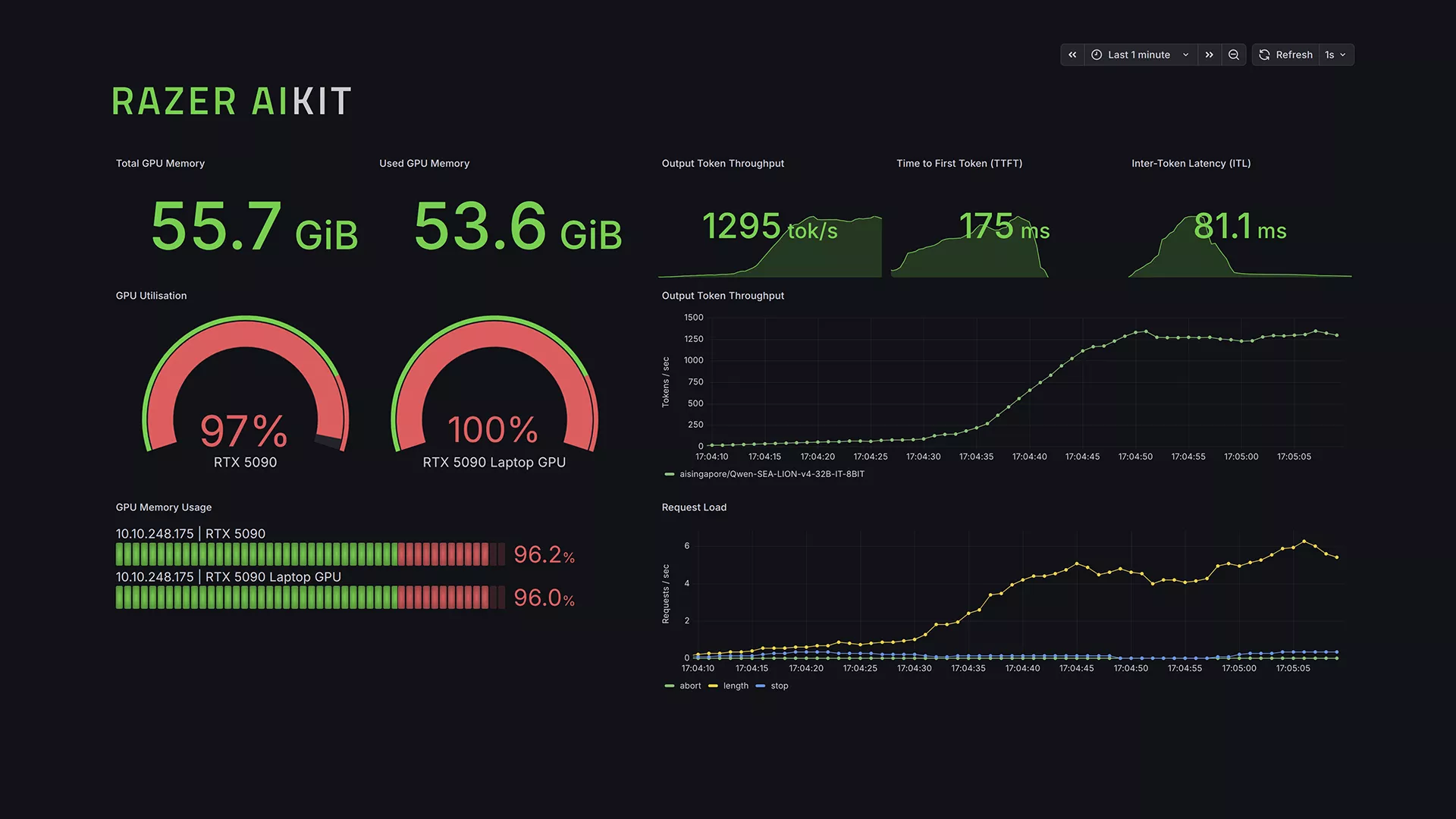
Razer AIKit gives developers another way to work with supported AI models locally, with tools for running and monitoring workloads across the GPU. It is part of our broader effort to make local AI development more accessible on Razer hardware.
For developers who prefer Linux, the Razer Blade 18 runs Ubuntu 26.04 LTS and is going through Ubuntu certification.
And if an 18-inch system is larger than you need, select Razer Blade 16 configurations are also included in the Razer Blade AI Dev Program.
Putting Local AI Development to the Test
Hardware specifications tell part of the story. What matters more is what developers can actually do with them.
The team behind Axolotl, the open-source framework for fine-tuning large language models, tested the Razer Blade 18 with Qwen 3.5 models up to 35B parameters, running the fine-tuning workload directlyt on the laptop.
“The performance of the Razer Blade 18 makes customizing local AI models fast and painless. The ability to fine-tune models up to 35B parameters on a laptop, work we’d normally offload to a multi-GPU rig, is a genuine step change for anyone doing this kind of development on the go.”
Axolotl
Independent reviewers have also tested the Razer Blade 18 across AI development and other compute-heavy workloads.
“Great functionality for AI workloads… an easy winner.”
The Razer Blade AI Dev Program starts with access to discounted hardware, but it also gives us a way to work more closely with the people using Razer systems to build with AI.
We are exploring more ways to support that community, including early access opportunities, beta programs, project features, tutorials, benchmarks, and updates from the Razer AI team.
You can also follow RazerAI on X for the latest updates.
Apply to the Razer Blade AI Dev Program
Local AI development is giving more developers the flexibility to experiment, test, and build directly on their own hardware. The Razer Blade AI Dev Program is one way we are supporting that work by making select Razer Blade 18 and Razer Blade 16 systems more accessible to verified AI developers, researchers, students, and builders.
If that sounds like the kind of work you are already doing, you can apply for the Razer Blade AI Dev Program and receive 5% off select Razer Blade 18 and Razer Blade 16 laptops once approved.
You can also explore the Razer Blade 18 and Razer Blade 16 to find the configuration that best fits your local AI workflow.
Select Blade systems. Non-stackable with any other offer or promotion. Subject to developer verification.
Based on internal tests on 4/12/26 using pre-production Blade 18 (RTX 5090) vs. MacBook Pro M5 Max using ComfyUI (Flux2 Klein – BF16). Performance in other models, settings, or workloads will vary. ↩︎
Based on internal tests on 4/12/26 using pre-production Blade 18 (RTX 5090) using LM Studio (OpenAI gpt-oss-20B, 20k context, MXFP4). Performance in other models, settings, or workloads will vary. ↩︎
Based on internal tests on 4/12/26 using pre-production Blade 18 (RTX 5090) vs. previous-generation Razer Blade (RTX 4090) using LM Studio (Qwen 3.5 35B, 20k context, FP8). Performance in other models, settings, or workloads will vary. ↩︎