

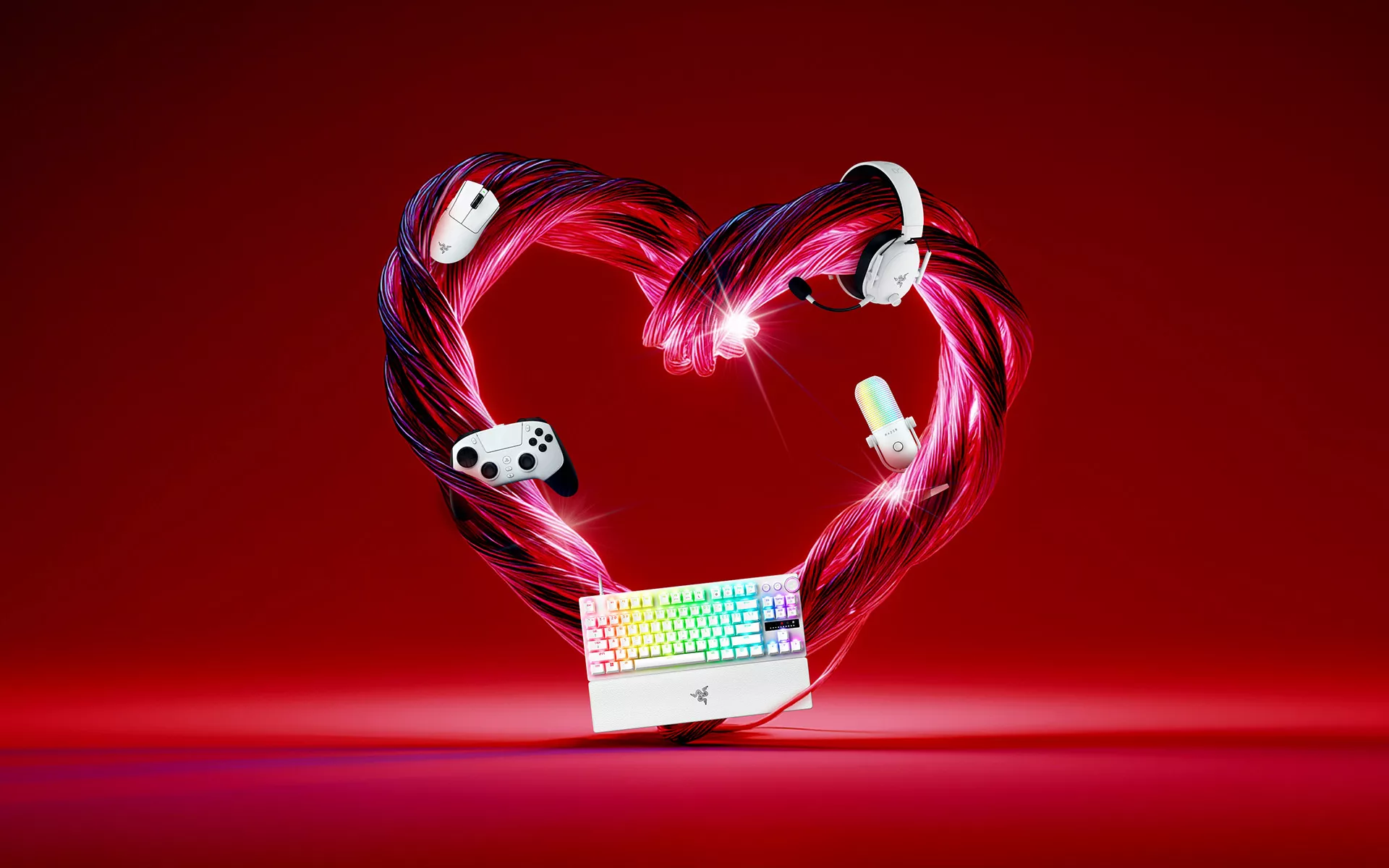
Valentine’s Day is not just about what you give. It is about how you show up.
In gaming, that can look very different from one player to the next. Some players lead with encouragement. Others show care by spending time together, fine-tuning a setup, or simply being present game after game.
Inspired by the five love languages, we’re exploring the different ways gamers connect, communicate, and spend time together. Over time, those habits shape how players set up their space and how they experience every session.
Words of Affirmation: Shout It Out Loud
For the one who always cheers you on
From clutch callouts to post-game hype, words play a big role in how teams stay connected. For gamers who value communication, encouragement and clarity are part of how they show support, whether it’s keeping morale up during a tense round or celebrating a win together.
Headsets like the Razer Kraken V4 and microphones like the Razer Seiren V3 Chroma help conversations feel effortless, with lighting that adds a little personality to every moment. When voices come through clearly, communication becomes more than coordination. It becomes part of the shared experience.
Quality Time: Press Play Together
For the one who never skips a moment with you
It is never just one game. For gamers who value quality time, love shows up through consistency and shared play, from co-op campaigns to relaxed couch sessions or competitive runs side by side.
Controllers like the Razer Wolverine V3 Pro and Razer Raiju V3 Pro are built to support these moments, offering comfort and reliability across extended play. When nothing interrupts the flow, it’s easier to stay focused on what matters: playing together.
Acts of Service: Show Your Support
For the one who is always looking out for you
Some gamers express care through action. They are the ones adjusting setups, thinking about comfort, and making sure everything feels right before the game begins. It’s subtle, but it makes a difference.
Ergonomic essentials like the Razer Iskur V2 NewGen and Razer Pro Click V2 support posture and reduce strain, helping create a setup that stays comfortable over time. Sometimes, support looks like removing small distractions so others can focus on the game itself.
Physical Touch: Feel the Connection
For the one who connects through feel
For some players, connection is tactile. The response of a keypress, the grip of a mouse, and the way each movement translates on-screen shape how the game feels moment to moment. Familiarity builds confidence, and that feeling is deeply personal.
Peripherals like the Razer Huntsman V3 Pro and Razer DeathAdder V4 Pro are designed to feel intuitive from the start, supporting players who care about precision through comfort and consistency. That sense of connection goes even further with the Razer Freyja, which adds immersive haptic feedback that deepens every moment.
Receiving Gifts: Wrap It in Love
For the one who loves a thoughtful surprise
For gamers who appreciate gifts, it’s the thought behind the surprise that matters most. The excitement of unboxing something that feels personal can turn Valentine’s Day into a memorable moment before the first game even starts.
Designs inspired by favourite games and characters add personality to any setup. Picks like the Razer Kraken Kitty V2 – Gengar Edition, Razer Huntsman V3 Pro Tenkeyless – Counter-Strike 2 Edition, and the Razer Cinnamoroll™ Collection make it easier to give something that feels thoughtful and intentionally chosen.
You Do Not Have to Choose Just One
Most gamers express love in more than one way, and that is what makes every connection different. From encouragement and shared time to comfort and surprise, each love language brings something meaningful to the experience.
This Valentine’s Day, the Razer Valentine’s Specials bring together a curated selection designed around how gamers play, connect, and show care. Explore the full collection on Razer.com and find what speaks to your love language.
