

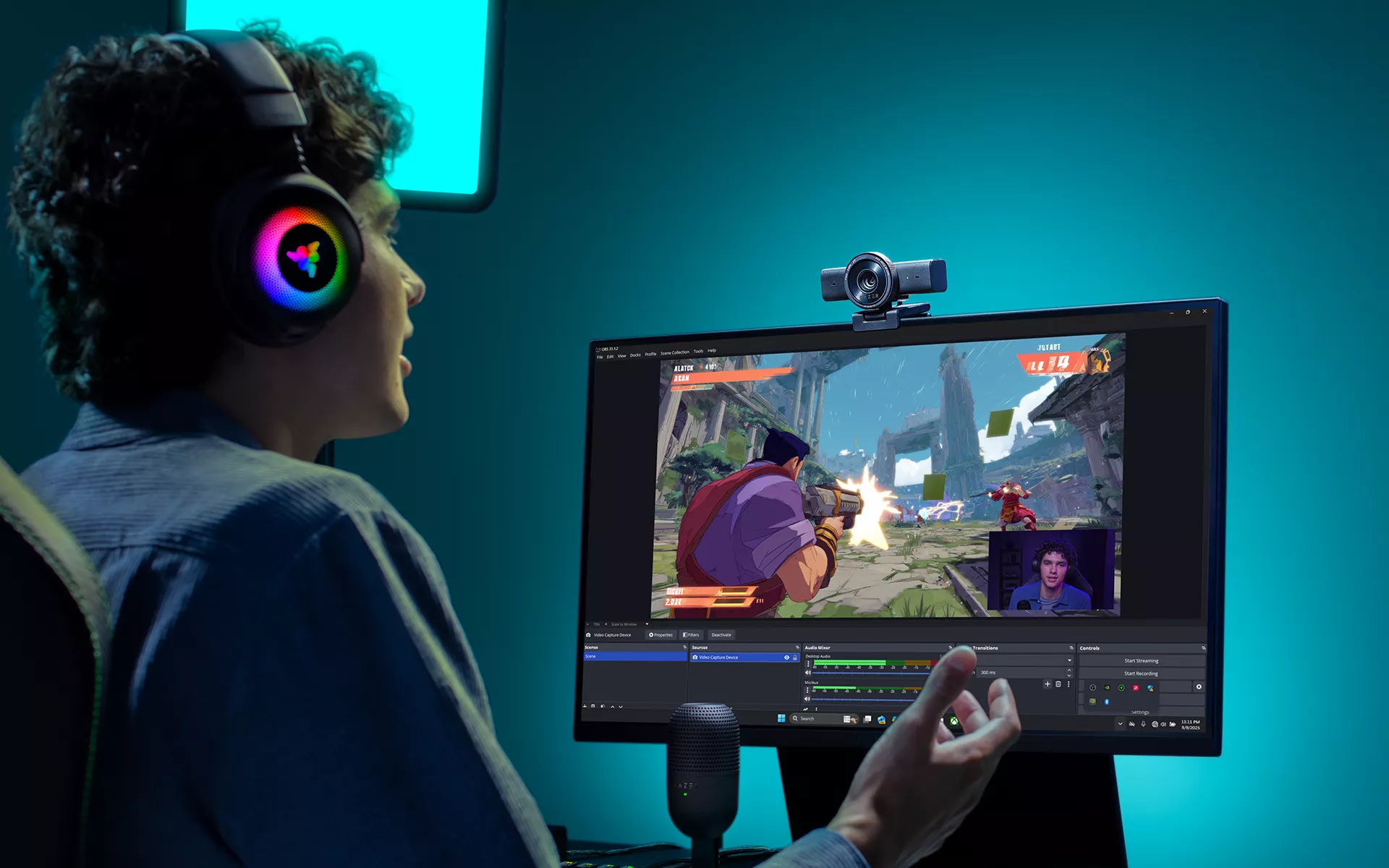
Creator content rarely stays in one format. A gaming stream can shift into Just Chatting, an unboxing, a desk demonstration, or a reaction segment. After the broadcast, the best moments may need to become vertical clips, social posts, or thumbnails.
Razer Kiyo V2 is built to make those transitions easier, giving creators more flexibility to change what they are making without constantly rebuilding how they capture it.
Stay in Frame as the Content Moves
Live content rarely happens from one fixed position. You might lean toward the screen during a clutch play, sit back after a jump scare, or reach across your setup to show something on camera.
Razer Kiyo V2 uses AI-powered auto-framing with intelligent pan and zoom to keep you centered as you move. Instead of monitoring the preview window or interrupting the stream to adjust your crop, you can stay focused on your game, your content, and your community.
Find the Right Frame for Every Format
Sometimes changing the shot matters as much as changing what is on screen.
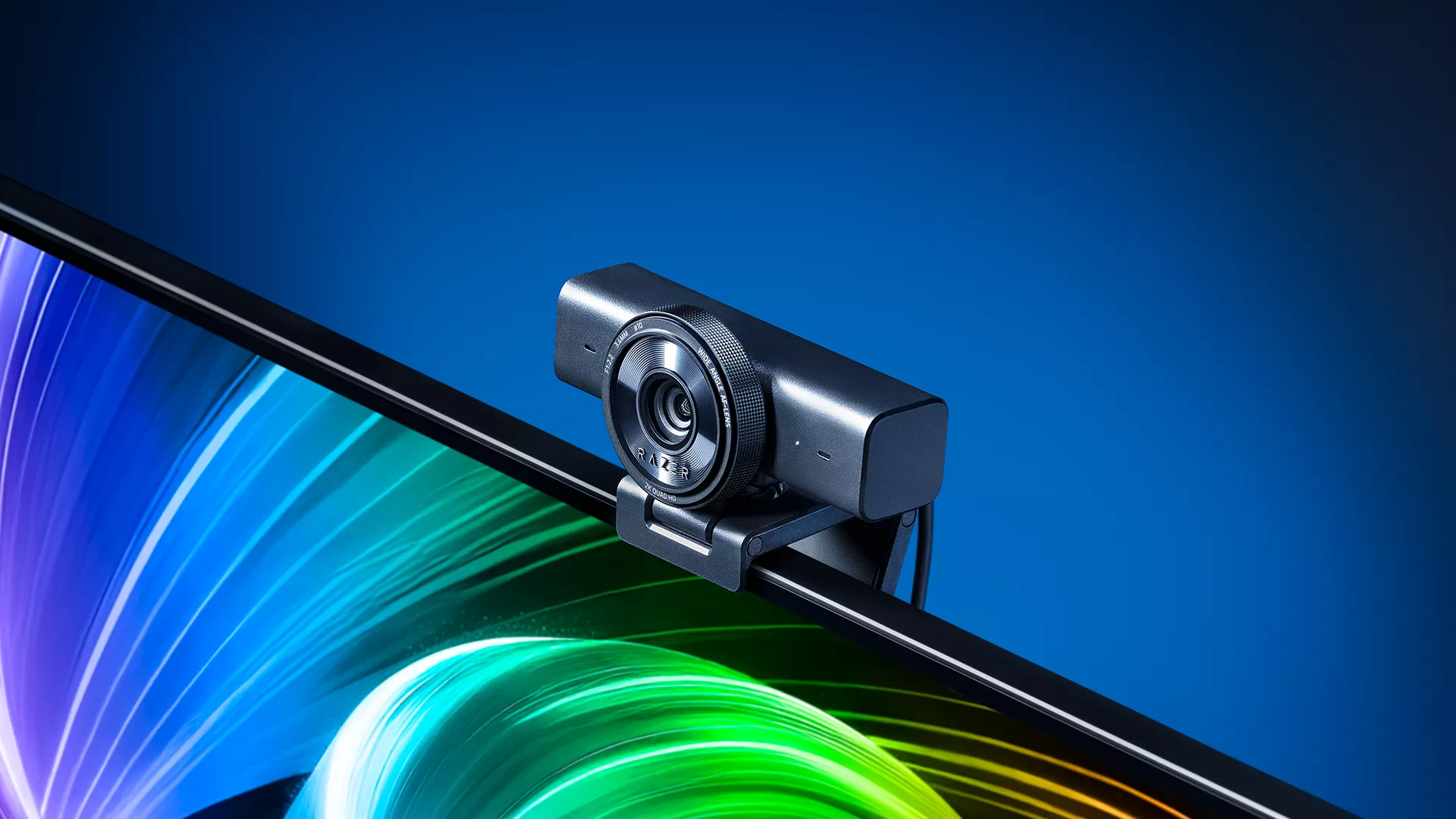
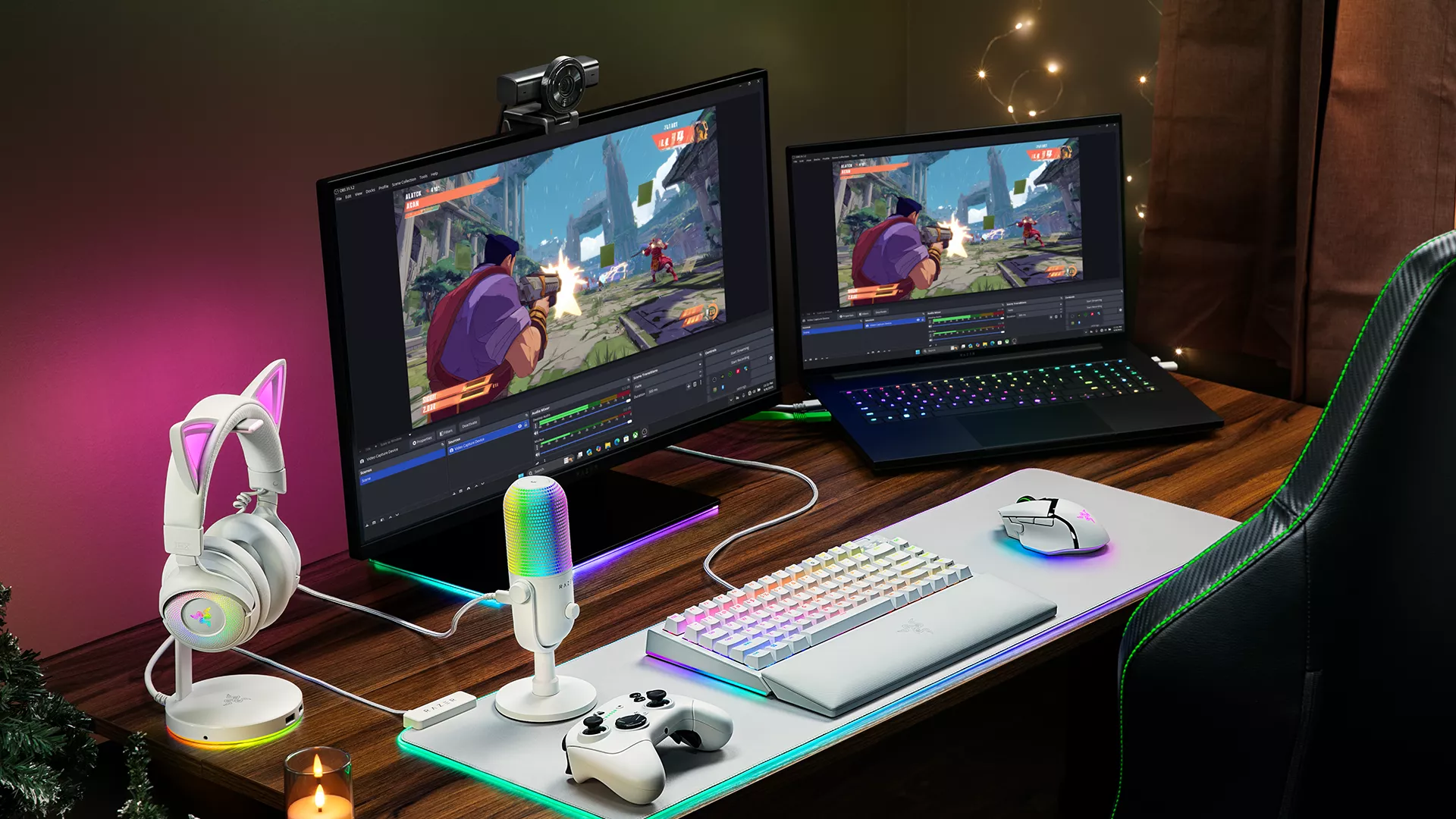
The universal pivoting mount on Razer Kiyo V2 supports both monitor and tripod setups, giving you more freedom to reposition the camera as your content changes. Move from a standard facecam to a wider setup view or redirect the shot toward your desk when you want to demonstrate something on camera.
For creators working with limited space, that flexibility makes it easier to support different formats from the same desk.
Give Every Format More Room
Different types of content also need different compositions.
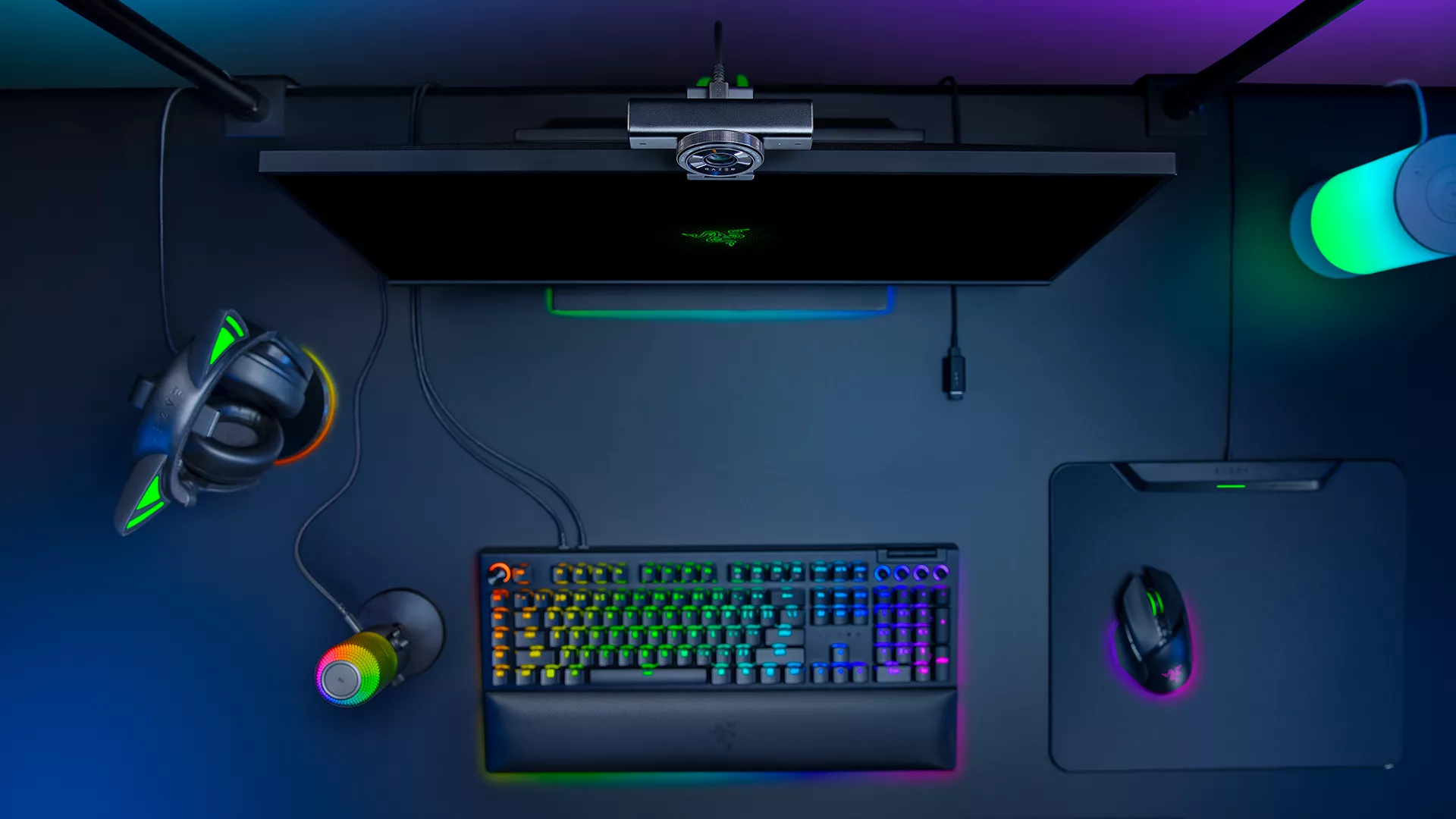
During gameplay, a tighter facecam can keep the focus on your reactions. For conversations, demonstrations, or creative projects, a wider view gives your gestures, desk, and equipment more room on screen.
The ultrawide angle lens on Razer Kiyo V2 lets you show more of your setup while minimizing distortion around the edges. When the moment calls for a more focused shot, you can tighten the composition and bring the attention back to you.
That flexibility gives each format the space it needs without forcing every shot into the same framing.
Keep a Consistent Look Across Scenes
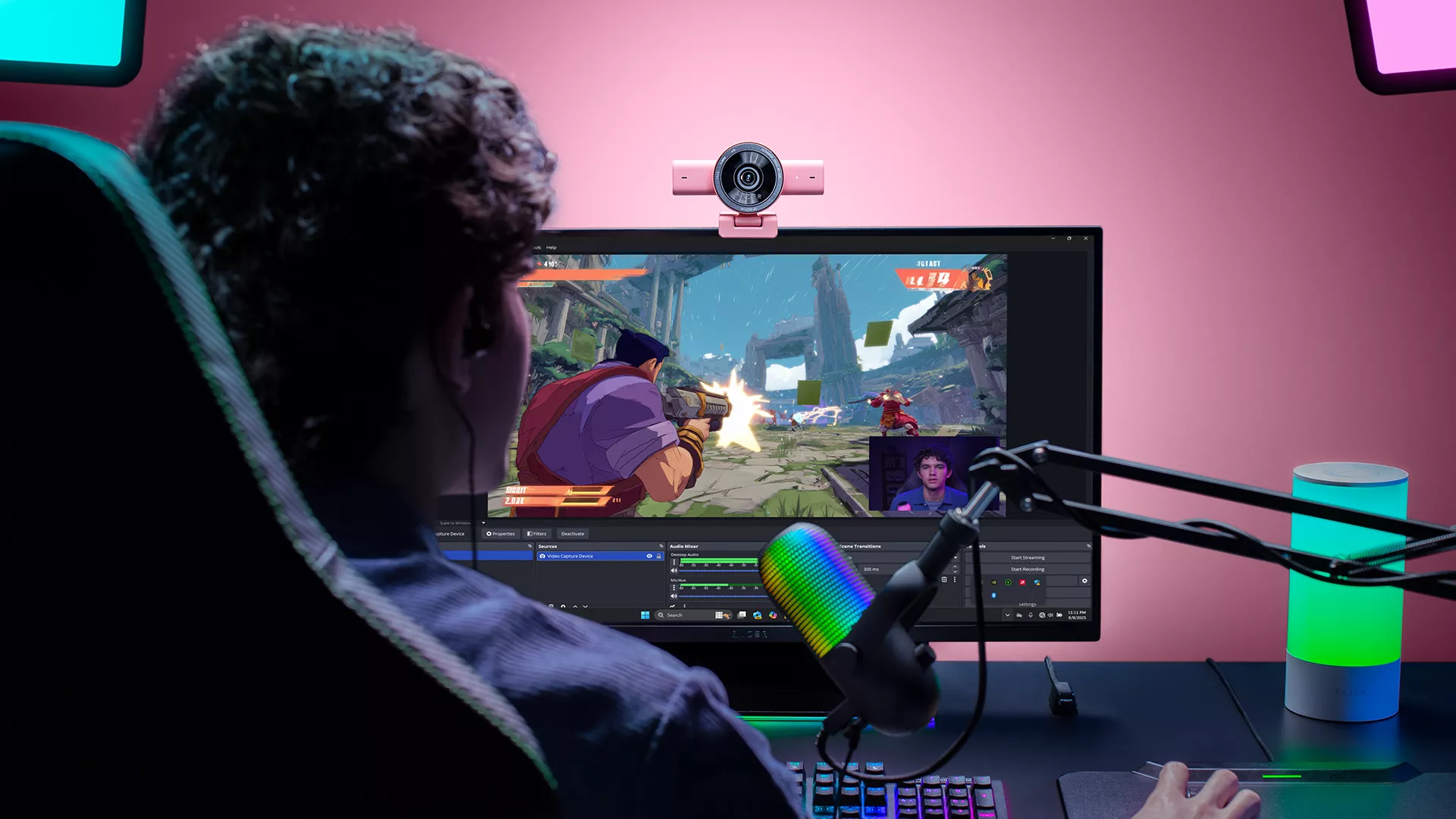
Changing the shot can also change how it is lit.
A close gameplay view may be shaped by monitor glow and Razer Chroma RGB lighting, while a wider desk shot can introduce brighter surfaces, deeper shadows, or daylight from another part of the room.
One-Click Image Enhancement automatically adjusts exposure, white balance, and noise reduction to help maintain a clear image as those conditions shift. HDR helps balance bright highlights and darker areas, preserving more detail across different scenes.
Every Razer Kiyo V2 also includes a lifetime Camo Studio Pro license, giving you more control when automatic adjustments are not enough. From lighting correction and image controls to backgrounds and overlays, you can fine-tune how different scenes look without moving between multiple tools.
You can rely on automatic adjustments when you need to get live quickly, then take more control when a particular scene or format calls for it.
Keep the Momentum Going After the Stream
Going live is only one part of the content cycle. The same footage often has to work again as Shorts, social clips, thumbnails, or edited videos.
Razer Kiyo V2 captures 4K video at 30 FPS, giving you detailed source footage for both live broadcasts and recordings. That extra detail gives you more flexibility when cropping a wide shot, reframing a reaction vertically, or pulling a still for a thumbnail.
A full stream layout can become a focused Short. A wider demonstration can be trimmed into a closer product clip. The footage you capture during the stream has more room to keep working after it ends.
The same setup often has to work across different types of content, both during and after a stream. Razer Kiyo V2 gives you the flexibility to move between them with fewer interruptions to your workflow.
Learn more about Razer Kiyo V2 and see how it fits into your creator setup.
