

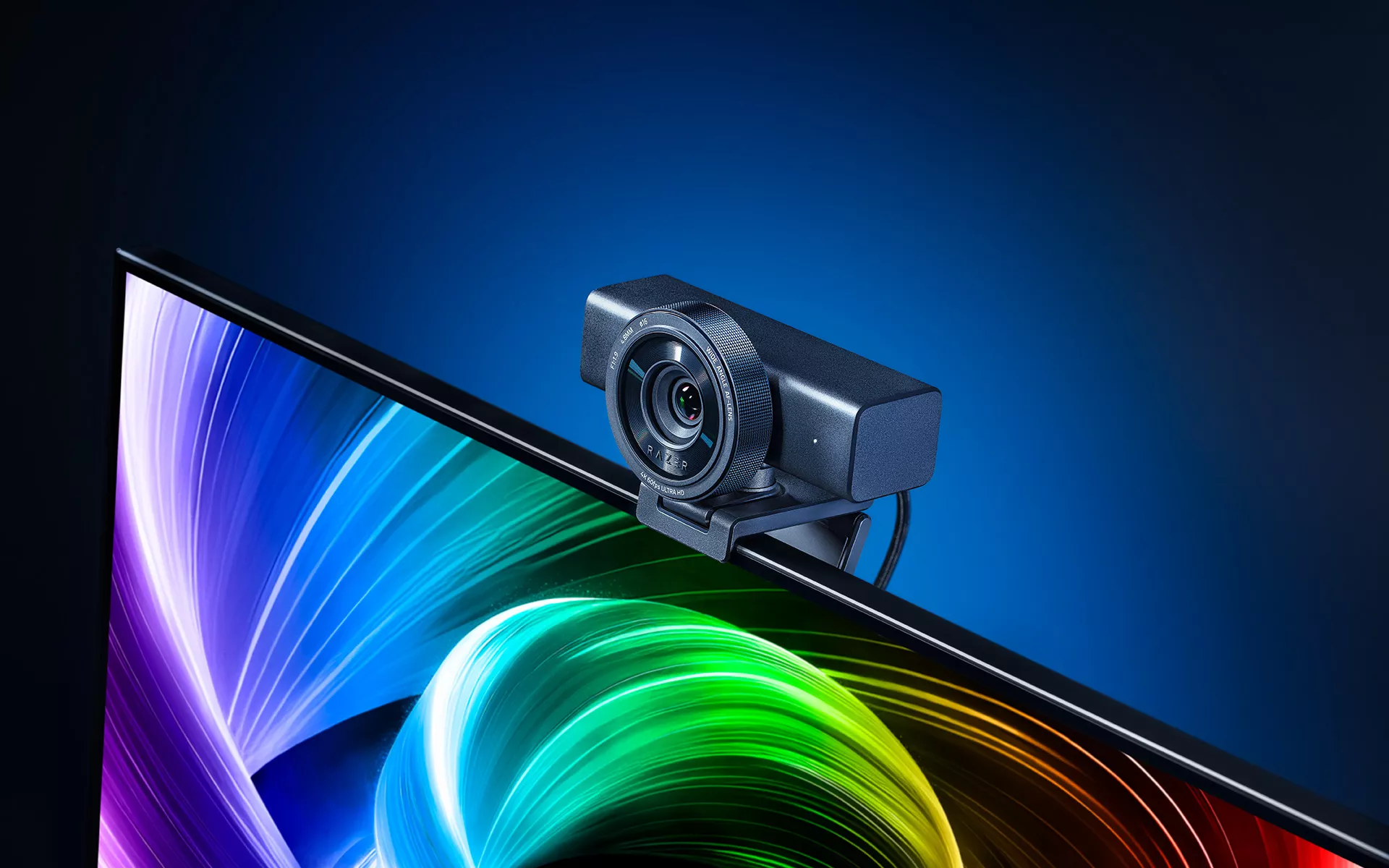
Whether you’re livestreaming, recording a tutorial, showing off a product, or presenting your next idea, your webcam has to keep up with more than a static shot. Movement, changing light, and different framing needs can all affect how your video looks.
Getting everything dialed in can also take time. Exposure, white balance, shutter speed, framing, and other camera settings can quickly turn a simple recording session into its own setup process.
The Razer Kiyo V2 Pro 4K webcam is built to make that process easier. With 4K 60 FPS video, AI-powered framing and image enhancement, and deeper controls through Razer Synapse, it gives you a strong starting point while leaving room to fine-tune the image when you want more control.
Why 4K 60 FPS Matters for Creators

Resolution is only part of what makes video look good. Quick gestures, sudden reactions, and movement across the frame can lose detail when webcam footage looks soft or movement feels blurred.
The Razer Kiyo V2 Pro features a next-generation Sony STARVIS™ 2 sensor and supports 4K video at 60 frames per second, helping fast-moving moments stay clear and fluid. That can make a difference whether you’re reacting on stream, demonstrating something on camera, or capturing a close-up where small details matter.
For creators who edit or repurpose their footage, high-quality source video also gives you more flexibility after recording. By preserving image data without sacrificing quality, even at high resolutions, it gives you maximum visual fidelity on stream and raw footage that retains pixel for video editing and post-production.
Stay in Frame as Your Content Moves
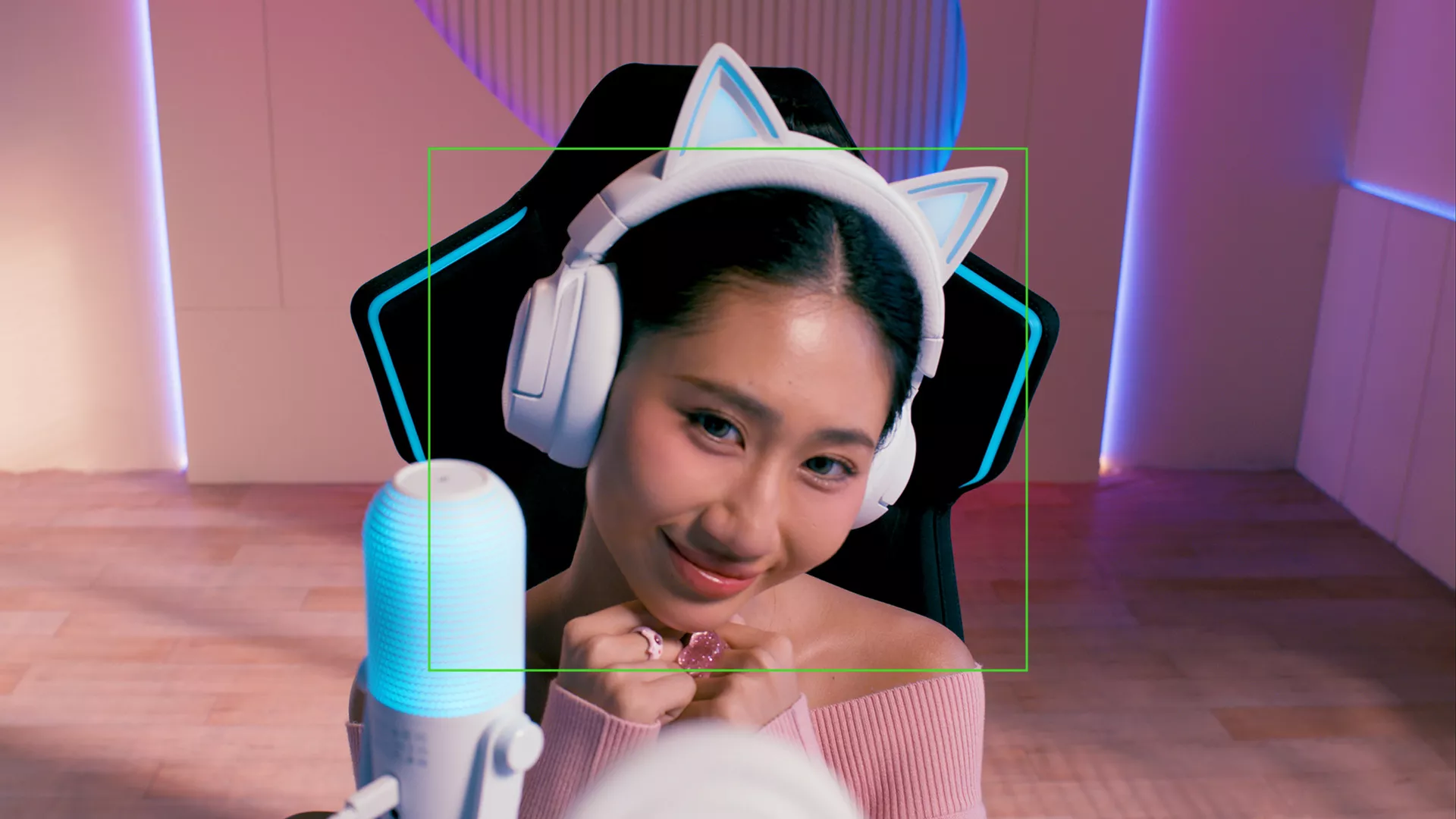
A creator setup rarely stays completely still. You might lean in to make a point, move across the frame during a demonstration, or shift position as the energy picks up.
AI-powered auto-framing on the Razer Kiyo V2 Pro uses intelligent pan, tilt, and zoom effects to follow your movement and help keep you centered in the shot. That means you can move more naturally without constantly checking whether you are still properly framed.
Lighting can change just as quickly. With one-click image enhancement, the Razer Kiyo V2 Pro can automatically optimize exposure, white balance, and noise reduction to help maintain a balanced image as conditions change.
For everyday streams, calls, and recordings, that can mean spending less time making camera adjustments before you start. When you want more control over the final image, Razer Synapse lets you take over the settings yourself.
Fine-Tune Your Image Through Razer Synapse
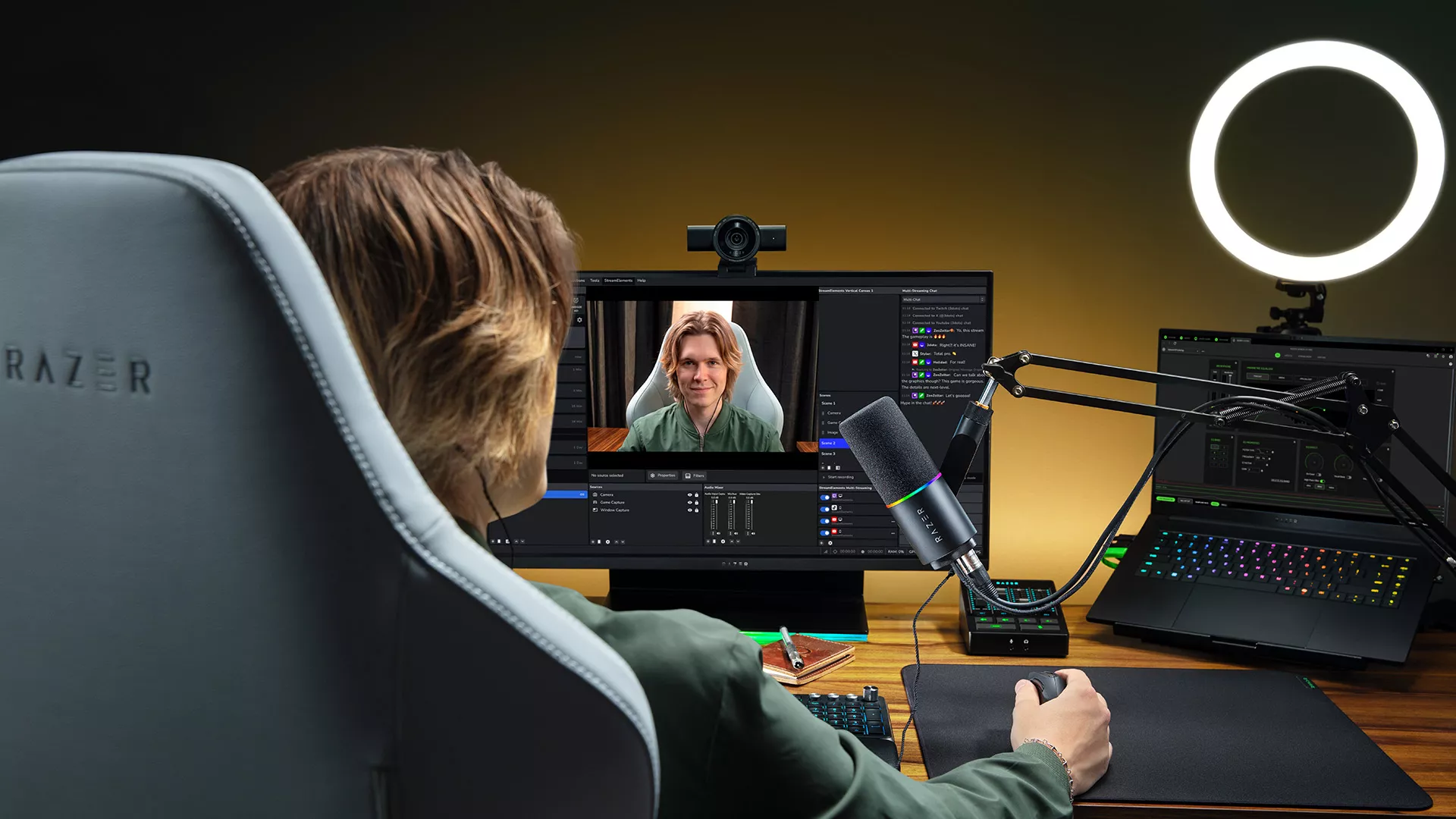
Automatic settings give you a useful starting point, but different types of content may call for different looks. A bright tutorial, a fast-moving demonstration, and a late-night stream will not always benefit from the same camera setup.
Through Razer Synapse, the Razer Kiyo V2 Pro gives you DSLR-level image customization with controls for ISO, shutter speed, white balance, exposure, gain, and other webcam settings. You can tune the image around your lighting, movement, and creative direction instead of relying on one default look for every situation.
The webcam also supports Ultra-High Dynamic Range, helping preserve detail across bright and dark areas of the frame. This can be useful when your setup includes strong lighting contrasts, bright displays, RGB lighting, or a window behind you.
More Ways to Frame Your Content
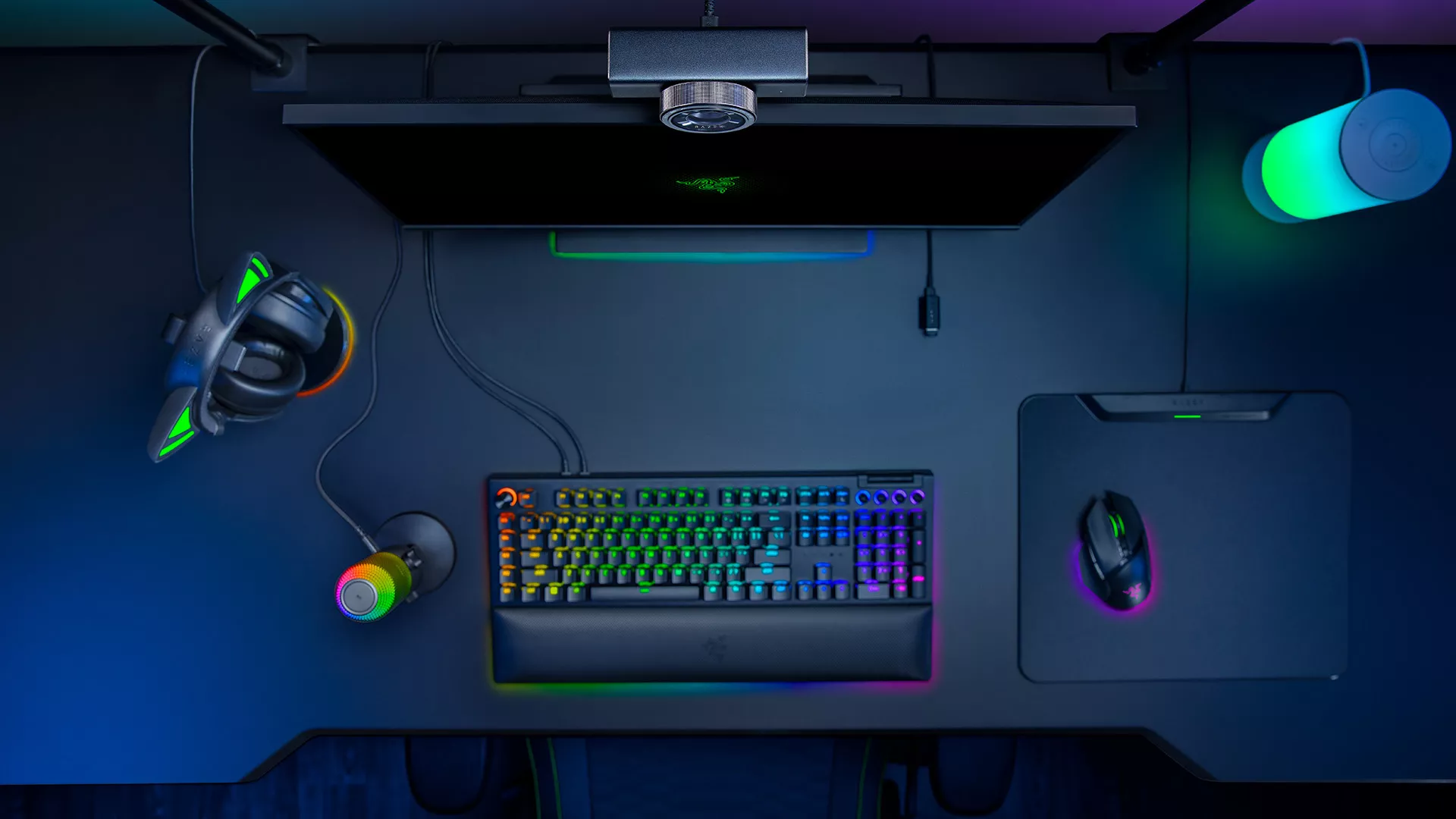
Different types of content work better with different compositions. A close-up puts the focus on your expression, a mid-shot makes room for natural gestures, and a wider view can bring your full setup or another person into frame.
The wide-angle lens on the Razer Kiyo V2 Pro gives you more flexibility to move between those shots, whether you are filming yourself, showing a workspace, or fitting more into the scene.
The universal pivoting mount gives you more freedom to find the right perspective. Tilt and swivel the webcam on your monitor or attach it to a tripod through the built-in thread when your content calls for a higher, lower, or more creative angle.
Privacy When You Need It
When the stream ends or you need to step away, privacy should be just as effortless as the rest of your setup.
The Razer Kiyo V2 Pro features an integrated webcam privacy shutter that covers the lens with a quick twist. It is a simple addition, but one that makes stepping away from the camera just as straightforward as starting your next session.
A Smarter Starting Point for Every Shot
Whether you are livestreaming, recording a tutorial, capturing fast-paced reactions, or presenting your next big idea, your webcam should make it easier to look your best and stay focused on the content.
The Razer Kiyo V2 Pro combines 4K 60 FPS video with AI-powered framing and image adjustment for everyday convenience, while deeper controls through Razer Synapse give you room to shape the image when you want a more specific look.
Whether you prefer to let the camera handle the setup or fine-tune every shot yourself, the Razer Kiyo V2 Pro gives you the flexibility to work both ways.
Learn more about the Razer Kiyo V2 Pro 4K webcam with 60 FPS.
