


Your desktop is one of the first things you see when your PC starts up, so it naturally becomes part of your setup. For anime fans, the right wallpaper can bring a favorite world, character, or visual style into the space they use every day.
As 4K, ultra-wide, and multi-monitor displays become more common, wallpapers are being viewed across larger and sharper screens than before. Details become easier to notice. Cropping becomes more obvious. A background that looks good in a small preview can feel very different once it stretches across an entire desktop.
That is why the way you choose your wallpaper starts to matter and where Razer Axon comes in. As a wallpaper engine built for desktop personalization, Razer Axon gives users access to a vast library of free, high-resolution wallpapers spanning anime artwork, gaming visuals and digital art.
Start with Your Screen and Setup
The best anime wallpaper for your PC depends on how you use your desktop.
If your screen has a lot of icons, cleaner compositions and open space around the center or sides can make the desktop easier to navigate. Minimalist character art, soft backgrounds, and simpler color palettes can still bring personality to your setup without making everything feel crowded.
For ultra-wide or multi-monitor setups, wider scenes tend to feel more natural. Anime cityscapes, fantasy landscapes, and environmental art can make better use of the extra screen space, especially when the artwork has room to breathe across the display.
If your setup already uses Razer Chroma RGB or other lighting, the colors on your desktop can help tie the space together. Neon city scenes, sci-fi artwork, and moody night visuals can sit naturally alongside the lighting from your gear and battlestation.
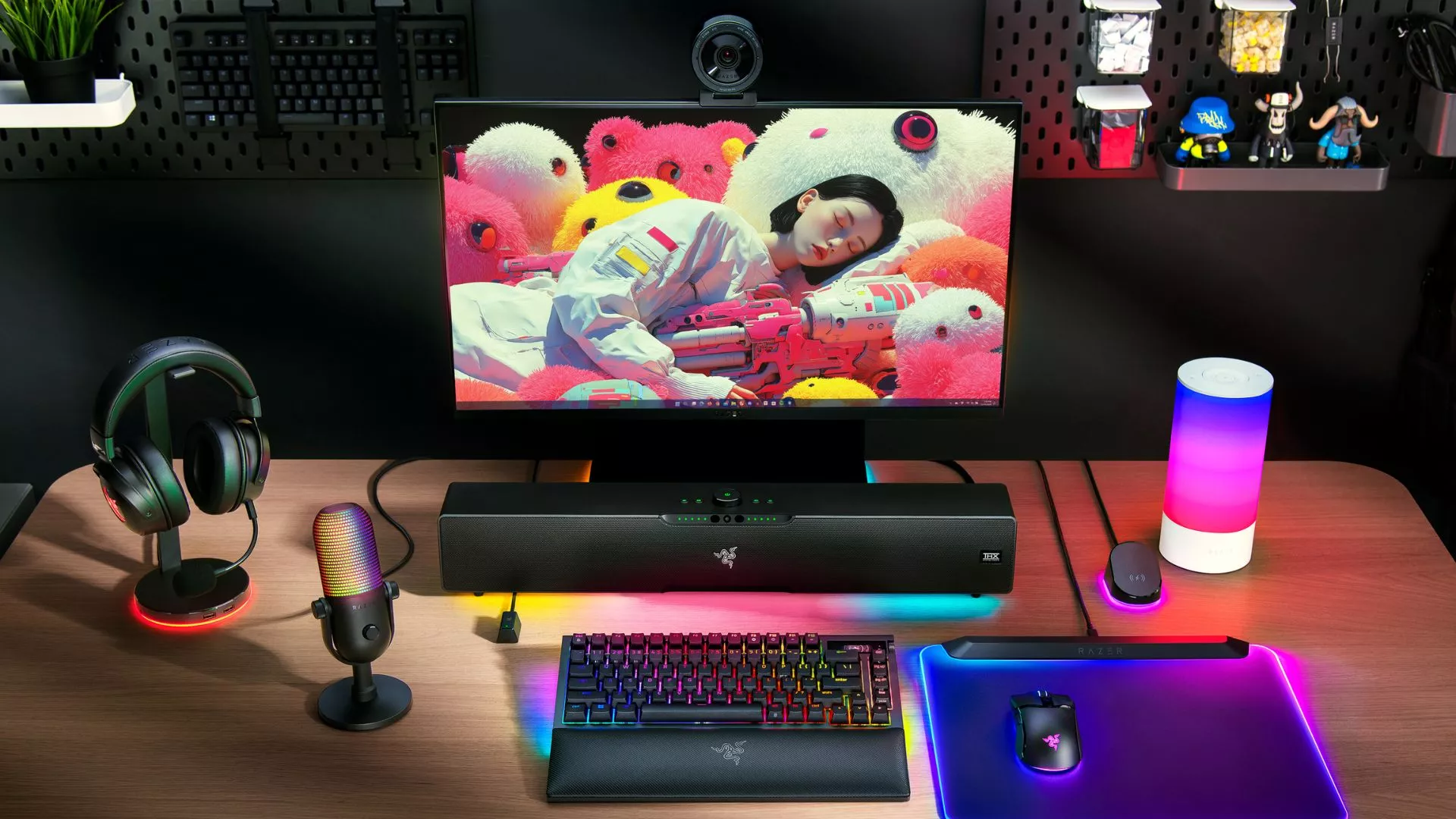
Choose Between Static and Dynamic Wallpapers
Static anime wallpapers work well when you want a clean, focused desktop. The image stays crisp and consistent, which can be useful for everyday browsing, content creation, or setups where readability matters.
Dynamic anime wallpapers bring motion into the background through looping scenes, lighting effects, or subtle environmental details. A small amount of movement can change the mood of your desktop, especially when the animation supports the artwork instead of competing with it.
A calm animated background can work well for a lo-fi setup, while a brighter action scene may suit a gaming-focused desktop. The right choice depends on how much motion you want in the space you look at every day.
Pick a Style That Fits Your Desktop
Anime wallpapers come in many styles, but a few are especially easy to build around.
Cinematic landscapes are a strong choice for wide displays because they create a sense of depth across the screen. Minimalist character art works well when you want the focus on a specific character without crowding your desktop. Cyberpunk and sci-fi visuals fit naturally into RGB-heavy setups, especially when the colors echo the lighting on your desk. Lo-fi anime scenes can give your desktop a calmer feel for study, work, or late-night browsing.
A wallpaper does not need to be the loudest part of your setup. It just needs to feel like it belongs there.
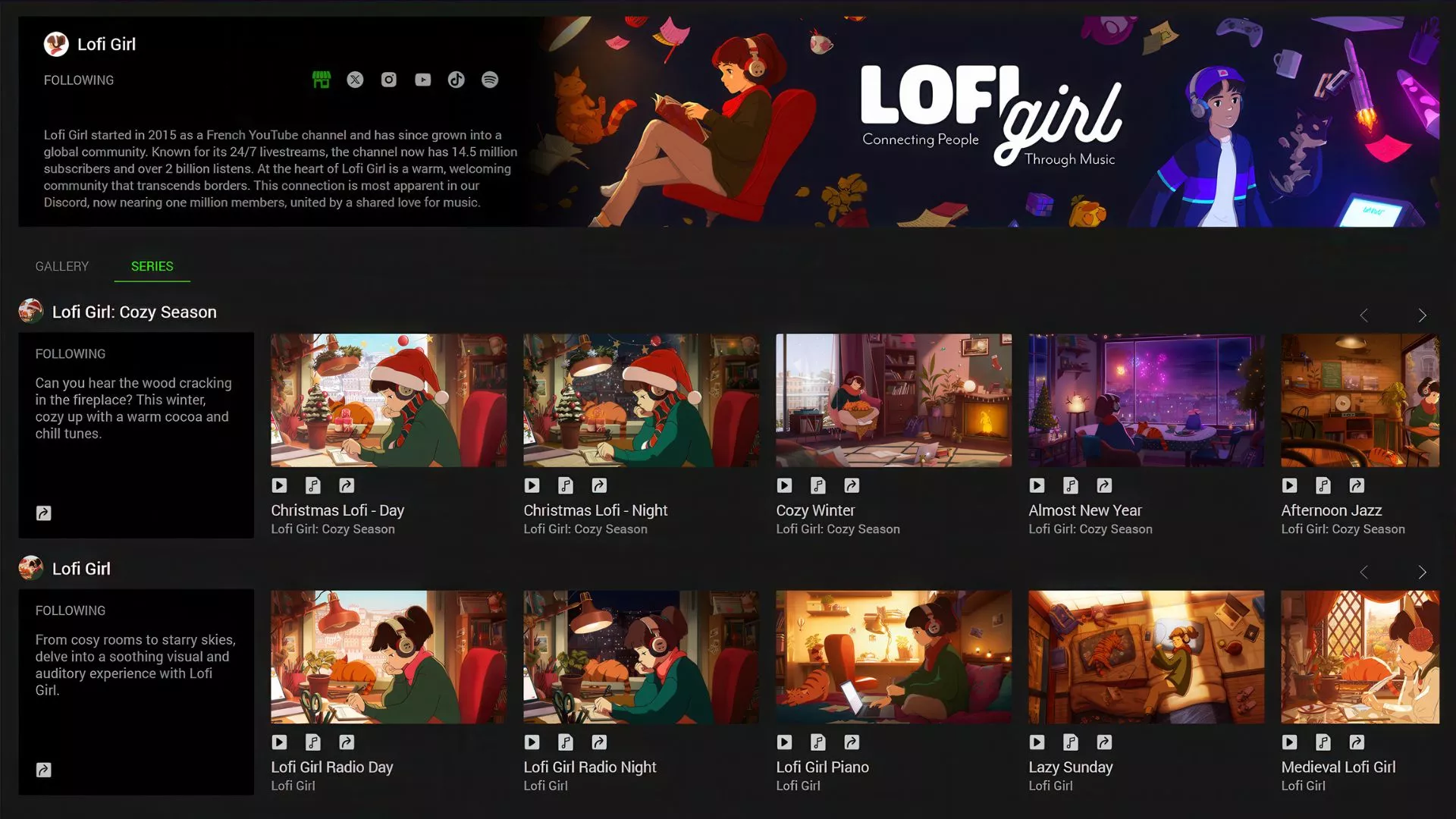
Explore Free Anime Wallpapers with Razer Axon
Razer Axon is a wallpaper engine and desktop personalization app for PC that gives you a simple way to personalize your desktop with static and dynamic wallpapers. Instead of searching across scattered download sites or resizing images manually, you can browse curated wallpaper collections and apply them directly through the app.
For anime fans, Razer Axon includes anime-inspired wallpapers made for modern PC setups, with options for 4K displays, ultra-wide screens, and dynamic backgrounds. That gives you room to choose a look that fits your setup, whether you prefer clean character art, atmospheric landscapes, or animated scenes with subtle motion.
Once you find a wallpaper that fits your setup, Razer Axon lets you apply it directly from the app, making it easy to switch between static and dynamic looks whenever you want to refresh your desktop.
Razer Axon also connects naturally with the wider Razer ecosystem. For users with Razer Chroma RGB devices, selected wallpapers can help extend the look of the desktop across the rest of the setup, creating a more cohesive battlestation without needing to build everything from scratch.
Your wallpaper sets the tone for your desktop. Start with the style that fits your screen, your setup, and the way you use your PC, then bring it together with Razer Axon.
