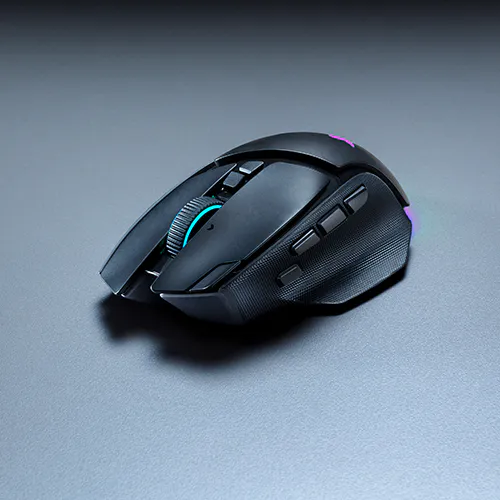
Razer Basilisk V4 Pro - Competitive Wireless Gaming Mouse

Description not needed: The visuals in this video animation only support what is spoken; the visuals do not provide additional information.

RAZER BASILISK V4 PRO

THE APEX OF IMMERSION & CUSTOMIZATION

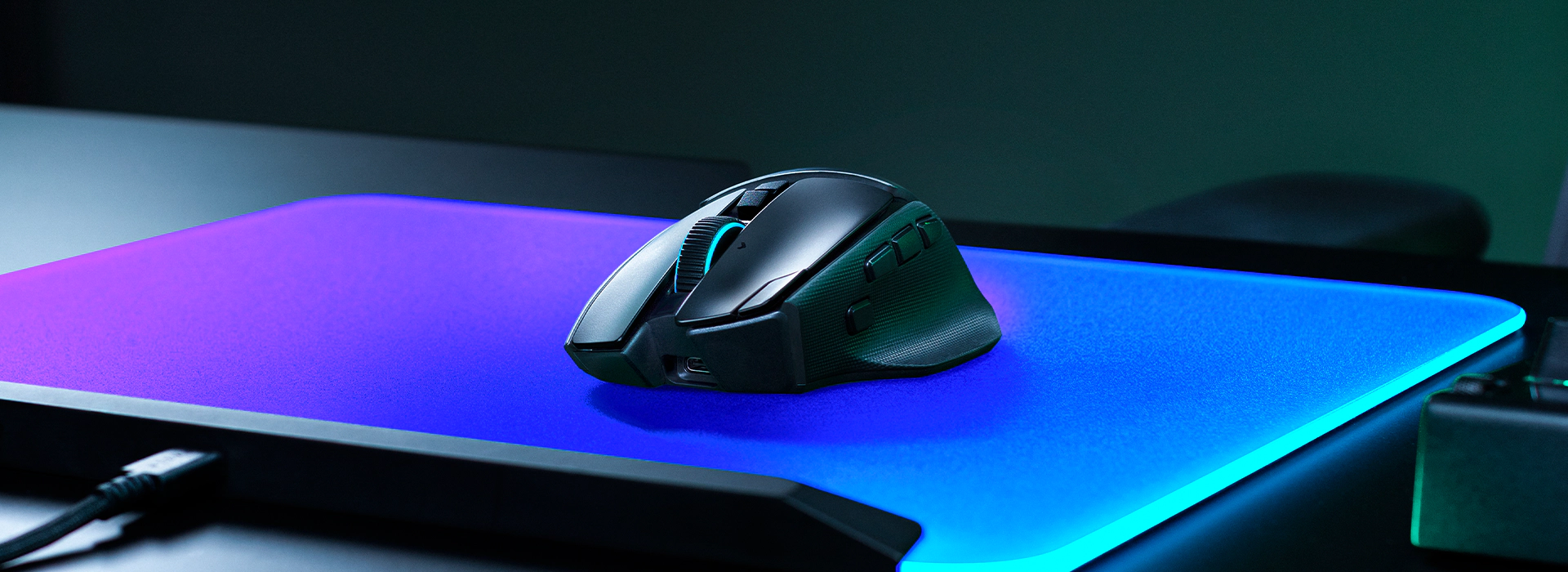
Where immersion meets customization, the Razer Basilisk V4 Pro takes both further than ever. Fully decked out with our latest suite of next-gen technologies, discover the ultimate wireless ergonomic RGB gaming mouse that plays to your every possible preference.

THE APEX OF CONTROL

THE APEX OF PRECISION

THE APEX OF IMMERSION

THE BIGGEST EVOLUTION YET

A New Standard of Razer Basilisk.

The Razer Basilisk V4 Pro takes its signature blend of immersion, control, and customization further than ever. With a more refined experience across every interaction, this ergonomic wireless gaming mouse is built to adapt to the way you play.

RAZER™ HYPERSCROLL TILT WHEEL GEN-2

4-Way Tilt Scroll Wheel with Dual Tactile, Free-Spin & Smart-Reel Modes.

Experience the next evolution of scrolling with unique scrolling modes that deliver greater precision, faster navigation, and intelligent adaptability.

This is a carousel with highlighted items. Use the Previous and Next buttons to browse through 5 slides.

PRECISION TACTILE MODE

Unlock ultra-fine scrolling control with twice the steps of Tactile Mode for finer, more distinct scrolling when navigating skills, inventories, and in-game menus.

TACTILE MODE

Provides high-precision, notched scrolling, ideal for cycling through weapons, abilities, or inventory items with accuracy.

FREE-SPIN SCROLLING MODE

Enables smooth, high-speed scrolling, perfect for quickly navigating content or emulating repeated in-game commands.

SMART-REEL MODE

Automatically switches between Tactile and Free-spin scrolling modes based on scroll speed. Customize responsiveness across 5 levels in Razer Synapse to set how much force triggers the switch.

SCROLL ACCELERATION

Activate in Razer Synapse to increase scroll speed dynamically as you scroll faster. Choose from 5 acceleration levels to match your preferred pace for navigating long documents or menus.

End of carousel

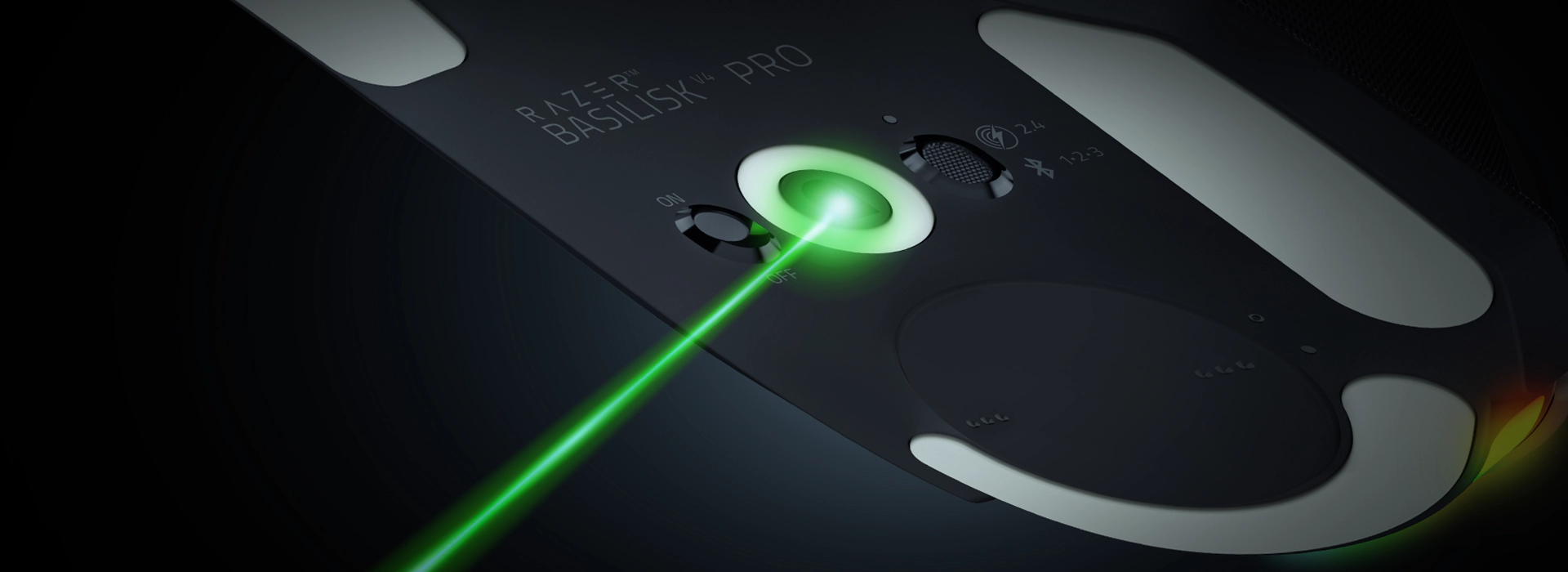
RAZER™ FOCUS PRO 50K OPTICAL SENSOR GEN-3

Next-Level Precision.

Experience precise tracking with the Razer Focus Pro 50K Optical Sensor Gen-3, featuring up to 50K DPI, 930 IPS tracking speed, and 90G acceleration. Powered by Frame Sync, delivering just-in-time scanning and reporting to minimize latency for ultimate precision.

Focus Pro 50K Optical Sensor Gen-3 Competitor’s Optical Sensor
Sensitivity (DPI) 50,000 44,000
DPI Steps Adjustment 1 DPI 50 DPI
Max Speed (IPS) 930 678
Max Acceleration (G) 90 40
Frame Sync Yes No
Smart Tracking Yes (Low / Med / High) No
Asymmetric Cut-off Yes (Up to 26 Steps) No
Sensitivity Matcher Yes No
Dynamic Sensitivity Yes No
Rotation Tool Yes No

UP TO 200 HOURS ON RAZER HYPERSPEED WIRELESS GEN-2

Industry-Leading Speed and Reliability.

Built for marathon gaming sessions, with up to 200 hours of battery life and zero compromise on performance. Razer HyperPolling boosts wireless efficiency by over 63%1, enabling true 8000 Hz polling and cutting latency by 23% versus the previous generation.

1 Under standard test conditions

5 MODES OF CONNECTIVITY

Seamless Wireless Gaming Across Setups.

Connect your single gaming mouse across different setups with multiple connectivity options. Move fluidly between HyperSpeed Wireless, Bluetooth 6.2 (paired with up to 3 devices), and wired mode across your gaming PC, laptop, and tablet.

14 CUSTOMIZABLE CONTROLS

Every Command Within Reach.

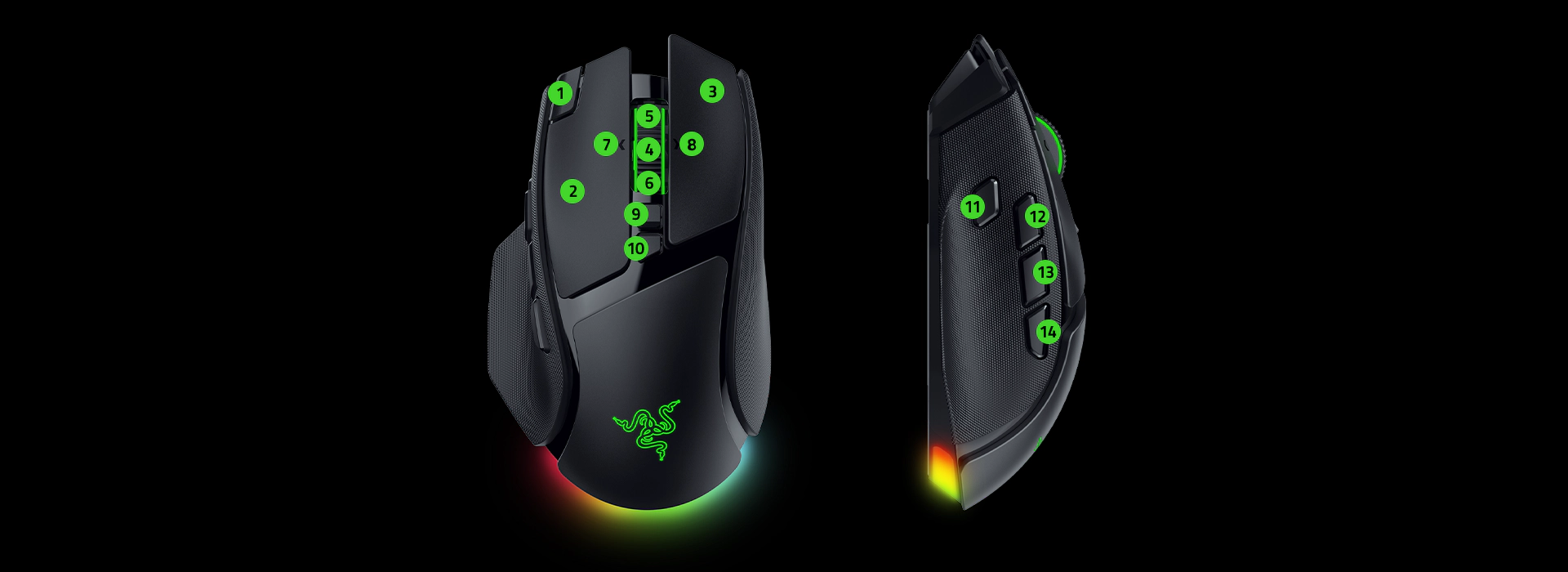
Take command with 14 customizable controls, now enhanced with a new M1 edge button and three dedicated side controls alongside the Razer Basilisk's acclaimed multi-function trigger. Unlock endless macros and commands, all at your fingertips.

  1. Cycle Up Profile
  2. Left Click
  3. Right Click
  4. Scroll Click
  1. Scroll Up
  2. Scroll Down
  3. Left Tilt Click
  4. Right Tilt Click
  1. Scroll Mode Toggle
  2. DPI Cycle Button
  3. Hypershift Clutch
  4. AI Prompt Master
  1. Perfect 180
  2. Mouse Button 4

PERFECT 180

Instant Turn for Low-Sensitivity Players.

Snap a full 180-degree turn in an instant. Built for low-sensitivity gaming, Perfect 180 gives competitive FPS players the edge to react to threats from any direction.2

2 Depends on in-game sensitivity and Razer Synapse total count settings.

  • Description not needed: The visuals in this video animation only support what is spoken; the visuals do not provide additional information.

7-ZONE CHROMA LIGHTING WITH FULL UNDERGLOW

Powered by Razer Chroma™ RGB.

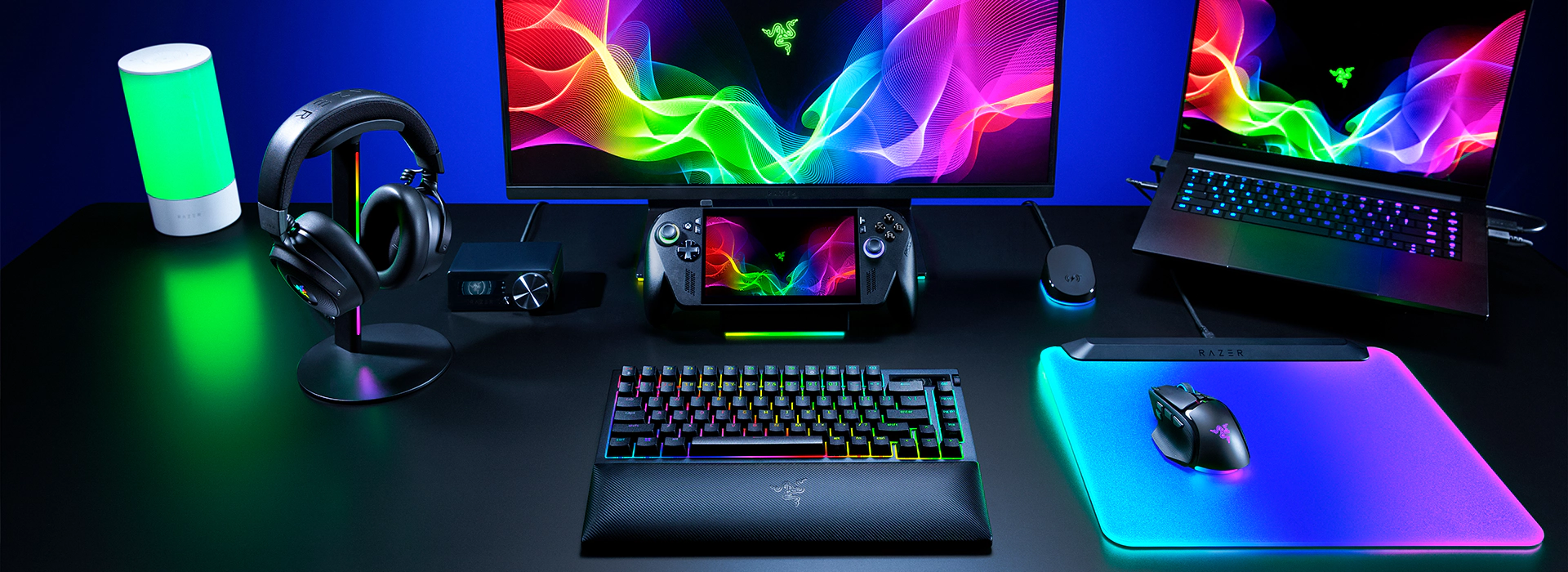
Customize each zone from 16.8 million colors and countless effects for greater immersion as they react dynamically with up to 300+ Chroma-integrated games, while syncing compatible Razer Chroma RGB devices and 50+ partner products across your battlestation.

Description not needed: The visuals in this video animation only support what is spoken; the visuals do not provide additional information.

MORE ADVANCED FEATURES

RAZER™ OPTICAL MOUSE SWITCHES GEN-4

Top-Tier Durability, Tactility, and Speed. Built to withstand over 100 million clicks, these switches are designed for reliable, real game actuation without heavy configuration. With zero double-click issues and no debounce delay, every click registers with flawless precision.

2-IN-1 HYPERSPEED MULTI-DEVICE PAIRING

High-Performance, Low-Latency Wireless Gaming Enjoy ultra-responsive, low-latency gaming with lightning-fast speed that outperforms other wireless tech. Streamline your setup with a 2-in-1 wireless dongle and free up a USB port by connecting your compatible wireless mouse and keyboard to a single dongle.

MORE BUTTONS, MORE WAYS TO PLAY

RAZER HYPERSHIFT

Double Your Command Set Assign a secondary function to each of the mouse's 14 controls and instantly toggle between functions with a touch of a button.

MULTI-FUNCTION TRIGGER

Command Within Instant Reach Positioned for effortless reach without accidental misclicks, the acclaimed multi-function trigger puts your next command right where your finger already is. Remap it to any action in Razer Synapse for instant, on-demand control.

ADVANCED SOFTWARE CUSTOMIZATION

  • DYNAMIC SENSITIVITY

    Enable deeper control of your DPI output and mouse input to best suit your playstyle.

  • ROTATION TOOL

    Adjust mouse orientation for horizontal swipes.

  • 1-DPI STEP ADJUSTMENTS

    Achieve pixel-perfect sensitivity with single DPI step increments.

  • SENSITIVITY MATCHER

    Precisely port over the DPI settings of your current mouse to the Basilisk V4 Pro.

  • ASYMMETRIC CUT-OFF

    Individually set a lift-off and landing distance from up to 26 levels.

  • SMART TRACKING

    Auto-calibrate to maintain a consistent lift-off distance on all surfaces.

Razer Basilisk V4 Pro - Frequently Asked Questions

  • What is the form factor of the Razer Basilisk V4 Pro?

    The Razer Basilisk V4 Pro is a right-handed ergonomic wireless gaming mouse with a signature thumb rest designed for comfortable control and smoother movement during gaming.
  • How do I remap buttons and customize settings for the Razer Basilisk V4 Pro?

    Download and install Razer Synapse to configure button mappings, macros, scroll modes, Hypershift functions, DPI settings, and Chroma RGB lighting effects.
  • What is Perfect 180 and how does it work?

    Perfect 180 is a customizable gaming mouse feature that lets you perform an instant 180-degree turn while gaming at low sensitivity. Designed for competitive FPS players, it can be assigned to a supported mouse button in Razer Synapse.
  • Does the Razer Basilisk V4 Pro have a 4-way tilt scroll wheel?

    Yes. The Razer Basilisk V4 Pro features a 4-way Razer HyperScroll Tilt Wheel Gen-2 with Tactile Mode (24-step) and Precision Tactile Mode (48-step), plus a Free-spin Mode and can auto-switch between Tactile and Free-spin with Smart-Reel. Every mode can be remapped on Razer Synapse for custom commands.
  • How does the Razer Basilisk V4 Pro work with wireless charging?

    With the additional purchase of the Razer Mouse Dock V2 Pro (puck included) or the Razer HyperFlux V2, you can replace the mouse's cover puck to enable wireless charging. Once installed, place the mouse on the Mouse Dock V2 Pro or Razer HyperFlux V2. Learn more about the Razer Mouse Dock V2 Pro and Razer HyperFlux V2 Wireless Charging System.
  • How many devices can I connect to the Razer Basilisk V4 Pro at once?

    The Basilisk V4 Pro supports up to 5 devices across HyperSpeed Wireless Gen-2, Bluetooth 6.2 (up to 3 paired devices), and a wired connection. Switch between compatible connections at the touch of a button for seamless use across your gaming PC, laptop, and tablet.
  • Is the multi-function trigger button removable?

    While it is not removable, the trigger has been optimally positioned for easy access without accidental misclicks when gaming.
  • What do the 3 side buttons default to on the Razer Basilisk V4 Pro?

    From left to right, the three side buttons default to AI Prompt Master, Mouse Button 5, and Mouse Button 4 — all remappable in Razer Synapse to fit your playstyle.
  • How do I ensure the best experience with my Razer Basilisk V4 Pro?"

    We recommend keeping your device updated on the latest firmware via the Synapse dashboard.
  • Where can I buy the Razer Basilisk V4 Pro gaming mouse?

    You can purchase the Razer Basilisk V4 Pro directly from Razer.com, RazerStores , and authorized Razer retailers worldwide.