


RAZER BLACKSHARK V3 FOR PLAYSTATION
FOR THE PRO


RAZER™ HYPERSPEED WIRELESS GEN-2
Industry-Leading Speed and Reliability
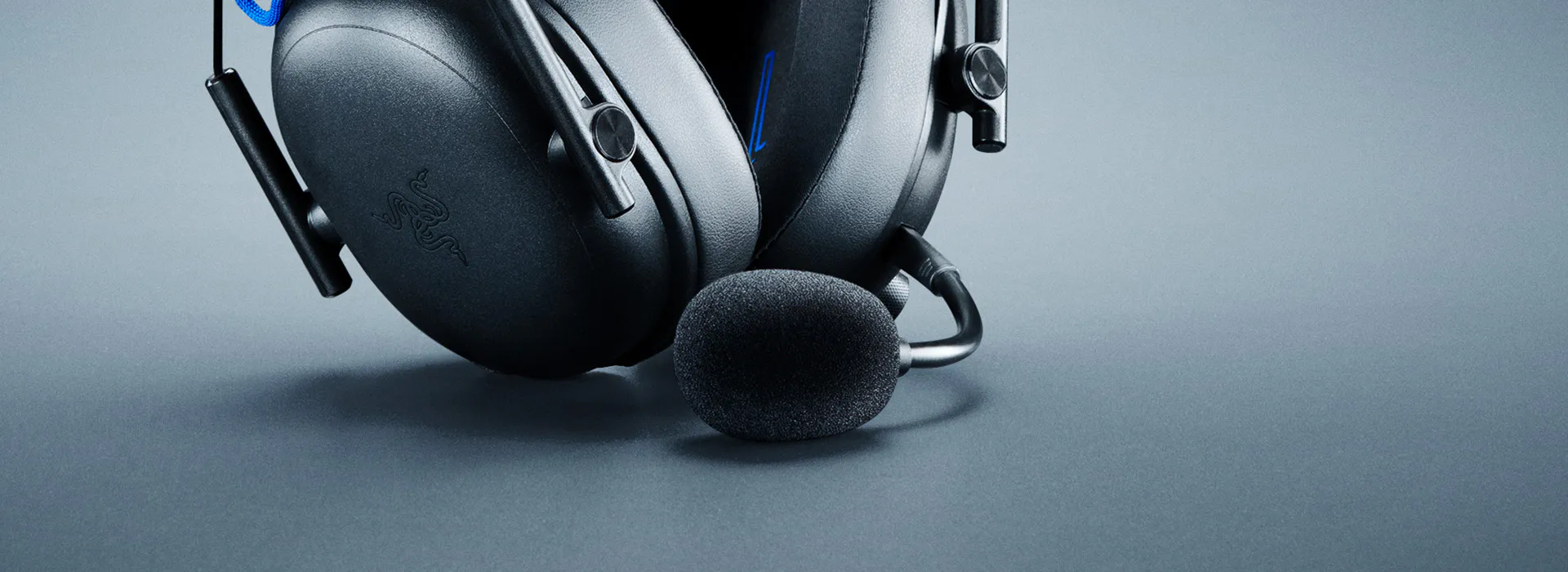
DETACHABLE RAZER™ HYPERCLEAR SUPER WIDEBAND 9.9 MM MIC
High-definition, Pro-level voice quality
-
Razer BlackShark V3 for PlayStation -
Microphone Y
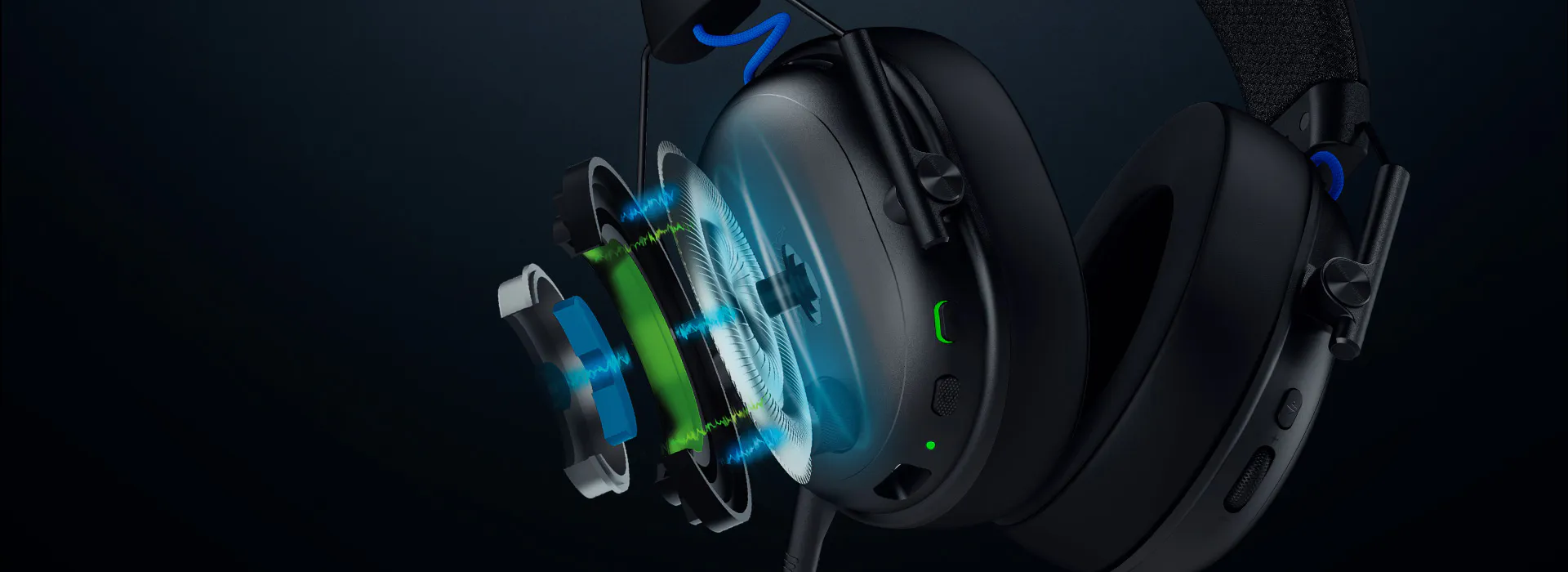
RAZER™ TRIFORCE TITANIUM 50 MM DRIVERS GEN-2
Powerful, Ultra-Precise Competitive Audio
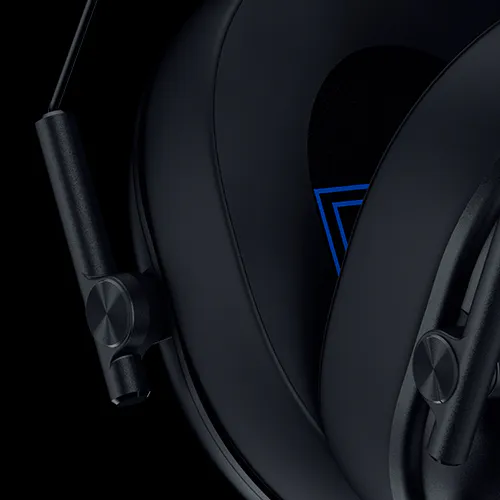
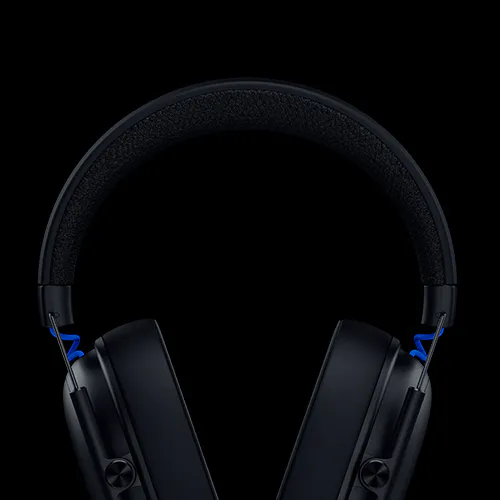
COMPETE IN COMFORT
ULTRA-LONG BATTERY LIFE WITH TYPE C CHARGING
-
/CS0023-6-face-button-layout.svg) Up to 48 hours on console
Up to 48 hours on console -
/PC0011-monitor.svg) Up to 70 hours on PC
Up to 70 hours on PC
PRO-TUNED FPS PROFILES AND CUSTOMIZABLE EQ
To Achieve Your Optimal Competitive Audio Settings
TUNED BY THE BEST
-
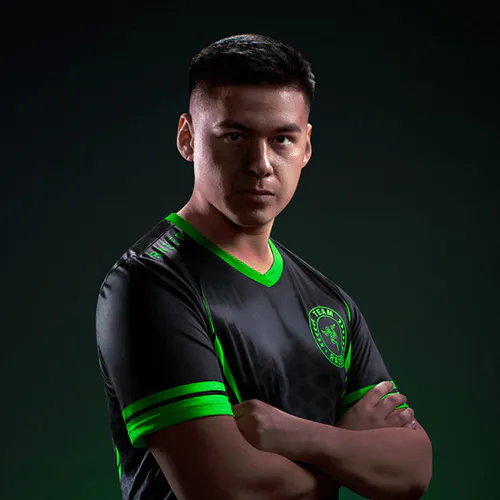
Shotzzy
3-TIME CALL OF DUTY WORLD CHAMPION -
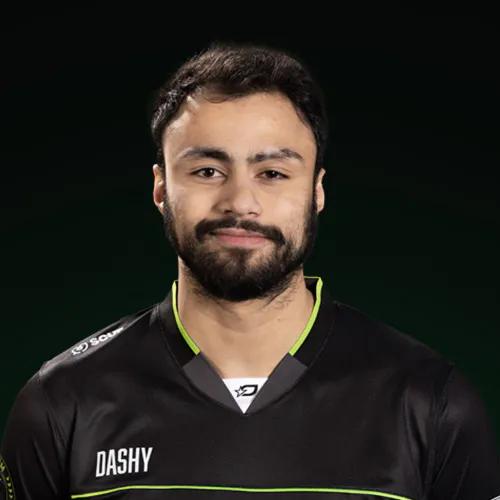
Dashy
2024 CALL OF DUTY WORLD CHAMPION
-
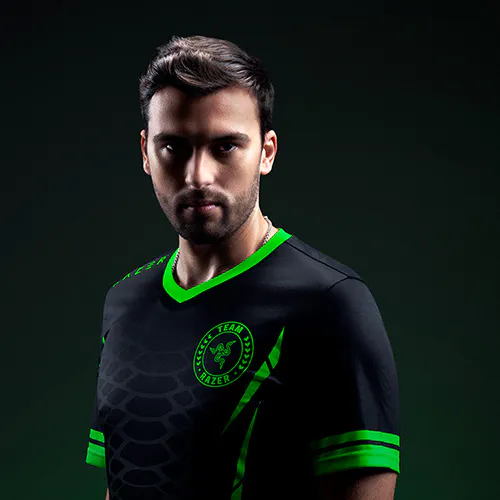
Snip3Down
2-TIME X GAMES MEDALIST -
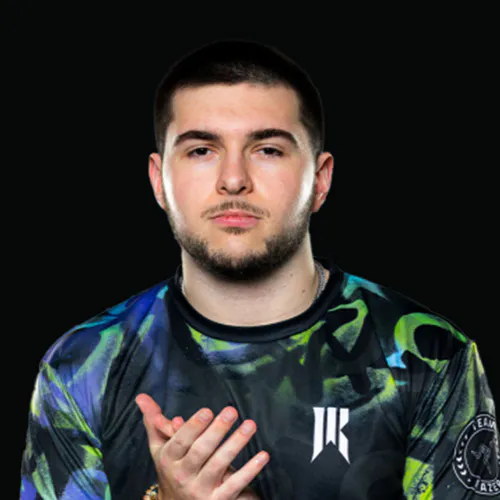
Lastshot
KAYSAN SHOWDOWN VI CHAMPION
-
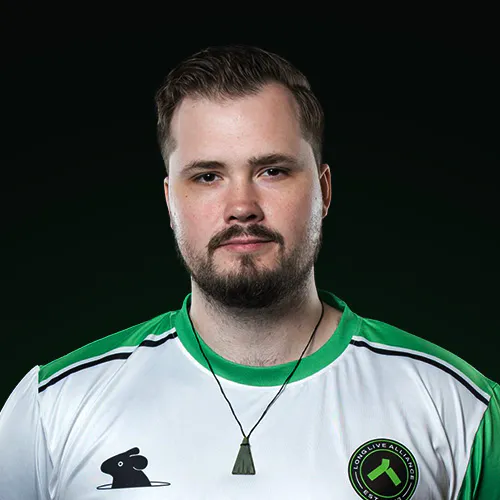
Hakis
ESPORTS WORLD CUP 2024 CHAMPION -
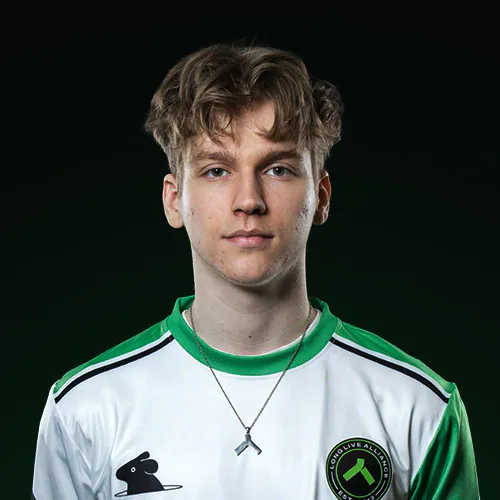
Unlucky
ESPORTS WORLD CUP 2024 CHAMPION
-
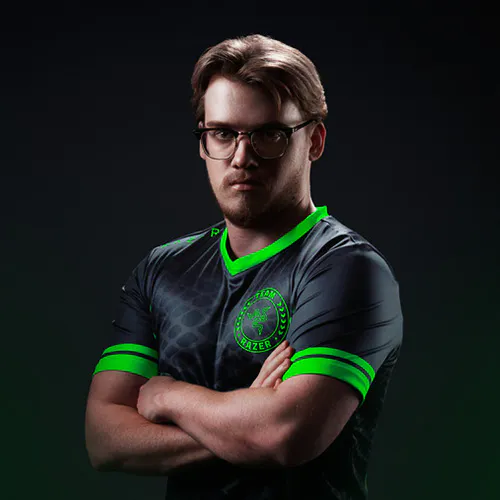
Zellsis
VALORANT MASTERS MADRID 2024 CHAMPION
-
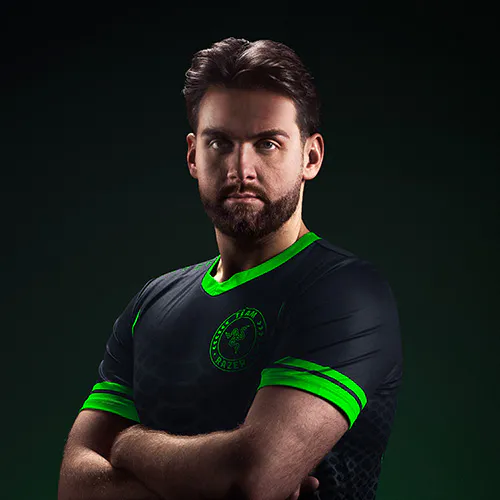
NiKo
10-TIME COUNTER-STRIKE CHAMPIONSHIP MVP -

Spinx
8-TIME COUNTER-STRIKE CHAMPION

CONFIGURABLE ROLLER
-
/MISC0040-footsteps-scaling.svg)
FOOTSTEPS SCALING
Adjust footstep audio levels on the fly no matter which EQ profile you're using. -
/AU0086-game-chat-balance.svg)
GAME-CHAT BALANCE
Adjust game and chat audio levels independently for the perfect mix. -
/AU0026-microphone.svg)
MIC MONITORING
Hear your own voice through the headset to keep your levels in check.
THX SPATIAL AUDIO ON PC
Pinpoint 3D Positional Audio
RAZER AUDIO APP
App Store Google Play

We’ve Got You Covered
Get up to 2 years of warranty and access reliable tech support. Purchase directly from RazerStore and get 14 days risk‑free returns.
FAQs
-
What’s new with the Razer BlackShark V3 for PlayStation? The Razer BlackShark V3 offers industry-leading wireless latency as low as 10 ms, a detachable HyperClear Super WideBand 9.9 mm Mic, Razer TriForce Titanium 50mm Drivers Gen-2, two connectivity options (2.4GHz, Bluetooth), THX Spatial Audio 7.1.4 on PC, and pro-tuned sound profiles for a competitive gaming experience. -
How do I connect the Razer BlackShark V3 for PlayStation to my PS5™ console? Using the included USB-A to USB-C cable, plug the USB-C side directly into the HyperSpeed Wireless Gen-2 dongle. Then, plug the USB-A side directly into your PS5™ console. Power on the headset and your Razer BlackShark V3 for PlayStation is ready for battle. -
How do I use simultaneous audio on the Razer BlackShark V3 for PlayStation? There is an LED indicator at the bottom on the left ear cup. Green light indicates 2.4GHz HyperSpeed Wireless Gen-2 is connected, Blue light indicates Bluetooth is connected and White light indicates Simultaneous audio is connected. After connecting your BlackShark V3 to 2.4GHz HyperSpeed Wireless and Bluetooth, simply double tap the Razer SmartSwitch button to cycle between wireless modes. -
How do I position the mic to ensure the best voice quality? Speak into the mic with the mic symbol facing your mouth, ensuring it is 1 inch away. -
What audio EQ profile should I be using? There are five EQ presets available out of the box—Default, Game, Movie, Music, and Esports 1 —each tuned to enhance your experience in its respective categories. Razer recommends using the preset that matches your activity for optimal audio performance. For deeper personalization, you’ll also find reserve EQ slots configurable via Razer Synapse or the Audio App, with tailored profiles for titles like Call of Duty, Halo Infinite, Fortnite, Apex Legends, CS2 and Valorant. Dial in your sound exactly the way you want it. -
What can I control with the on-earcup controls? You can use SmartSwitch button to cycle between EQ and Connectivity Modes. Press once to cycle between EQs, and double tap to switch between 2.4GHz, Bluetooth and Simultaneous Mode. The ANC button allows you to cycle through ANC On, Ambient Mode, and ANC Off. A configurable roller allows further audio control such as Game/Chat Balance, Mic Monitoring, and Footsteps Boosting. -
What does the power button on the headset do besides turning it on/off? The power button also acts as a media button. Tap once to pause, tap again to play. Double tap to skip the current song or triple tap to go back to the previous song. -
What happens when I receive a call on my mobile while connected to two modes? When in simultaneous audio, the device can receive audio from two different wireless sources. If a call comes in on your mobile, the device will prioritize calls coming from Bluetooth mode. -
How long does it take to charge the Razer BlackShark V3 for PlayStation? A full charge of 48 hours on console and 70 hours on PC will take around 4 hours, while 15 minutes of charge will yield approximately 6 hours of play time. -
Where can I buy the Razer BlackShark V3 for PlayStation? You can purchase the product directly from Razer.com, at selected retail and etail stores, or RazerStore near you.